|
||||||

|
|
||||||
|
Access SharePoint SeminarSharing Your Access Database Online with Microsoft SharePoint WelcomeI get asked all the time: "How can I share my Microsoft Access database with others online?" This seminar covers sharing your Microsoft Access database online using SharePoint. If you've got a small team and a small database, then a SharePoint solution might be right for you. ResourcesUpdates
Topics Covered
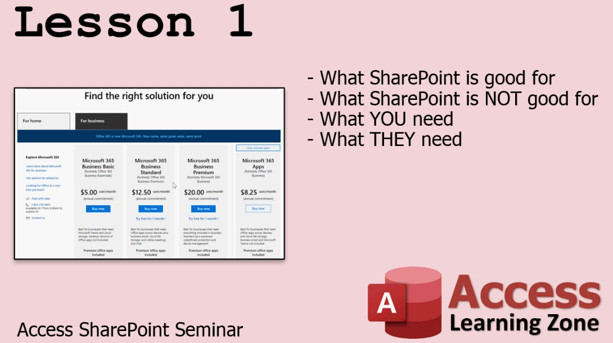
In Lesson 1, you will learn what SharePoint is good for, what it's NOT good for, and what both you and your users will need to get started using a SharePoint Access solution.
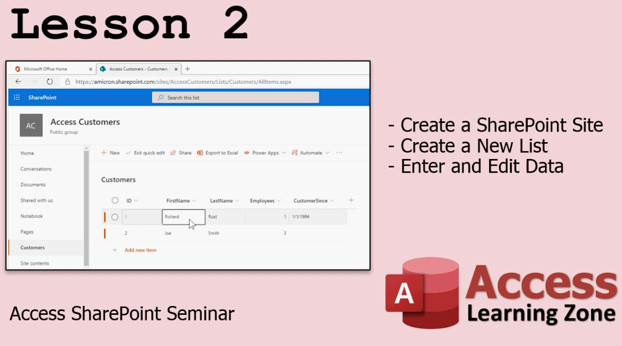
In Lesson 2, you will learn how to create your first SharePoint Site, how to create a new List (analogous to an Access Table), and how to enter and edit data using the SharePoint web interface.
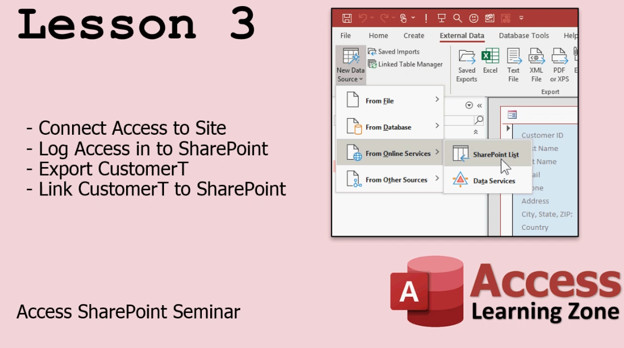
In Lesson 3, you will learn how to connect Access to your SharePoint Site, how to log in, export your CustomerT table to a SharePoint List, and then link to that list form your database.
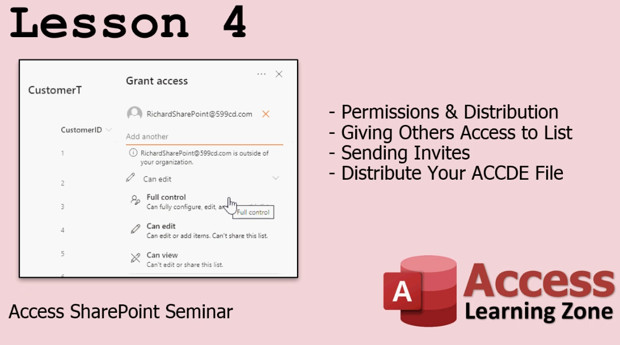
In Lesson 4, you will learn about permissions in SharePoint, how to distribute your database, giving other users access to your SharePoint List, sending email invites, and distributing an ACCDE encrypted Access file.
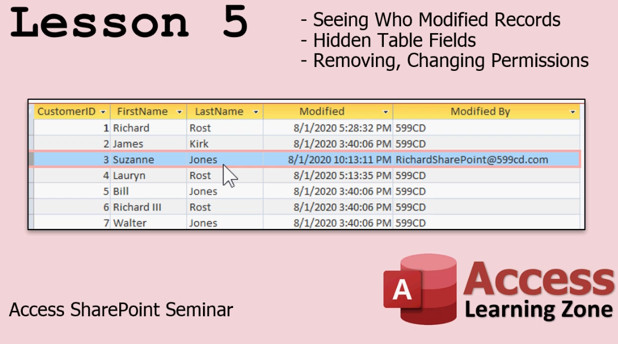
In Lesson 5, you will learn to see what user modified records in your database, the hidden table fields, and how to remove and change permissions.
Enroll NowEnroll now so that you can watch these lessons, learn with us, post questions, and more.
QuestionsFeel free to post your questions or comments below
More InformationTranscriptWelcome to the Access SharePoint Seminar brought to you by AccessLearningZone.com. I am your instructor, Richard Rost. Today's seminar will cover connecting your Microsoft Access database to Microsoft SharePoint to be shared over the web with other users and remote locations. We will learn what SharePoint is good for and what it is not good for. We will learn what you and your users will need to get started. We will see how to set up a SharePoint site for the first time. We will create our first SharePoint list, which is analogous to an Access table. We will discuss sharing your list and setting up permissions, as well as connecting your Access database to SharePoint. You will learn about linking to your SharePoint lists basically as linked tables in your Microsoft Access database. You will see how to publish Access tables up to SharePoint, distribute your database to other users, and how non-Access users can view and edit data right over the web. Lesson 1 covers what SharePoint is good for and not good for and what you and your users need to get started using SharePoint. Lesson 2 covers creating your first SharePoint site, creating a new list, and entering and editing data in the SharePoint site. Lesson 3 shows you how to connect Access to your SharePoint site, log Access into SharePoint, export your customer table, and link the customer table to SharePoint. Lesson 4 covers permissions and distribution of your database, giving others access to your list, inviting people to access the SharePoint site, and distributing your Access encrypted file. Lesson 5 will cover seeing who modified records, hidden table fields, and removing and changing permissions to your database. IntroIn this seminar, you will learn how to connect your Microsoft Access database to Microsoft SharePoint for sharing data with other users over the web. We will talk about what SharePoint is useful for, how to get started, and how to set up your first SharePoint site. You will see how to create a SharePoint list, set permissions, and link your Access database to SharePoint lists as if they were linked tables. The seminar also covers exporting Access tables to SharePoint, managing permissions, and allowing both Access and non-Access users to work with your data online. QuizQ1. What is the primary focus of the Access SharePoint Seminar? A. How to create complex queries in Access B. Connecting Microsoft Access databases to Microsoft SharePoint for sharing data over the web C. Creating VBA macros in Access D. Setting up cloud storage for Access backups Q2. What is considered an analogy to an Access table in SharePoint? A. SharePoint page B. SharePoint list C. SharePoint library D. SharePoint form Q3. Which of the following will you learn to do with SharePoint lists in this seminar? A. Only view and export them B. Only import them into Access C. Share the list, set up permissions, connect Access, and allow web-based editing D. Convert them into Excel files only Q4. What are linked tables in the context of Access and SharePoint? A. Tables physically moved to SharePoint B. Copies of Access tables in Word C. Access tables connected to SharePoint lists for live data sharing D. Tables exported to PDF format Q5. According to the seminar outline, what is one function of SharePoint that will be covered? A. Backing up databases B. Programming VBA code C. Setting permissions and inviting users to the site D. Designing custom web pages Q6. What can non-Access users do with SharePoint lists shared online? A. Only view data without any modification B. Only edit data using Access C. View and edit data directly over the web D. Download lists as text files Q7. What does Lesson 3 of the seminar specifically cover? A. Viewing and editing data on SharePoint only B. Connecting Access to SharePoint, exporting and linking tables C. Configuring network printers D. Installing SharePoint on a local desktop Q8. In which lesson do you learn about permissions and inviting other users to SharePoint? A. Lesson 1 B. Lesson 2 C. Lesson 3 D. Lesson 4 Q9. Which topic is addressed in Lesson 5? A. Exporting forms to SharePoint B. Modifying records, working with hidden fields, and changing database permissions C. Creating data macros D. Installing Access updates Answers: 1-B; 2-B; 3-C; 4-C; 5-C; 6-C; 7-B; 8-D; 9-B DISCLAIMER: Quiz questions are AI generated. If you find any that are wrong, don't make sense, or aren't related to the video topic at hand, then please post a comment and let me know. Thanks. SummaryToday's video from Access Learning Zone focuses on connecting a Microsoft Access database with Microsoft SharePoint to make it accessible online for users both locally and at remote locations. I want to show you where SharePoint works well as a backend for Access and also talk about situations where it may not be the best choice. We'll discuss what is required from you and your users before you can get started working with SharePoint. We'll begin by walking through the process of setting up your first SharePoint site. You'll learn how to create a SharePoint list, which functions much like an Access table, and understand the basics of entering and managing data on the platform. I'll explain how to share your list with others and manage permissions to keep your data secure. You'll see how to link your Access database directly with SharePoint so your lists appear as linked tables inside Access. Additionally, I'll cover how to publish Access tables to SharePoint, ways you can distribute your database to additional users, and how even team members without Access can still work with your data using only a web browser. In lesson one, I will outline the strengths and weaknesses of SharePoint and share what you and your users need in order to begin using it. In lesson two, we'll cover the creation of your SharePoint site, the setup of a brand new list, and how to add and update data through the SharePoint interface. Lesson three is about the practical connection between Access and SharePoint. I'll show exactly how to connect Access to your SharePoint site, how to sign in, and how to both export and link your existing tables so that everything stays synchronized. Lesson four will focus on permissions and ways to distribute your database. We'll discuss how to give other people access to your SharePoint list and walk through the process of inviting additional users and distributing your encrypted Access file for security. In lesson five, I will show you how to track who made updates to records, how to identify hidden fields in your tables, and how to adjust or remove permissions from your database as needed. You can find a complete video tutorial with step-by-step instructions on everything discussed here on my website at the link below. Live long and prosper, my friends. Topic ListIntroduction to SharePoint and its uses Requirements for getting started with SharePoint Setting up a new SharePoint site Creating a SharePoint list Entering and editing data in SharePoint Sharing lists and setting permissions Connecting Microsoft Access to SharePoint Logging Access into SharePoint Exporting Access tables to SharePoint Linking Access tables to SharePoint lists Publishing Access data to SharePoint Distributing Access databases to users Access for non-Access users via SharePoint Managing list permissions and user invitations Viewing record modification history in SharePoint Working with hidden table fields in SharePoint Changing and removing database permissions Primary TopicsAccess-SharePoint integration, setting up SharePoint sites, SharePoint lists, linking Access tables to SharePoint, publishing data to SharePoint, permissions management, data distribution Secondary Topicsuser requirements, site invitations, editing data online |
||||||||||||||||||||||||||||||||||||||||||||||||||||||||||||||||||||||||||||||||||||||||||||
|
| |||
| Keywords: access sharepoint seminar online database Page Tag: whatsnew PermaLink Microsoft Access SharePoint Seminar |