|
||||||

|
|
||||||
|
What is Microsoft Access?By Richard Rost
 5 years ago
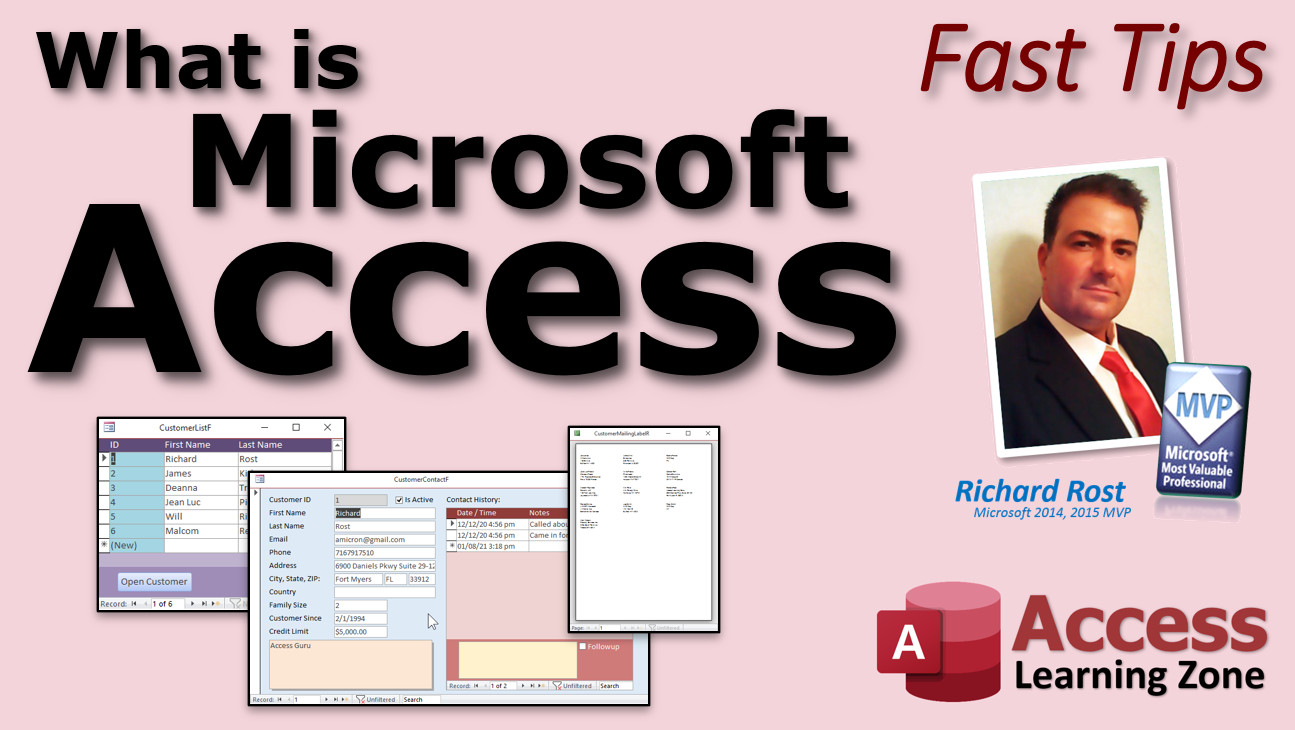
What is Microsoft Access & What Do You Use It For? You've probably heard of Microsoft Word, Excel, and PowerPoint, but you might not know what Microsoft Access is. Access is a database application. It's designed for storing large amounts of data, and for making it easy to automate the things you do on a daily basis. You can track anything you want in Microsoft Access: Customers, Contacts, Orders, Products, Mailings, Finances, Collection, Scheduling... literally anything at all. A lot of people switch to Access when they outgrow Excel. Excel isn't very good at storing large amounts of data or automating repetitive tasks. Access makes it super easy to relate different types of data together. For example, if you're tracking customers and the cars they own, you can relate them together with a CustomerID. This way you can pull up the customer's record and instantly see the cars they drive. Same with contacts, orders, and anything else related to that customer. You can build a nice user-friendly interface in Microsoft Access very easily. This is great if you have other people using your database who may not be computer experts. You can do all of your reporting right in Access. No need for Microsoft Word. You can print out financial reports, order summaries, mailing labels. You can even write printed letters and send mass emails right from Access. Now you might not have Access on your computer even if you have Microsoft Office. That's because it's not part of the Personal version of Office. You need Office Professional or the Microsoft 365 for Business. But it's not that expensive. The whole Office Suite less than $13 per month, which is a bargain. The list of things you can do with Microsoft Access is too long to cover here. I've literally just scratched the surface. If you'd like to learn more about what Access can do and how it can help your business (even if it's just your side hustle) come to my web site and take my FREE 4-hour course that covers all of the basics.
Links
Keywords#fasttips, microsoft access, ms access, ms access tutorial, #msaccess, #microsoftaccess, #help, #howto, #tutorial, #learn, #lesson, #training, #database, What Is Microsoft Access, What Is Microsoft Access and What Do You Use It For, What is Microsoft Access Used For, A Brief Introduction to MS Access, key benefits of microsoft access database, what is microsoft access database, microsoft access tutorial, how to use microsoft access, microsoft access download
More InformationTranscriptWelcome to another fast tip video brought to you by AccessLearningZone.com. I am your instructor, Richard Rost. Today we are going to answer the question: What is Microsoft Access? You have probably heard of Microsoft Word, Excel, and PowerPoint before, but you might not know what Microsoft Access is. Access is a database application. It is designed for storing large amounts of data and for making it easy to automate the things you do on a daily basis. You can track anything you want in Microsoft Access: customers, contacts, orders, products - the list goes on. Literally anything at all. Any data needs that you have can be stored in Microsoft Access. A lot of people switch to Access when they outgrow Excel. Excel has a lot of great uses and it can be used side by side with Access, but Excel is not very good at storing large amounts of data or automating repetitive tasks. I have a whole separate free video on my website, Access versus Excel, which is better and when to use each. I will put a link down below in the link section in the description. The major benefit of Access versus Excel is that Access makes it super easy to relate different types of data together. For example, if you are tracking customers and the cars they own, you can relate them together with a customer ID. This way, you can pull up the customer's record and instantly see the cars they drive, their contacts, orders, or anything else related to the customer. Here you can see a customer form. It has all the customer's details: first name, last name, and so on. On the right, you see a subform that has all of their contact history. Every time they talk to you, you contact them, or you send them something, you put it in the contact history, and that is stored in a separate table. To do this in Excel would require two sheets, and you would have to flip back and forth, which can be a pain. You can build a nice user-friendly interface in Microsoft Access very easily. This is great, especially if you have other people using your database who might not be computer experts. You can do all of your reporting right inside of Access with no need for Microsoft Word. You can print out financial reports, order summaries, mailing labels - the list goes on. You can even write your printed letters and correspondence and send mass emails right from inside of Access. You might not have Access on your computer even if you have Microsoft Office. That is because it is not part of the personal version of Office. You need either Office Professional or Microsoft 365 for Business. It is not that expensive. The whole Office Suite is less than $13 per month, which is a bargain. I will put a link down below in the link section to take you right to Microsoft's site where you can get Office for Business. The list of things you can do with Microsoft Access is too long to cover here. I have literally just scratched the surface. If you would like to learn more about what Access can do and how it can help your business, come to my website and take my free four-hour course that covers all of the basics. If you liked this video, please give me a like and share, and post any comments that you have. Also, make sure you subscribe to my channel and click the bell icon to receive notifications when new videos are posted. Thank you for watching this fast tip video from AccessLearningZone.com. I hope you learned something today. See you again soon. IntroIn this video, we will talk about what Microsoft Access is, how it differs from applications like Microsoft Excel, and why it is used for managing large amounts of data. We will discuss the benefits of using Access to relate different types of information, create user-friendly forms, generate reports, and automate daily tasks. You'll also learn what kinds of data you can track in Microsoft Access, what versions of Office include it, and some examples of how Access can help organize your business information more efficiently. QuizQ1. What is Microsoft Access primarily designed for? A. Storing large amounts of data and automating daily tasks B. Creating presentations C. Making web pages D. Editing videos Q2. How does Access differ from Excel when managing large amounts of data? A. Access is better at storing and relating large sets of data B. Excel automatically creates relationships between data types C. Excel is more secure for databases D. Access can only store text data Q3. Which of the following is NOT typically tracked in Access, according to the video? A. Customers B. Products C. Weather forecasts D. Orders Q4. What is a major benefit of Access over Excel mentioned in the video? A. Ability to relate different types of data together easily B. Better at solving math equations C. Stronger graphic editing tools D. Larger maximum file size Q5. Why might Access not be installed on your computer even if you have Microsoft Office? A. It is only included with Office Professional or Microsoft 365 for Business B. It is always installed but hidden C. It only works on Mac computers D. It replaces Microsoft Word Q6. What is an example of a user-friendly feature of Access shown in the video? A. Customer forms with subforms for contact history B. Automatic grammar correction C. Slide transition effects D. Built-in photo editor Q7. Can you print reports and mailing labels directly from Microsoft Access? A. Yes, Access can create and print reports and mailing labels B. No, you must export data to Word first C. Only if integrated with PowerPoint D. Only on Mac computers Q8. Where can you find a free course to learn more about Microsoft Access, according to the video? A. On the AccessLearningZone.com website B. Only in the Help section of Access C. In the Windows App Store D. On Microsoft's hardware support page Answers: 1-A; 2-A; 3-C; 4-A; 5-A; 6-A; 7-A; 8-A DISCLAIMER: Quiz questions are AI generated. If you find any that are wrong, don't make sense, or aren't related to the video topic at hand, then please post a comment and let me know. Thanks. SummaryToday's video from Access Learning Zone focuses on a frequently asked question: What is Microsoft Access? You are probably already familiar with other popular Microsoft Office applications like Word, Excel, and PowerPoint, but Access is a bit different. Microsoft Access is a database management application, designed to store large volumes of information and simplify repetitive daily tasks through automation. With Access, you can keep track of almost anything: customers, contacts, sales orders, inventory items, and much more. Essentially, any data tracking you need to do can be handled using this program. Many people find themselves turning to Access once their needs grow beyond what Excel can comfortably manage. While Excel is an excellent tool for spreadsheets and can work together with Access, it is not ideal for managing large datasets or automating complex processes. If you are interested in understanding the differences between Access and Excel, I have another free video available on my website that compares the two and explains when you should use each one. One of the primary advantages of Access over Excel lies in its ability to relate different sets of data. For instance, if you are keeping track of customers and their vehicles, Access makes it easy to connect each customer to the cars they own using a customer ID number. This allows you to view all relevant information for a customer in one place: the vehicles they drive, their contact details, past orders, and any other related data. The user interface in Access can be tailored to be very friendly and straightforward, making it suitable for users who may not be very comfortable with computers. For example, a customer form can display all the person's details and a subform can list their contact history, all organized logically. In Excel, managing this would require moving between multiple sheets, which is much less efficient. Reporting is another area where Access stands out. You can generate all your reports directly within the program, without needing tools like Microsoft Word. Financial summaries, order histories, mailing labels, and even mass emails can be created and managed from inside Access. It is worth noting that Microsoft Access is not included in the personal version of Office. To get Access, you need either Office Professional or a Microsoft 365 for Business subscription. The cost is quite reasonable, with the entire Office suite available for less than thirteen dollars a month. I provide a link on my website for you to visit Microsoft's site and get more information about Office for Business. There are far more capabilities in Access than we can discuss here. We are only scratching the surface. If you are interested in exploring what Access can do and how it can benefit your work or business, I invite you to visit my website and sign up for my free four-hour course, which covers all the essentials. If you found this fast tip helpful, please consider giving it a like, sharing it, and leaving any comments or questions you might have. Also, subscribe to my channel so you can stay updated as new videos are published. You can find a complete video tutorial with step-by-step instructions on everything discussed here on my website at the link below. Live long and prosper, my friends. Topic ListDefinition and purpose of Microsoft Access Differences between Access and Excel for data management Relating different types of data in Access Using forms and subforms for record management Tracking contact history with separate tables Building user-friendly interfaces in Access Generating reports and mailing labels in Access Sending mass emails and correspondence from Access Access availability in Office Professional and Microsoft 365 Business Primary TopicsMicrosoft Access overview, database application, data storage, data relationships, Access vs Excel, reporting, interface building Secondary Topicslicensing information, ease of use, automation |
||||
|
| |||
| Keywords: FastTips Access What Is Microsoft Access, What Is Microsoft Access and What Do You Use It For, What is Microsoft Access Used For, A Brief Introduction to MS Access, key benefits of microsoft access database, what is microsoft access database, microsoft ac PermaLink What is Microsoft Access? in Microsoft Access |