Free Lessons
Courses
Seminars
TechHelp
Fast Tips
Templates
Topic Index
Forum
ABCD
 
Home   Courses   TechHelp   Help   Contact   Merch   Join   Order   Logon   Forums   
 
Back to Access Forum    Comments List
Pending Approval    Upload Images   @Reply   Bookmark    Link   Email   Next Unseen 

Anonymous 
 
Jean-Pierre Christen  @Reply  
     
5 years ago

Jean-Pierre Christen  @Reply  
     
5 years ago

Jean-Pierre Christen  @Reply  
     
5 years ago
Hi!

Please ignore the above. The Union Query video teaches something much better.

I'm still a Rookie and new to VBA and understanding the IF-THEN-ELSE conditions.

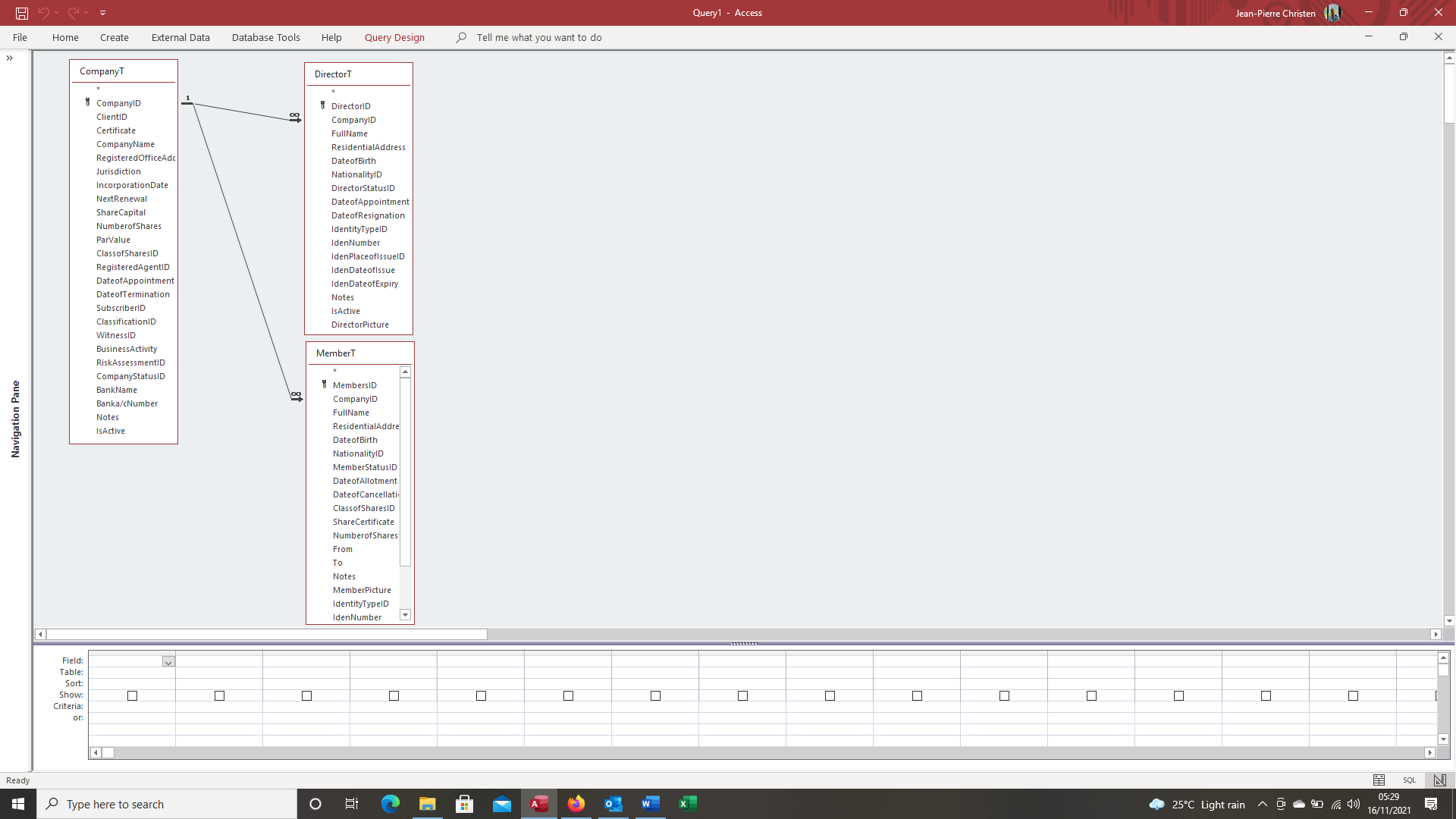
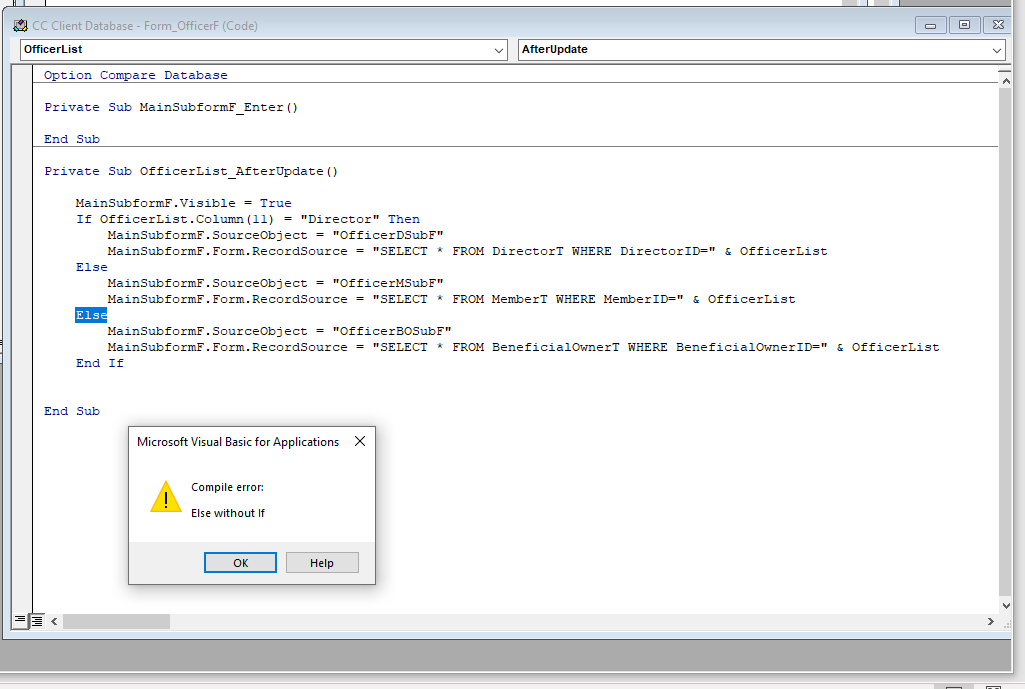
My union query is based off 3 tables. I understand the IF-ELSE part when dealing with 2 tables. But for 3rd table, I can't use ELSE a second time for the third condition without an error message.

How can I properly make the expression work?

Have attached screenshot.
Jean-Pierre Christen  @Reply  
     
5 years ago

Adam Schwanz  @Reply  
           
5 years ago
You use ElseIf
Adam Schwanz  @Reply  
           
5 years ago
If Something Then
'some code
ElseIf Something Then
'somecode
ElseIf Something Then
'some more code
Else
'this is the code for ALL other options that weren't specified already, Something wasn't equal to the first 3 statements than it automatically goes here.
End If
Adam Schwanz  @Reply  
           
5 years ago
I'm not sure what you have going on exactly so just guessing, but with your option it could maybe be

If OfficerList.Column(11) = "Director" Then
'code
ElseIf OfficerList.Column(11) = "Some other position" Then
'code
Else
'all other positions
End if

Or you could Just do If ElseIf ElseIf and than not do anything if it isn't one of those options.
Jean-Pierre Christen  @Reply  
     
5 years ago
YES!!! It works!!

Thank you so much Adam! When I get these issues I try to read online or watch youtube help videos, but to me they're speaking Klingon :)

You guys explain things so much better!
Adam Schwanz  @Reply  
           
5 years ago
Glad to hear it works ;).
Richard Rost  @Reply  
          
5 years ago
That's why I have a comprehensive course that teaches these things. Much better than watching random YouTube videos. Hint hint. :)

This thread is now CLOSED. If you wish to comment, start a NEW discussion in Access Forum.
 

Next Unseen

 
New Feature: Comment Live View


The following is a paid advertisement
Computer Learning Zone is not responsible for any content shown or offers made by these ads.
 

Learn
 
Access - index
Excel - index
Word - index
Windows - index
PowerPoint - index
Photoshop - index
Visual Basic - index
ASP - index
Seminars
More...
Customers
 
Login
My Account
My Courses
Lost Password
Memberships
Student Databases
Change Email
Info
 
Latest News
New Releases
User Forums
Topic Glossary
Tips & Tricks
Search The Site
Code Vault
Collapse Menus
Help
 
Customer Support
Web Site Tour
FAQs
TechHelp
Consulting Services
About
 
Background
Testimonials
Jobs
Affiliate Program
Richard Rost
Free Lessons
Mailing List
PCResale.NET
Order
 
Video Tutorials
Handbooks
Memberships
Learning Connection
Idiot's Guide to Excel
Volume Discounts
Payment Info
Shipping
Terms of Sale
Contact
 
Contact Info
Support Policy
Mailing Address
Phone Number
Fax Number
Course Survey
Email Richard
[email protected]
Blog RSS Feed    YouTube Channel

LinkedIn
Copyright 2026 by Computer Learning Zone, Amicron, and Richard Rost. All Rights Reserved. Current Time: 7/15/2026 6:24:46 AM. PLT: 1s