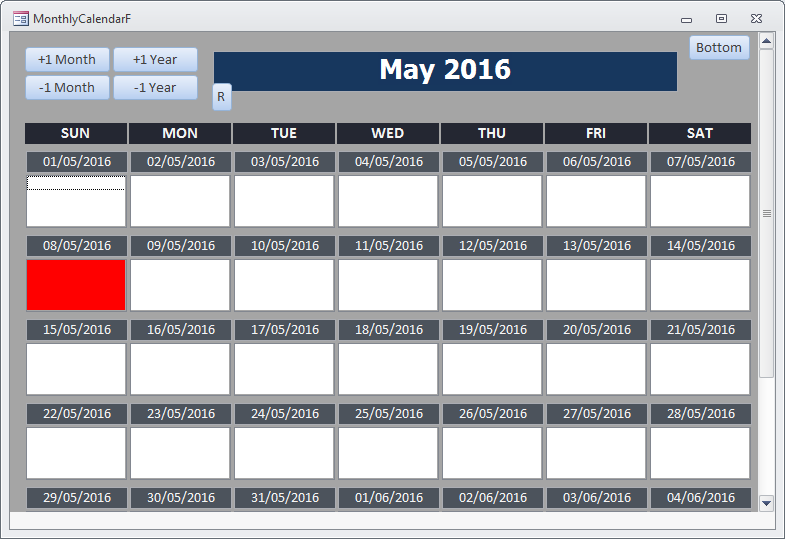
In this tutorial I will explain how to highlight the current day of the current month.
The original code for changing none current month days is in the Form_DatePickerF so this would be a good place to start.
We need to compare the Current Day, Month and Year against the Day, Month and Year of the Date on the Form.
You are welcome to change the colour for vbRed too
Form_DatePickerF
	Public Sub OpenCalendar()

		...

		'Dim today As Date
		'today = Date
		Dim todayDay As Integer
		todayDay = Day(Date)
		Dim todayMonth As Integer
		todayMonth = Month(Date)
       Dim todayYear As Integer
       todayYear = Year(Date)

		...

		For X = 1 To 42

		...

			If (X = todayDay And _
				Month(Forms!MonthlyCalendarF(S1)) = todayMonth And _
					Year(Forms!MonthlyCalendarF(S1)) = todayYear) Then
				Forms!MonthlyCalendarF(S2).BackColor = vbRed
			Else
				Forms!MonthlyCalendarF(S2).BackColor = &HFFFFFF
			End If

		...

		Next X

	End Sub


 By:
By: 

