Start here: watch my four-hour introductory course: Access Beginner Level 1 - FREE!
| Standard Access Lesson Series |
| |
|
|
|
| |
 |
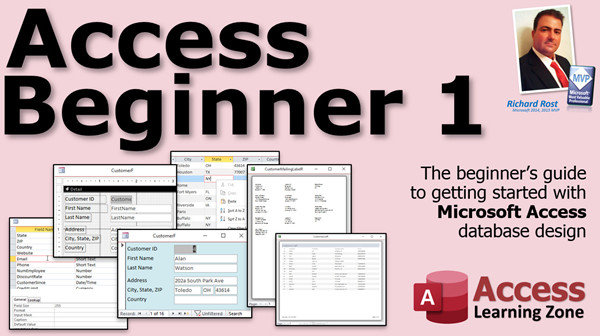
Beginner Lessons
If you are new to Access, start with my free Beginner courses (above) and then continue with the rest of the Beginner series. 9 levels, 14 hours. Level 1 is FREE! |
 |
| |
|
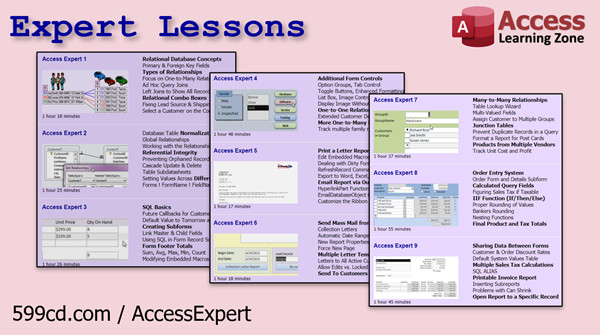
Expert Lessons
Once you've mastered the basics, move on to the Expert lessons. Learn relationships, action queries, and more! 32 levels, 48 hours. |
 |
| |
|
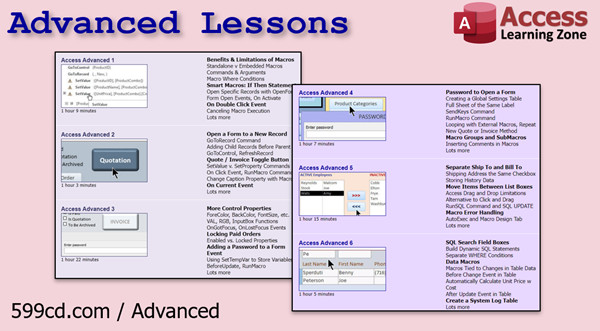
Advanced Lessons
Ready to bring your database up to the next level? The Advanced Series teaches macros, events, and lots more. 6 levels, 6 hours. |
 |
| |
|
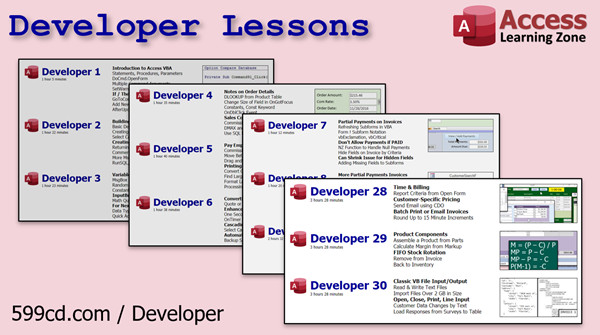
Developer Lessons
The Developer Series brings you the highest level of skilled training money can buy. Learn the full power of Visual Basic for Applications with Access. 45 levels, 90 hours and counting... |
 |
| Seminars, Templates, and More |
| |
|
Access Seminars |
Seminars are video tutorials designed to meet a specific purpose, such as creating a check register or securing your databases. |
| |
 |
SQL Server
For Microsoft Access Users |
Are you an Access user ready to level up? Learn how to move your tables to SQL Server for better security, reliability, and performance, while keeping your familiar Access front end. |
| |
|
Access Templates |
If you don't need all the video instruction but want a just a database to meet your needs? Take a look through my available Templates. |
| |
|
ABCD Template |
The Access Business & Contact Database is my full-featured database template that you can use to run your business. Fully customizeable. |
| |
|
Access TechHelp |
TechHelp is my popular video series where I answer questions about Access and other topics that come to me from my students, members, and across the Internet. |
| |
|
Access Forum |
Got questions? Our knowledgeable admins, moderators, Developer students, and even Richard himself will do their best to help you. |
| |
|
Access Fast Tips |
Fast Tips are just that: short videos to teach you something new and different in just a few minutes. Check em out! |
| |
 |
Access 2000-2003 |
My older Access classes. Good for versions before 2003. |
| Learn how to build databases the way they should be built. |
 Hello. My name is Richard Rost. I have been working with Access since 1992, and teaching it since 1994. I was contract database developer and consultant since the Access 2.0 was in use.
As of 2025, I have been given the Microsoft MVP award for Access a total of five times.
You will learn practical, real-life examples taught by a professional software developer, and published author.
These are real database examples for real projects. You will build functional databases for real-world scenarios from the ground up.
| More than just a tutorial, additional resources help you while you learn. |
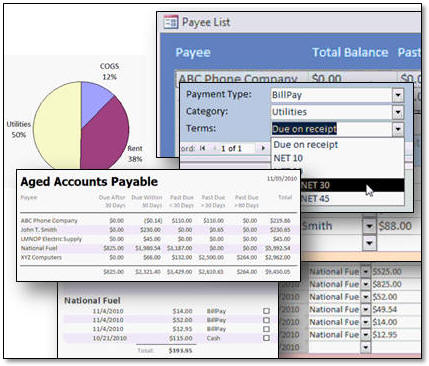 In addition to my video tutorials, I have many additional resources available to assist you if you're having trouble with Access.
I have a Microsoft Access Forum where students, such as yourself, can post questions and comments and receive help from me directly, as well as my Forum Admins and other students as well. While support isn't guaranteed, we do our best!
Each lesson has an interactive student message board attached to it - so you can ask questions about specific lessons, and read comments from other students.
I also publish an "almost" daily video series called TechHelp where I answer questions sent in by students like you. Access Learning Zone is here to provide you with a complete learning solution.
| Got questions or comments? |
If you have any questions or comments, you can contact me directly or post in the Forums, or even feel free to post a comment below at the bottom of the page.
Ready to order your first Access lesson? Click here to get started.




