While facing the daunting task of modifying an old but very complex batch file, I decided to take a peek at what PowerShell was all about. At first glance I was overwhelmed. I thought "what am I doing, I'll never learn this in time to ever use it". But then something miraculous happened. While using CoPilot, I discovered that CoPilot was asking if it could help learning PowerShell; and before long I had CoPilot writing my scripts under my direction, and even converting my old batch files into new PowerShell scripts.
After reviewing CoPilots script that implemented my logic processes, I started to learn how PowerShell works, and I'm now able to make manual changes to the script to fix minor bugs. CoPilot has been a blessing in my desire to learn PowerShell.
Gary yeah, I don't use PowerShell often, but when I do, it's really quick and simple. Like I've got a PowerShell script that just opens up a little window while I'm recording videos. Because I record in short video segments and the PowerShell script just takes a look and adds up all the time indexes (the times basically of how long each video is). So I can say, "oh okay, this video is at 10 minutes already." It just literally just adds up all the times of the individual videos in a folder. And it does it really fast. I've got other PowerShell scripts that copy files around, and yeah, I think it's more powerful than batch files.
Raymond It is a replacement command line interface for the old cmd.exe.
Gary JamesOP
@Reply 13 months ago
Raymond, PowerShell is basically a next generation, feature rich, amped up alternative to DOS batch files. I use it for housekeeping duty maintaining my 6000+ library of Feature Films, TV Show episodes, Documentary and Learning videos, and old Home Movies.
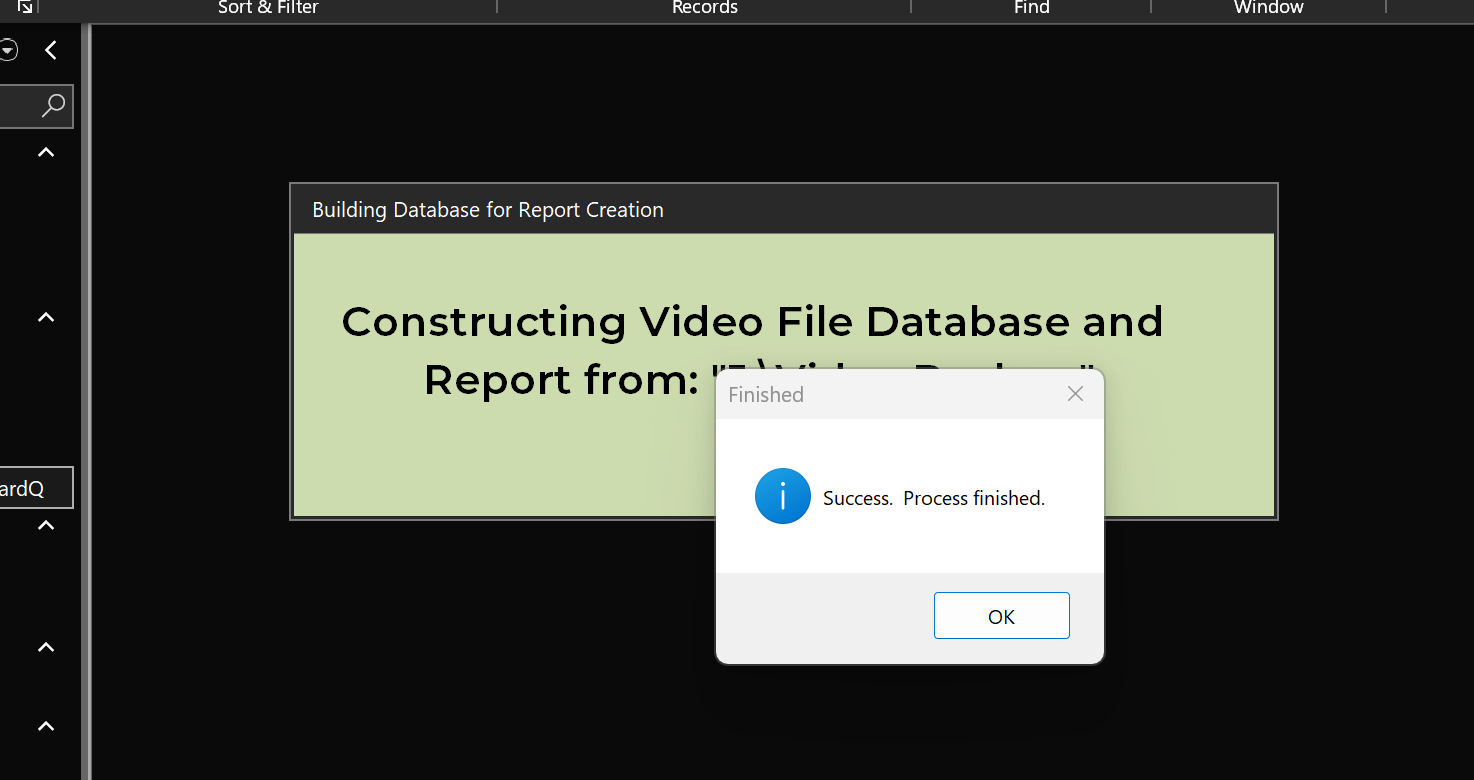
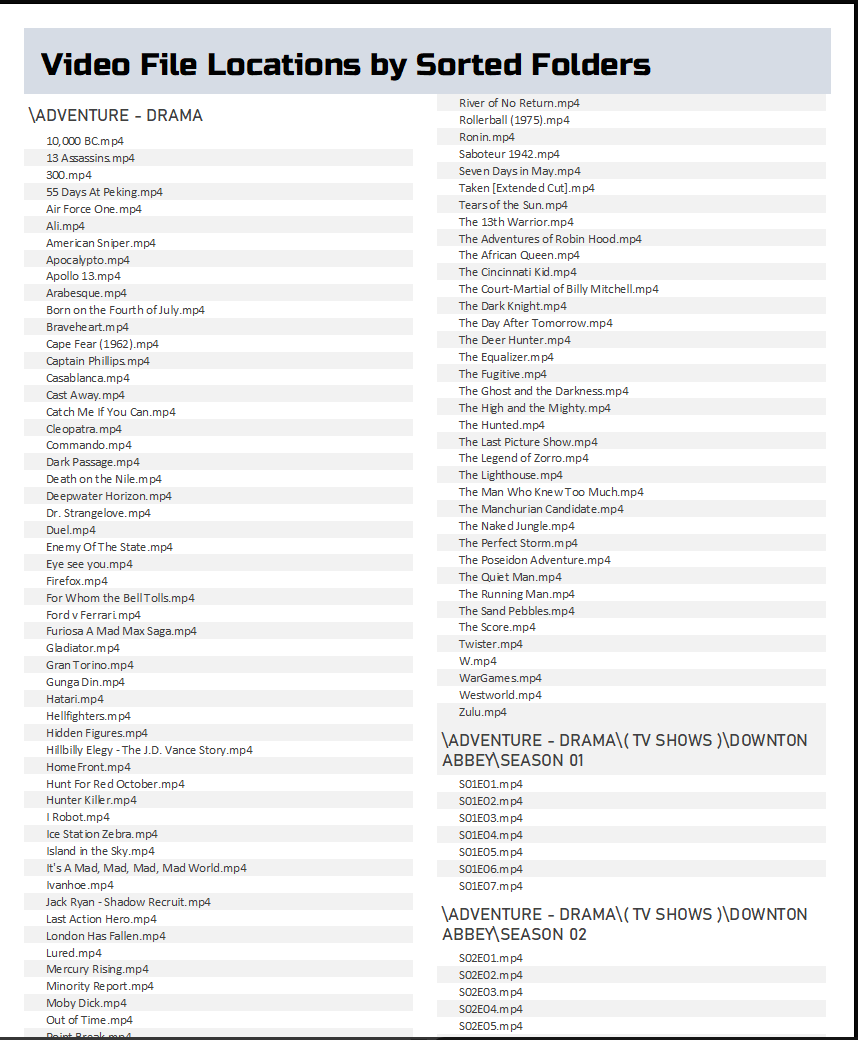
I use it to update my backup drives, and multiple 4TB SSD Drives that I have connected to my Sony Blu-ray players USB input via a powered USB hub. I also have an Access database that reads all the video files from my 16TB backup drive and creates a sorted folder-hierarchy based report listing everything in my library. I launch Access from the PowerShell script telling it which drive to read for my library.
Using PowerShell, I've pretty much automated the process of updating the multiple backups of my working video library drives, and generating a report PDF.
Yeah, I thought of doing a video on how to use PowerShell to get an Access database to restart itself. Basically, it could write out a PowerShell script. Call that. The PowerShell script can wait a few seconds for the database to shut down and then restart it and then delete itself. Well, the Access database can delete the PowerShell script, but you get what I'm saying. I used to do the same thing with batch files, but PowerShell is cooler.
If you are a Visitor, go ahead and post your reply as a
new comment, and we'll move it here for you
once it's approved. Be sure to use the same name and email address.
This thread is now CLOSED. If you wish to comment, start a NEW discussion in
PowerShell Forum.