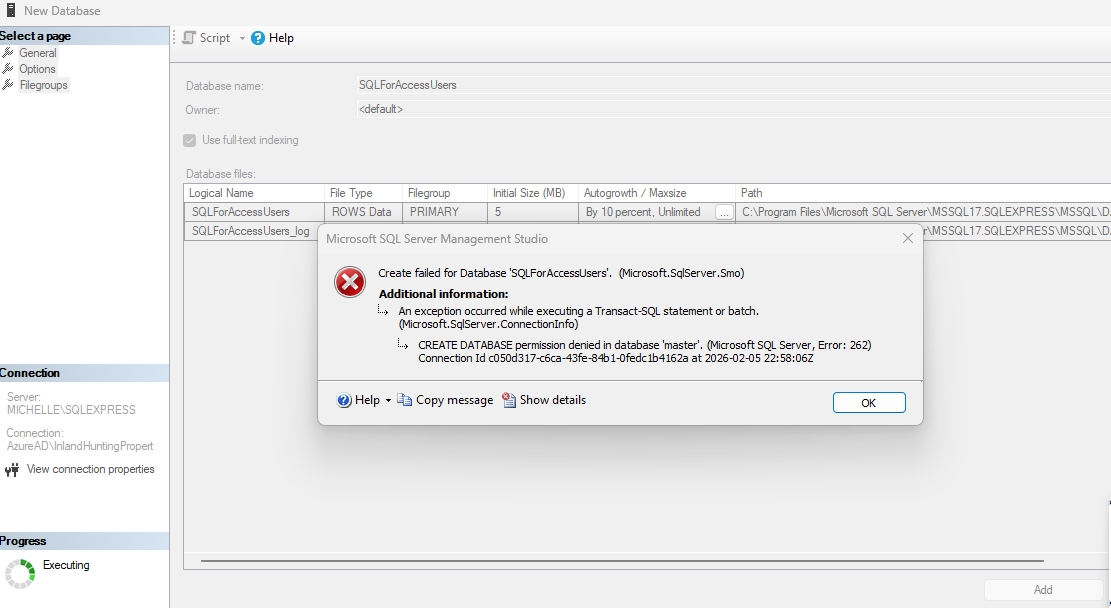
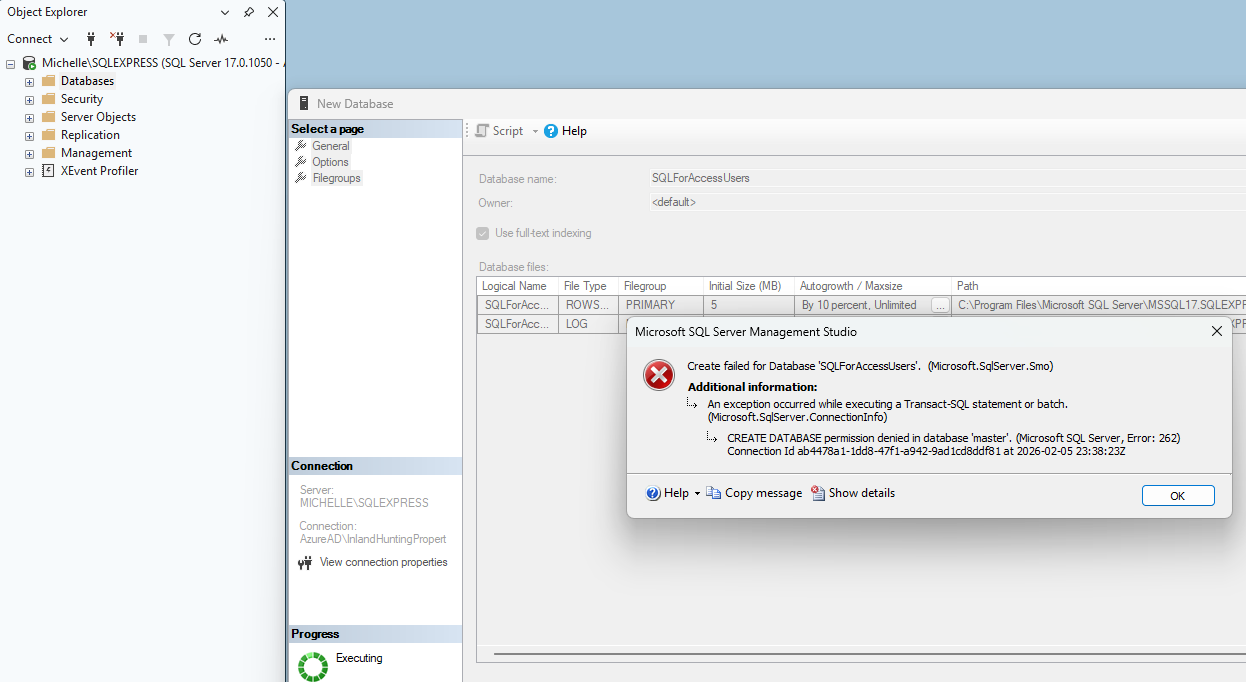
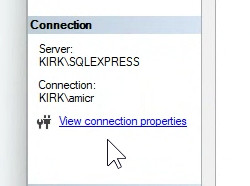
It looks like you're connecting to SQL Server using an Azure Active Directory login rather than the local Windows account that installed and administers your SQL Server Express instance. That's why you're getting the "CREATE DATABASE permission denied in master" message. In the course, we're working with a locally installed SQL Server instance where you're connecting with Windows Authentication as the machine admin, which automatically has rights to create databases. If you connect with a different identity, especially an Azure AD account, those server-level permissions often aren't there.
Go back and make sure you're following the installation steps exactly as shown in the class. Connect to your local instance (something like COMPUTERNAME\SQLEXPRESS) using Windows Authentication under the same account that installed SQL Server. Once you're connected that way, creating a database should work without any permission errors. Troubleshooting Azure or hosted authentication setups is outside the scope of this course right now, so for now just stick with the local configuration demonstrated in the lessons. I'm not covering Azure connections until much later in the course.
If you are a Visitor, go ahead and post your reply as a
new comment, and we'll move it here for you
once it's approved. Be sure to use the same name and email address.