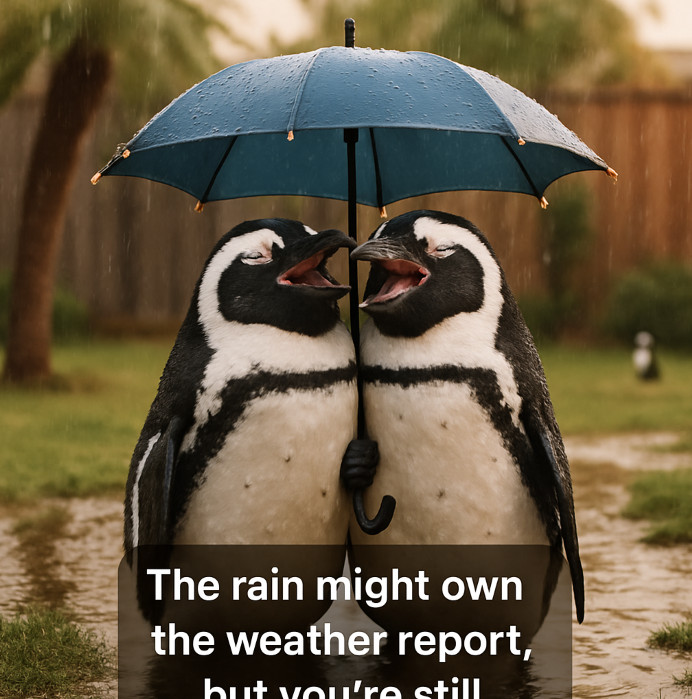
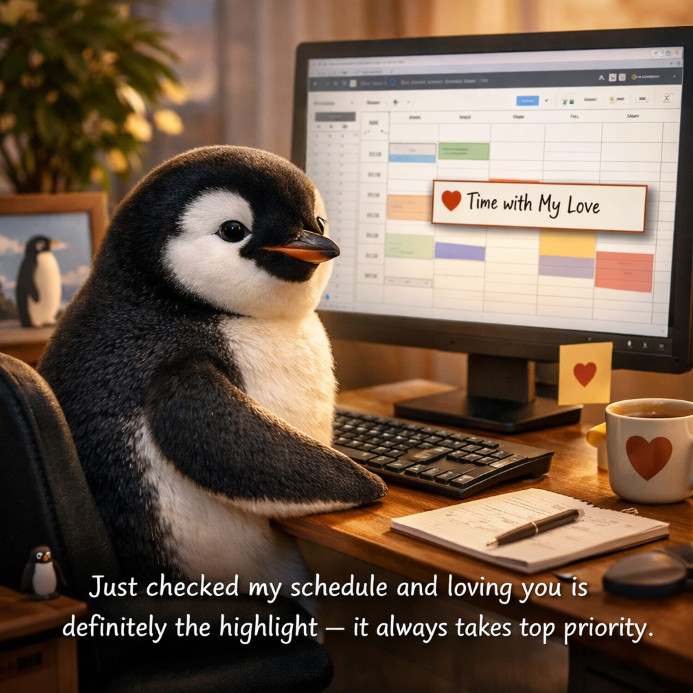
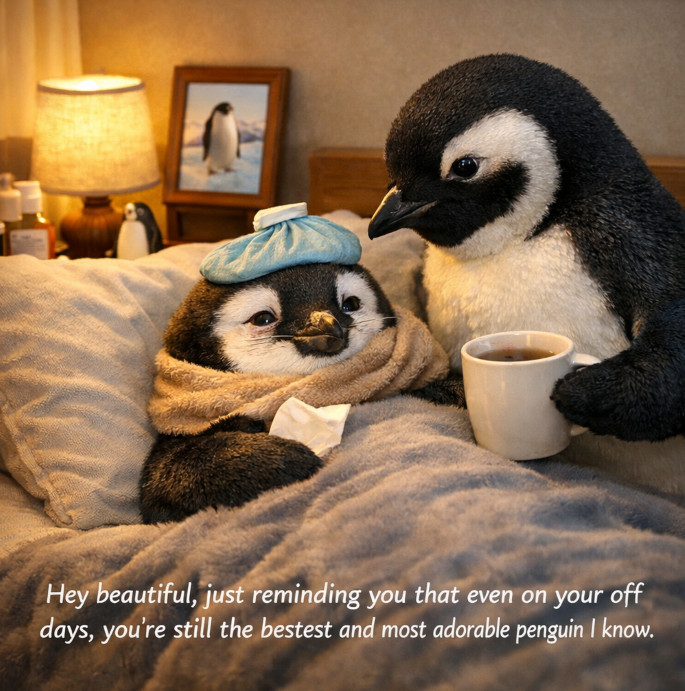
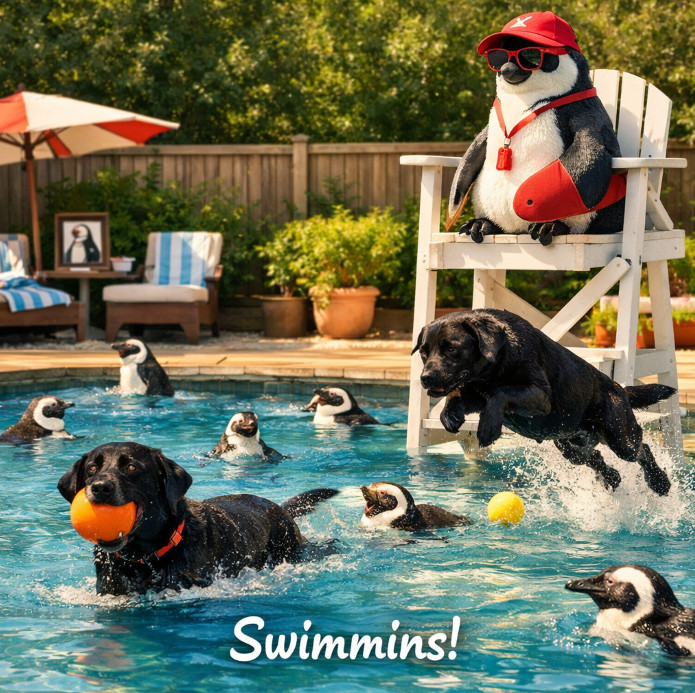
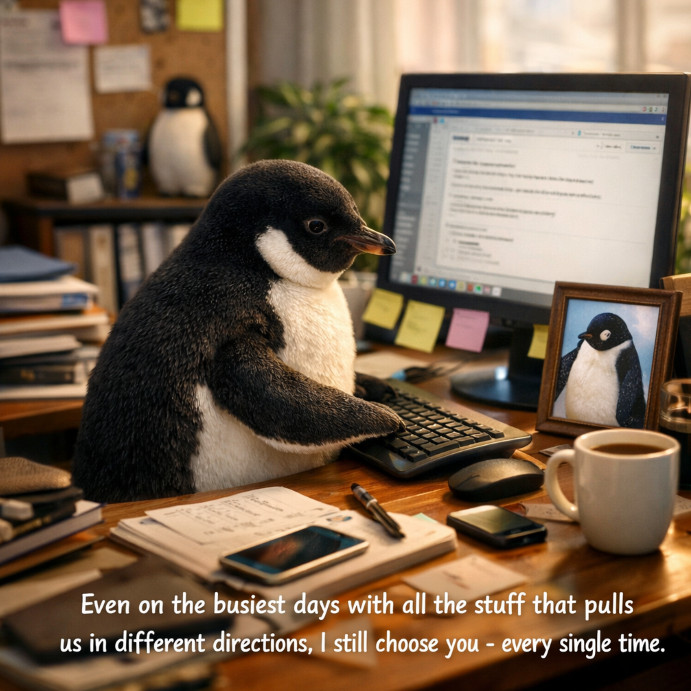
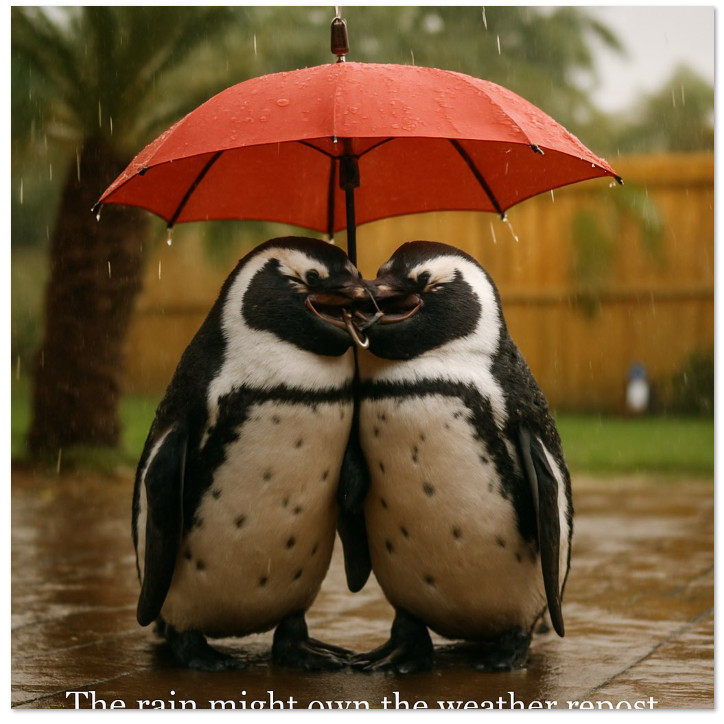
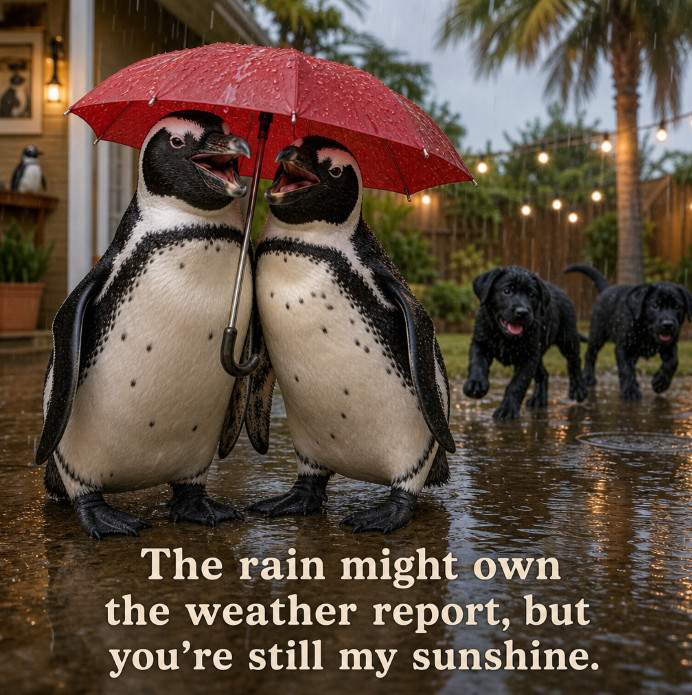
Today was a reminder that as powerful as AI has become, it still isn't something you can blindly rely on, especially if it sits anywhere near the critical path of your workflow. I ran into an issue with something I haven't touched under-the-hood in a couple of months. It's part of my Access database system where I generate images using the OpenAI API. I've been using it for all kinds of things, including slides for my videos so I can get nice, realistic images without having to go hunting around for stock photos. And on a more personal note, I've also been using it to send Lauren a daily penguin. Most mornings I generate a cute little penguin image with a caption on it. It's kind of become a routine.
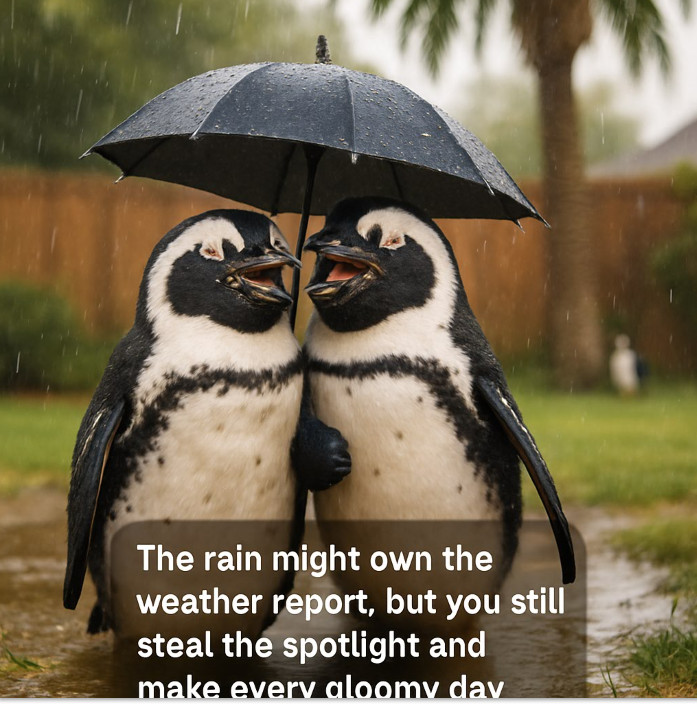
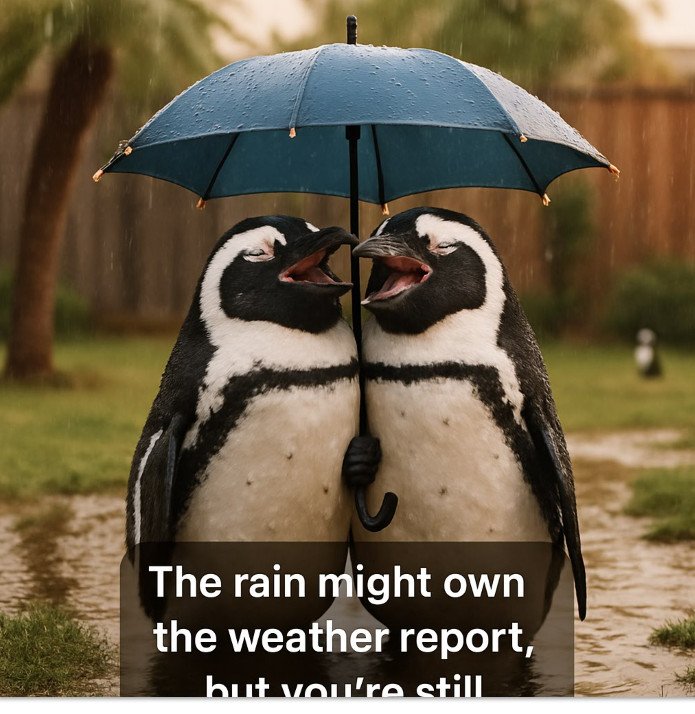
This setup has been working perfectly fine for months. I haven't changed the code. I haven't changed the prompts. It's just been doing its thing in the background, nice and reliable. Then all of a sudden today, it just stopped putting the caption on the image. The image itself was fine. The penguins were there, the scene looked great, but the caption was either missing, cut off, or completely unusable. So now I'm digging through my code thinking I broke something. I checked everything. The JSON going out looked fine. The response coming back looked fine. Nothing obvious had changed on my end.
After going back and forth with ChatGPT and testing a few different things, the likely culprit became clear. The model behavior changed. Not the endpoint, not my code, but the model itself. The way it handled text layout, which had been good for months, shifted just enough to break what I was doing. The exact same prompt that used to produce a nice, clean caption was now producing oversized text, clipped text, or no text at all. In other words, what I thought was a stable system was actually dependent on a moving target.
This is exactly why I'm always telling people to be careful when they start building systems that rely heavily on AI, especially if they don't fully understand what's happening under the hood. It's the same issue I have with vibe coding. Sure, you can throw prompts at an AI and get something working quickly, but if you don't understand the logic, the structure, and the dependencies, what happens when the model changes and your "working" solution suddenly doesn't work anymore? Now you're stuck trying to debug something you didn't really build in the first place.
Fortunately for me, this wasn't business critical. This was my penguin generator. I was able to play around with the prompts, adjust the caption logic, and eventually switch to a newer model that behaves better and more predictably. After some tuning, I got it working again. But if this had been something I relied on for my business, something tied directly to revenue or customer delivery, that kind of unexpected break would be a serious problem.
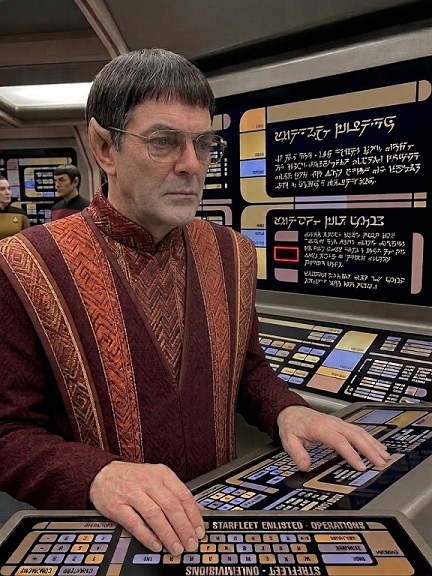
It reminded me of the Star Trek TNG episode "When the Bough Breaks." The Enterprise encounters the Aldeans, a society living on a hidden, technologically advanced planet run entirely by a system called the Custodian. Everything works perfectly, until it doesn't. The system begins to fail, and the Aldeans are completely helpless because over time they've become so dependent on it that they no longer understand how it works or how to fix it. That's the danger of relying on something you don't control. When it behaves the way you expect, everything is great. But the moment it changes, or breaks, you're stuck scrambling to figure out a system you didn't build and can't fully see inside.
So the takeaway here is simple. AI is an incredible tool, and I'm using it more and more every day. But it's still a tool, not a foundation you should blindly build on without safeguards and backups. If you're incorporating AI into your workflow, especially anything important, make sure you understand where the boundaries are. Know what parts are deterministic and under your control, and what parts are probabilistic and subject to change. Because as I was reminded today, the rug can get pulled out from underneath you at any time.
LLAP RR
P.S. I'll include some of the images below that I've generated, and then you'll see exactly how and when it broke and what I had to do to fix it.
I messed around with the prompt and changed some things, and that started putting the caption on after I got really forceful with the prompt. It was cut off.
After talking with GPT for half an hour about the issue and it giving me a bunch of guidelines, it didn't work. It suggested that I upgrade from image model 1.5 to model 2.0, and that fixed the problem.
One other thing I discovered in the process is that yes, the newer image model is a bit more expensive. With the old setup, I was paying roughly three-tenths of a cent per image, and now it's closer to about half a cent per image. So technically, yes, the cost did go up. But let's put that in perspective. I generate maybe one of these penguin images a day, and one or two images for video slides. So we're talking about an extra fifty cents a month, maybe a buck fifty total. Meanwhile, I spent a couple of hours troubleshooting, testing prompts, checking my code, and figuring out what changed.
So from a practical standpoint, the time I already spent debugging this problem cost me far more than I will ever spend on generating these images. That's another important lesson here. Sometimes it's not about squeezing every last fraction of a cent out of your API usage. It's about reliability and your own time. If a slightly more expensive model behaves better and saves you from chasing down weird issues like this, it's probably worth it.
Bryan Coleman
@Reply 5 months ago
I can hear Mr Data saying "Intriguing. It appears the algorithmic processing has encountered a deviation from the intended logical path."
or maybe something like "These results are like chasing an untamed ornithoid without cause."
Thomas Gonder
@Reply 5 months ago
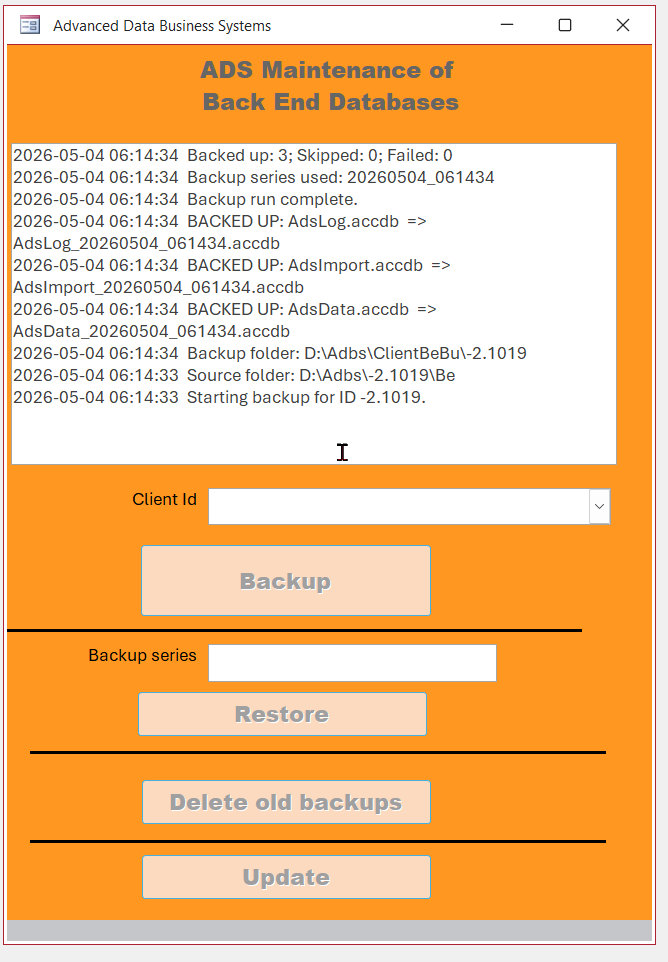
I finally broke down and wrote, with the vibing help of ChatGPT, a backup routine for my BE .accdb files to quickly get a set backed up and restored during testing. I went through ten plus big iterations of the program after I created the original form.
There were so many little gotchas. The worst was it restoring mixed sets based on improperly using the Window's Date Modified property instead of a unique date/time code for each set. I spent hours pulling my hair out for data I thought I had fixed, yet the bad stuff kept coming back.
AI is a great tool, but it requires relentless validation testing. It makes lots of assumptions that just don't hold up. The final step, once I get what appears to work, is to debug step through every line of code to see if it really makes sense. And cleanup of ridiculously long variable names, For i = 1 to 10, fix convoluted GOTOs and my favorite: C = B = A when only A would have been just fine.
Thomas Gonder
@Reply 5 months ago
Michael Olgren
@Reply 5 months ago
Researchers from the University of Chicago, piling on even more data...
Michael not surprised at those results. AI is good for speeding up tasks you already know how to do.
Thomas Gonder
@Reply 5 months ago
Having used ChatGPT for some heavy coding the past three months, I do have to give it its due. Although you can't trust its first iterations, it has been a great time saver and knows how to ask the correct questions when converting my verbal specs into actual code. I would have had to do several iterations myself to get the logic correct. I'd much rather AI do the grunt work and let me be the analyst/tester I was meant to be. AI's ability to organized complex logic, keep variables somewhat straight and understand its own errors when pointed out is uncanny. It does sometimes go off the rails, but overall it's been a great time saver for me.
Although ChatGPT does all its logic in in own symbolic language and then convert it to VBA code, it does seem to be able to analyze defects in VBA and work around them. It has many times analyzed some of my older code and found some gaping holes.
Sorry, only students may add comments.
Click here for more
information on how you can set up an account.
If you are a Visitor, go ahead and post your reply as a
new comment, and we'll move it here for you
once it's approved. Be sure to use the same name and email address.
This thread is now CLOSED. If you wish to comment, start a NEW discussion in
Captain's Log.