There are moments in the Microsoft Access universe when you can almost feel the gears turning at Microsoft HQ. This week was one of those moments.
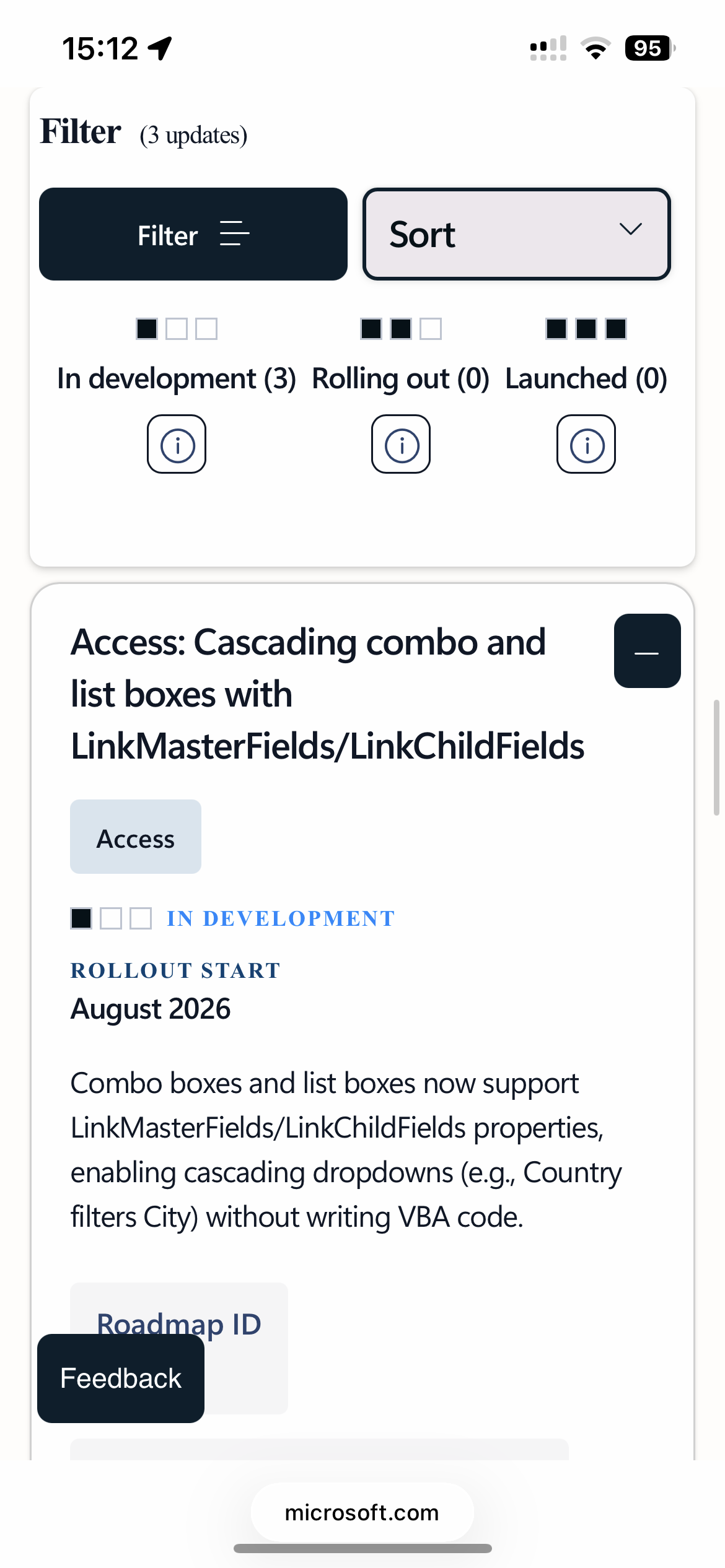
At the MVP Summit, and again during the demonstrations at Access Day, Microsoft showed off a feature that honestly made a lot of seasoned Access developers smile: native cascading combo boxeswithout requiring VBA code. Yes, really. Built in. Out of the box.
If you've been developing in Access for any length of time, you know exactly why this matters. Cascading combos themselves aren't new. We've all built them a hundred times. But getting them to behave properly in continuous forms? That was where things got... creative. Hidden text boxes. Requeries. Event juggling. Smoke signals to the Access gods. You could make it work, but it definitely wasn't beginner friendly, and even experienced developers sometimes had to wrestle with it.
Now Microsoft is bringing a cleaner, more modern implementation directly into the product, and from the demo, it looks fantastic. The fact that it works in continuous forms is the part that really caught my attention. That's a huge quality-of-life improvement for Access developers everywhere.
Microsoft also updated the official Access roadmap recently, and it's worth keeping an eye on if you're interested in where the platform is heading. One of the big items still on the roadmap is improved form modernization for large-format monitors. That's been listed for a while now, but according to the latest update, rollout is expected to begin next month.
Another feature already entering the Beta Channel is zoom magnification support, which should make life easier for users working on high-resolution displays or anyone who just wants a more comfortable viewing experience without wrestling with Windows scaling settings.
For years, Access developers have heard people say the platform is "dead," usually right before Microsoft adds another genuinely useful feature. Yet here we are again, watching the platform continue to evolve. Slowly? Sure. But definitely moving forward.
I'll put a link to the roadmap below if you'd like to follow along and see what's coming down the pipe. What features are you most excited about?
If you are a Visitor, go ahead and post your reply as a
new comment, and we'll move it here for you
once it's approved. Be sure to use the same name and email address.
This thread is now CLOSED. If you wish to comment, start a NEW discussion in
Captain's Log.