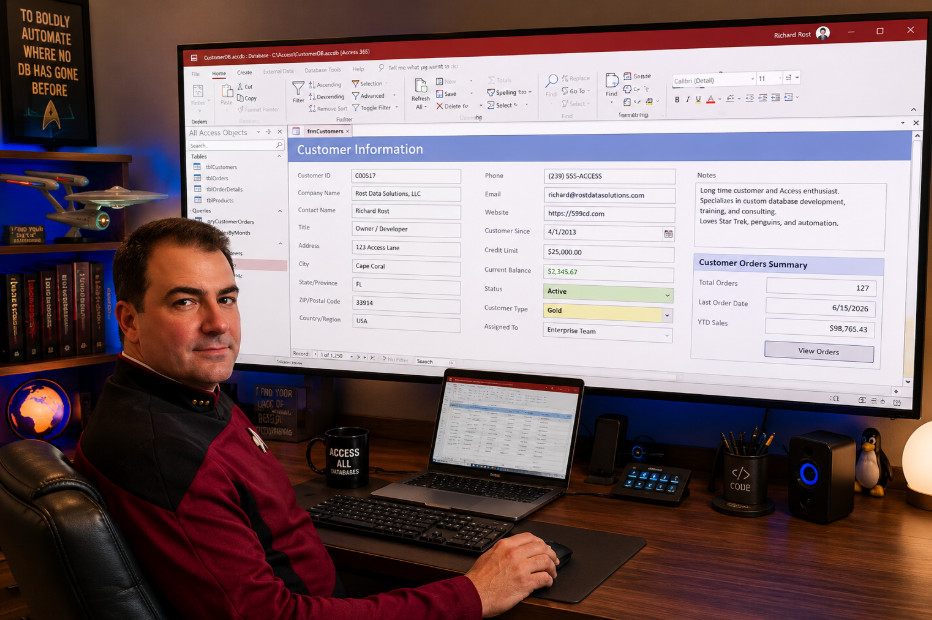
Microsoft has finally removed one of the oldest limitations in Access: the 22-inch maximum form size. If you've ever wished you could build dashboards or data entry screens that take full advantage of today's ultrawide or 4K monitors, your wish has been granted.
The feature is currently available in the Beta Channel for Microsoft 365 Access. If you're already using the Beta Channel, simply update Office to the latest build and you're ready to try it. If you're not in the Beta Channel, don't worry. Microsoft says this feature is expected to roll out to the Current Channel Preview by July 21, 2026, and should make its way to the regular Current Channel after that.
I haven't had a chance to play with this feature yet, but you can bet I'll be testing it soon. Expect a video once I've had some hands-on time with it.
I saw this the other day on IslaDogs and was bummed out because, while I had the new properties, they were throwing errors if I tried to exceed 22" even on my beta machine after latest update and rebooting machine... That was yesterday...
Left machine on all night, with Access open working on something... Didn't bother to check until I saw your post and BAZINGA 40" wide form, no problem!!
Lol, I'm as bad as a kid in a candy store when new features start rolling out/dropping, lol.
Yeah, I know better though. Unfortunately, I have upgraded to get new features, like when the Monaco editor first came out and it caused nothing but problems. I'll install it on my beta machine, but I won't put it on my main working machine, the one that I actually make videos and stuff on, until I'm well sure that there's no bugs in it still. You know my philosophy: let someone else discover the bugs first.
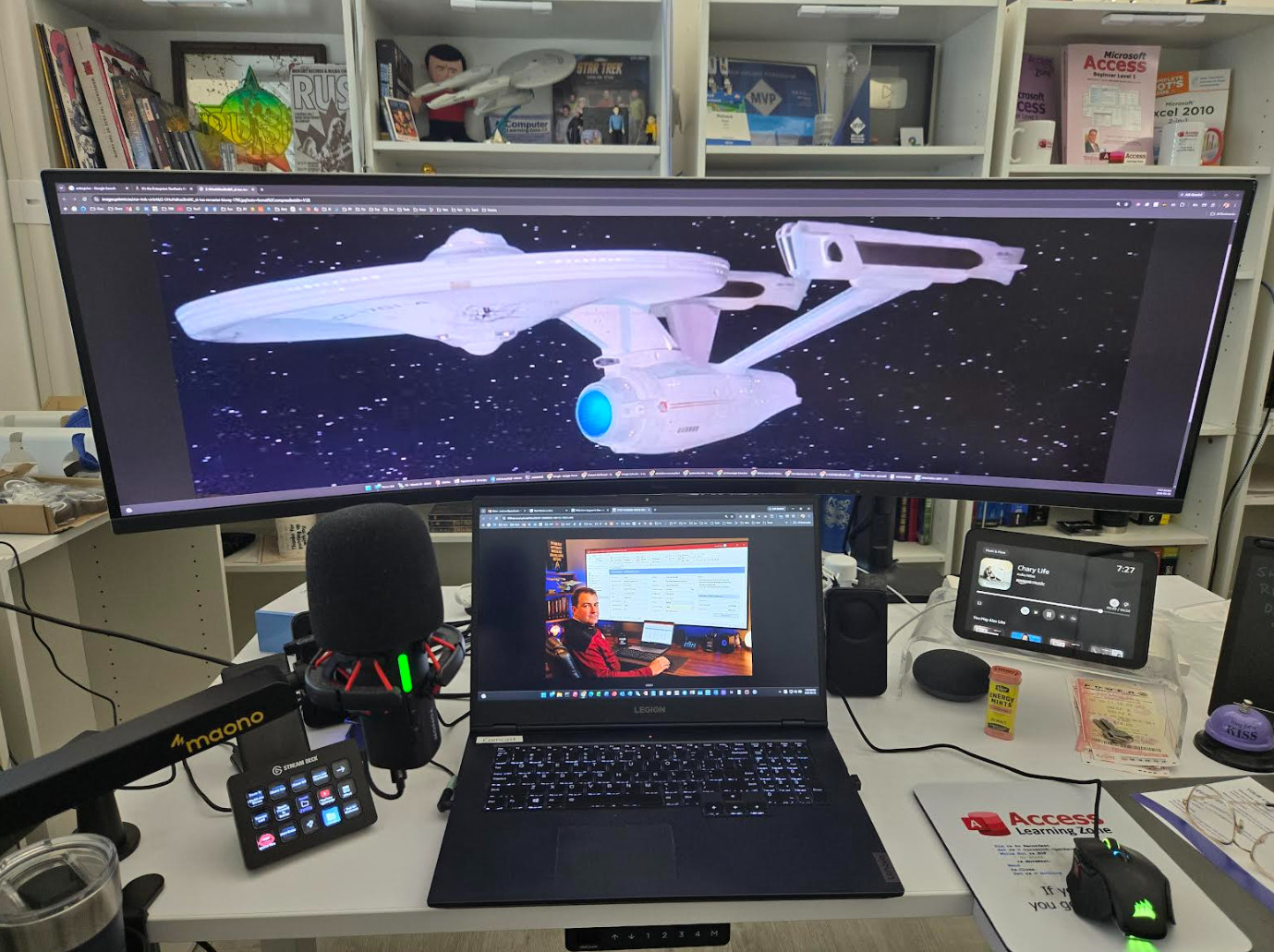
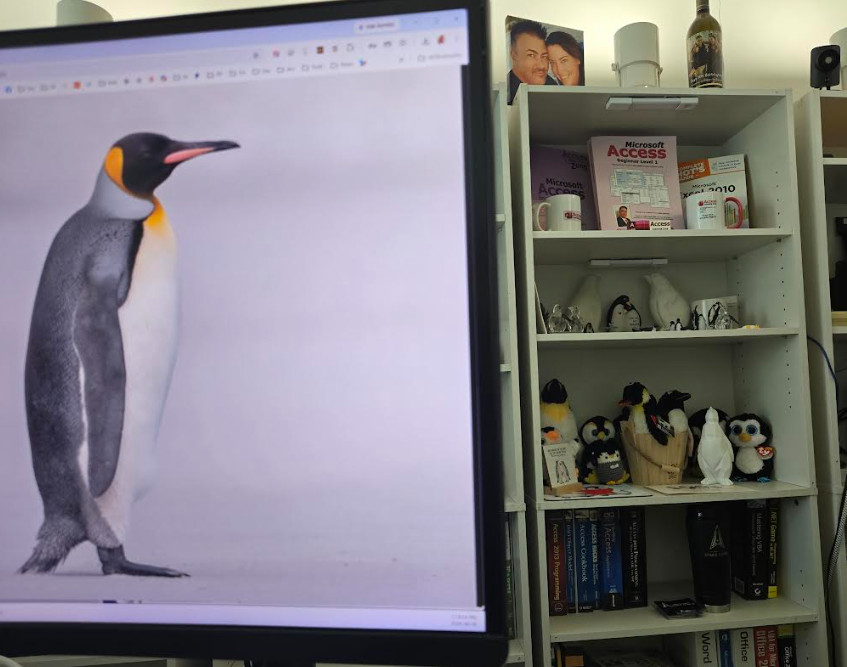
Yeah, the penguin shelf was just out of view in that last photo. All I have to do is lean slightly to my right and I can see it. I wanted the penguin shelf in a position so you can see it immediately when you walk in the room. That's straight across from the door, which is behind me and to my right, so the penguins are featured prominently just under my Access shelf.
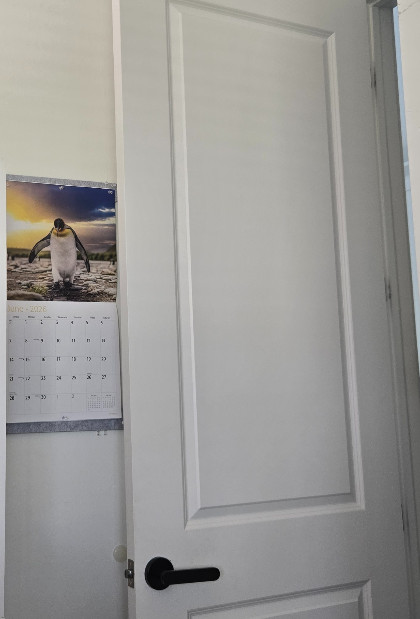
Plus, whenever I get up to leave my office, I can see my beautiful penguin of the month calendar that my wife got me for Christmas, so there's no shortage of penguins in this house.
Sorry, only students may add comments.
Click here for more
information on how you can set up an account.
If you are a Visitor, go ahead and post your reply as a
new comment, and we'll move it here for you
once it's approved. Be sure to use the same name and email address.
This thread is now CLOSED. If you wish to comment, start a NEW discussion in
Captain's Log.