|
||||
|
||||
Microsoft Office BitnessBy Richard Rost
 4 years ago
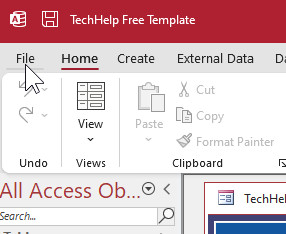
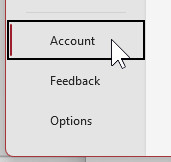
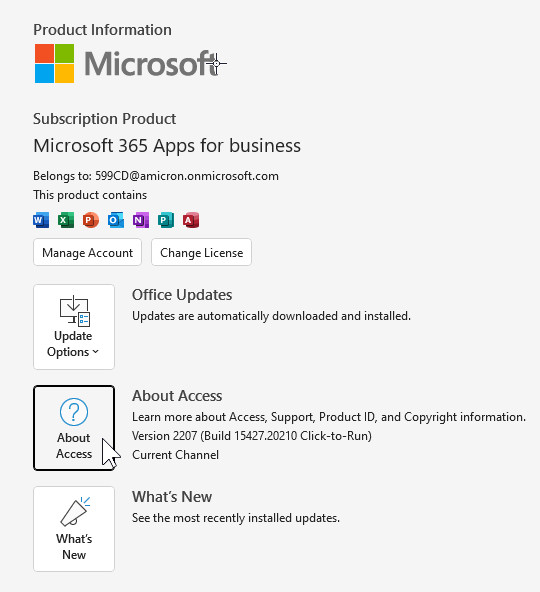
If you need to know what "bit" version (bitness) of Microsoft Office you're running, open any Office application (Word, Excel, Access, etc. I'll use Access, of course) and follow these steps:
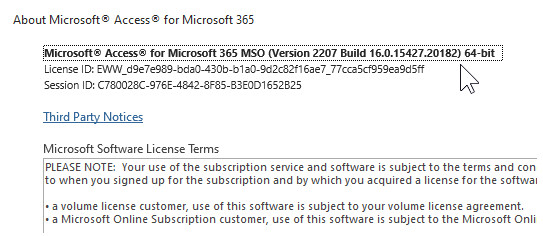
You'll see a line at the top that says something like this:
That last bit towards the end tells you what "bit" version (bitness) you have. It's either 32-bit or 64-bit. This is important to know because it can effect what you need for some VBA programming. Also, for Access, everyone running your database must have the same bit-version of Office installed if you're using the Runtime edition or making an ACCDE file. You can't mix versions.
|
||
|
| |||