From out there on the moon, international politics look so petty. You want to grab a politician by the scruff of the neck and drag him a quarter of a million miles out and say, "Look at that!"
Why do you all think Microsoft does not put as much “energy” into Access as its other applications? Why is it treated as the”red headed step child” as Richard says?
Kevin Yip
@Reply 12 months ago
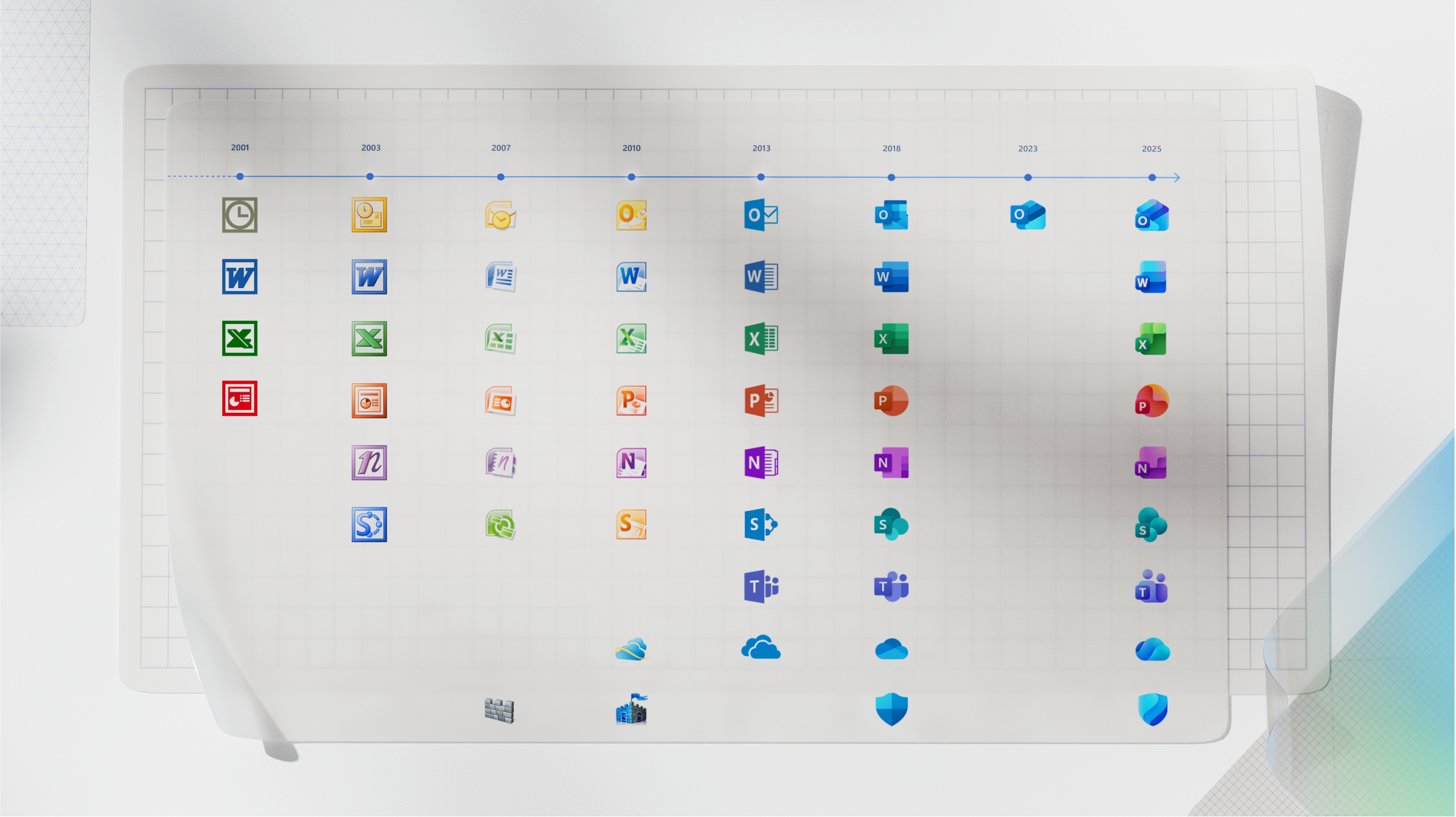
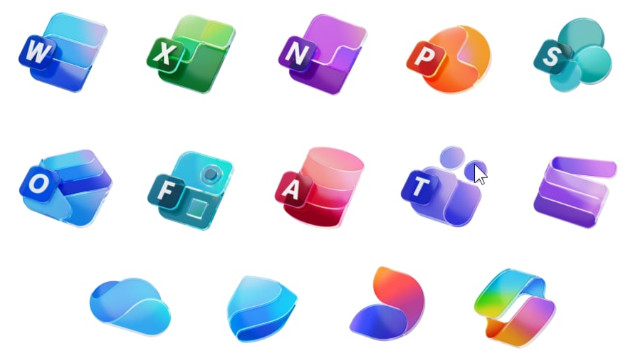
They did update the Access icon the same way they did the others. But as we know, there haven't been too many significant program updates to Access like the ones for Word and Excel. Even programs in the same class as Access (development tools) like SQL Server and Visual Studio have got way more updates and improvements, to the point that now they are, frankly, light years away from Access. Instead of improving Access, Microsoft makes new database software instead, such as Power Apps, with features (such as online multiplatform usage) that you wish Access would have.
Kevin Yip
@Reply 12 months ago
There are also many free database tools that compete with Access, such as MySQL, LibreOffice Base, and even the free editions of Microsoft's own SQL Server. Even the other Office programs -- Word, Excel, and Outlook -- have free editions, but Access has never had one. Access can't run on any platform other than desktop Windows. Mac users had asked for a Mac version but Microsoft had never made one. Oh, but Visual Studio got a Mac version (discontinued 2024). This red-headed child treatment of Access started long ago.
Donald Blackwell
@Reply 12 months ago
IMO, I think MS is focused on Cloud based products more than standalone desktop apps. When Access Web Apps flopped, the developed Power Apps.
Products that don't migrate easily to the cloud and their latest security models they are leaving behind. They'll maintain them for as long as they retain a certain level of profit for them but as they push more Access-like functionality into other "Front-End" apps like Excel, Word, and Power Point, they seem to be putting less effort into even marketing Access, similar to MS Publisher.
Again, I don't think Access is going anywhere for at least 5 to 10 years, but MS has given no indication that they are serious about keeping it "relevant" in the desktop database market.
Which is sad since the only other affordable desktop option is Libre Base and it's UI is even more outdated than Access and has even less documentation available.
Why does Access feel like the red headed step child? I've been thinking about this for a while. I've actually been writing up notes for a future video on this. Here's what I have so far. Your thoughts are welcome...
Incentives. Microsoft's growth engine is cloud services. That is where the revenue, telemetry, and leadership attention live. A desktop-only product with no first-party mobile option will never get the same investment as services that drive Azure consumption.
Backward compatibility. Access has 30 years of installed apps. Any deep change risks breaking millions of business databases that small companies still run every day. That pushes the team toward stability, security, and small features over big, disruptive rewrites.
Portfolio positioning. When Access Web Apps missed, the cloud app slot was handed to Power Apps. That does not mean Access is dead. It means each tool now has a lane. Power Apps for cloud hosted, authenticated, device friendly forms. Access for rapid local development, rich desktop UI, VBA automation, power reporting, and as a fantastic front end to SQL Server.
Competition. Yes, there are free engines like MySQL and tools like Base. But the value of Access is not the engine. It is the speed from idea to working app with forms, queries, reports, and VBA glued together in one place. Nothing else on Windows matches that for solo developers and small teams.
So is Microsoft "serious" about Access? Serious enough to keep it stable, secure, and compatible. Not serious in the sense of big new marquee features every year. That is the honest read.
Here is my pragmatic guidance for students who want to future proof their skills and apps:
Split your database. Always use a front end ACCDB and a back end data store. For anything beyond a personal or very-small business database, move the back end to SQL Server Express or Azure SQL. Use DSN-less ODBC, parameterized queries, and pass-through where appropriate. I've got more videos on this coming up.
Treat Access as the front end. Let SQL Server handle concurrency, security, and scale. Keep VBA for UI logic, validation, automation, and reporting. Keep business rules close to the data in queries, views, and stored procedures where it makes sense.
Design for portability. Avoid Access-only data types (I'm talking to you, Attachments and OLE Objects) and wizard slop. Use Long Integer foreign keys and proper indexing. Name objects properly. Add error logging.
Integrate where it helps. Excel for analysis where it's clearly better, or when users insist. If you need mobile or external users, consider a small ASP or Power Apps front-end that talks to the same SQL database your Access app uses.
Manage expectations. Access will not magically become a cross-platform, offline-first web app. That is not the lane. It is a high leverage desktop RAD tool. Use it where it shines.
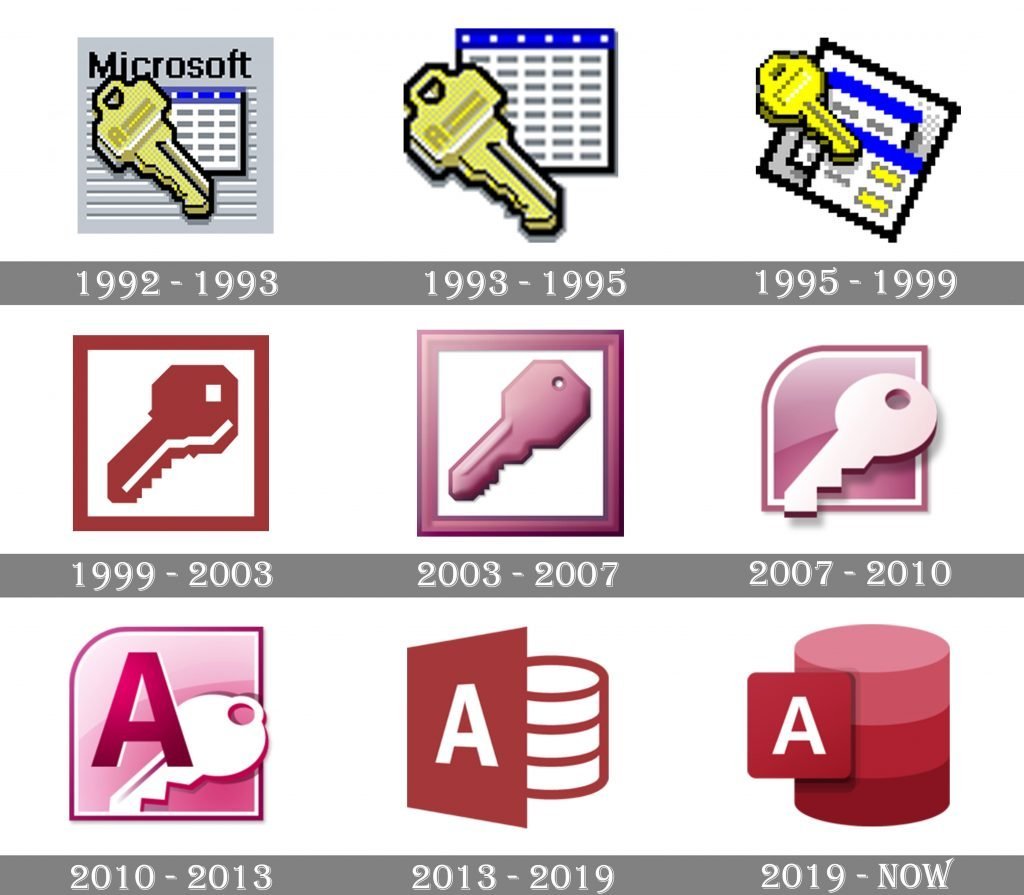
Access logos through the years (picture below). It was once pink instead of red, and the key motif was frequently used over the years. But using a cylinder to depict a database is probably outdated today. HDDs contain cylindrical platters, but SSDs that we most often use today are composed of just a small piece of silicon.
Kevin Yip
@Reply 12 months ago
Donald Blackwell
@Reply 12 months ago
Well, if Microsoft ever wanted to switch it up, they could do something like:
Donald Blackwell
@Reply 12 months ago
Kevin Yip
@Reply 12 months ago
Or simply a picture of Annie (from the musical). An actual red-headed abandoned child whose name also starts with "A" -- perfect.
And people always ask me why I use that light pink for the background on my Access video slides. Well, take a look at the Access logo. I actually grabbed it off one of the older versions, I forget which. But I just used the eye dropper and picked one of the lighter shades of pink.
Sorry, only students may add comments.
Click here for more
information on how you can set up an account.
If you are a Visitor, go ahead and post your reply as a
new comment, and we'll move it here for you
once it's approved. Be sure to use the same name and email address.
This thread is now CLOSED. If you wish to comment, start a NEW discussion in
Alex's Tips Forum.