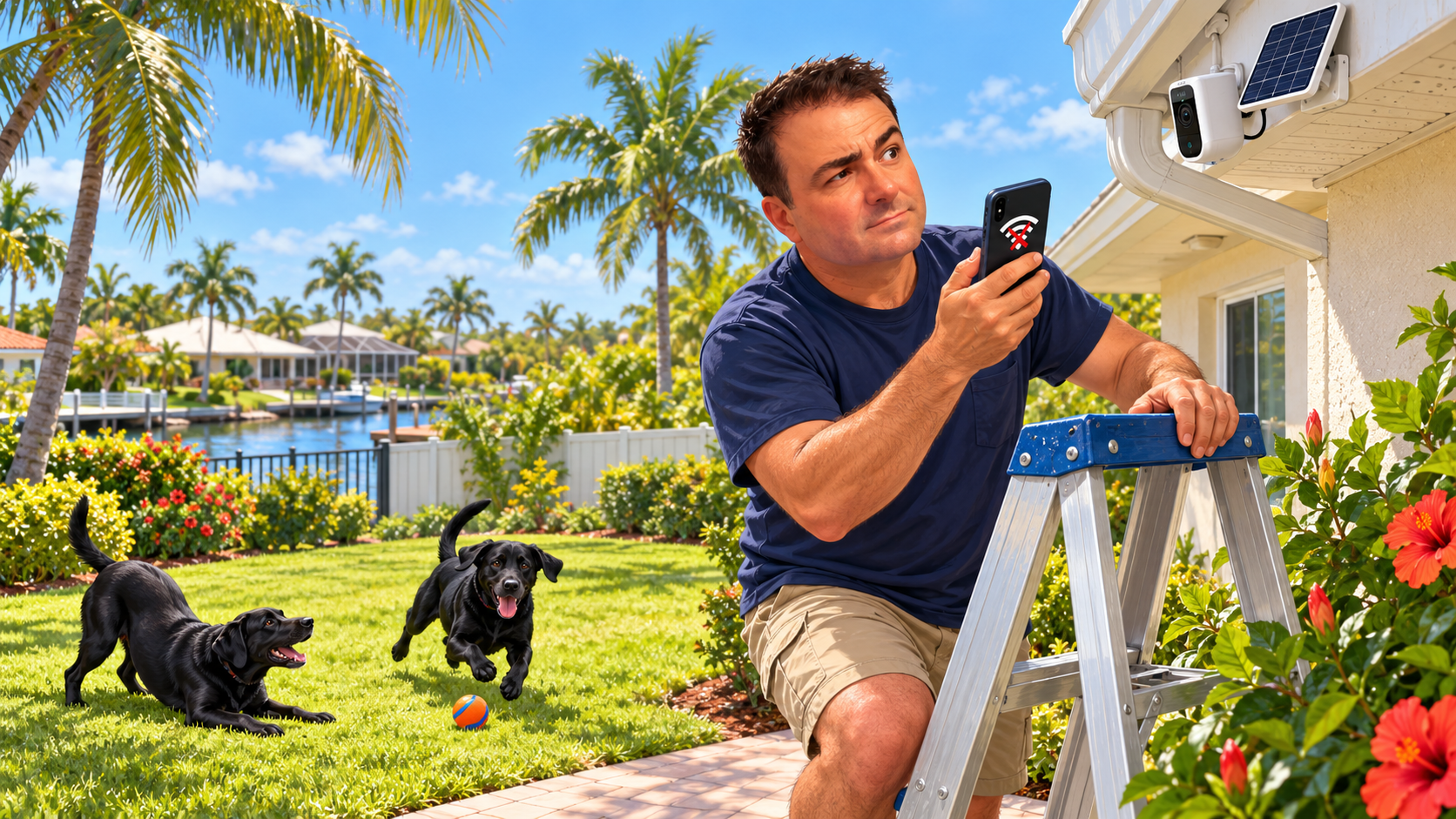
I managed to make my Wi-Fi worse by adding more Wi-Fi. More equipment, more coverage, more opportunities for everything to work properly. At least that was the idea. What I actually got was Ring cameras going offline and Alexa devices having trouble playing music. Apparently, my smart home needed me to stop helping.
My router is near the living room because I want the television to have a good, fast connection. That works fine for the television. The Ring cameras out in the backyard, however, don't get the same treatment. The signal out there was weak, so the obvious answer seemed to be adding some equipment to extend it. If the Wi-Fi doesn't reach far enough, give it a little help. How complicated could that be?
At one point, I had a bunch of Wi-Fi extenders around the house and yard. The cameras became unreliable. The Alexa devices weren't happy either. The Ring cameras were especially good at going offline, which is a somewhat disappointing feature in a device whose entire job is to let you see what's happening somewhere else.
So I pulled the extenders out, and things started working again. That was a pretty good clue that my improvements weren't improving anything. I hadn't conducted a laboratory experiment, and I can't tell you exactly which part of that setup was responsible. I can tell you that I had more trouble with the extra equipment than I had without it.
I've also tried multiple mesh setups, and none of them worked well for me. The idea sounds great. Put a few units around the house, give everything one network name, and let the system figure it out. I assumed a device would connect to whichever unit was closest and had the best signal. If you're standing next to one of the things, surely that's the one your device should use, right?
Well, there's the part I misunderstood. The device gets a vote. A mesh system can help devices move between connection points, but it doesn't mean every camera, speaker, or phone will automatically choose the unit I think it should. TP-Link's explanation of mesh roaming points out that a device can stay connected to a farther unit, and that the nearest unit isn't necessarily the one with the strongest signal. The device's own roaming behavior matters too.
That's useful to understand, but it doesn't make the experience any less annoying. I don't want to negotiate a connection agreement between my camera and three little boxes. I want to open the app and see the backyard. Based on the mesh systems I've tried, I don't think it's there yet for what I want from it. If yours works beautifully, great. Keep it. Mine didn't.
What finally worked for the backyard cameras was a much more straightforward arrangement. My main Wi-Fi network is called Lazy Dog. Long story. Don't ask. I have an extender that receives the signal from Lazy Dog and broadcasts its own Wi-Fi name: Lazy Dog 2. Yes, I put a tremendous amount of effort into naming the sequel.
Then I specifically connected the backyard cameras to Lazy Dog 2. That was the connection I wanted them to use, so that's the one I selected. The cameras stopped giving me the offline and can't-connect problems I'd been dealing with. The television still has the main router nearby, and the backyard cameras have the connection that works for them.
The useful distinction here is the separate Wi-Fi name, also called an SSID. An extender can broadcast the same name as the router or a different one, depending on its settings and capabilities. As TP-Link explains, two devices broadcasting the same name can appear as just one entry in your Wi-Fi list. Giving my extender a different name let me deliberately choose it when setting up the cameras.
One small technical point before somebody emails me: a different Wi-Fi name doesn't automatically mean a completely separate underlying network. Devices can still be on the same local network. Renaming it doesn't make radio interference disappear either. The benefit in my case was being able to tell those cameras which Wi-Fi connection to use. Lazy Dog 2 isn't a force field. Although that would be a nice upgrade.
And an extender still needs a decent connection back to the router. A strong signal between the camera and the extender is only part of the trip. If the extender can barely hear the router, you've still got a weak link. That's one of the things covered in the manufacturer's troubleshooting guidance. More bars on one device don't tell you the whole story.
My takeaway from all this is that more equipment doesn't automatically solve the problem. It gives you more equipment, and sometimes that means more things to figure out. I had a specific problem: cameras in the backyard that needed a reliable connection. A simpler setup with a clearly named connection solved it better for me than the arrangements I'd tried before.
There's a familiar lesson here for those of us who work with computers. It's very easy to keep adding something. Another device, another setting, another layer of cleverness that's supposed to make the previous layer work better. Sometimes you need those things. Sometimes you need to step back and ask whether you've made a fairly simple job unnecessarily complicated.
If you're having similar trouble, my suggestion is to check what the troublesome device is actually connecting to before you buy another box. Simplify what you can, change one thing at a time, and see whether it helps. For a device that stays in one place, an explicitly chosen, separately named connection may be worth trying if your equipment supports it. You don't need to redesign the entire house around one stubborn camera.
As for me, I'm happy with the less exciting arrangement. My cameras connect, my television has its signal, and I have less networking to think about. That's the result I wanted in the first place.
Lazy Dog 2 is working. I'm going to resist the urge to make a trilogy. And now I've got a couple extra Wi-Fi extenders that I don't need, that are just, I guess, going to sit here in a box until I buy a bigger house, lol.
If you are a Visitor, go ahead and post your reply as a
new comment, and we'll move it here for you
once it's approved. Be sure to use the same name and email address.