Hello,
I was wondering whether our database that is uploaded on Winhost is safe enough in a hacking attack. What should we do to be better protected? For example, keep a backup of our tables in a local disk?- Sorry for the naive question, but after all these hacking attacks that we attend nowadays, this is quite important.
Alkan Toykan
@Reply 101 minutes ago
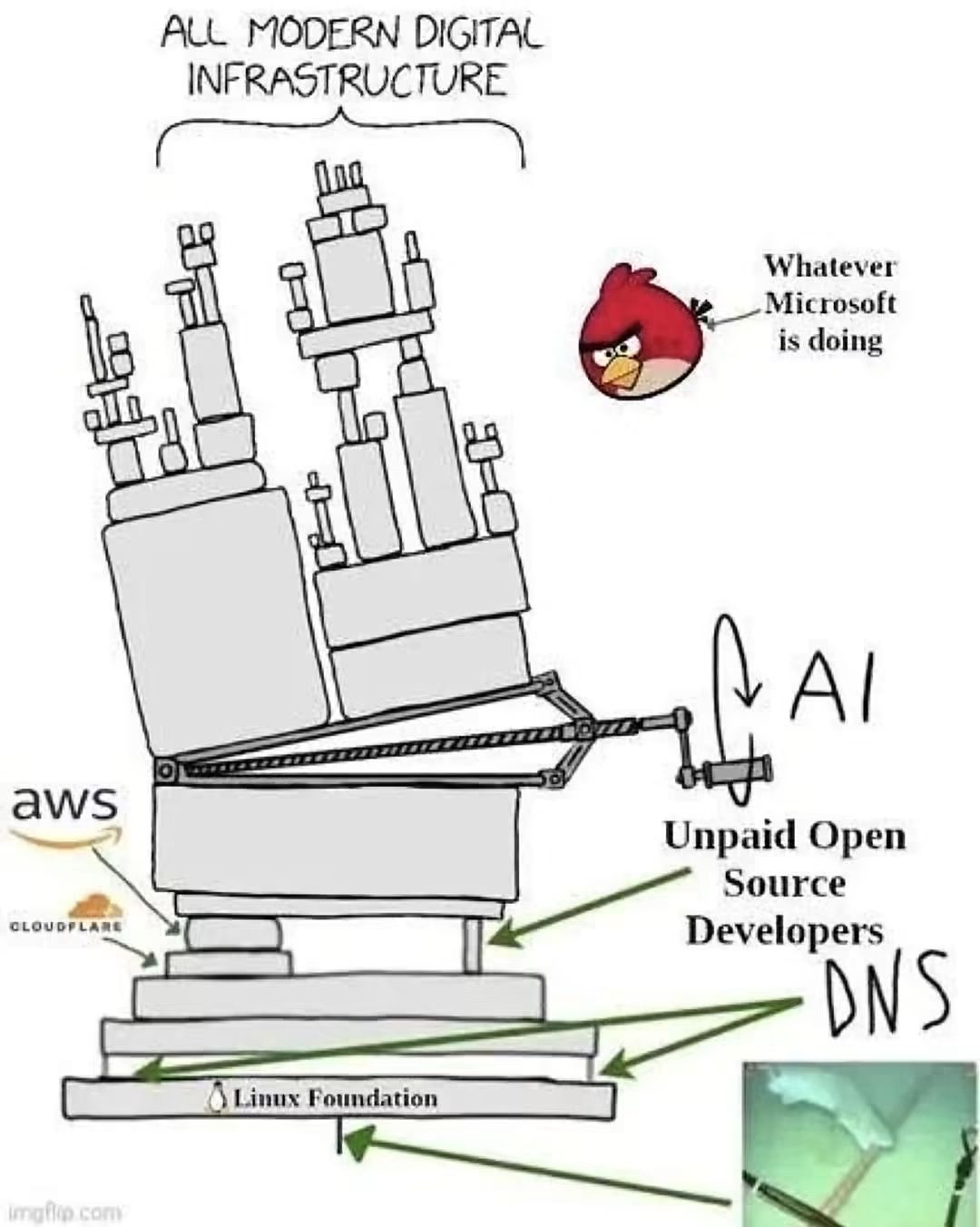
The real weak point may not be the infrastructure itself, but the unpaid open-source developers who keep it alive. If that support collapses, AI loses much of the foundation it depends on. The irony is that Microsoft may end up undermining the very ecosystem its AI ambitions rely on, and the lever could lose its fulcrum.
Alkan Toykan
@Reply 99 minutes ago
Despina A local backup is certainly a good idea, but it is only one part of a proper security strategy. Winhost also offers additional services such as SiteLock security scanning and SiteBackup for automated website and database backups. I'd recommend checking which security features are included in your hosting plan and which require separate subscriptions. Remember, backups help you recover from an attack, they don't prevent one.
Despina That's not a naive question at all. It's actually a very important one, and something everyone hosting a database online should think about.
First, SQL Server is generally a secure platform, and Winhost provides managed hosting with server security and firewall protection. However, no online system is completely immune to hacking, so there are a few precautions I recommend.
The most important thing is to **have good backups**. Winhost allows you to log into your control panel and manually create a backup of your SQL Server database. You can then download that backup file to your computer for safekeeping.
Winhost also offers an automated backup service called SiteBackup. It starts at about $35 per year and can automatically back up your SQL Server database every day. I personally use this service, and I also download backup copies regularly so I have them stored separately from Winhost.
As far as security goes, make sure you're using a strong, unique SQL Server password, keep your computers updated, and use an encrypted connection to the database. You should also make sure your database users only have the permissions they actually need.
And yes, keeping a backup locally is a good idea. Just remember that your local computer can also be affected by ransomware or hardware failure, so ideally you want multiple backup copies, including one stored somewhere separate and secure.
One final recommendation: periodically test restoring a backup. A backup isn't much good if you discover it doesn't work when you actually need it.
The bottom line is that I wouldn't be overly worried about using Winhost and SQL Server, but I also wouldn't rely on any hosting provider as my only line of defense. Good passwords, encrypted connections, appropriate permissions, and multiple backups are the best way to protect yourself.
Great question, by the way. I think this would make an excellent addition to a Quick Queries video. :)
Kevin Yip
@Reply 69 minutes ago
Despina Winhost uses IIS (Internet Information Services) as web server, so you need to be familiar with all the IIS settings regarding security. If you run SQL Server on Winhost, you need to be familiar with security settings in SQL Server as well. Thirdly, you need SSL certificates for your website to encrypt all traffic going in and out of your website. Fourthly, the code (ASP Classic, ASP.NET, SQL, VB.NET, etc.) you write for your website needs to have security measures as well, such as prevention of SQL code injections and such. Finally, you need to educate all the users who use your website to be mindful of their own security on their own PCs, such as being watchful for phishing attempts, suspicious email, and such. A lot of hacking attempts you read in the news were due to careless users being fooled by phishing attempts and/or harmful email attachments. Once malware gets into your PC, most of the times it's game over, because the malware can essentially act like a user and have control of everything. You have more than your website's security to worry about in such a scenario, because basically anything and everything connected to that PC can be affected.
One thing I'd add, Despina: I use a dedicated server, so I have more control over SQL Server logins and permissions than you typically have with shared hosting. On Winhost's shared SQL hosting, the control panel gives you a primary login for your database, and Winhost manages the server itself. That login can administer your database, not the whole server. If you want the website to connect with a separate login that has fewer permissions, ask Winhost what your plan supports.
Sorry, only students may add comments.
Click here for more
information on how you can set up an account.
If you are a Visitor, go ahead and post your reply as a
new comment, and we'll move it here for you
once it's approved. Be sure to use the same name and email address.