I've not setup a timeline yet, I'm afraid, I'm doing it all in any spare time so just when I can fit it in. Hopefully won't be too long until the next one.
Kevin Yip
@Reply 3 years ago
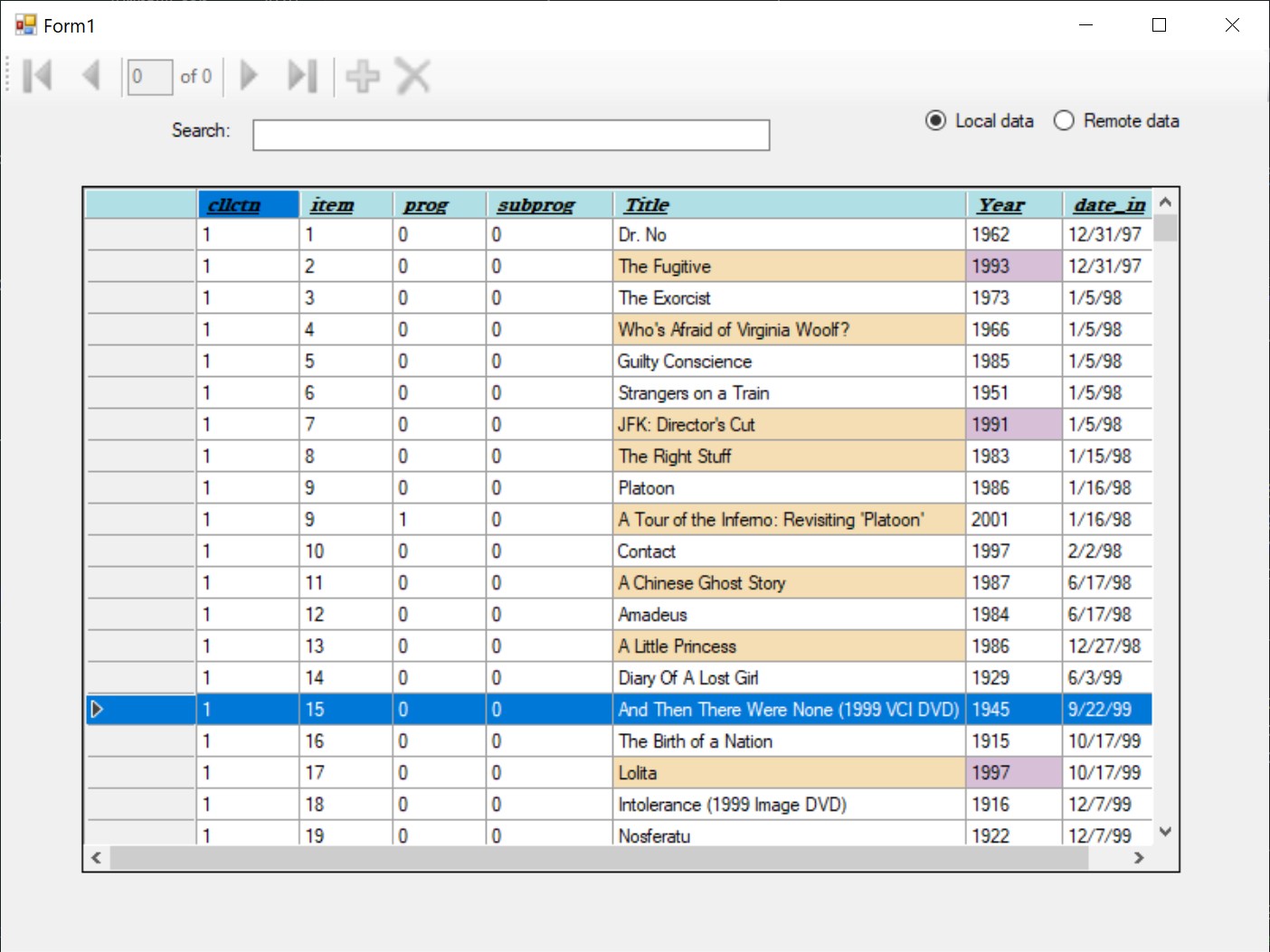
One big difference between Access and Visual Studio is that there is no subform, datasheet, or continuous form in Visual Studio. It has something called GridView (or DataGridView) that looks like a datasheet (see picture below), but works totally differently. I looked at your course outline and don't see anything like GridView in it. Will you cover it? Whether you create a web app or desktop app with Visual Studio, you need GridView to show database info in a table format. And I don't see any other (relatively straightforward) ways to do it.
Currently the plan is to cover what was originally covered in the VB6 courses, but once they are completed I'll be looking to cover many more controls and concepts.
I'll add this to the list, thanks for the suggestion, keep them coming.
Sorry, only students may add comments.
Click here for more
information on how you can set up an account.
If you are a Visitor, go ahead and post your reply as a
new comment, and we'll move it here for you
once it's approved. Be sure to use the same name and email address.
This thread is now CLOSED. If you wish to comment, start a NEW discussion in
VB.NET Beginner 1.