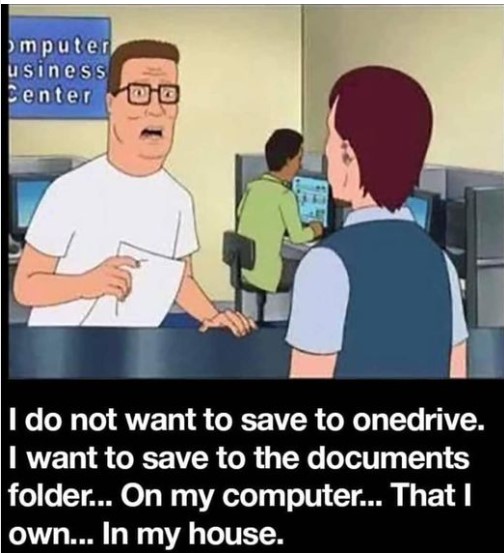
That being said, recently Access started saving my backups to the Documents folder, instead of the folder where the .accdb file is. I can't find out what is causing this (other than maybe an update), or how to fix it to save to the same source folder.
I haven't encountered that. But then again, I haven't updated Access in a while, intentionally. Probably going to soon so I can play with the new Monaco editor. How are you backing up? If it's in VBA, you can control where it goes. I use my external Access Backup Template.
Kevin Yip
@Reply 2 years ago
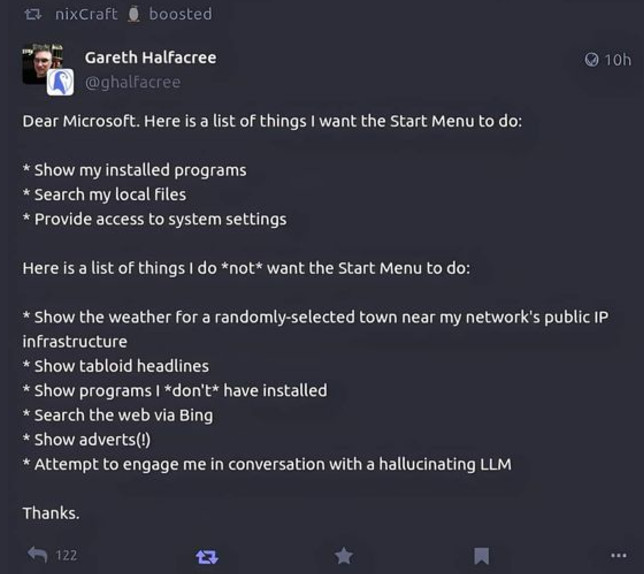
I'm surprised the Start button and the taskbar have survived this long, since the Window 95 days. Microsoft once wanted to get rid of them to make Windows look more like mobile devices. Users revolted, so they remained. It is not the most efficient UI, of course -- I mean, who would go through a maze of menus inside the Start button to get what they want? But it is the UI that Windows users are most used to.
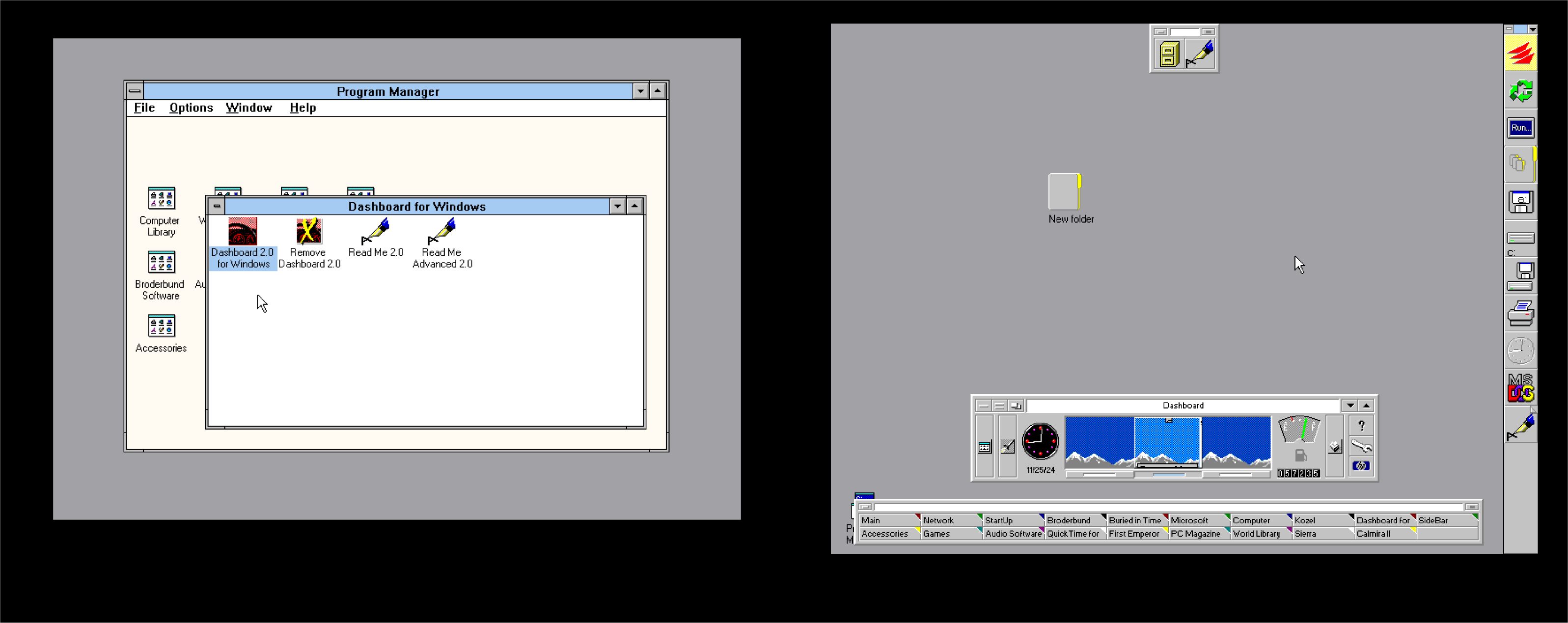
Also, like most things in Windows, it is not original. In Windows 3.x days, there were already third-party utilities that added taskbars and sidebars that offered convenient access to programs. The picture below shows the "Dashboard" utility made by HP for Windows 3.1. To those too young to remember, Windows 3.1 (and earlier) was exactly as its namesake: it was composed entirely of windows -- rectangular areas containing program icons; there were no sidebars or any kind of quick access. That gave rise to many third-party utilities that improved the UI.
Kevin Yip
@Reply 2 years ago
Sorry, only students may add comments.
Click here for more
information on how you can set up an account.
If you are a Visitor, go ahead and post your reply as a
new comment, and we'll move it here for you
once it's approved. Be sure to use the same name and email address.
This thread is now CLOSED. If you wish to comment, start a NEW discussion in
Captain's Log.