|
|||||
|
|||||
|
|||||
|
|||||
VB 201Read, Write Text Files, String FunctionsWelcome to Visual Basic Beginner 201. In this course you will learn how to read and write sequential text files, break up delimited strings, and use string functions like InStr, Left, and Right. We'll also discuss Tab Index and Tab Stop properties, learn how to send parameters to subroutines, and see how to access course materials and participate in the class forum. Tips for following along with sample projects will be included, and familiarity with Visual Basic 107 is recommended. Lessons
ResourcesLesson SummaryWelcome! Text Files: Read, Write, Strings - In this lesson, we will introduce Visual Basic 201 and discuss how to read and write sequential text files, break up delimited strings, and use string functions like InStr, Left, and Right. We will also look at the Tab Index and Tab Stop properties, and show how to send parameters to your own subroutines. The class is based on Microsoft Visual Basic, and familiarity with Visual Basic 107 is recommended. We will cover how to access course materials and participate in the class discussion forum, and you will get tips for following along with the sample projects.
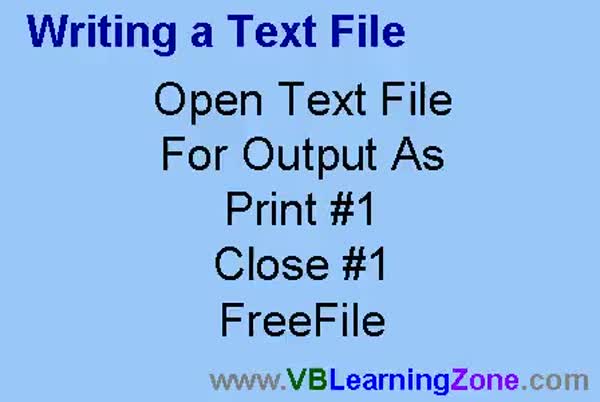
Lesson 1: Save User Input with FreeFile - In Lesson 1, we will walk through the basics of writing files in your program. I will show you how to open a text file for output, print data to it, and close the file when you are done. We will build a simple form to save customer information to a file, discuss how to avoid hard-coding file names, and introduce the FreeFile command to manage multiple open files efficiently. We will also talk about different file opening modes and touch on how storing data in text files can make your programs more user friendly.
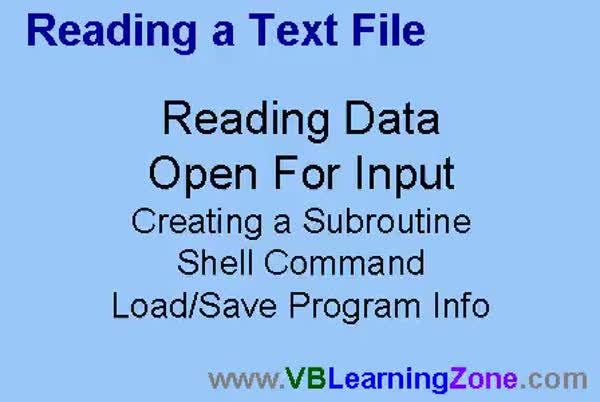
Lesson 2: Read/Write Files & Save Settings - In Lesson 2, we will learn how to read information from text files in Visual Basic. We will cover opening files for input, using the Shell command to launch external programs like Notepad, and discuss how to load and save program information such as form size and user data. I will show you how to properly use the Line Input function to read text files, deal with common mistakes, and create your own subroutines to make your code reusable. By the end, you will know how to persist both user data and form settings between program sessions.
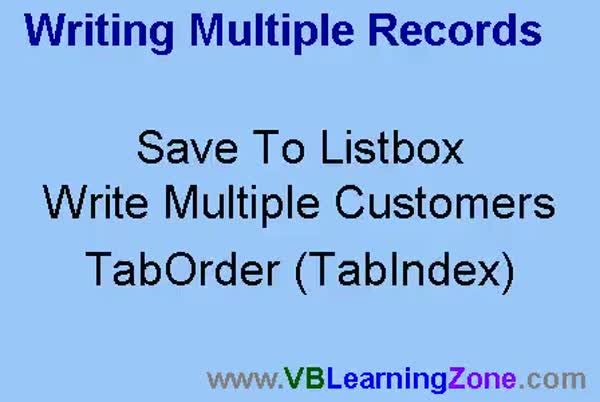
Lesson 3: Save List Box Records to File - In this lesson, we will walk through writing multiple records by adding customer information to a single list box and then saving all entries to a file at once. I will show you how to combine data fields into one list box, how to add records with a button, and how to loop through the list to save everything in a single step. We will also discuss improving usability by adjusting tab order, using the tab index and tab stop properties, and adding simple data validation to enhance the process of writing multiple records.
Lesson 4: List Box Multiple Records & Input Validation - In this lesson, we will learn how to read multiple records into a list box from a comma-delimited file. We will discuss adding validation to prevent users from entering commas in their input fields using the InStr function and the Validate event. I will show you how to use the EOF (end of file) marker to loop through records and load them into the list box. We will also talk about how to split and display these records, and I will provide an overview of how InStr can be used to validate input, such as checking for valid email addresses.
Lesson 5: Split Delimited Strings With InStr - In this lesson, we will learn how to break up strings containing multiple fields separated by commas, such as last name, first name, and phone number. I will show you how to use the InStr function to split these strings into separate fields, and we will walk through using the With keyword to simplify code when working with controls. We will also discuss sending a parameter to a subroutine, right-clicking to use the Definition feature in VBA, and using a second hidden list box to format data for display while storing the original string data in another list box.
Lesson 6: Text Files, Strings & Params - In this course we learned how to work with text files by reading and writing sequential text files, opening files for write access and reading for input, and breaking up comma-delimited strings. We covered string functions like InStr, Left, and Right, changing tab order, and sending parameters to subroutines. We also discussed what is next, including building a hot dog stand application, appending to text files, creating arrays and user-defined types, using Sub Main and modules, public subroutines, constants, additional functions, string manipulation, formatting techniques, date calculations, and resources for questions and feedback.
NavigationKeywordsread text files, write text files, Visual Basic, FreeFile, Line Input, list box, save user input, file handling, delimited strings, InStr, split strings, string functions, tab index, tab stop, Shell command, form settings, data validation
More InformationTranscriptWelcome to Visual Basic 201, brought to you by VBLearningZone.com. I am your instructor, Richard Rost. In today's class, we are going to learn how to work with text files. We will learn how to read and write sequential text files. I will teach you how to break up delimited strings. We will learn a lot of string functions, including in-string, left, and right string. We will learn about the tab index and tab stop properties. We will also learn how to send parameters to our own subroutines. The prerequisite for this class is Visual Basic 107. I strongly recommend you take 101 through 107 before taking this class. There is a web page for this class located at VBLearningZone.com. Question mark, GO VB201. On this page, you will find sample project files, the course outline, and the student discussion forum. If you have any questions about the material covered in today's class, post them here on the discussion forum. If you are watching this class in the Amocrine Video Player or the Online Theater, you will see this page load up to the right of the videos. Join in the discussion by posting your thoughts there. In today's class, I will be using Microsoft Visual Basic 6.0. If you are using a different version of VB, such as VB.net or VB2005, you will find that the interface is different. However, most of the Visual Basic programming code will work just fine. I strongly recommend you sit back, relax, and watch each video through once without doing anything. Then, replay the video again and follow along with the examples, building each project as I do. Do not try to apply what you are learning immediately to other projects you might be working on. Instead, build the sample project in class with me. IntroIn lesson 201, you will learn how to work with text files in Microsoft Visual Basic 6.0, including reading and writing sequential text files and breaking up delimited strings. We will cover key string functions such as InStr, Left, and Right, and discuss the tab index and tab stop properties. You will also learn how to send parameters to your own subroutines. This lesson builds on concepts from earlier lessons, and it is recommended you have completed lessons 101 through 107. QuizQ1. What is the main topic of Visual Basic 201? A. Working with text files, including reading and writing them B. Creating graphics in Visual Basic C. Managing databases in Visual Basic D. Designing user interfaces only Q2. Which of these is NOT a string function mentioned as being taught in this class? A. In-string B. Left C. Right D. Lowercase Q3. What properties related to forms and controls will you learn about in this class? A. Border style and background color B. Tab index and tab stop properties C. Font size and font color D. Window state properties Q4. What should you do if you have questions about the material covered in the class? A. Email the instructor directly B. Post them on the student discussion forum C. Search on Google D. Wait until the end of the course Q5. What is recommended before applying the lessons to your own projects? A. Try to apply the concepts immediately B. Skip the sample project and do your own C. Build the sample project in class first D. Only read the provided notes Q6. According to the video, which version of Visual Basic is demonstrated during the lessons? A. Visual Basic .NET B. Visual Basic 2005 C. Visual Basic 6.0 D. Visual Basic 2012 Q7. If you are using a version of Visual Basic other than 6.0, what does the instructor say? A. You cannot complete the lessons B. The interface may differ but most code will still work C. You must upgrade to Visual Basic 6.0 D. The code will not work at all Q8. What course(s) should you take before starting Visual Basic 201? A. Only Visual Basic 201 is needed B. Just Visual Basic 101 C. Visual Basic 101 through 107 D. Visual Basic 301 Q9. Where can you find sample project files and the course outline for Visual Basic 201? A. VBLearningZone.com B. Only in the textbook C. On YouTube D. They are not available anywhere Q10. What is one of the techniques you will learn regarding your own subroutines? A. How to create new forms B. How to send parameters to them C. How to change their color D. How to auto-generate them Answers: 1-A; 2-D; 3-B; 4-B; 5-C; 6-C; 7-B; 8-C; 9-A; 10-B DISCLAIMER: Quiz questions are AI generated. If you find any that are wrong, don't make sense, or aren't related to the video topic at hand, then please post a comment and let me know. Thanks. SummaryToday's video from Visual Basic Learning Zone explores how to work effectively with text files using Visual Basic. I will show you how to both read from and write to sequential text files, giving you the skills needed for basic file manipulation. In addition, you will learn how to break apart delimited strings, which is essential when handling data exported from other programs or formats like CSV files. We will also focus on a variety of important string functions. These include in-string, left, and right string functions, each of which plays a role in processing and extracting specific pieces of data from your text. Understanding how to use these functions will help you manage and analyze string data more efficiently within your projects. As part of today's lesson, we will also look into the tab index and tab stop properties, which control the navigation order and focus behavior for your form elements, offering you more control over your application's user interface. Additionally, I will show you how to send custom parameters to your own subroutines, allowing your code to be more flexible and reusable. It is important to note that this class has prerequisites. You should complete Visual Basic 107 before starting this material, and ideally, you should already have finished classes 101 through 107 to get the most out of today's session. There is a dedicated web page for this class at VBLearningZone.com. On that page, you will find all the resources you need for the course, including sample project files, a detailed outline of the sessions, and access to the student discussion forum. If you have questions regarding what we cover today, feel free to participate in the discussion forum. Whether you are watching in the Amocrine Video Player or the Online Theater, the discussion page should be easily accessible for you to join the conversation and share your questions or insights. Today, I am using Microsoft Visual Basic 6.0. If you use a different version, such as VB.net or VB2005, you might notice differences in the interface, but you will find that most of the code examples and techniques presented here work in those environments as well. I suggest that you begin by watching the video all the way through while just observing the process. Once you have a grasp of the concepts, watch it again and follow along, building each project step by step as I do in class. Focus on constructing the sample project for this session before trying to apply these concepts to your own independent work. This approach will give you a more solid understanding of the material. You can find a complete video tutorial with step-by-step instructions on everything discussed here on my website at the link below. Live long and prosper, my friends. Topic ListReading sequential text files in Visual Basic Writing sequential text files in Visual Basic Breaking up delimited strings Using string functions: InStr, Left, Right Working with tab index property Working with tab stop property Sending parameters to subroutines Primary Topicstext file handling, sequential file IO, string manipulation, delimited strings, UI tab index, UI tab stop, subroutine parameters, Visual Basic 6.0 Secondary Topicsrecommended prerequisites, using sample projects |
||
|
| |||
| Keywords: read text files, write text files, Visual Basic, FreeFile, Line Input, list box, save user input, file handling, delimited strings, InStr, split strings, string functions, tab index, tab stop, Shell command, form settings, data validation PermaLink How To Read and Write Text Files, Work With Strings, and Subroutines in Microsoft Visual Basic 6.0 |