| 2023-01-17 | 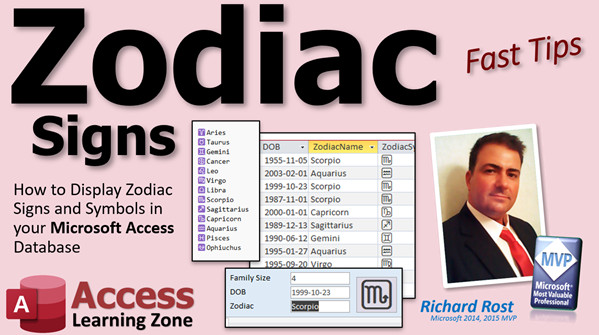 | Zodiac Signs | How to Display Zodiac Signs and Symbols Based on Date of Birth in your Micr... |
| 2023-01-16 |  | Images From Web | Display Images from the Web in your Microsoft Access Forms and Reports Usin... |
| 2023-01-14 |  | Video Rewind | A Quick Recap of New Releases for January 14, 2023 |
| 2023-01-13 | 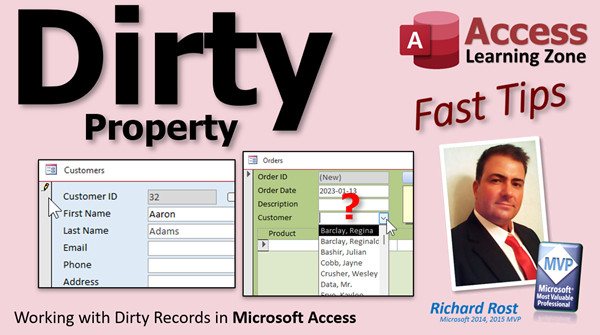 | Dirty | Working with Dirty Records in Microsoft Access |
| 2023-01-12 | 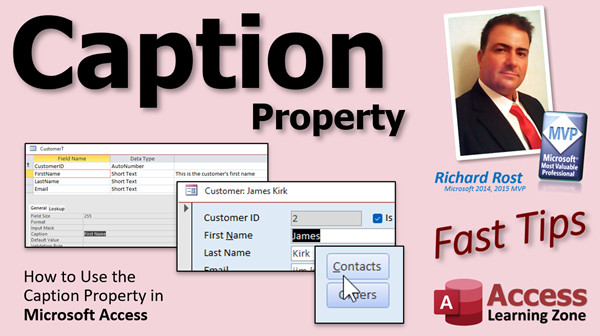 | Caption | How to Use the Caption Property in Microsoft Access |
| 2023-01-12 |  | URL Download to Cache File | |
| 2023-01-11 | 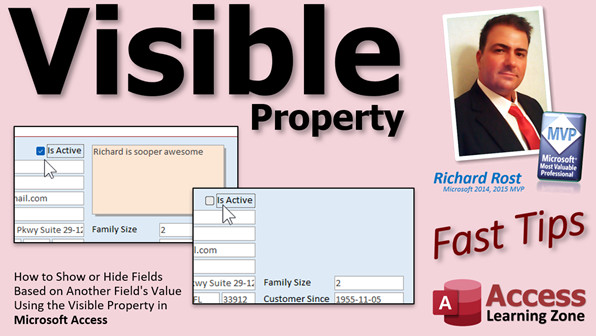 | Visible | Show or Hide Fields Based on Another Field's Value Using the Visible Proper... |
| 2023-01-10 | 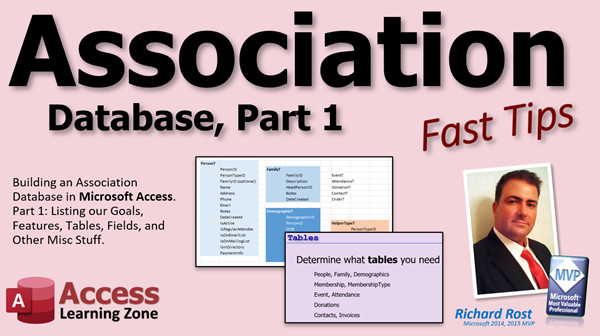 | Association 1 | Microsoft Access Association Database, Part 1 (Groups, Clubs, Churches, Sch... |
| 2023-01-09 | 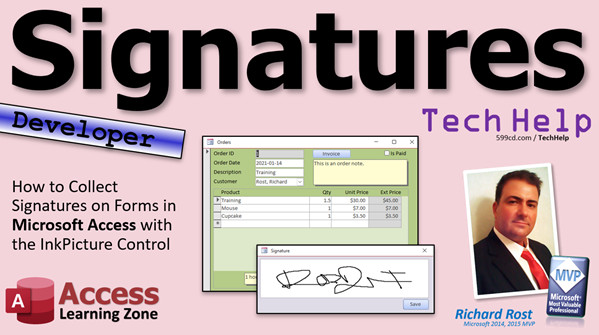 | Signatures | How to Collect Signatures on Forms in Microsoft Access with the InkPicture ... |
| 2023-01-08 |  | AUG Jan 2023 | Access User Groups Jan 2023 |
| 2023-01-07 | 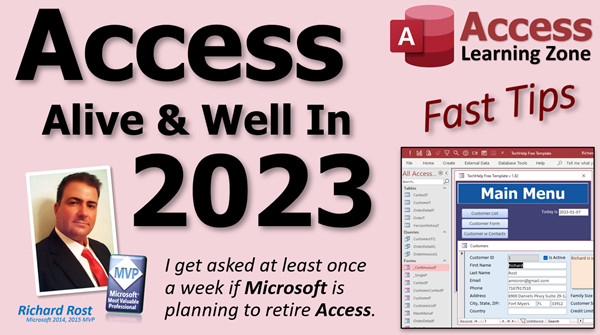 | Alive & Well In 2025 | Microsoft Access: Alive and Well In 2025 |
| 2023-01-06 |  | Mic Test 2 | Testes... Testes... 1... 2... 3... ???!!! |
| 2023-01-06 | 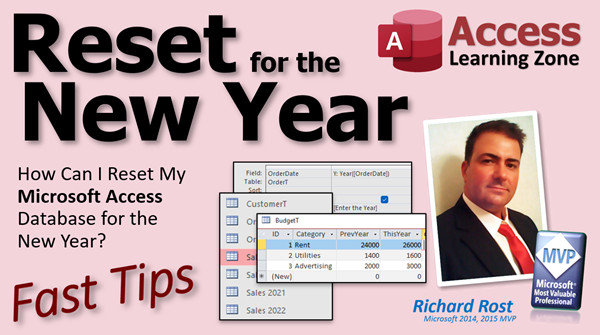 | Reset New Year | How Can I Reset My Microsoft Access Database for the New Year? |
| 2023-01-05 | | Compact Repair | |
| 2023-01-05 | 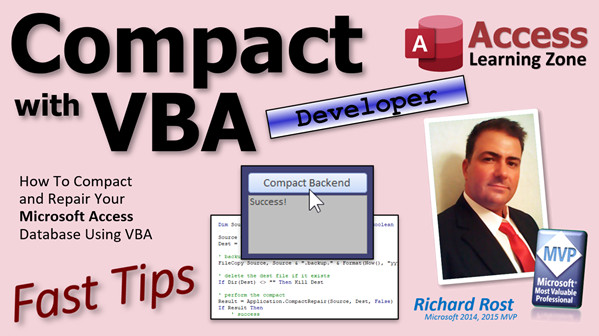 | Compact VBA | How To Compact and Repair Your Microsoft Access Database Using VBA |
| 2023-01-05 | | Handbook Pricing | |
| 2023-01-04 | 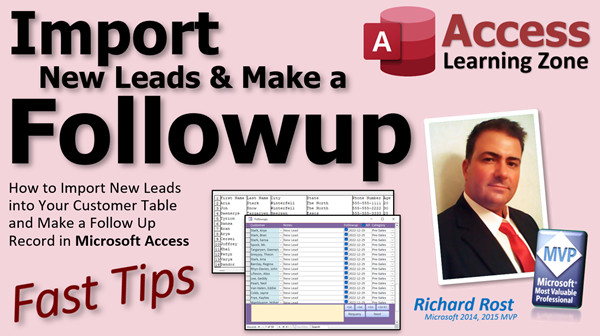 | Import w Followup | How to Import New Leads into Your Customer Table and Make a Follow Up Recor... |
| 2023-01-03 | 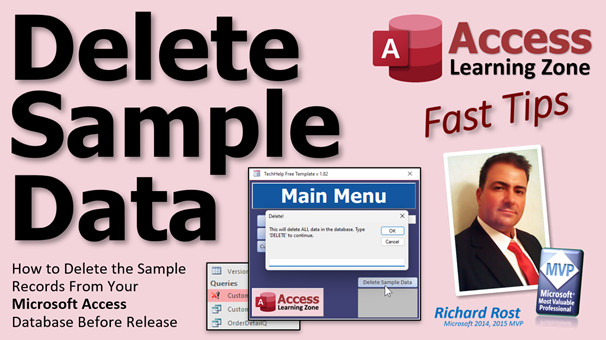 | Delete Sample Data | How to Delete the Sample Records From Your Microsoft Access Database Before... |
| 2023-01-02 | 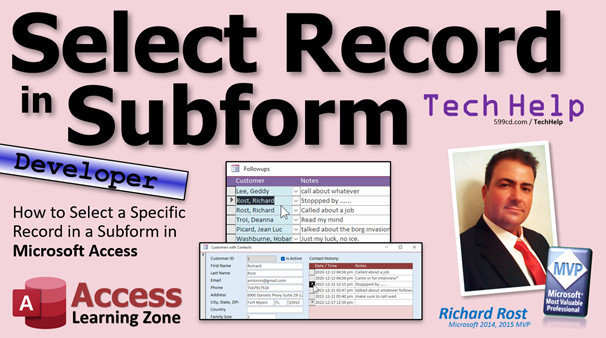 | Select in Subform | How to Select a Specific Record in a Subform in Microsoft Access |
| 2022-12-31 |  | Happy 2023 | Happy New Year 2023 from Richard Rost at Computer Learning Zone |
| 2022-12-30 | 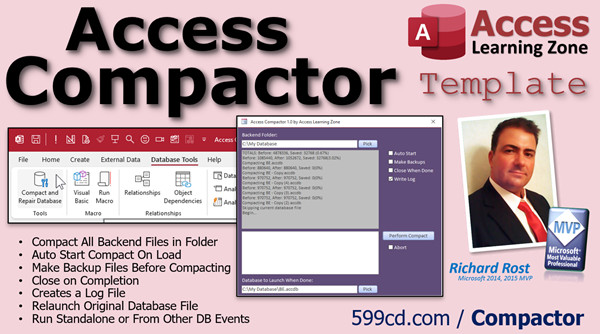 | Access Compactor Template | Automatically Compact and Repair Databases |
| 2022-12-30 | 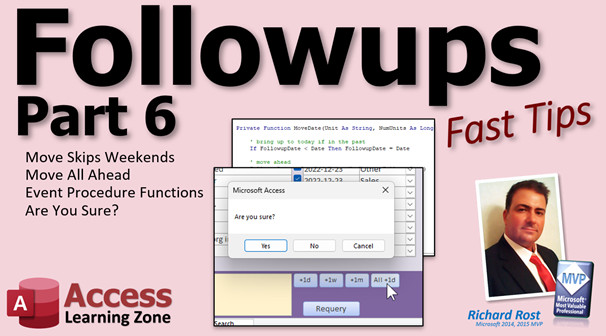 | Followups 6 | Create a Customer Followup Database in Microsoft Access: Part 6 |
| 2022-12-29 |  | Mic Test | Testing... Testing... 1... 2... 3... |
| 2022-12-29 | 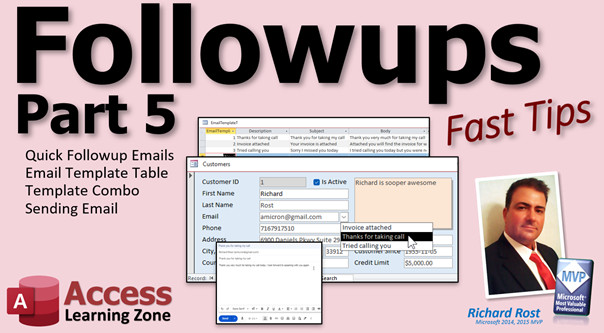 | Followups 5 | Create a Customer Followup Database in Microsoft Access: Part 5 |
| 2022-12-28 | 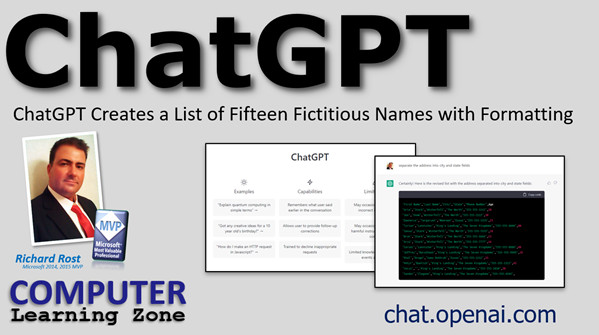 | ChatGPT 15 Names | ChatGPT Creates a List of Fifteen Fictitious Names with Formatting |
| 2022-12-28 | 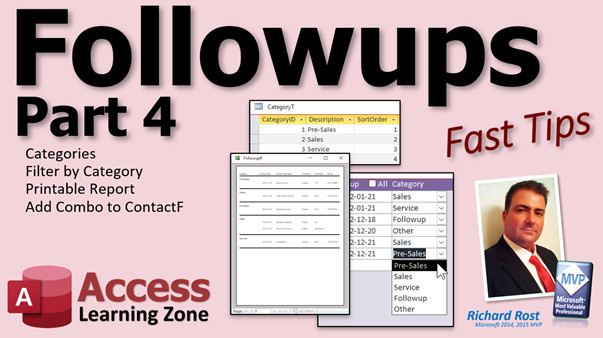 | Followups 4 | Create a Customer Followup Database in Microsoft Access: Part 4 |
| 2022-12-27 | 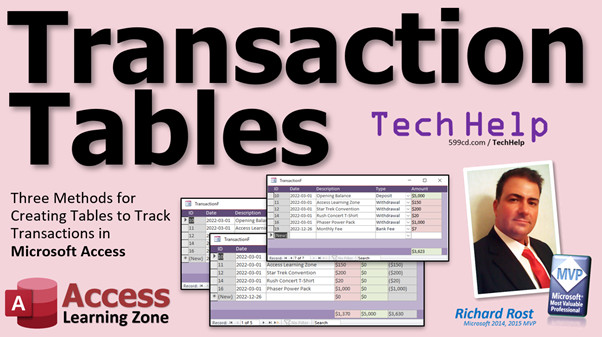 | Transaction Tables | Three Methods for Creating Tables to Track Transactions in Microsoft Access |
| 2022-12-26 | 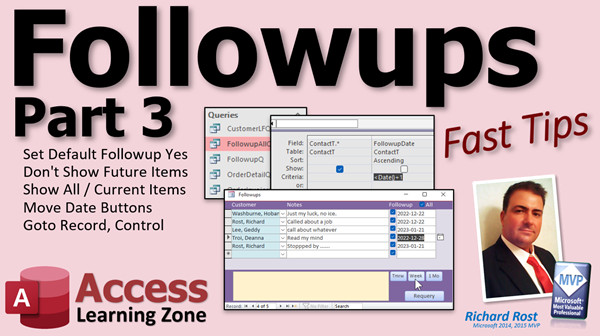 | Followups 3 | Create a Customer Followup Database in Microsoft Access: Part 3 |
| 2022-12-23 |  | Followups 2 | Create a Customer Followup Database in Microsoft Access: Part 2 |
| 2022-12-22 | 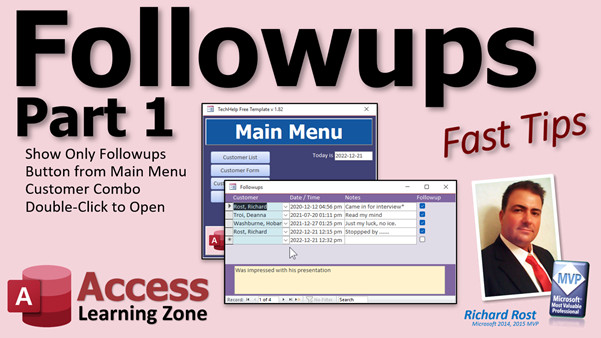 | Followups | Create a Customer Followup Database in Microsoft Access: Part 1 |
| 2022-12-21 | 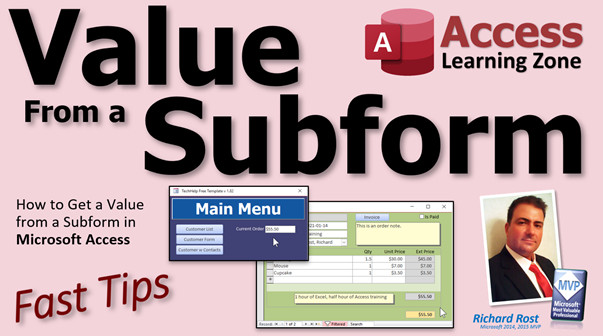 | Value From Subform | How to Get a Value from a Subform in Microsoft Access |
| 2022-12-20 | 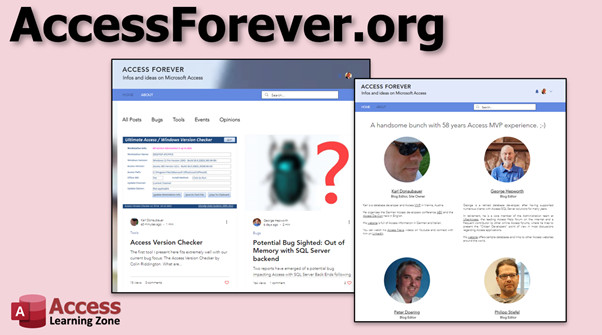 | Access Forever | New website dedicated to providing news and information concerning Microsof... |
| 2022-12-19 | 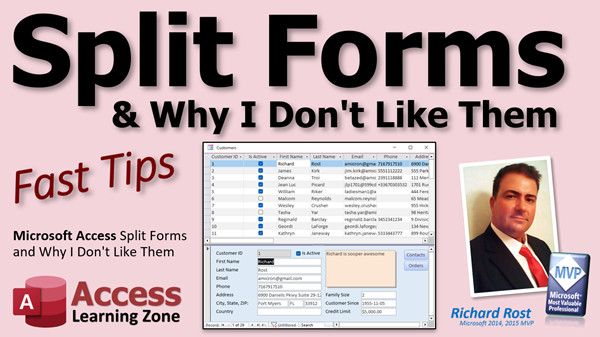 | Split Forms | Microsoft Access Split Forms and Why I Don't Like Them |
| 2022-12-16 | | Future Date Only | |
| 2022-12-16 |  | Future Dates Only | Always Move Dates Entered MM-DD to the Future in Microsoft Access. Appts, F... |
| 2022-12-15 | 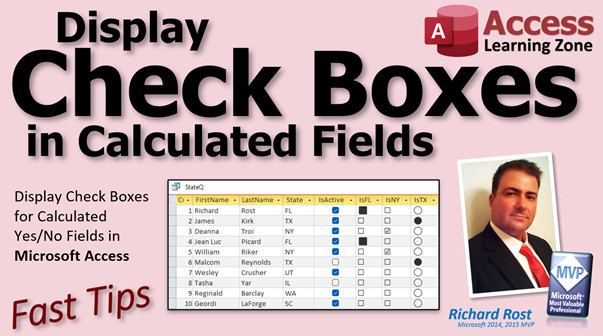 | Check Box Calc Field | Display Check Boxes for Calculated Yes/No Fields in Microsoft Access |
| 2022-12-14 | | DDQ Function | |
| 2022-12-14 |  | DDQ Not SQ | Why I Prefer Double-Double Quotes Instead of a Single Quote in Microsoft Ac... |
| 2022-12-13 | | Text to Speech (Free) | |
| 2022-12-13 |  | Text to Speech | Text to Speech in Microsoft Access |
| << Previous Next >> |




