| 2023-02-06 |  | Split Function | |
| 2023-02-06 |  | Split Function | Using the Split Function in Microsoft Access VBA to Break Apart Strings int... |
| 2023-02-03 | 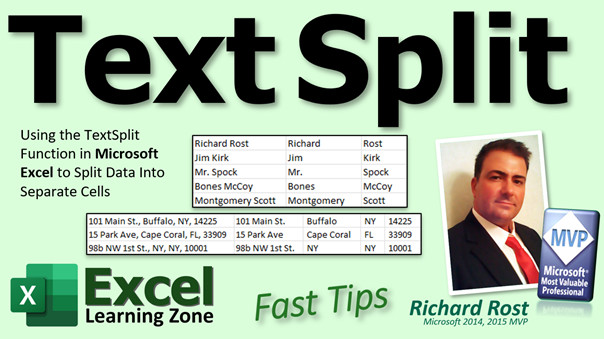 | TextSplit | Using the Microsoft Excel TextSplit Function to Separate Data into Multiple... |
| 2023-02-02 | 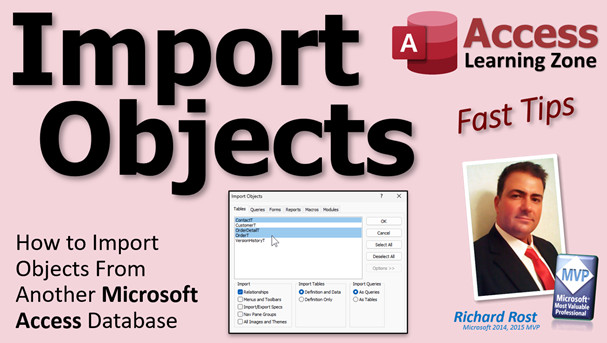 | Import Objects | How to Import Objects From Another Microsoft Access Database |
| 2023-02-01 | | Release Schedule | Release Schedule |
| 2023-02-01 | 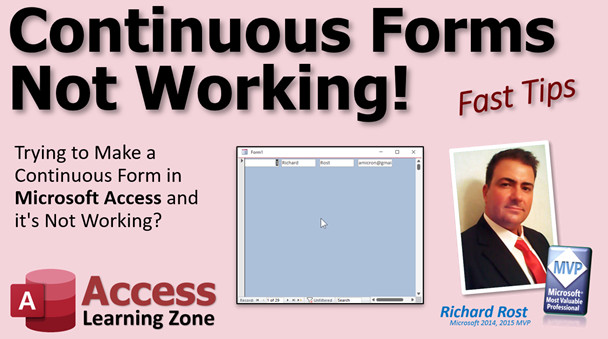 | Continuous Forms Not Working | Trying to Make a Continuous Form in Microsoft Access and it's Not Working |
| 2023-01-31 |  | Group On Top | How to Make a Sorted Report in Microsoft Access with Specific Contacts Grou... |
| 2023-01-30 | 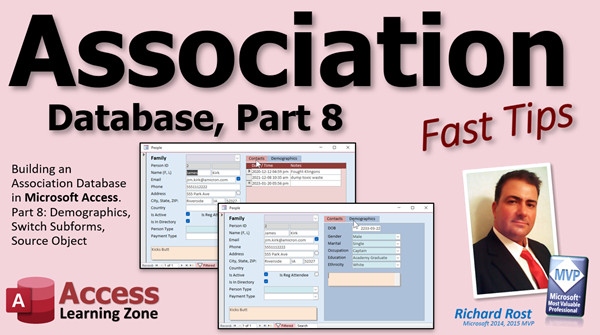 | Association 8 | Microsoft Access Association Database, Part 8: Demographic Form, Switch Sub... |
| 2023-01-27 |  | Math in Fields | Entering Math Equations in Microsoft Access Fields Like You Can in Excel |
| 2023-01-26 | 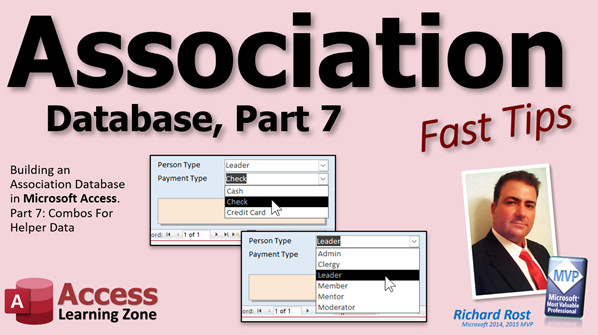 | Association 7 | Microsoft Access Association Database, Part 7: Combo Boxes for Helper Data |
| 2023-01-25 |  | Poll Time | Computer Learning Zone Poll for January 2023 - What Topics Do You Want? |
| 2023-01-25 |  | Change Query | How to Quickly and Easily Change the Data Sources in a Microsoft Access Que... |
| 2023-01-24 | 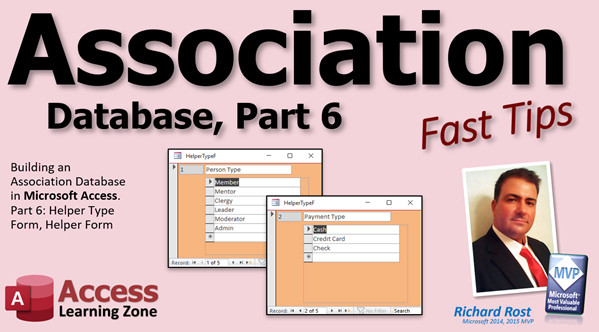 | Association 6 | Microsoft Access Association Database, Part 6: Helper Type Form, Helper For... |
| 2023-01-23 | 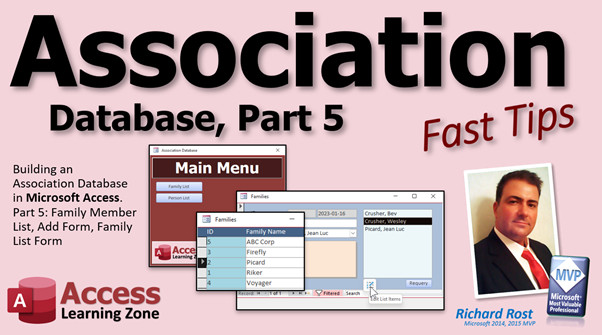 | Association 5 | Microsoft Access Association Database, Part 5: Family Member List, Edit Mem... |
| 2023-01-20 | 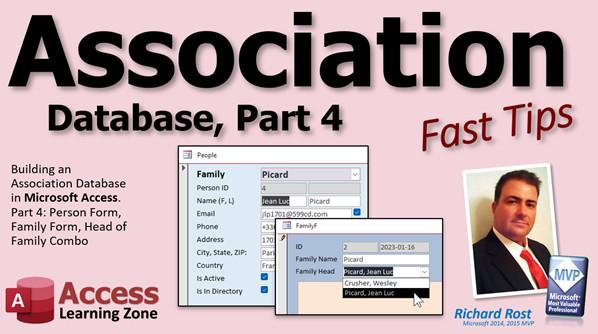 | Association 4 | Microsoft Access Association Database, Part 4: Person Form, Family Combo, F... |
| 2023-01-19 |  | Mic Test 3 | Mic Test 3 - Blue Yeti vs. Tonor |
| 2023-01-19 | 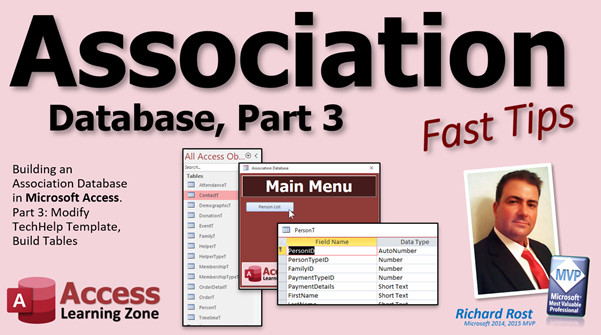 | Association 3 | Microsoft Access Association Database, Part 3: Modifying TechHelp Template,... |
| 2023-01-18 | 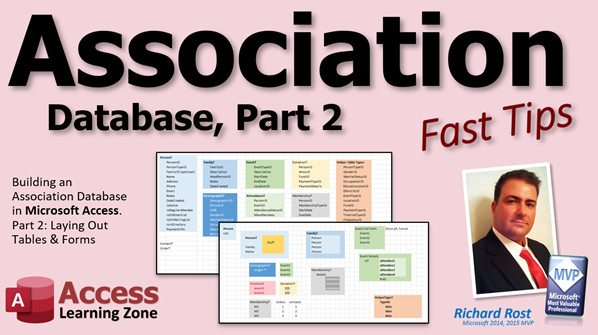 | Association 2 | Microsoft Access Association Database, Part 2: Laying Out Tables and Forms |
| 2023-01-17 | 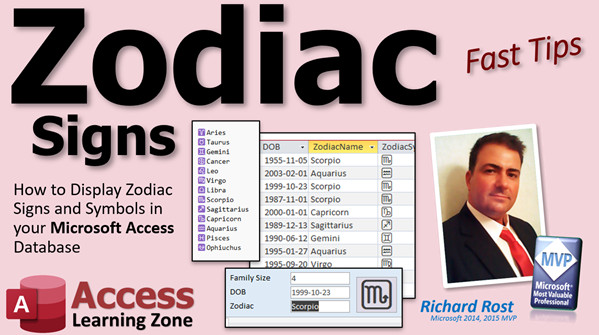 | Zodiac Signs | How to Display Zodiac Signs and Symbols Based on Date of Birth in your Micr... |
| 2023-01-16 |  | Images From Web | Display Images from the Web in your Microsoft Access Forms and Reports Usin... |
| 2023-01-14 |  | Video Rewind | A Quick Recap of New Releases for January 14, 2023 |
| 2023-01-13 | 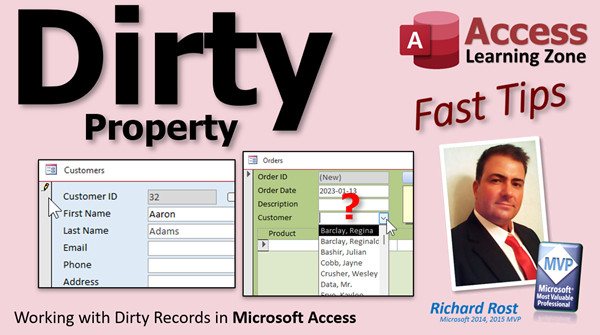 | Dirty | Working with Dirty Records in Microsoft Access |
| 2023-01-12 |  | Caption | How to Use the Caption Property in Microsoft Access |
| 2023-01-12 | | URL Download to Cache File | |
| 2023-01-11 | 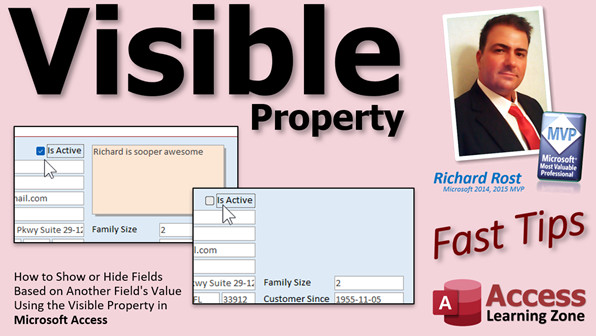 | Visible | Show or Hide Fields Based on Another Field's Value Using the Visible Proper... |
| 2023-01-10 | 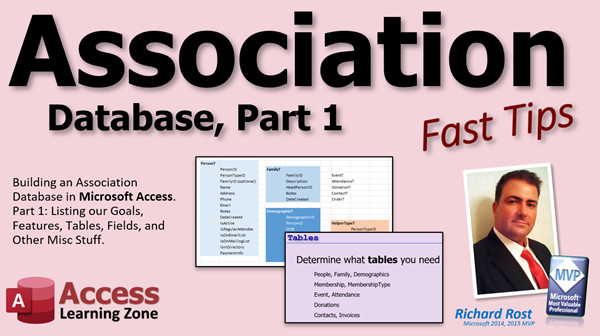 | Association 1 | Microsoft Access Association Database, Part 1 (Groups, Clubs, Churches, Sch... |
| 2023-01-09 | 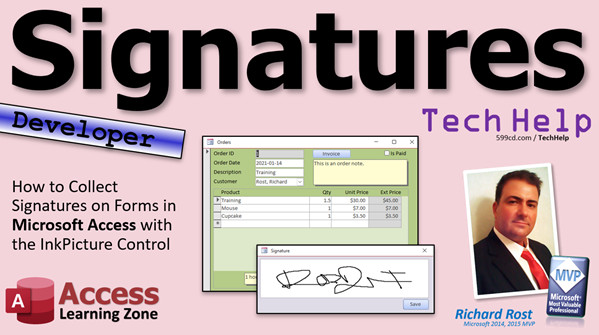 | Signatures | How to Collect Signatures on Forms in Microsoft Access with the InkPicture ... |
| 2023-01-08 |  | AUG Jan 2023 | Access User Groups Jan 2023 |
| 2023-01-07 |  | Alive & Well In 2025 | Microsoft Access: Alive and Well In 2025 |
| 2023-01-06 |  | Mic Test 2 | Testes... Testes... 1... 2... 3... ???!!! |
| 2023-01-06 |  | Reset New Year | How Can I Reset My Microsoft Access Database for the New Year? |
| 2023-01-05 | | Compact Repair | |
| 2023-01-05 |  | Compact VBA | How To Compact and Repair Your Microsoft Access Database Using VBA |
| 2023-01-05 | | Handbook Pricing | |
| 2023-01-04 |  | Import w Followup | How to Import New Leads into Your Customer Table and Make a Follow Up Recor... |
| 2023-01-03 | 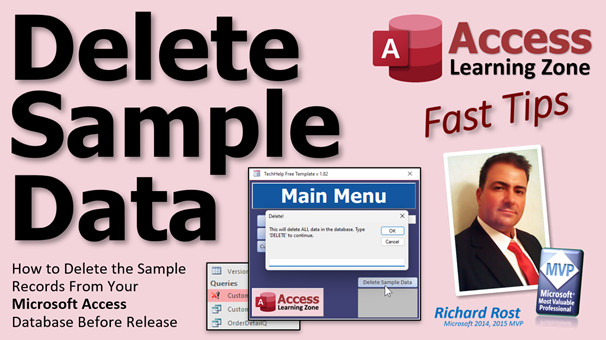 | Delete Sample Data | How to Delete the Sample Records From Your Microsoft Access Database Before... |
| 2023-01-02 |  | Select in Subform | How to Select a Specific Record in a Subform in Microsoft Access |
| 2022-12-31 |  | Happy 2023 | Happy New Year 2023 from Richard Rost at Computer Learning Zone |
| 2022-12-30 | 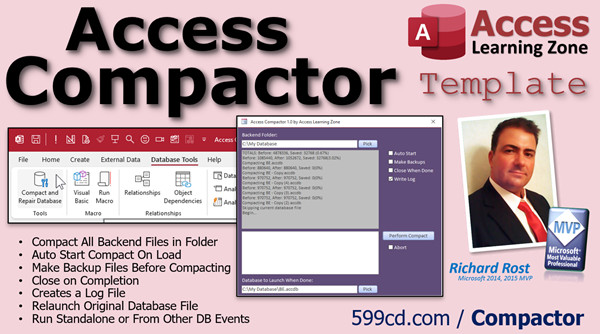 | Access Compactor Template | Automatically Compact and Repair Databases |
| 2022-12-30 | 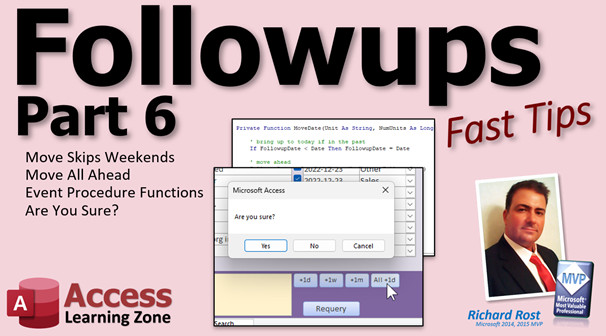 | Followups 6 | Create a Customer Followup Database in Microsoft Access: Part 6 |
| << Previous Next >> |





