| 2022-11-03 |  | TimeValue | Use the TimeValue Function to Get Just the Time Portion of a DateTime Field... |
| 2022-11-02 |  | Hour Minute Second | Find the Busiest Times of the Day Using the Hour, Minute, and Second Functi... |
| 2022-11-01 |  | DateValue | Use the DateValue Function to Get Just the Date Portion of a DateTime Field... |
| 2022-10-28 | 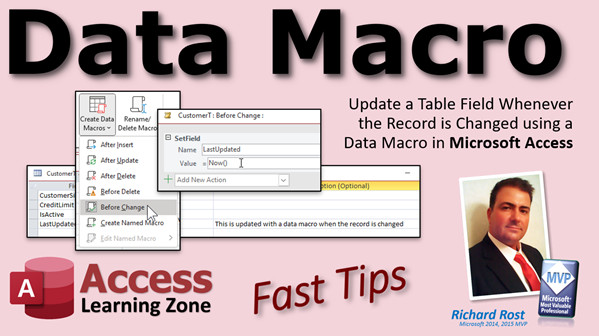 | Data Macro | Update a Table Field Whenever the Record is Changed using a Data Macro in M... |
| 2022-10-27 | 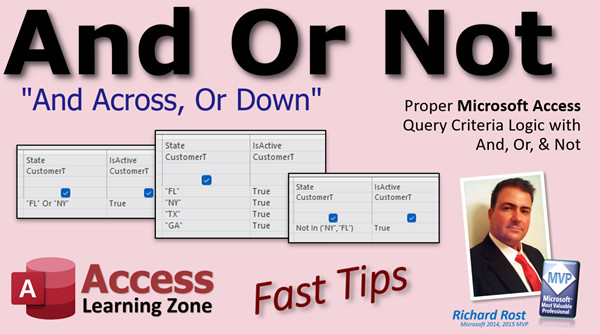 | And Or Not | Proper Microsoft Access Query Criteria Logic with And, Or, & Not |
| 2022-10-26 | 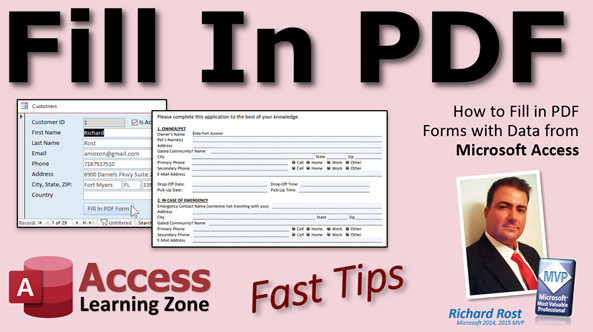 | Fill In PDF | How to Fill in PDF Forms with Data from Microsoft Access. Populate PDF Form... |
| 2022-10-25 |  | SendKeys | Using the SendKeys Function in Microsoft Access - the King of Good Enough S... |
| 2022-10-24 | 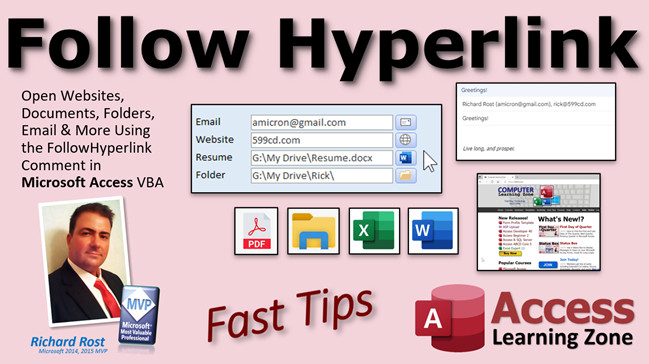 | Follow Hyperlink | Open Websites, Documents, Folders, Email, More Using FollowHyperlink Comman... |
| 2022-10-22 |  | Multi Language | How to Display Microsoft Access Database Labels, Buttons, and Other Control... |
| 2022-10-21 |  | Random Name | How to Build a Random Name Generator in Microsoft Access VBA |
| 2022-10-20 | 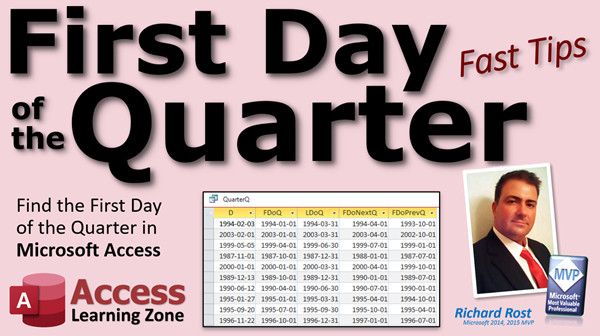 | First Day of Quarter | How to Find the First and Last Days of This Quarter, Next Quarter, Previous... |
| 2022-10-19 | 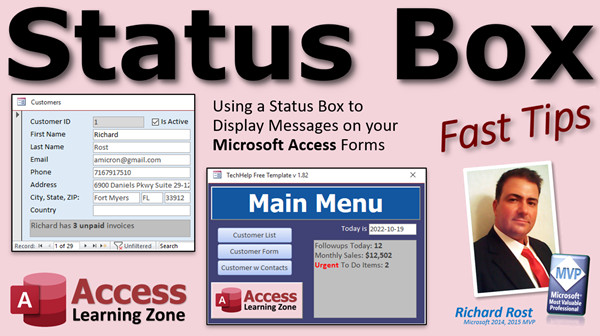 | Status Box | Use a Status Box to Display Messages to Users on your Microsoft Access Form... |
| 2022-10-19 |  | Microsoft Office Name Change | |
| 2022-10-18 |  | Sleep | Using the Sleep Function to Make Your Database Wait in Microsoft Access VBA |
| 2022-10-17 | 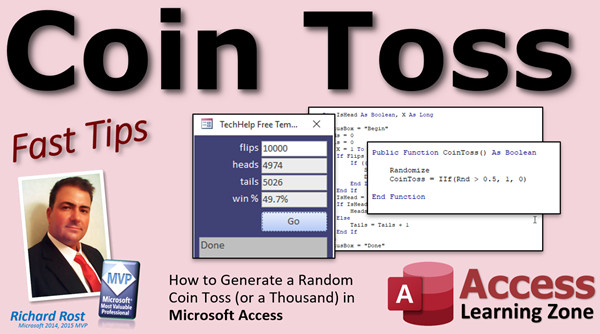 | Coin Toss | How to Generate a Random Coin Toss (or a Thousand) in Microsoft Access VBA |
| 2022-10-16 |  | Access Before You Start | Microsoft Access - What You Need To Know Before You Get Started from Access... |
| 2022-10-15 |  | Age Demographics 2 | Age Demographics in Microsoft Access Using the Switch Function - TechHelp A... |
| 2022-10-14 |  | Coin Toss | |
| 2022-10-14 | 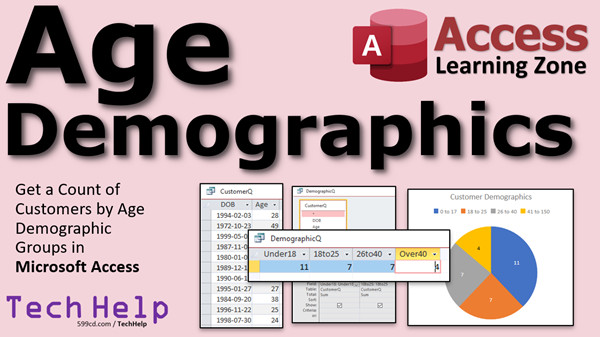 | Age Demographics | Get a Count of Customers by Bracketed Age Demographic Group Ranges in Micro... |
| 2022-10-13 | 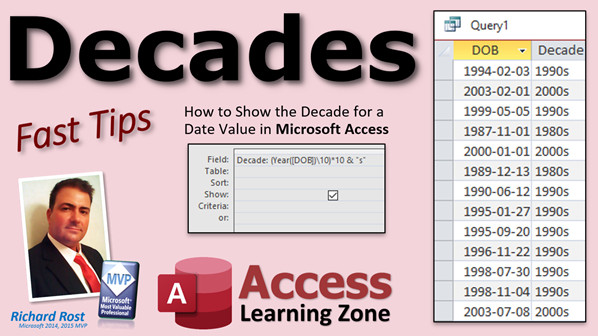 | Decades | How to Show the Decade for a Date Value in Microsoft Access |
| 2022-10-13 | | Fancy Text | |
| 2022-10-12 |  | Awesome Coffee Mugs | Someone sent me two super-cool Star Trek coffee mugs! |
| 2022-10-12 | 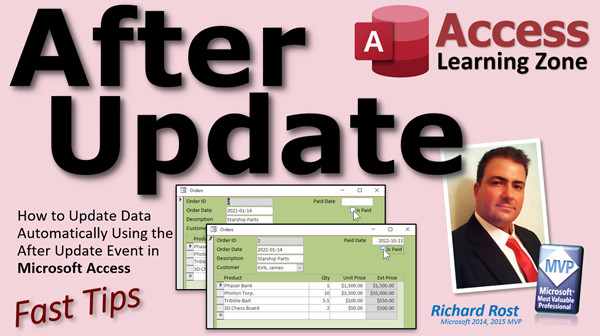 | After Update | How to Update Data Automatically Using the After Update Event in Microsoft ... |
| 2022-10-11 | 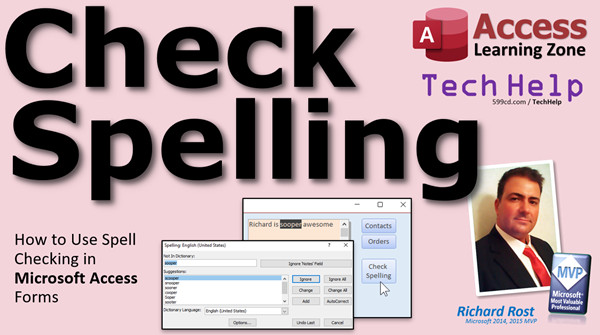 | Check Spelling | How to Check Spelling in Microsoft Access Forms |
| 2022-10-10 | | Visitor Forum | |
| 2022-10-07 | 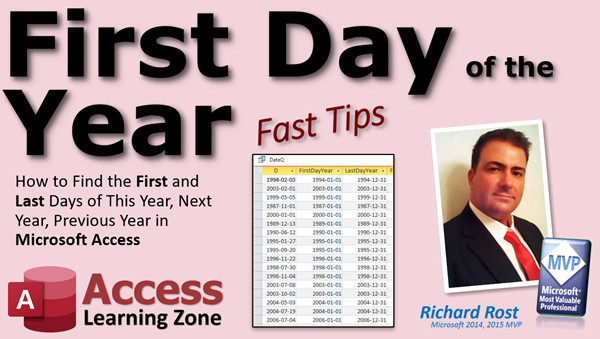 | First Day of Year | How to Find the First and Last Days of This Year, Next Year, Previous Year ... |
| 2022-10-06 |  | Online Images | Display Online Images & Web Pages in Your Microsoft Access Database Using t... |
| 2022-10-04 |  | Certificate of Completion | Printable Certificates of Completion |
| 2022-10-03 | 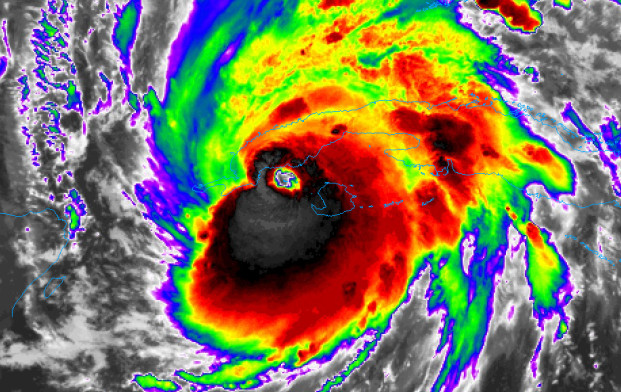 | Hurricane Ian | We're Back, Baby! |
| 2022-09-27 |  | Report Border | How to Draw a Border Around a Report Page in Microsoft Access with the Line... |
| 2022-09-26 | 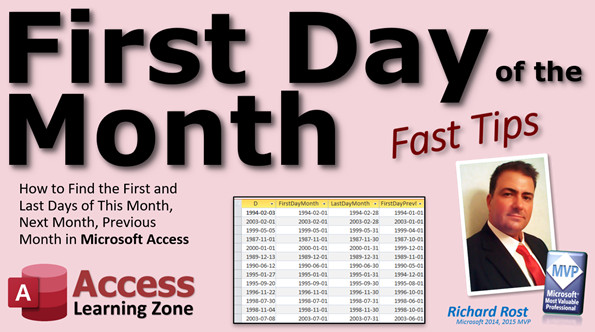 | First Day of Month | How to Find the First and Last Days of This Month, Next Month, Previous Mon... |
| 2022-09-23 | 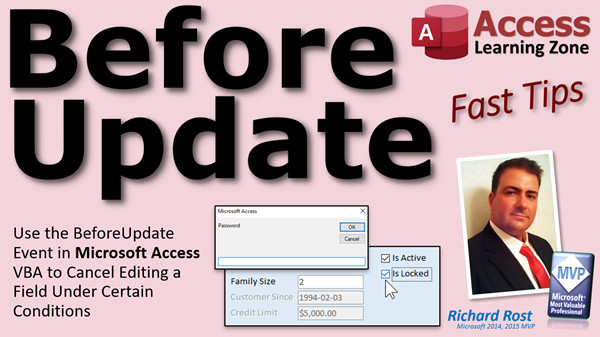 | Before Update | Use the Before Update Event in Microsoft Access VBA to Cancel Editing a Fie... |
| 2022-09-22 |  | Synchronize Subforms | How to Synchronize Multiple Related Subforms in Microsoft Access Without An... |
| 2022-09-21 |  | InputBox | Use the InputBox Function in Microsoft Access VBA to Prompt for User Input,... |
| 2022-09-20 | 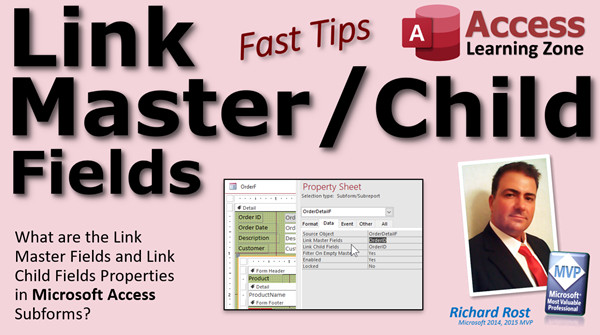 | Link Master Fields | What are the Link Master Fields and Link Child Fields Properties in Microso... |
| 2022-09-19 | 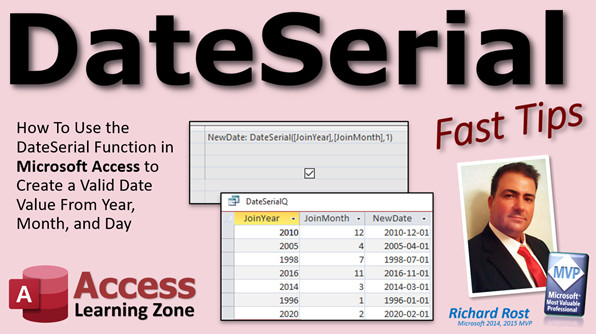 | DateSerial | How To Use DateSerial in Microsoft Access to Create a Valid Date Value From... |
| 2022-09-18 |  | 20th Anniversary Winner! | Computer Learning Zone's 20th Anniversary Winner! |
| 2022-09-18 | 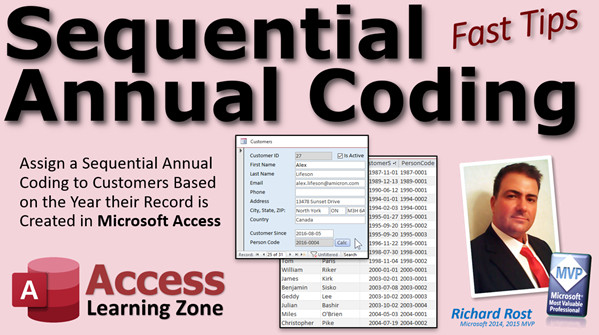 | Sequential Annual Coding | Sequential Annual Coding for Customers Based on the Year their Record is Cr... |
| 2022-09-17 | 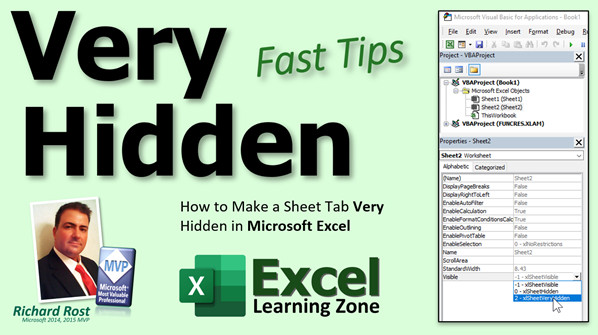 | Very Hidden | How to Make a Worksheet Tab Very Hidden in Microsoft Excel |
| 2022-09-16 |  | Scope | Variable Scope & Visibility in Microsoft Access VBA (Public, Private, Dim, ... |
| << Previous Next >> |





