iTunes RSS Feed
In this tutorial you will learn how to create an iTunes RSS Feed.
Pre-Requisite
Links
Members
Recommended Courses
Details
In this tutorial you will learn how to create an iTunes RSS Feed.
There have been some sites I use that had their own iTunes RSS feeds. NSScreencast Feed is where I found one and tried to convert it to my own use.
See the test here.
iTunes Spec [http://www.apple.com/uk/itunes/podcasts/specs.html]
Subcribe: itpc://FEEDURL
xml version="1.0" encoding="UTF-8"?>
<feed xml:lang="en-US" xmlns="http://www.w3.org/2005/Atom">
<id>tag:599CD.com,2013:/feedid>
<link rel="alternate" type="text/html" href="http://www.599cd.com"/>
<link rel="self" type="application/atom+xml" href="http://599cd.alexhedley.com/testing/rss/itunes.asp"/>
<title>599CD (free videos)title>
<updated><%=NOW()%>updated>
<entry>
<id>tag:599CD.com:Tip/1id>
<published><%=NOW()%>published>
<updated><%=NOW()%>updated>
<link rel="alternate" type="text/html" href="http://www.599cd.com/tips/access/report-columns/"/>
<title>Setting up Multiple Columns in your Access 2010 Reportstitle>
<content type="text">This tip will show you how to set up multiple columns in
your Microsoft Access 2010 reports. If you're using Access 2007 you should
have no problem following along (they're very similar). If you're using Access 2003,
then I cover columns in Access 205.
content>
<link rel="enclosure" xml:lang="en-US" title="" type="video/quicktime" hreflang="en-US" href="<%=video%>"/>
<author>
<name>Rick Rostname>
author>
entry>
feed>
Previous
xml version="1.0" encoding="UTF-8"?>
<%
Response.Buffer = true
Response.ContentType = "text/xml"
Dim keywords, ituneskeyword, logo, email, name, video, size, mimetype
'video = http://www.amicron2.com/videos/tips/access/Access-2010-Report-Columns.wmv
'size = "2360306"
'mimetype = "video/wmv"
video = "http://599cd.alexhedley.com/testing/rss/test.mp4"
size = "4609831"
mimetype = "video/mp4"
keywords = "computer training, online training, video tutorials, distance learning,
online education, online courses, microsoft office, microsoft word, microsoft excel,
microsoft access, windows, html, visual basic, online lessons, training videos,
computer learning, powerpoint, frontpage, web design, asp, active server pages, quickbooks,
video seminars, technical support"
ituneskeywords = right(keywords, 255)
logo = "http://599cd.com/images/599cd-1.jpg"
email = "[email protected]"
name = "Richard Rost"
Function ApplyXMLFormatting(strInput)
If IsNull(strInput) Then Exit Function
strInput = Replace(strInput,"&", "&")
strInput = Replace(strInput,"'", "'")
strInput = Replace(strInput,"""", """)
strInput = Replace(strInput, ">", ">")
strInput = Replace(strInput,"<","<")
ApplyXMLFormatting = strInput
End Function
%>
<rss
xmlns:media="http://search.yahoo.com/mrss/"
xmlns:itunes="http://www.itunes.com/dtds/podcast-1.0.dtd"
xmlns:feedburner="http://rssnamespace.org/feedburner/ext/1.0" version="2.0">
<channel>
<title>599CD Tipstitle>
<link>http://599cd.com/Tips/link>
<atom10:link
xmlns:atom10="http://www.w3.org/2005/Atom"
rel="self" type="application/rss+xml"
href="http://599cd.alexhedley.com/testing/rss/itunes.asp" />
<language>en-USlanguage>
<lastBuildDate><%=fncFmtDate(Now(), "%a, %d %b %Y %H:%N:%S GMT")%>lastBuildDate>
<description>description>
<copyright>Copyright (c) 2012 599CD.comcopyright>
<media:credit role="author"><%=name%>media:credit>
<media:rating>nonadultmedia:rating>
<media:description type="plain">599CDmedia:description>
<media:copyright>Copyright (c) 2012 599CD.commedia:copyright>
<media:thumbnail url="<%=logo%>" />
<media:keywords><%=keywords%>media:keywords>
<media:category scheme="http://www.itunes.com/dtds/podcast-1.0.dtd">Technology/Software How-Tomedia:category>
<itunes:owner>
<itunes:email><%=email%>itunes:email>
<itunes:name><%=name%>itunes:name>
itunes:owner>
<itunes:author><%=name%>itunes:author>
<itunes:explicit>noitunes:explicit>
<itunes:image href="<%=logo%>" />
<itunes:keywords><%=ituneskeywords%>itunes:keywords>
<itunes:subtitle>599CD.comitunes:subtitle>
<itunes:summary>Bite-sized screencasts on Microsoft development.itunes:summary>
<itunes:category text="Technology">
<itunes:category text="Software How-To" />
itunes:category>
<item>
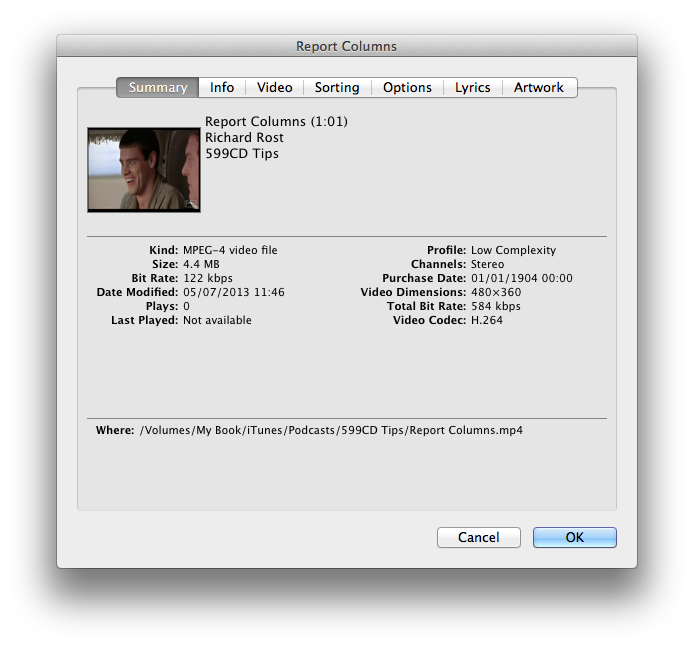
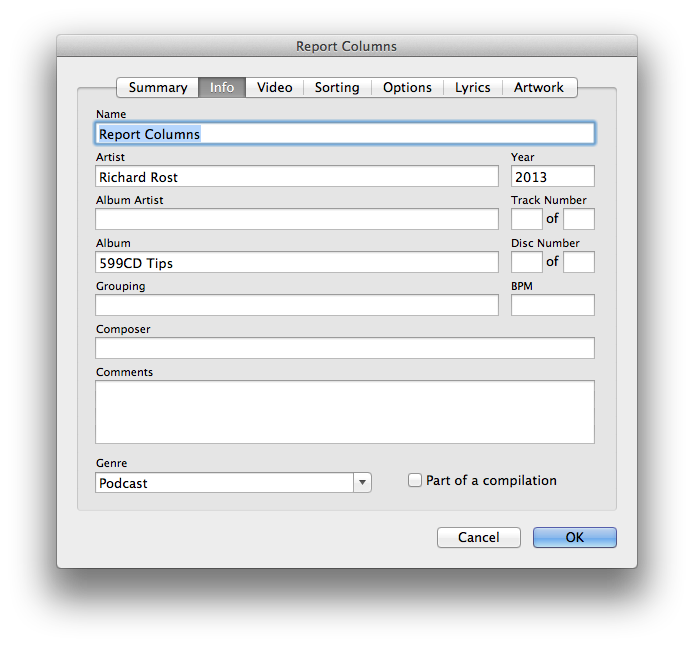
<title>Report Columnstitle>
<link>http://599cd.com/tips/access/report-columns/link>
<dc:creator xmlns:dc="http://purl.org/dc/elements/1.1/"><%=email%> (<%=name%>)dc:creator>
<pubDate><%=fncFmtDate(Now(), "%a, %d %b %Y %H:%N:%S GMT")%>pubDate>
<guid isPermaLink="false">http://599cd.com/tips/access/report-columns/guid>
<description>Setting up Multiple Columns in your Access 2010 Reportsdescription>
<itunes:image href="http://www.599cd.com/tips/access/report-columns/defaul41.gif" />
<enclosure url="<%=video%>" length="<%=size%>" type="<%=mimetype%>" />
<media:content url="<%=video%>" type="<%=mimetype%>" />
<itunes:explicit>noitunes:explicit>
<itunes:subtitle>Setting up Multiple Columns in your Access 2010 Reportsitunes:subtitle>
<itunes:author><%=name%>itunes:author>
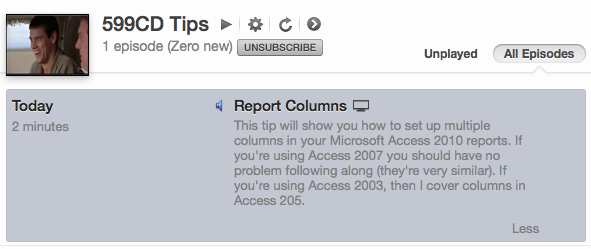
<itunes:summary>This tip will show you how to set up multiple columns in your
Microsoft Access 2010 reports. If you're using Access 2007 you should have no problem
following along (they're very similar). If you're using Access 2003, then I cover
columns in Access 205.itunes:summary>
<itunes:keywords><%=ituneskeywords%>itunes:keywords>
item>
channel>
rss>
Images


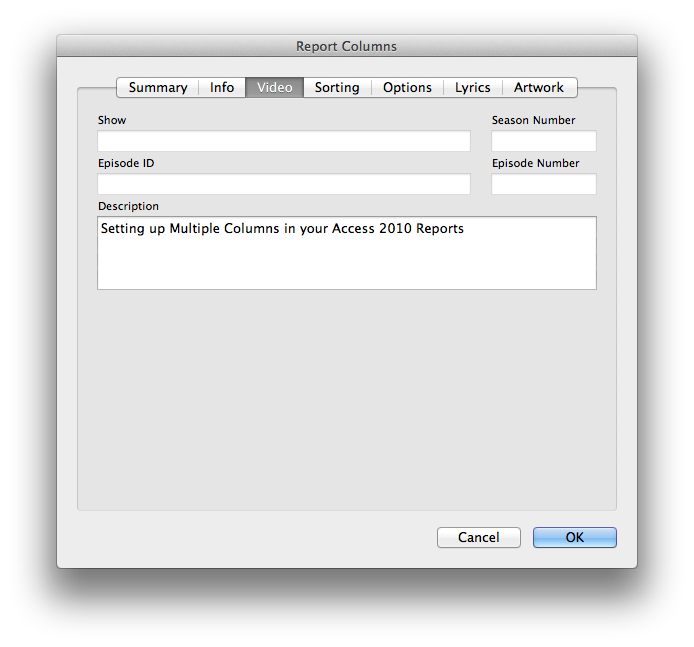
Keywords
#asp, #classicasp, #help, #howto, #tutorial, #learn, #lesson, #training, #webdesign, #VBScript, classic ASP, function
Legacy





