Microsoft Excel
| Microsoft Excel Courses | Options Sort: Date Title | Display: Full Compact | | | | | Excel Beginner Courses The Excel Beginner series gives you a complete, practical foundation in Microsoft Excel, starting with the interface and moving into real-world spreadsheet skills. You will learn to enter and edit data, format cells and worksheets, use basic formulas and functions, work with sorting, filtering, and AutoFill, and create professional-looking sheets with styles, themes, charts, tables, headers, footers, and page layout tools. By the end, you will be comfortable building, organizing, printing, and presenting clear, polished spreadsheets with confidence. | | 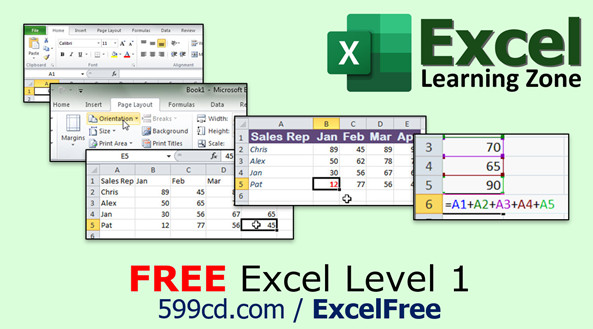 |
| | | | Excel Expert Courses The Excel Expert series takes your skills beyond the basics into powerful advanced formulas and tools. You will master absolute references, named ranges, text, date, and logical functions, along with lookup tools like VLOOKUP, INDEX, MATCH, and XLOOKUP. The series also covers financial calculators, PivotTables and charts, worksheet protection, advanced sorting and filtering, custom views, data validation, and user interface enhancements. | | 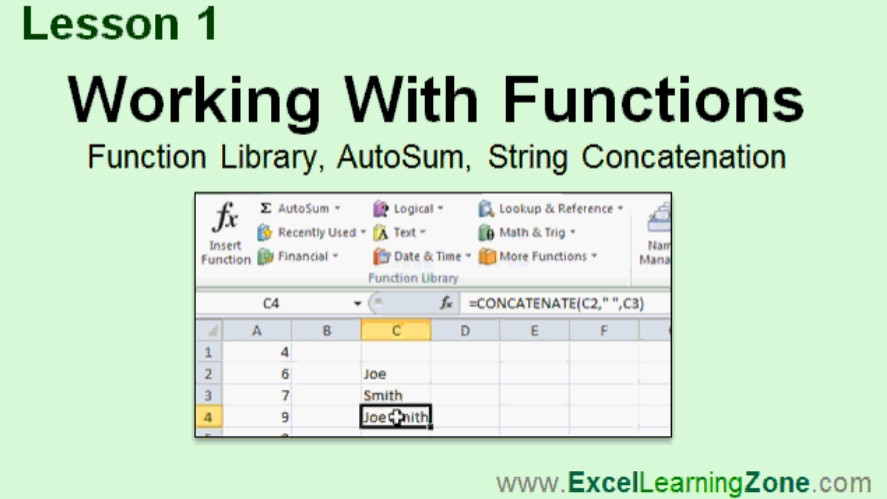 |
| | | | Older Excel Versions | | |
| |
| Learn how to build spreadsheets the way they should be built. |
|
| |
| |

|
Richard Rost has been teaching Excel in the classroom since 1994.
He is the author of The Complete Idiot's Guide to Microsoft Excel 2010.
You will learn practical, real-life examples taught by a professional software developer, and author of a professionally published Excel book.
These are real spreadsheet examples for real projects.
You will build functional workbooks from the ground up.
|
|
| |
| More than just a tutorial, we're here to help you while you learn. |
|
| |
| |
In addition to our video tutorials, we have many additional resources available to assist you if you're having trouble with Excel.
We have a Microsoft Excel Forum where students, such as yourself, can post questions and comments and receive help from our instructor and other students as well. Plus each Excel lesson has an interactive student message board attached to it - so you can ask questions about specific lessons, and read comments from other students.
We also have several different levels of free and paid technical support available as well. We're here to provide you with a complete learning solution.
|
 |
|
|




