Excel Beginner Courses
| Microsoft Excel Beginner Courses | Options Sort: Date Title | Display: Full Compact | | | | | Excel Beginner 1 Learn the foundations of Microsoft Excel with this beginner course covering the Excel interface, including the ribbon, Quick Access Toolbar, and formula bar. Gain hands-on experience by entering and editing data, applying formatting with fonts, alignment, and colors, and understanding rows, columns, and cells. Perform basic math operations such as addition, averages, and use of formulas. Finally, manage your files by saving, loading, and printing your workbooks. Perfect for those new to Excel, this course builds essential skills to create, edit, and present clear spreadsheets with confidence. | | 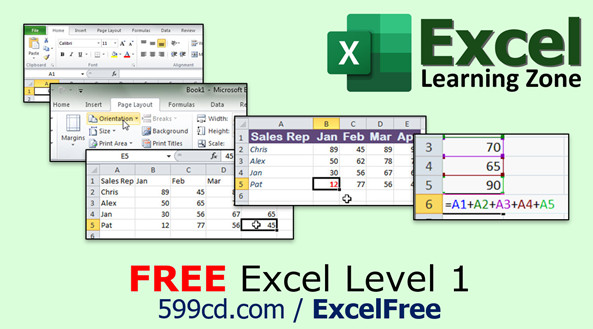 |
| | | | Excel Beginner 2 Build your Excel skills with this practical course covering cut, copy, paste commands, keyboard shortcuts, and the clipboard, along with powerful features like AutoFill, cell formatting for numbers, dates, and text, and managing rows, columns, and worksheets. Learn how to efficiently sort data, apply conditional formatting to visualize trends, and quickly find and replace data. Perfect for those ready to expand their spreadsheet abilities, each lesson offers clear demonstrations to help you organize, edit, and enhance your Excel workbooks with greater confidence and efficiency. | | 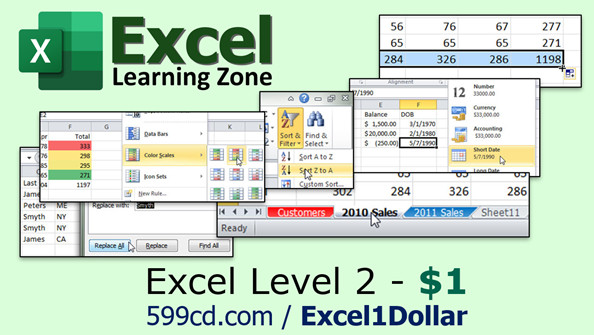 |
| | | | Excel Beginner 3 Expand your Excel skills by learning to use essential functions like SUM, AVERAGE, COUNT, MAX, and MIN for efficient calculations and data analysis. Discover how to quickly enhance spreadsheets with styles and themes, customize your page layout for better printing, and make your workbooks stand out by adding and formatting illustrations such as pictures, shapes, clip art, SmartArt, and WordArt. This course guides you through practical formatting techniques, worksheet organization, and key features that help your data look professional and communicate more effectively. | |  |
| | | | Excel Beginner 4 Learn how to create and format charts and data tables in Microsoft Excel with clear, step-by-step guidance. This course covers building column, pie, line, and 3D charts, managing multiple data series, customizing chart elements like axes, titles, and legends, and moving or resizing charts within your workbook. Discover how to apply chart styles and themes, insert Excel charts into Word, set up interactive dashboards, and organize your data with tables, sorting, filtering, and formulas. Perfect for beginners ready to visualize and present data professionally. | |  |
| | | | Excel Beginner 5 Learn how to insert and format hyperlinks, work with headers and footers, and add comments to enhance your Excel spreadsheets. This course covers inserting text boxes, WordArt, signature lines, and symbols; managing large sheets with freeze panes and split windows; customizing borders and gridlines; and using time-saving tools like Merge and Center and Format Painter. You will also use research features like spell check, the thesaurus, and translation, as well as download and work with templates for calendars and invoices, helping you create more professional and efficient spreadsheets. | |  |
After you complete the Beginner courses, you're ready for the Expert series!
|