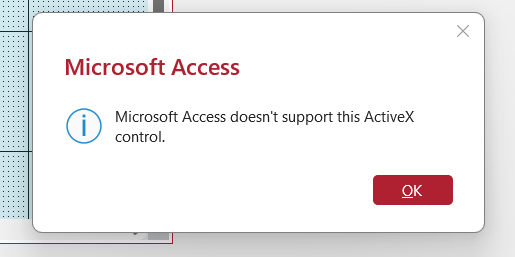
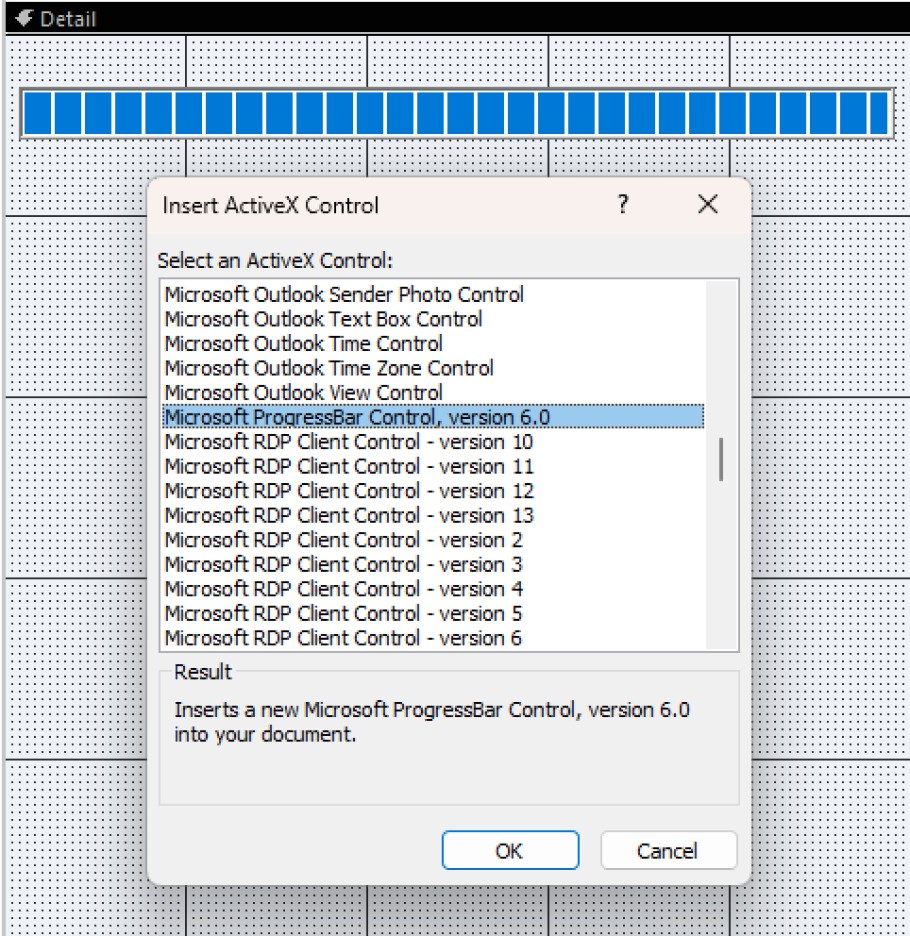
I was trying to make the progress bar with the ActiveX control, and I got a message telling me Microsoft does not support this ActiveX control. Has anyone else gotten this message? I'm using the newest version of MS Access 365, so I would think it would.
Ken WykoffOP
@Reply 8 months ago
Ken WykoffOP
@Reply 8 months ago
Also how do you center the name on the top of the forms, tables, etc?
For which question? I have the newest version with my subscription to 365. Microsoft® Access® for Microsoft 365 MSO (Version 2601 Build 16.0.19628.20132) 64-bit
Kevin Robertson
@Reply 8 months ago
Alex was referring to the caption of the form. You don't have any control over it's position.
Is there a reason you want it centered?
As for the Progress Bar, I added it to a form without any problems (see screenshot).
Try creating a new form (or new database) and retry adding the control.
Kevin Robertson
@Reply 8 months ago
Ken WykoffOP
@Reply 8 months ago
Thanks Kevin, I have the version 6 with 365 and it won't work so I just skipped over that and went on with the last two. I was just curious about the centering because I see Richard always has his centered and just wondering how that is done. Thanks again!
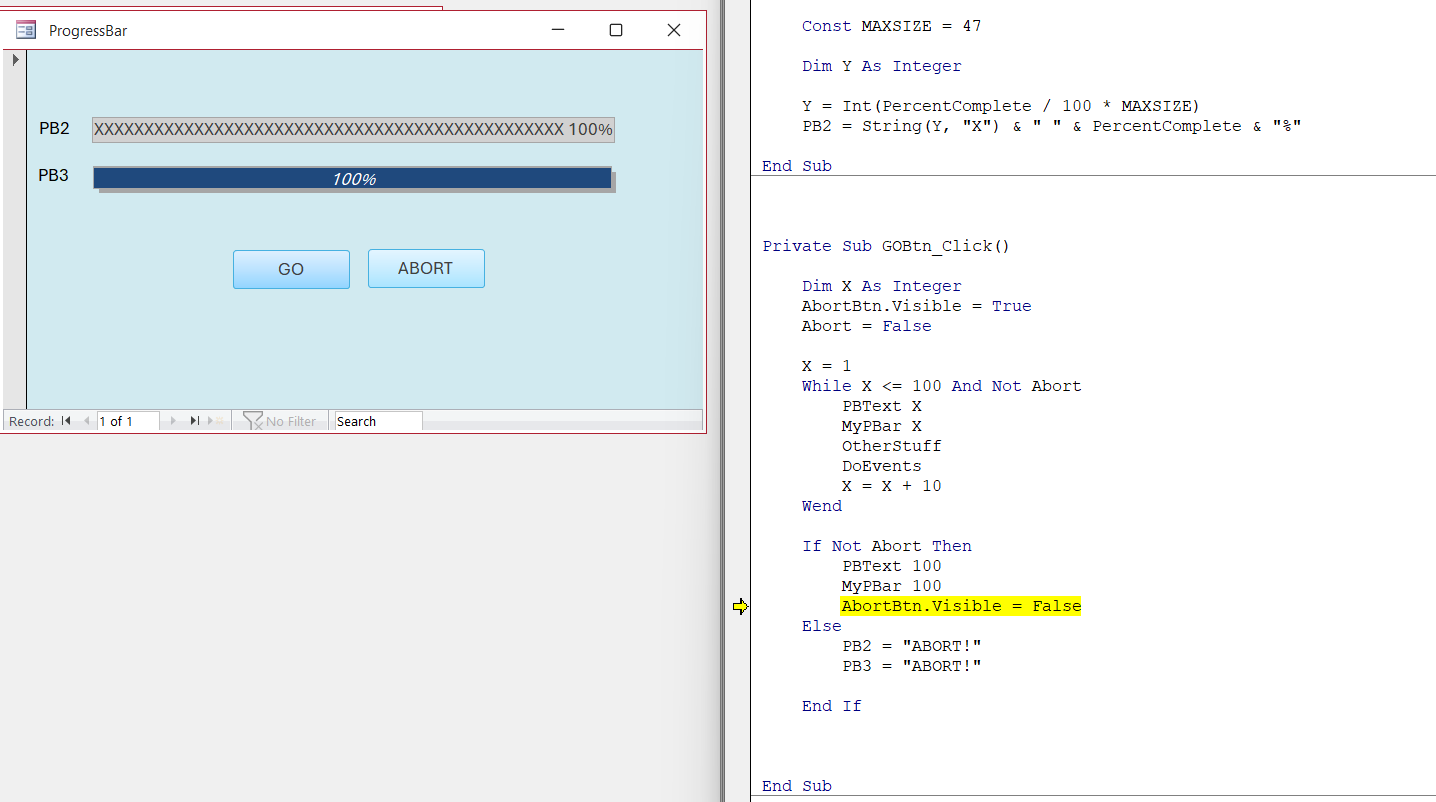
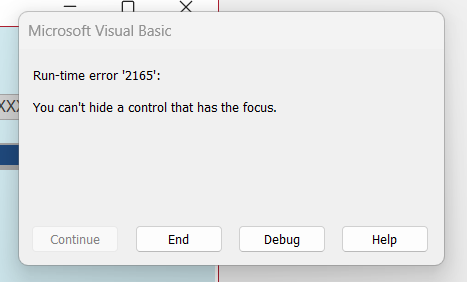
That is the lesson I am working with now. I got to the part where you add the button and hide the checkbox, but after doing that, the button will not do the abort action, and the Abortbtn.Visible = False was placed in the new place, and it still will not work. Attachment is the screenshot.
Ken WykoffOP
@Reply 8 months ago
Kevin Robertson
@Reply 8 months ago
What is the error message?
Ken WykoffOP
@Reply 8 months ago
Ken WykoffOP
@Reply 8 months ago
Originally, it was under the End If, and then in the video, it told us to move it where I have it now. It worked in the video, but not in mine.
Ken WykoffOP
@Reply 8 months ago
Finally figured it out! It works now! Sorry for troubling you.
Sorry, only students may add comments.
Click here for more
information on how you can set up an account.
If you are a Visitor, go ahead and post your reply as a
new comment, and we'll move it here for you
once it's approved. Be sure to use the same name and email address.
This thread is now CLOSED. If you wish to comment, start a NEW discussion in
Access Developer 18.