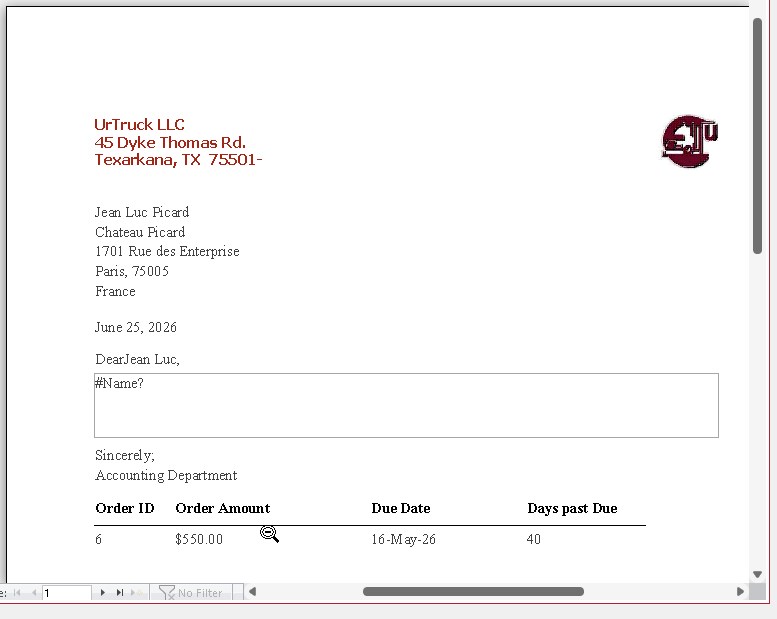
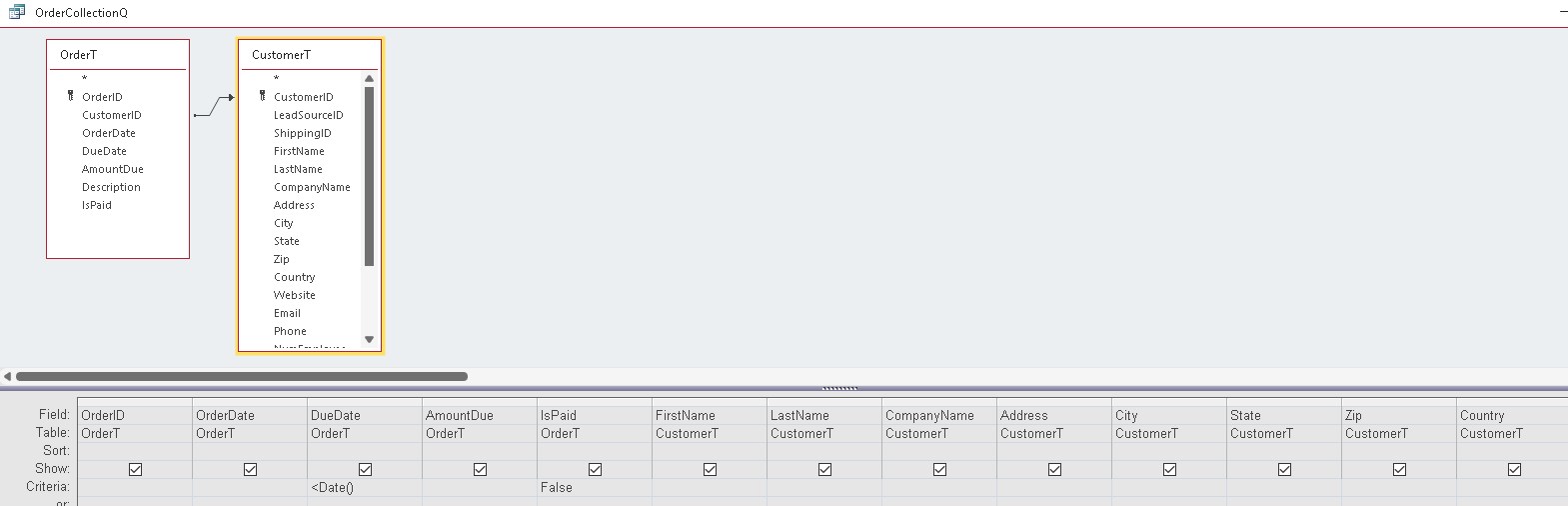
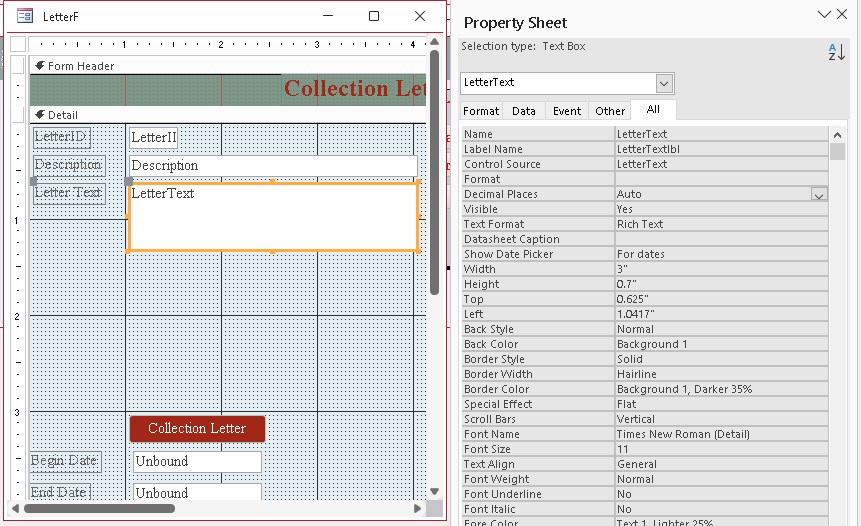
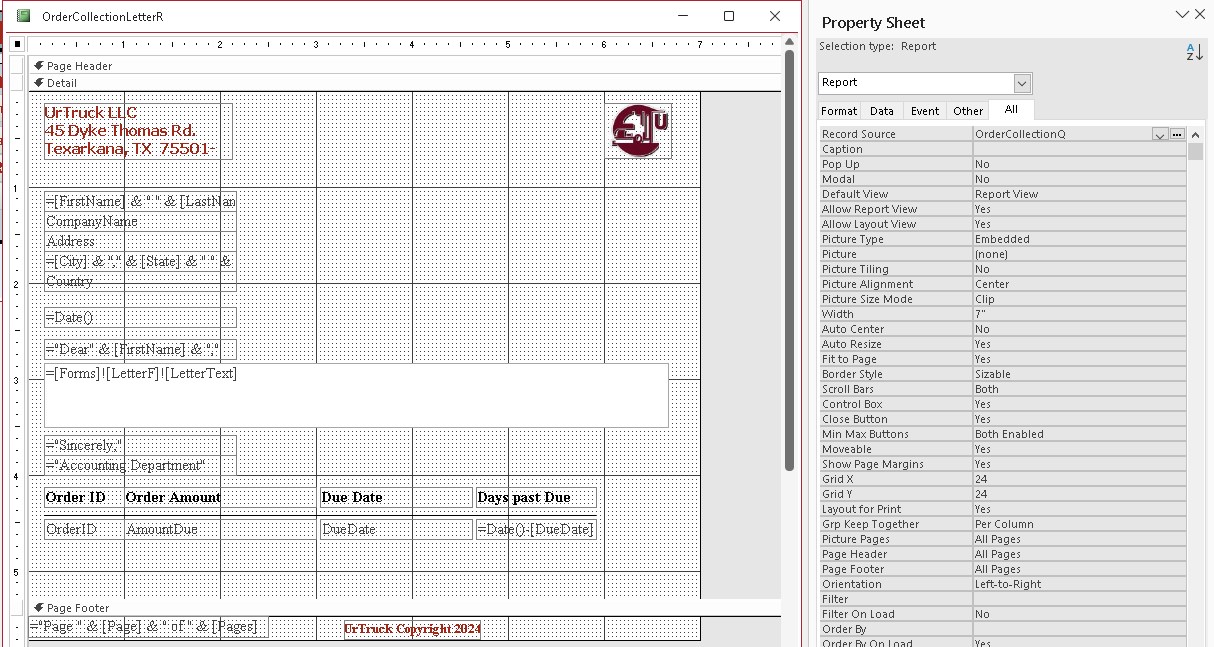
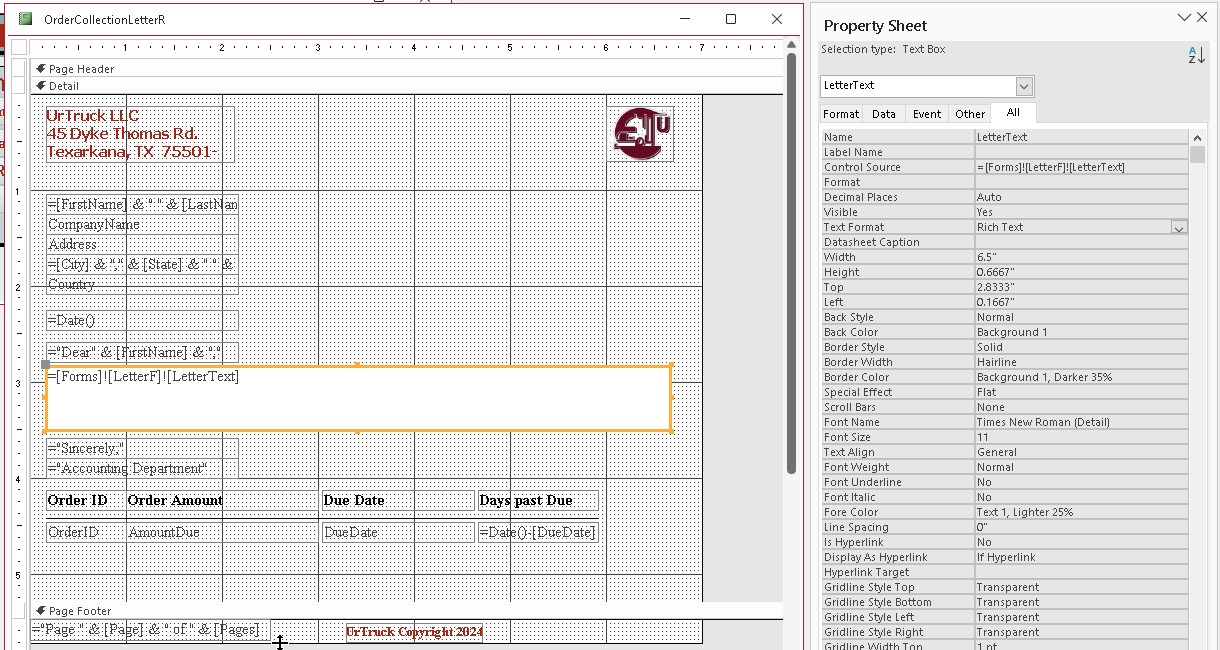
OK! Using Access 2021: I have followed through this lesson 3 time. I am still getting the letter text field not displaying. I have run myself ragged trying to find the problem so maybe I just need some fresh eyes on the problem. I have attached as many images as I think are necessary. Please advise of the issue.
Alright, the underlying queries are meaningless because that data is coming from the form that's open. Make sure the LetterF is open and make sure that the field is named LetterText on that form. I see the design in your screen shot, but make sure that form is open in Form View so the report can get its data.
Also, it's a bound field on that form, so make sure that you save the data first before you try to open up the report. In other words, if you open up a blank form and just type some stuff in without saving the record, if the record's still dirty with a little pencil, if you then open the form before that record is saved, the field technically has nothing in it. It might not show up in the report. Make sure that the record in the form is saved before you open the report. That's the reason why in the invoicing video I teach you to use a Me.Refresh before opening the report.
Carl ByerleyOP
@Reply 3 months ago
I Knew that after you mentioned it, Brain Fart. Thanks works fine.
Well, congratulations, your brain fart just made it into a Quick Queries video, lol.
Seriously though, this happens a lot. Both things happen where people either forget to have the form open or they have a form open with data in it that the report relies on, but the data isn't saved. I'm gonna bring up both of these in a Quick Queries video. This is good stuff.
Sorry, only students may add comments.
Click here for more
information on how you can set up an account.
If you are a Visitor, go ahead and post your reply as a
new comment, and we'll move it here for you
once it's approved. Be sure to use the same name and email address.
This thread is now CLOSED. If you wish to comment, start a NEW discussion in
Access Expert 6.