Free Lessons
Courses
Seminars
TechHelp
Fast Tips
Templates
Topic Index
Forum
ABCD
 
Home   Courses   TechHelp   Help   Contact   Merch   Join   Order   Logon   Forums   
 
Back to Access Forum    Comments List
Upload Images   @Reply   Bookmark    Link   Email   Next Unseen 
Blessed Sunday-sharing New Project
Kenneth A Thomas 
       
14 hours ago
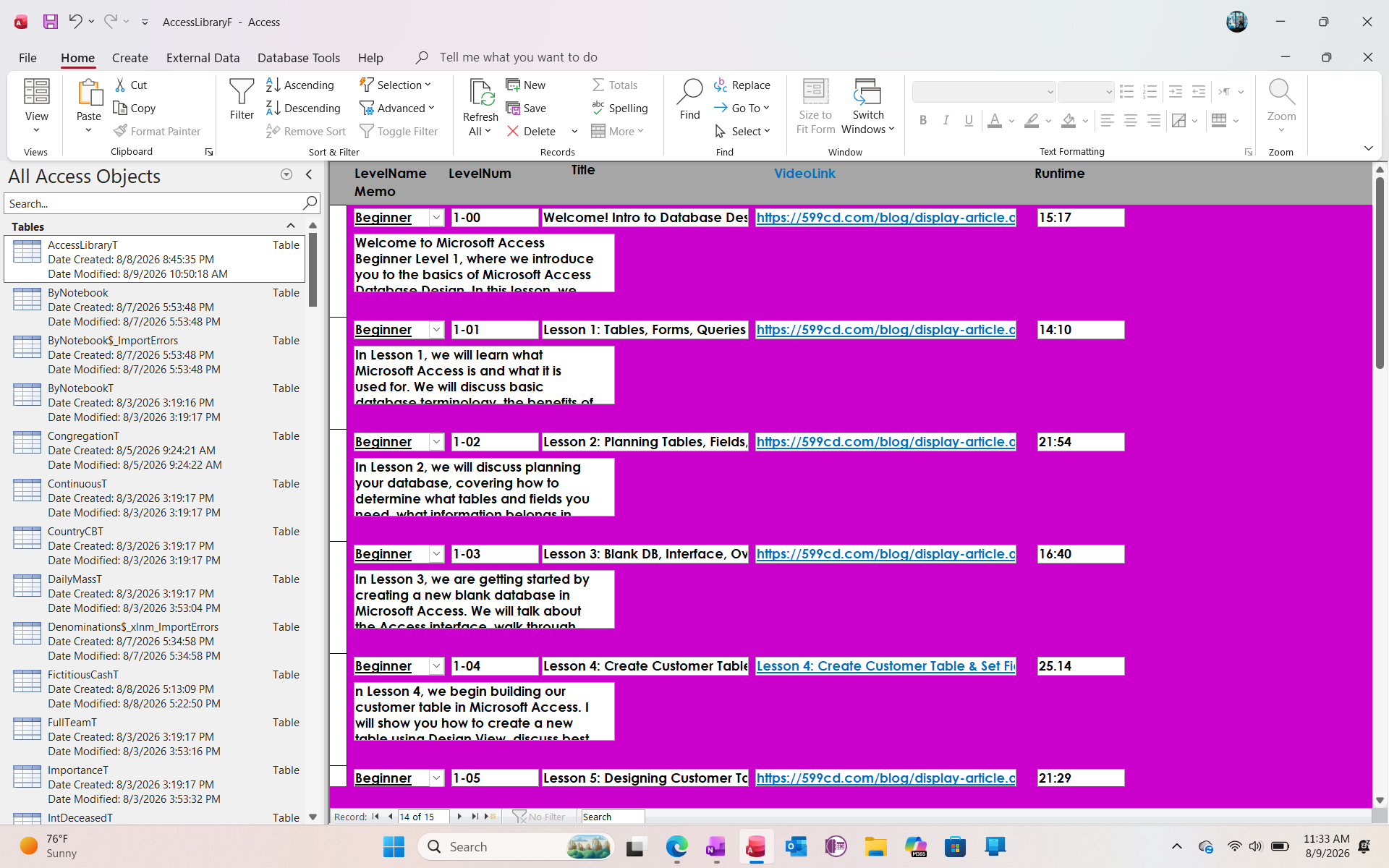
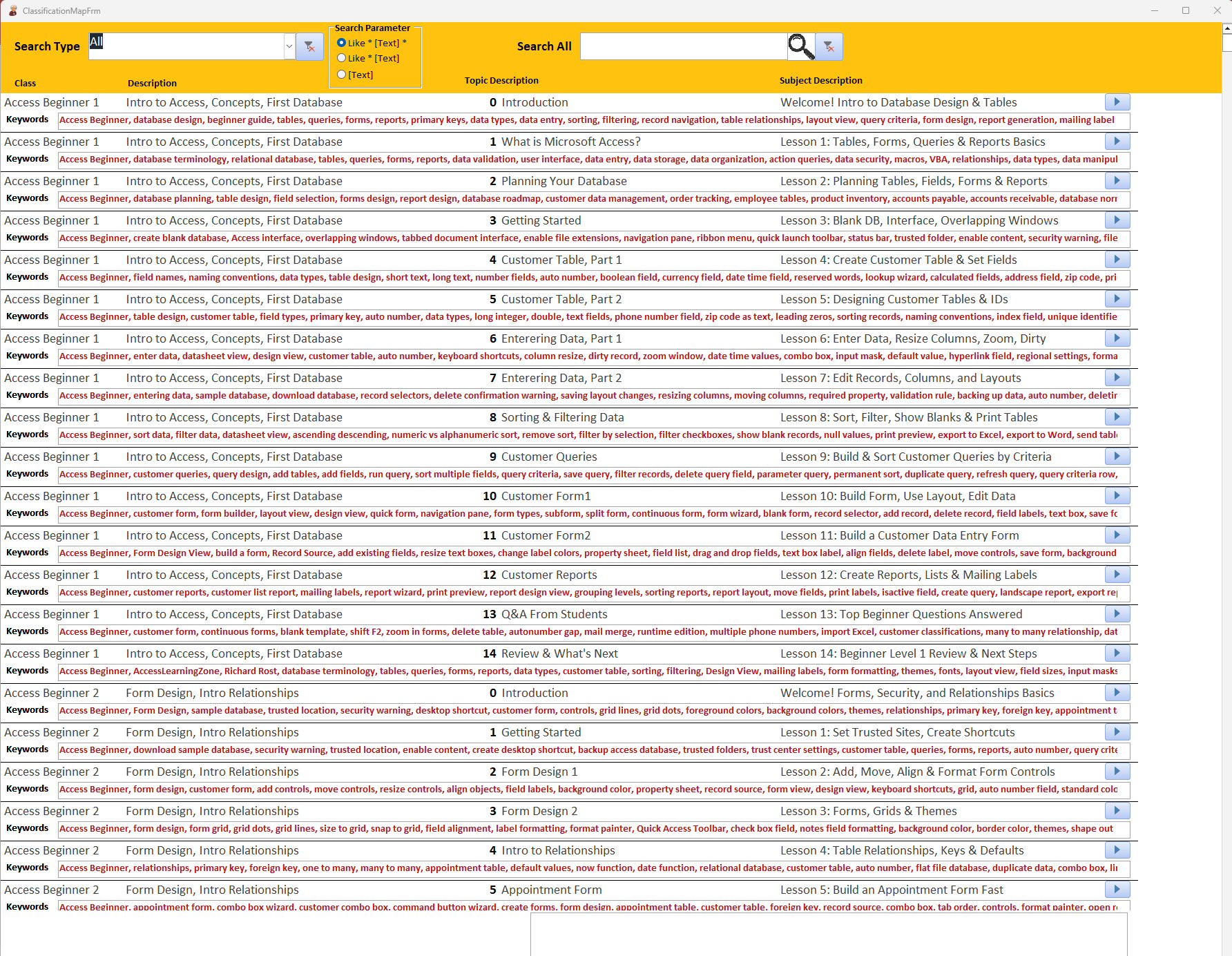
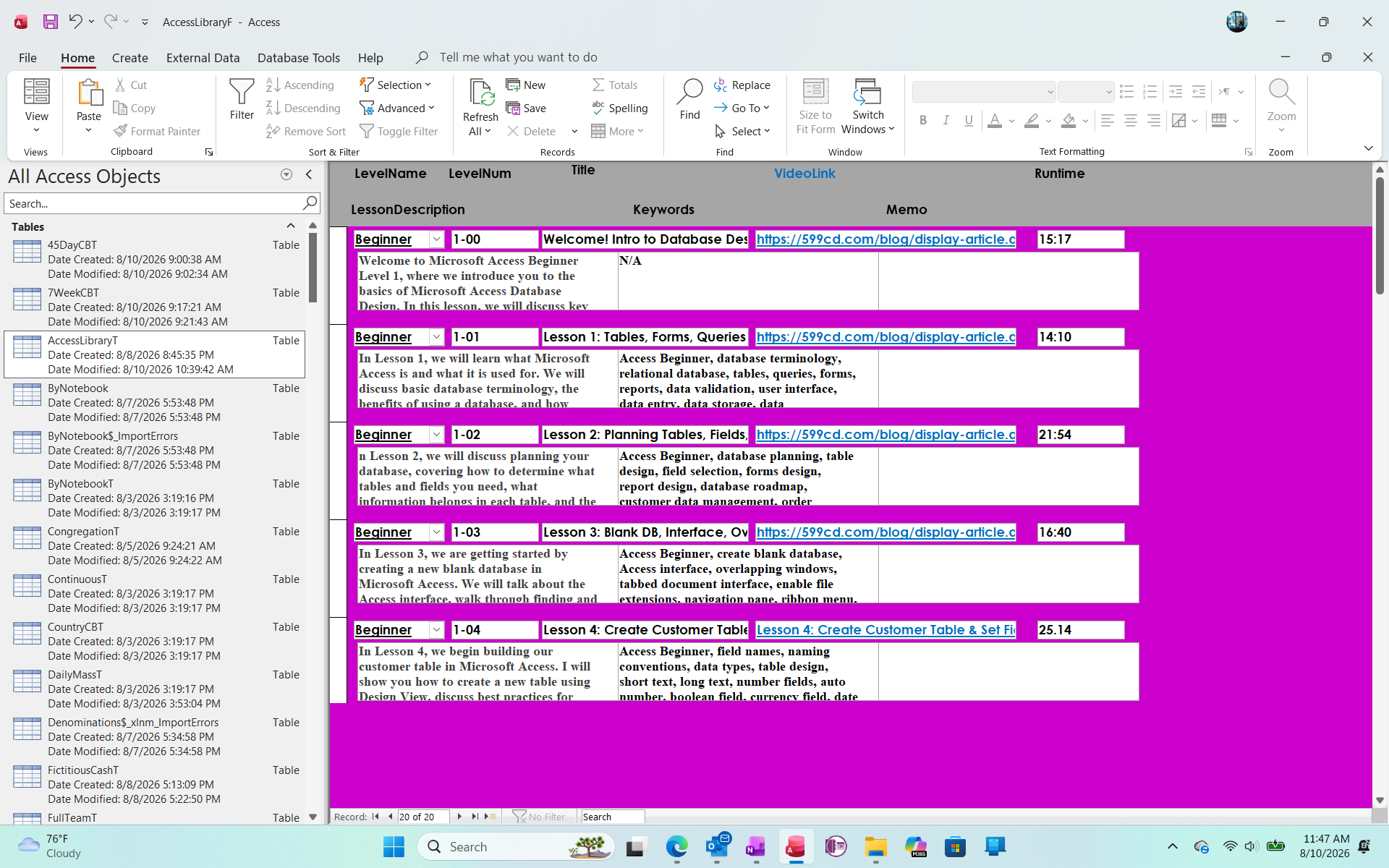
Good morning, everyone.  I wanted to share my newest project.  The idea came to me yesterday and I started working on this while I was watching TV last night.  I needed a tool to help me find information that I have learned in lessons I have already watched in case I need a refresher.  Then the thought came to me, if I need this, perhaps someone else can benefit as well.  My favorite field is the hyperlink to each video.  Please feel free to add any input or design advice.  Thank you
Kenneth A Thomas OP  @Reply  
       
14 hours ago

Jeffrey Kraft  @Reply  
       
11 hours ago
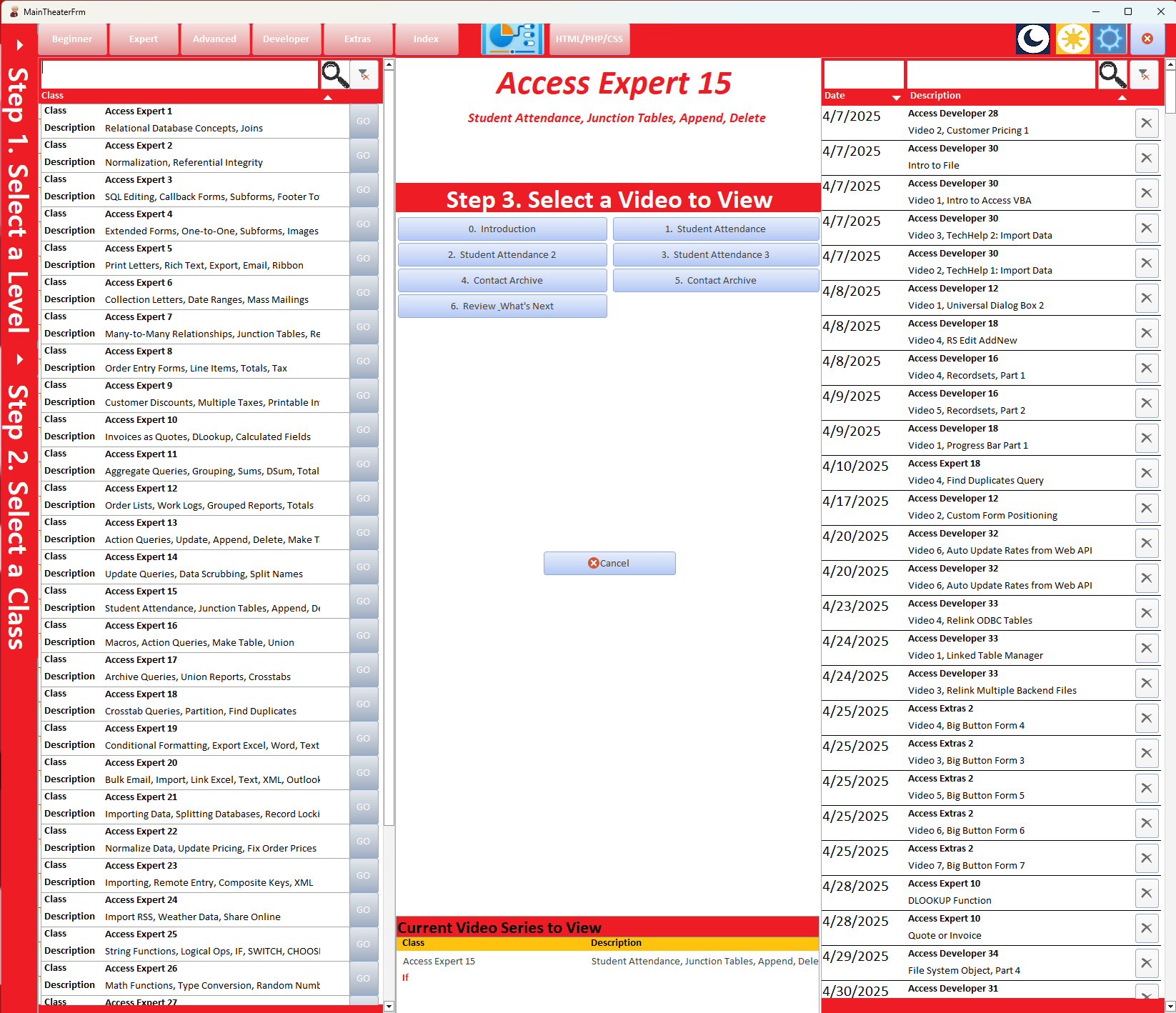
Why use hyperlinks.  If you were a Gold Member you could raid the code vault and get access to I think it was the shellx.  If you can't tell I don't like hyperlinks. I have 2 versions of the image I will be dropping. One launches .mp4 files from the classes I've purchased.  The other one links to youtube videos.  The form has a search as you type search box.
Jeffrey Kraft  @Reply  
       
11 hours ago

Kenneth A Thomas OP  @Reply  
       
10 hours ago
I'm on a fixed income with limited resources.
Matt Hall  @Reply  
          
5 hours ago
Kenneth , that looks great.  Thanks for sharing.  I always like seeing other people's projects and how they design them.  Projects like yours and Jeffrey's are also great as they help seal in the information as you enter the data.

You might like a notes field where you could add notes or ideas you have while watching the lesson, so that you can come back to it again later.
Kenneth A Thomas OP  @Reply  
       
5 hours ago
Matt, thank you for the Kind words.  You must have missed the Notes Field.
Matt Hall  @Reply  
          
4 hours ago
I did.  I thought that was the course description.  I use it like a scratch pad for notes to myself, for future reference.  When Richard slips useful tidbits in lessons that I think may be particularly applicable for me in the future, that helps me find them again.
Add a Reply Upload an Image
Next Unseen

 
New Feature: Comment Live View


The following is a paid advertisement
Computer Learning Zone is not responsible for any content shown or offers made by these ads.
 

Learn
 
Access - index
Excel - index
Word - index
Windows - index
PowerPoint - index
Photoshop - index
Visual Basic - index
ASP - index
Seminars
More...
Customers
 
Login
My Account
My Courses
Lost Password
Memberships
Student Databases
Change Email
Info
 
Latest News
New Releases
User Forums
Topic Glossary
Tips & Tricks
Search The Site
Code Vault
Collapse Menus
Help
 
Customer Support
Web Site Tour
FAQs
TechHelp
Consulting Services
About
 
Background
Testimonials
Jobs
Affiliate Program
Richard Rost
Free Lessons
Mailing List
PCResale.NET
Order
 
Video Tutorials
Handbooks
Memberships
Learning Connection
Idiot's Guide to Excel
Volume Discounts
Payment Info
Shipping
Terms of Sale
Contact
 
Contact Info
Support Policy
Mailing Address
Phone Number
Fax Number
Course Survey
Email Richard
[email protected]
Blog RSS Feed    YouTube Channel

LinkedIn
Copyright 2026 by Computer Learning Zone, Amicron, and Richard Rost. All Rights Reserved. Current Time: 8/10/2026 1:34:34 AM. PLT: 1s