Free Lessons
Courses
Seminars
TechHelp
Fast Tips
Templates
Topic Index
Forum
ABCD
 
Home   Courses   TechHelp   Forums   Help   Contact   Merch   Join   Order   Logon  
 
Back to Access Forum    Comments List
Upload Images   @Reply   Bookmark    Link   Email   Next Unseen 
Removing Inserted Item
James Hopkins 
     
2 years ago
Hey Richard and the Guys. I am wondering how to Remove or Delete an Inserted Line in a Continuous Sub form like the one in the Inventory Tech Help Video. I am wanting to use an Button to do this. What's the best way to do so?
Sami Shamma  @Reply  
             
2 years ago
Please send a screen shot
Sami Shamma  @Reply  
             
2 years ago
If you reference a video, please give the timestamp from that video.
Richard Rost  @Reply  
          
2 years ago
You mean deleting a record?
James Hopkins OP  @Reply  
     
2 years ago
Yes, Richard. I want remove the Record before Saving to the Table or when Edit the Record using the Form.
Sami Shamma  @Reply  
             
2 years ago
If you are still on the record, and have not moved to another record, that record is dirty, which means if you hit escape, all entries will be removed on that record.

If you have moved away from that record, and it has been saved, then return to the record selector of that line, and click delete on your keyboard.

Watch this video:

Dirty
James Hopkins OP  @Reply  
     
2 years ago
Ok, Sami, but we disabled the Record Selector on the Subform so own Employee cannot use it. So, I wanted  the use a Button to Remove or Delete a Row from the Subform if Changes need to make to an Estimate or Contract. After it has been saved to the Table.
Kevin Robertson  @Reply  
          
2 years ago
Use SQL in your button.

Example:
CurrentDB.Execute "DELETE FROM CustomerT WHERE CustomerID=" & CustomerID
Me.Requery
James Hopkins OP  @Reply  
     
2 years ago
Oh ok Kevin, that what I came up with first but I was not sure.

If Dirty = False Then
CurrentDB.Execute "DELETE FROM EstimateDetailInfoT WHERE ProductID=" & ProductID
ElseIf Dirty= True Then
Me.Undo
End If
Adam Schwanz  @Reply  
           
2 years ago
I'd be careful with having the undo button be the same as your delete button, you should probably make them separate. Someone might think they are just undoing what they've done and accidentally delete the entire record, especially without warnings or a confirmation box.
James Hopkins OP  @Reply  
     
2 years ago
Hey, Adam... You was right. I am not trying to DELETE all the Data from the Estimate Detail Table that is where the ProductID = the ProductID on the Form. I am trying just Delete the one or two Line in the Sub Continuous Form that a User didn't not needed for the Estimate. Is there a way do it SAFETY?
Adam Schwanz  @Reply  
           
2 years ago
Are you saying your deleting more records than just 1? You must have the wrong delete criteria. I'm not sure on your table setup, but for instance the Invoice/InvoiceDetail tables that Richard uses in a lot of his classes. The InvoiceT would be the main information and the InvoiceDetailT are the individual lines in the subform. In that case, you would delete from InvoiceDetailT where InvoiceDetailID=InvoiceDetailID, not where InvoiceID=InvoiceID, or you would delete all the entries for that invoice.

Also, at the very least, I would add a messagebox to let the user know whats going on.

If Msgbox("You are about to delete the record, do you want to continue?",vbyesno)<>vbyes Then Exit Sub
'Rest of your code
James Hopkins OP  @Reply  
     
2 years ago

James Hopkins OP  @Reply  
     
2 years ago
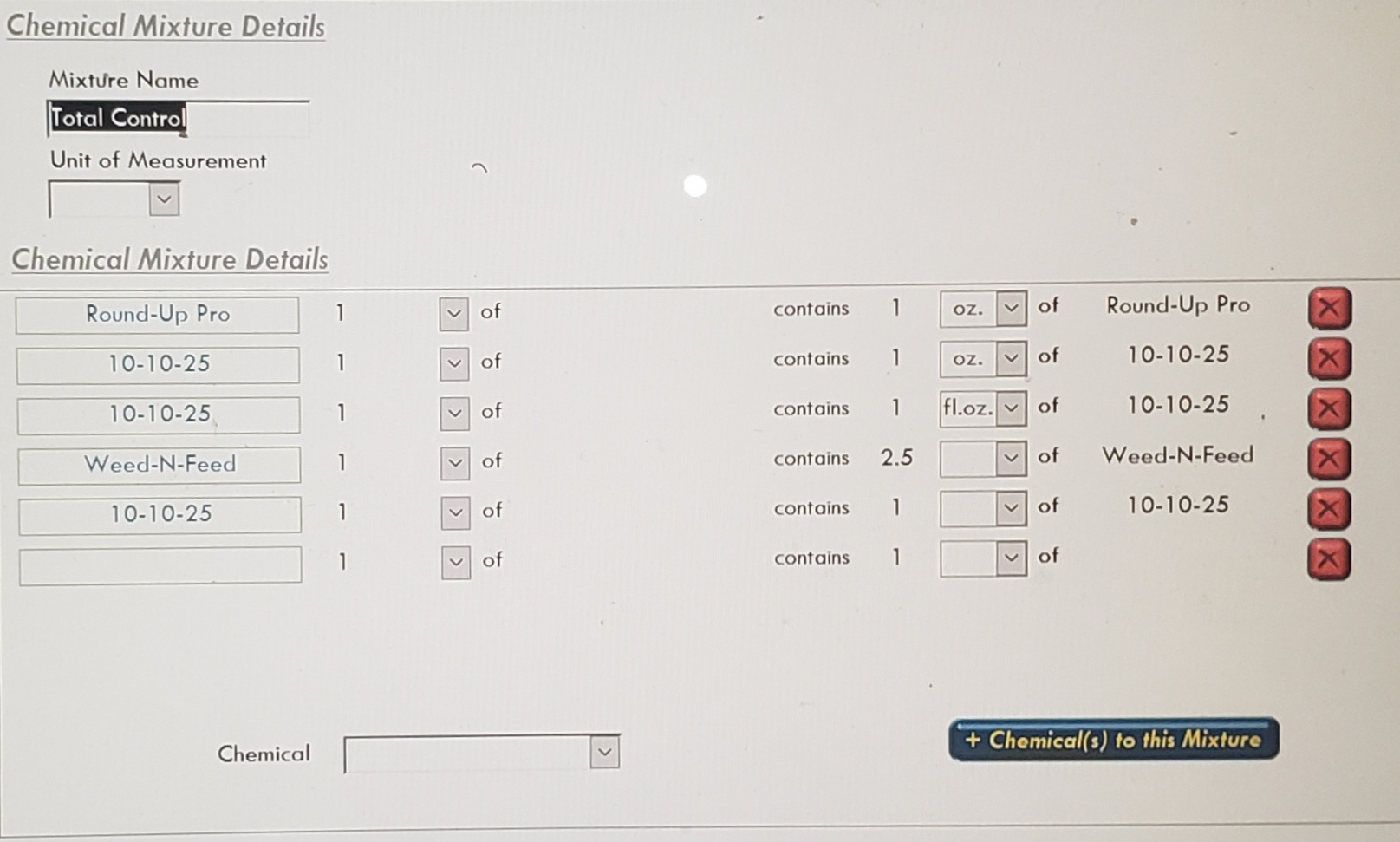
Here's the Form Setup...

This thread is now CLOSED. If you wish to comment, start a NEW discussion in Access Forum.
 

Next Unseen

 
New Feature: Comment Live View


The following is a paid advertisement
Computer Learning Zone is not responsible for any content shown or offers made by these ads.
 

Learn
 
Access - index
Excel - index
Word - index
Windows - index
PowerPoint - index
Photoshop - index
Visual Basic - index
ASP - index
Seminars
More...
Customers
 
Login
My Account
My Courses
Lost Password
Memberships
Student Databases
Change Email
Info
 
Latest News
New Releases
User Forums
Topic Glossary
Tips & Tricks
Search The Site
Code Vault
Collapse Menus
Help
 
Customer Support
Web Site Tour
FAQs
TechHelp
Consulting Services
About
 
Background
Testimonials
Jobs
Affiliate Program
Richard Rost
Free Lessons
Mailing List
PCResale.NET
Order
 
Video Tutorials
Handbooks
Memberships
Learning Connection
Idiot's Guide to Excel
Volume Discounts
Payment Info
Shipping
Terms of Sale
Contact
 
Contact Info
Support Policy
Mailing Address
Phone Number
Fax Number
Course Survey
Email Richard
[email protected]
Blog RSS Feed    YouTube Channel

LinkedIn
Copyright 2026 by Computer Learning Zone, Amicron, and Richard Rost. All Rights Reserved. Current Time: 5/7/2026 3:20:04 PM. PLT: 0s