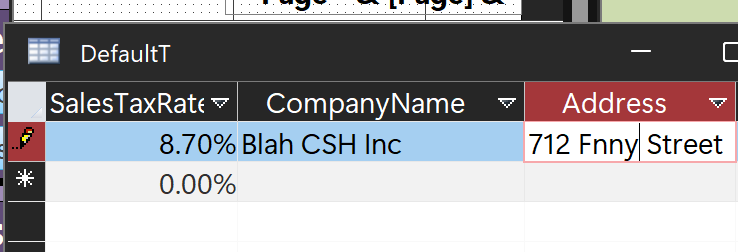
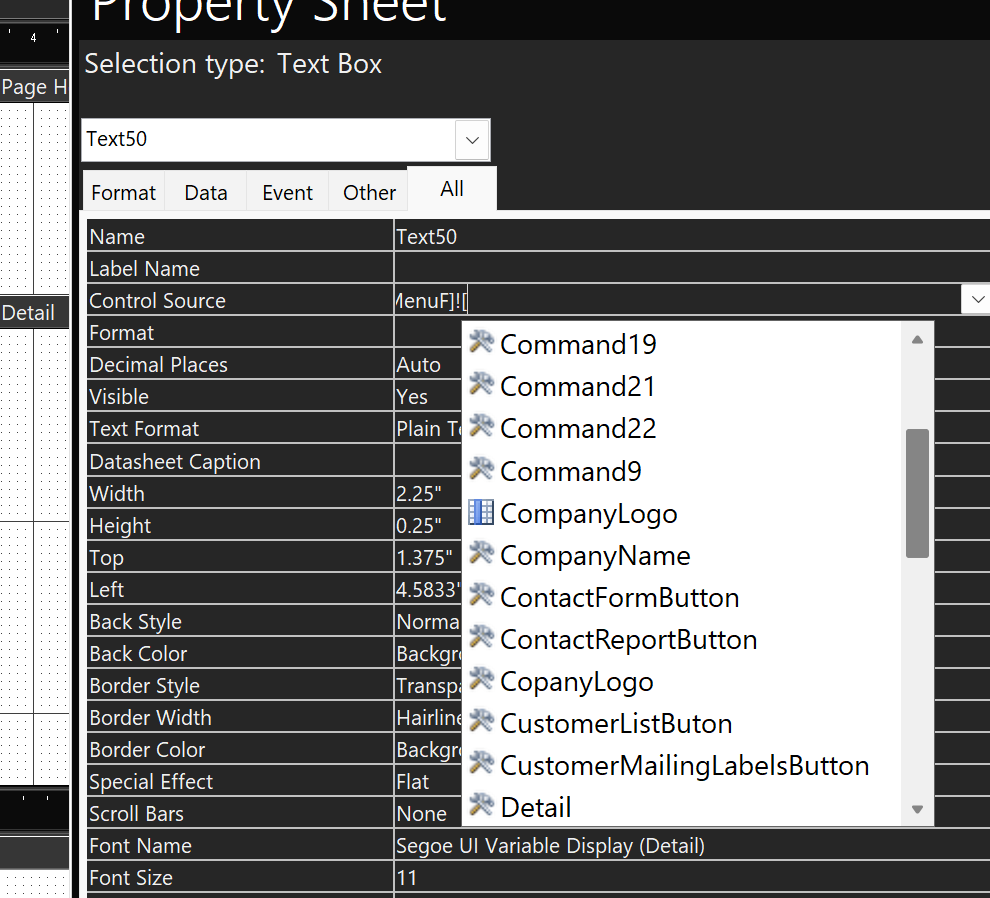
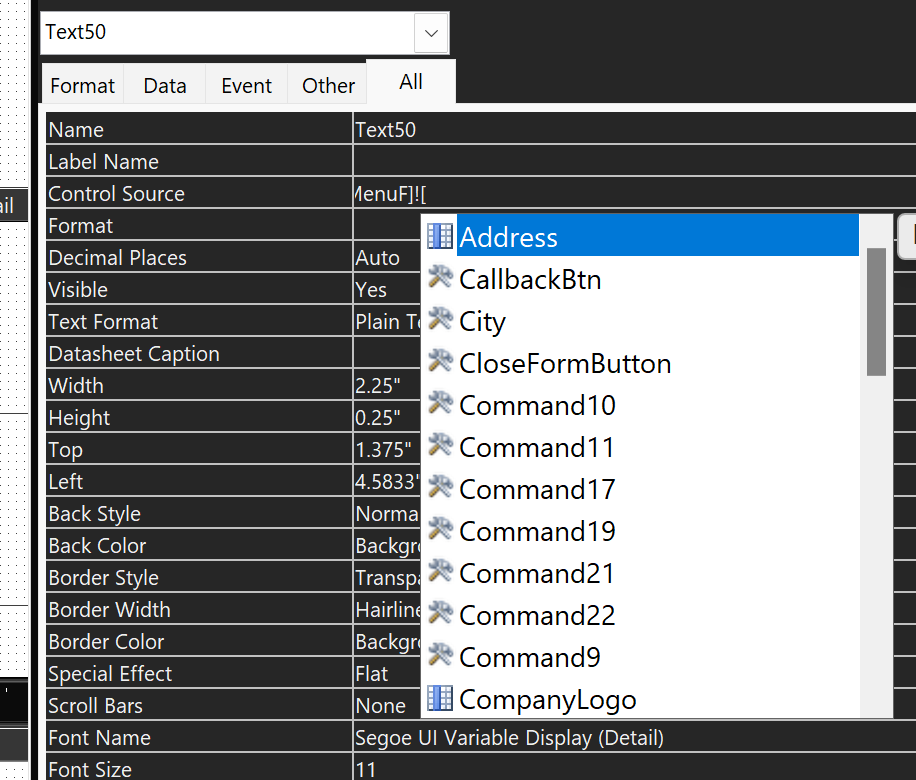
my #Name error shows up. So when I type in the Forms!MainMenuF!Companyname and a few others...they don't show as the little blue recod source column icon when typing them in and selecting or tabbing over, if that mke sense... Instead the CompanyName does show up in the drop down list in the control source with the little wrench and hammer tool icon that looks like an "X" that says its a text box. But when I go to the DefaultT after entering the info into the MainMenuF form input box, the DefaultT values show up with the data I entered in the form. How do I fix this? Thank you! :)
Matthew WendellOP
@Reply 2 years ago
Matthew WendellOP
@Reply 2 years ago
Matthew WendellOP
@Reply 2 years ago
Kevin Robertson
@Reply 2 years ago
What is Text50???
You say in your original post that you get a #Name error - none of your images show this...
Sorry, only students may add comments.
Click here for more
information on how you can set up an account.
If you are a Visitor, go ahead and post your reply as a
new comment, and we'll move it here for you
once it's approved. Be sure to use the same name and email address.
This thread is now CLOSED. If you wish to comment, start a NEW discussion in
Access Expert 10.