|
||||||

|
|
||||||
|
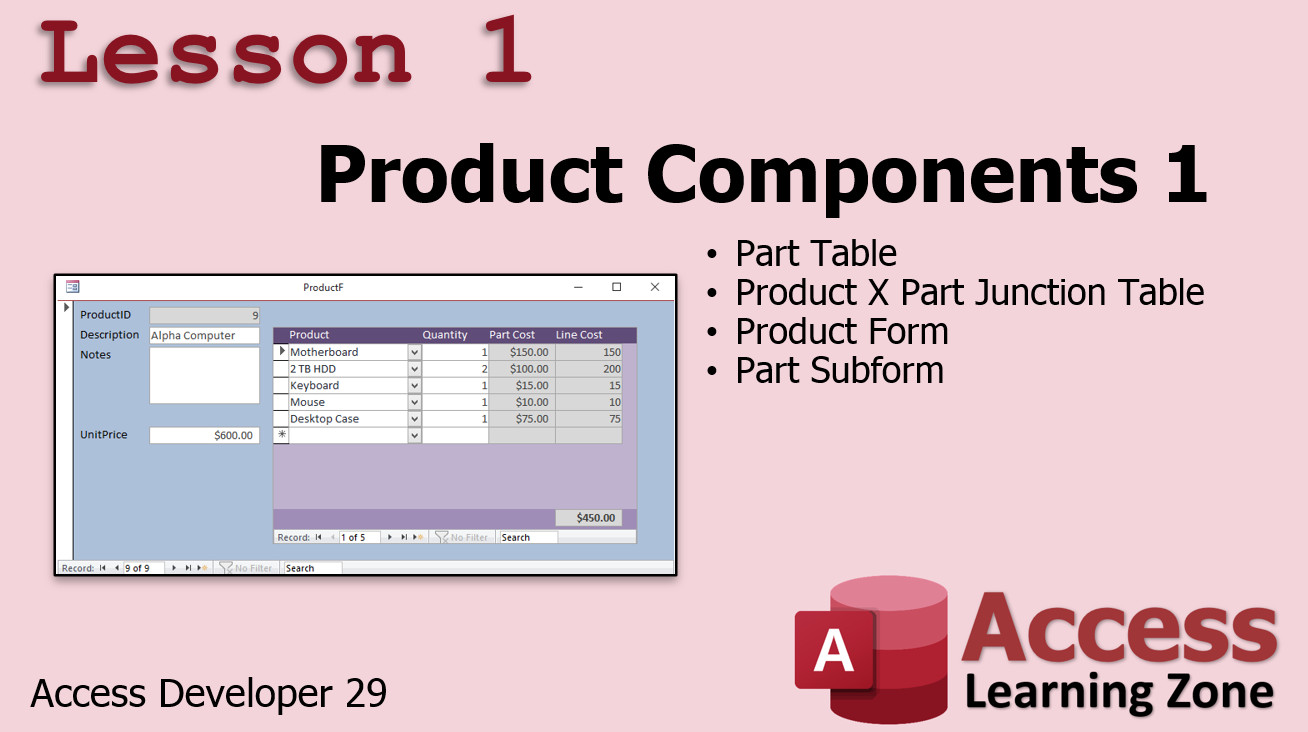
Access Developer 29Product Components. FIFO Stock Rotation. WelcomeIn today's class we are continuing on with inventory lessons. We're going to learn about product components which is where you have a product that you manufacture such, as the computer system, that is made up of components that you purchase from one or more vendors. For example, you buy the motherboard, the keyboard, mouse, hard drive, etc. and you assemble those and create your own product for resale. Then we're going to look at FIFO stock rotation which means First-In, First-Out. This usually has to do with perishable items, but even in my old business of computer sales I didn't want products sitting on the shelf too long. Even though it's the same hard drive, the manufacturer's warranty might run out after a year, so I want to keep track of my oldest stock and sell those first. We'll learn how to handle that properly. ResourcesPre-RequisitesAccess Developer 23 and Developer 27 are definitely recommended for this class. We will be using the database built in those two classes for lessons 3 and 4. Topics CoveredIn Lesson 1, we will learn how to create components for each of our products. This way we can purchase components from our vendor (like computer parts) and then specify which of them and what quantity of each are used to assemble a product unit. We can calculate our unit cost and specify our sale price.
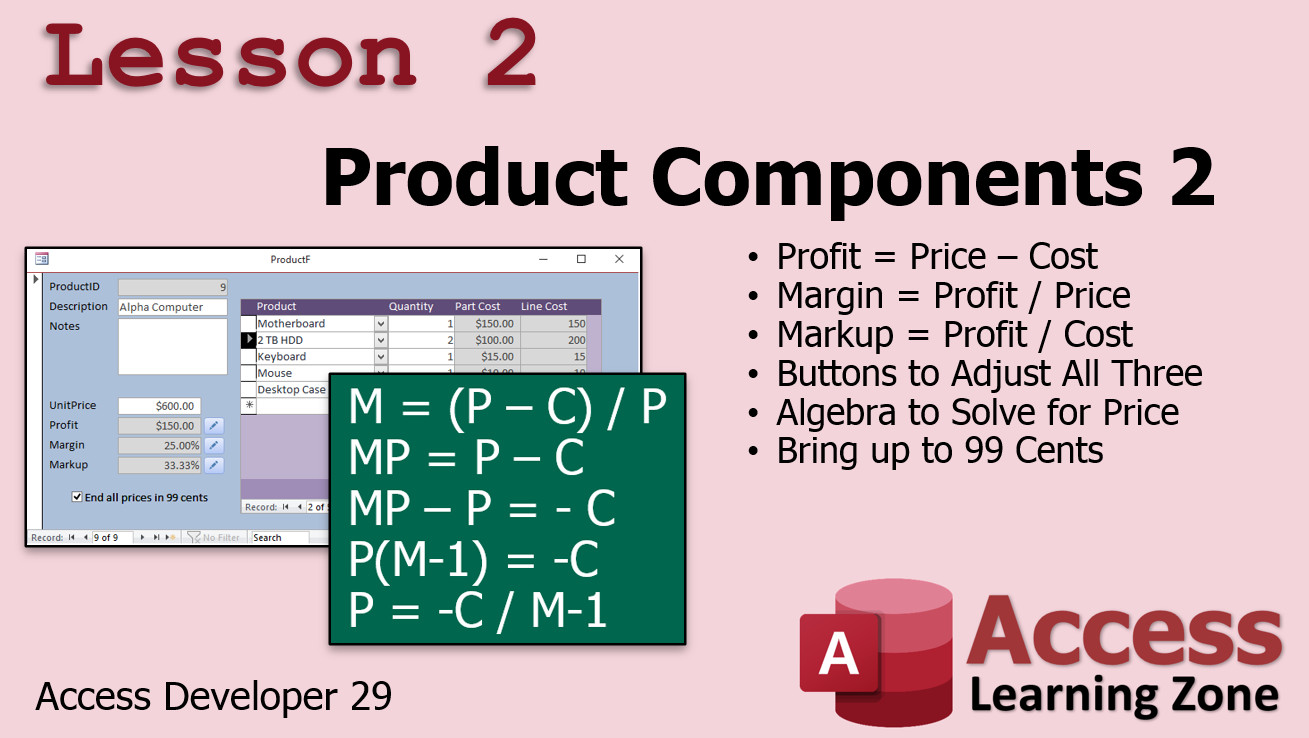
In Lesson 2, we are taking a trip back to high school algebra. We'll calculate our profit (that's easy), our gross margin, and our markup. Then we're going to make buttons to adjust all three. So, say you want to specify a 20% margin. Using algebra we can determine what to set the sale price too. Likewise, if you want a 5% markup. Then we'll make an option to raise the unit price to 99 cents, so no matter what the final sale price comes to, it's always something like $12.99.
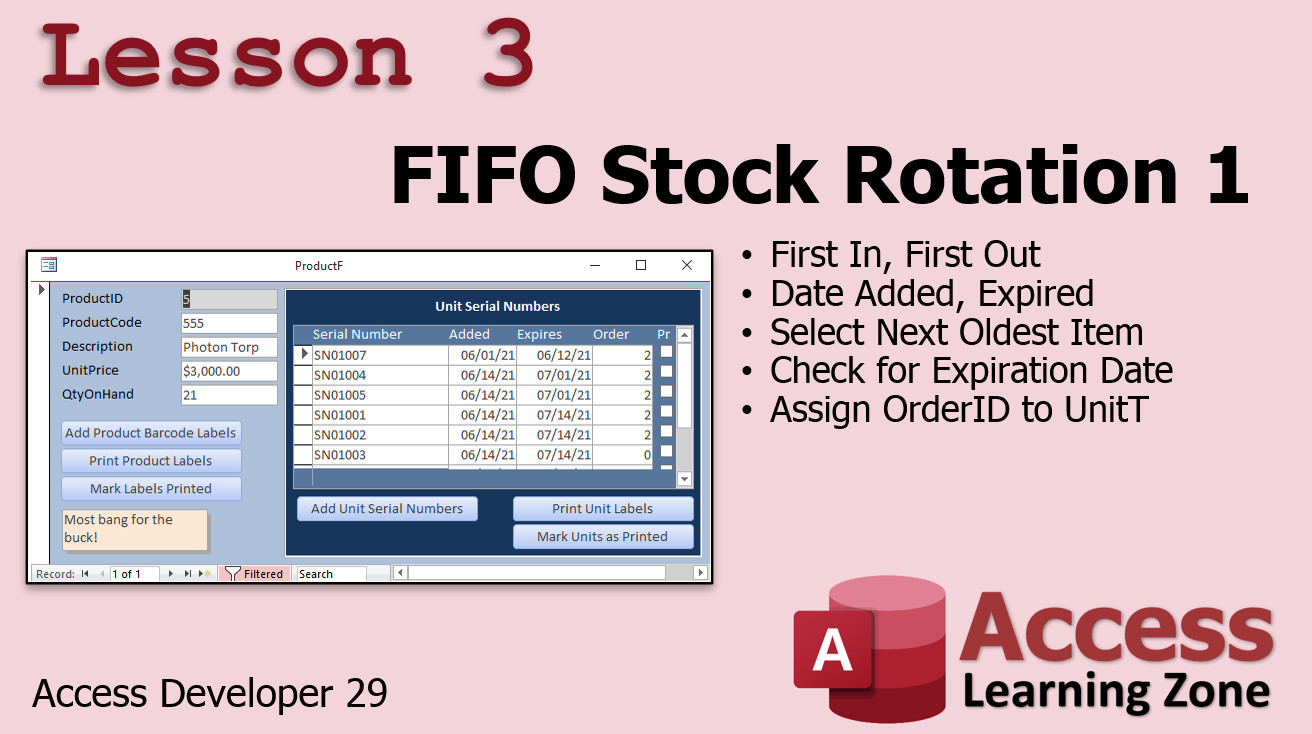
In Lesson 3, we're going to learn how to handle FIFO stock rotation. You want to make sure the oldest good that aren't expired are sold first. We'll see how to track the date the items are added to inventory, store an expiration date, and when that item is added to an order, we'll track that too. When the user scans in a specific item, we'll put it on the order. If they just choose "Product A" then we'll have the database find the Product A that has been in inventory the longest without being expired and direct them to get that specific unit.
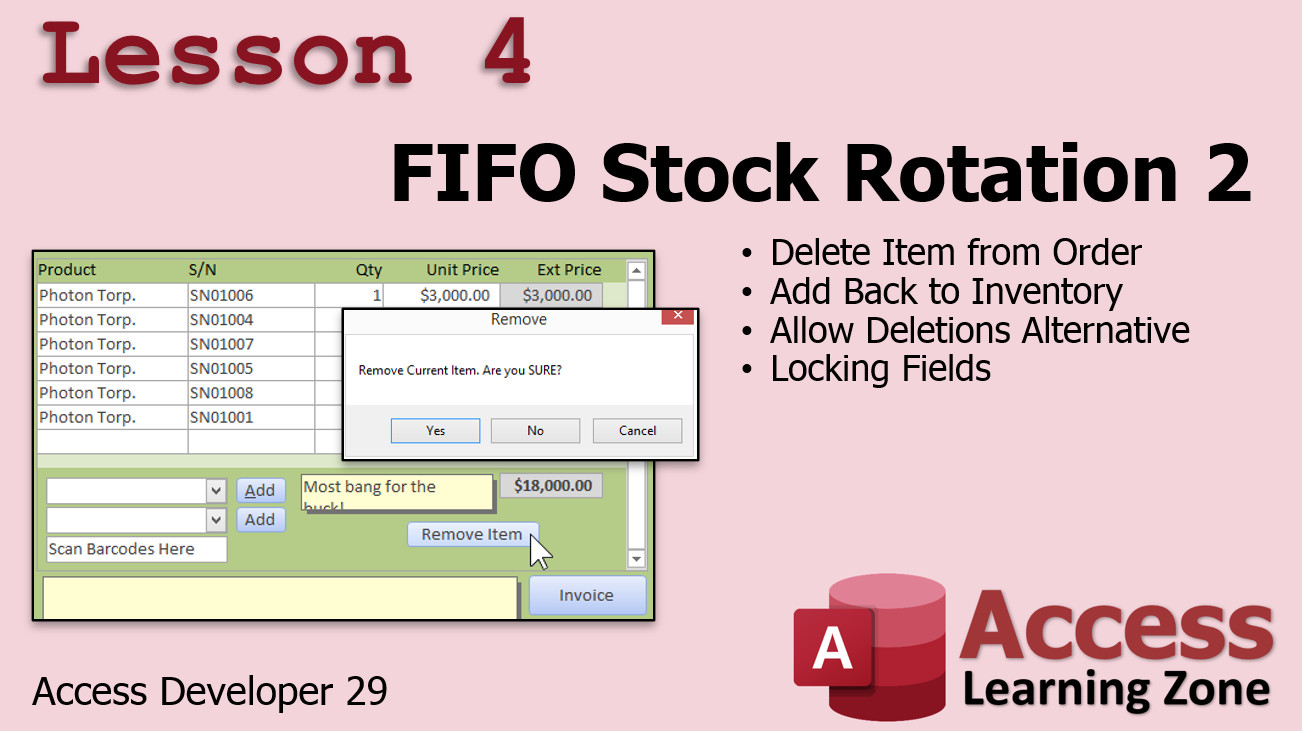
In Lesson 4, we're going to learn how to delete items from invoices. Let's say the customer changes their mind and doesn't want one item from the order. We have to then remove it, but also place that item back into inventory. We're going to learn how to manage this and see a better way than using the built in delete events.
Enroll TodayEnroll now so that you can watch these lessons, learn with us, post questions, and more.
Questions?Please feel free to post your questions or comments below. If you are not sure as to whether or not this product will meet your needs, I'd rather help you before you buy it. Remember, all sales are final. Thank you.
More InformationTranscriptWelcome to Microsoft Access Developer Level 29, brought to you by AccessLearningZone.com. I am your instructor, Richard Rost. In today's class, we're continuing on with inventory-type topics. We're going to learn about product components. That's where you have a product that you manufacture, such as a computer system, that is made up of components that you purchase from one or more vendors. You buy the motherboard, the keyboard, the mouse, the hard drive, the case, and whatever else, then assemble those and create your own product. We'll see how to handle that. Then we're going to look at FIFO Stock Rotation - that's first in, first out. Usually, that has to do with perishable items, but even with my old business where I sold computers, I didn't want products sitting on the shelf too long. Even though it's the same hard drive, the manufacturer's warranty might run out after a year, so I want to keep track of my oldest stock and sell those first. Most businesses want to do proper stock rotation - first in, first out. We'll talk about that too. This class does build heavily on some previous classes. Of course, my beginner, expert, and advanced series are all a must. Developers 16 on record sets is very important. Developers 23, where I start inventory, and especially Developer 27 are very important. I'm going to consider those hard prerequisites for this class, because I'm going to go back to the database that we built starting in 23 and ending in 27 for today's database. If you don't know how the inventory database was built from Developer 27, you might be lost today. Make sure you take Developer 23 and 27 before this course. There it is, the big one: Developer 27. We're going to be using that database. As always, I recommend you get a Microsoft 365 subscription, currently roughly equivalent to Access 2019. The techniques in today's class should work all the way back to 2007 or so. There's nothing version-specific in this one. Questions, as always, post them in the comment section down below the bottom of this window that you're watching this video on. I strongly recommend you post your questions in the forum. Do not email me. I get tons of emails every day. In my previous videos, I said go ahead and email me, but it's getting to the point where I'm getting way too many emails. Post them in the forums. I've got lots of other fantastic students, my Access veterans, who love helping out. If you've got questions, post them there. Chances are one of them will answer your question before I do, because I get so many emails every day. I don't have time for them all. Of course, there's always the general Access forum. You can post your questions that are not related to today's class there. Let's take a closer look at what's covered in today's material. In lesson one, we're going to learn how to make components that will make up our products. For example, a computer, which is our product, can be made up of multiple components. This is very similar to the product groupings we did earlier. However, these are individual components that we buy as raw materials, for example, from our suppliers. Then we build them together to make a single product that we sell. In lesson two, we're going back to high school. We're going to calculate the profit margin and markup. Those are simple to do. We're going to make buttons to adjust all three. If you want to set a specific amount of profit, margin, or markup, you'll be able to type in the number. If you want a 33 percent markup, you can just enter it. The only value that we can change is unit price, so we'll have to use some algebra to solve for price for each of those two equations. Then I'll show you how to bring it up to 99 cents if you want to. In lesson three, we're going to begin looking at first in, first out stock rotation, which is very important if you have perishable goods. In lesson four, we're continuing with FIFO stock rotation - first in, first out. We're going to see what to do if someone removes an item from an order. We have to put that item back into inventory. IntroIn lesson 29, you will learn how to build on your inventory management skills in Microsoft Access by handling product components, setting up items made from multiple purchased parts. I will show you how to calculate profit margin and markup, with tools to adjust these values using simple algebra. We will also begin exploring FIFO (first in, first out) stock rotation, and I will cover how to update inventory when items are removed from orders. This lesson uses the database designed in Developer lessons 23 and 27, so be sure to review those first. QuizQ1. What is meant by 'product components' in the context of this Microsoft Access lesson? A. Different report types used in the database B. Elements combined to build software modules C. Individual items purchased from suppliers and assembled to create a finished product D. Styles of user interfaces used in Access Q2. Why is FIFO (First In, First Out) stock rotation important for businesses? A. To maximize marketing opportunities B. To minimize employee workload C. To ensure the oldest inventory is sold first, reducing the risk of expired or obsolete stock D. To increase supplier diversity Q3. Which previous developer classes are considered hard prerequisites for this course? A. Developer 10 and Developer 15 B. Developer 23 and Developer 27 C. Developer 29 and Developer 30 D. Developer 20 and Developer 24 Q4. What should students do if they have questions about the material covered in the course? A. Email the instructor directly B. Call the instructor's office C. Post in the forum or comment section to get help from other students and Access veterans D. Wait until the next class for answers Q5. What will students learn to do in lesson one of this course? A. Create custom Access themes B. Build query joins across multiple databases C. Define and manage product components that make up finished products D. Automate form navigation with macros Q6. In lesson two, what financial calculations will students learn to perform? A. Loan amortization and tax calculation B. Margin and markup calculations, including adjusting unit price and rounding prices to end in .99 C. Inventory depreciation and forecasting D. Payroll and commission calculation Q7. What is unique about the components discussed in this course compared to earlier product groupings? A. Components are only virtual, not real items B. Components are made up of finished goods ready for sale C. Components are raw materials bought from suppliers assembled to form a finished product D. Components refer to Access database objects Q8. What version of Microsoft Access is recommended for this course? A. Access 2003 B. Access 2007 only C. Microsoft 365 (equivalent to Access 2019), but techniques work back to 2007 D. Access Web Apps only Q9. What is the purpose of using algebra in lesson two? A. To calculate customer satisfaction B. To determine supplier delivery time C. To solve for unit price based on desired profit, margin, or markup D. To optimize database relationships Q10. When handling FIFO stock rotation, what must be done if an item is removed from an order? A. It should be deleted from the database B. It must be put back into inventory C. It should be sold at a discount D. It must be marked as damaged Answers: 1-C; 2-C; 3-B; 4-C; 5-C; 6-B; 7-C; 8-C; 9-C; 10-B DISCLAIMER: Quiz questions are AI generated. If you find any that are wrong, don't make sense, or aren't related to the video topic at hand, then please post a comment and let me know. Thanks. SummaryToday's video from Access Learning Zone continues our exploration of inventory topics in Microsoft Access, focusing on how to manage products that you manufacture using components purchased from vendors. For example, if you build computers, each finished product will consist of separate parts such as the motherboard, keyboard, hard drive, mouse, and case. In this course, I will show you how to manage these assemblies so you can keep track of all the components that come together to create your final product. Another significant topic we will cover today is FIFO stock rotation, which stands for first in, first out. Although this method is particularly important for businesses dealing with perishable inventory, it is also useful for items like computer parts. For instance, you do not want to keep hard drives sitting on the shelf so long that the manufacturer's warranty runs out before the item is sold. Proper stock rotation helps you ensure the oldest items are sold first, reducing waste and keeping inventory fresh. To get the most out of today's class, it is critical that you have completed my earlier beginner, expert, and advanced courses. In particular, Developer 16 (where we discuss recordsets), Developer 23 (where inventory tracking begins), and especially Developer 27 are essential prerequisites. I will be continuing to build on the database and concepts created in those classes. If you are not already familiar with the work we did in Developer 27, you may have a difficult time following along, so I highly recommend reviewing Developer 23 and Developer 27 beforehand. As always, I suggest using Microsoft 365 for the most up-to-date features that correspond to Access 2019, though the methods I use today should be compatible with versions as old as Access 2007. There is nothing in today's video that should cause compatibility issues in older versions. If you have any questions about today's topics, please post them in the comment section beneath the video or, better yet, use the forum on my website. I am receiving an increasing number of emails and it is nearly impossible for me to respond to all of them individually. By posting in the forum, not only do I see your question, but there are also many experienced Access users who are happy to share their insights and help out. If your question does not directly relate to today's class, you can also post it in the general Access forum. Now, let us look in more detail at what each lesson will cover. In the first lesson, I will show you how to define components for your products. For example, when you manufacture a computer, each part is handled as a separate component that you purchase as a raw material. You will learn how to associate these parts with the finished product, which is similar to product grouping but tailored for items you actually buy from suppliers and use in manufacturing. In the second lesson, we will revisit profit margin and markup calculations, reviewing the algebra needed to set your desired unit price based on a specific markup or margin. I will demonstrate how to add controls so you can easily input the markup or margin percentage you want, and the system will calculate the unit price accordingly. I will also explain how you can adjust prices to standard retail values such as $99.99. The third lesson introduces FIFO stock rotation, focusing on how to keep inventory moving in the right order. This ensures the oldest items leave your inventory first, which is especially important for products with shelf lives, but also good practice for electronic components. In the fourth lesson, we continue with FIFO inventory management by addressing what happens when you remove an item from an order. We will cover how to properly return that item to inventory, making sure your records stay accurate and your FIFO system remains intact. You can find a complete video tutorial with step-by-step instructions on everything discussed here on my website at the link below. Live long and prosper, my friends. Topic ListCreating products from multiple components Setting up component tracking in Access Calculating profit margin and markup Adjusting unit price based on margin or markup Using algebra to solve for unit price Rounding prices to .99 Implementing FIFO stock rotation Handling inventory returns with FIFO stock rotation Primary Topicsproduct component management, inventory assembly, FIFO stock rotation, profit margin calculation, markup calculation, Access database design Secondary Topicsraw materials tracking, supplier management, order adjustments, price rounding |
||
|
| |||
| Keywords: access developer 29 ProductComponents PartT ProductXPartT Q ProductF ProductXPartF Profit Price Cost Margin Markup Adjust Algebra Equation MathPapa BringPriceUp 99Cents FIFO FirstOut FEFO Expiration Update UnitT UnitF DateAdded ExpirationDate OrderID Resi Page Tag: whatsnew PermaLink Microsoft Access Developer 29 |