|
||||||

|
|
||||||
|
Access WatchDog TemplateRestart Database or Reboot PC if Access Locks Up The Access WatchDog is a Visual Basic Script that will run in conjunction with your Access Database. If for any reason your database locks up or becomes unresponsive, the WatchDog will kill the MSACCESS.EXE task and restart your database. If it's still unresponsive after a few attempts, WatchDog will reboot the computer. Put your database in the Startup group and it will load back up and continue running. This is great for people who have their Access application running on a loop, performing regular tasks, like an email server. Videos
Updates
Full PackageOnce you have purchased the full developer package, come back to this page and click on the Download button below. This will give you access to the ZIP file containing the Template files. Be sure to watch the Developer Guide video (above).
Please be sure to read the Before You Purchase section below before buying this template!
Features
You Will Also Learn
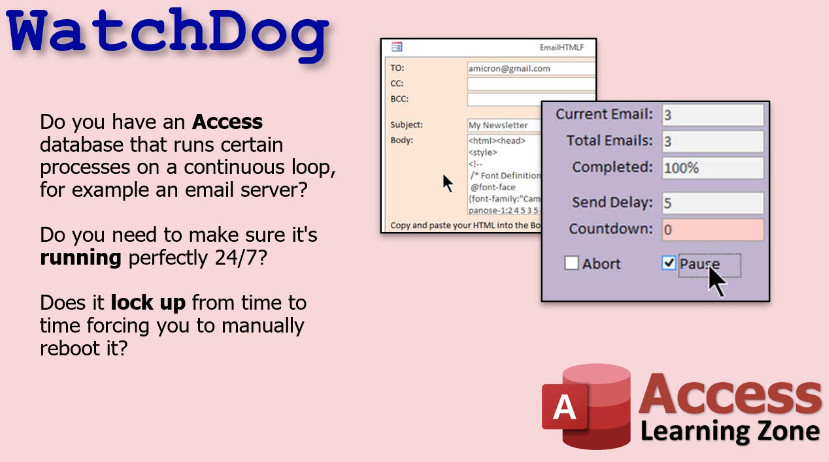
Do you have an Access database that runs certain processes on a continuous loop, for example an email server? Do you need to make sure it's running perfectly 24/7? Does it lock up from time to time, forcing you to manually reboot it?
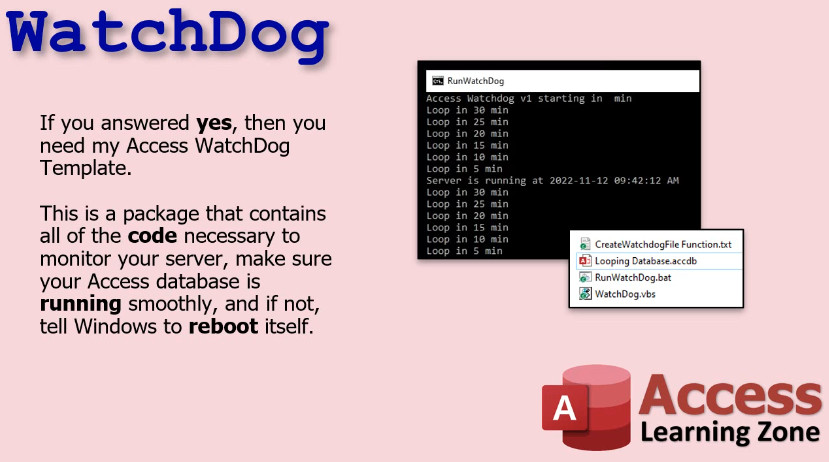
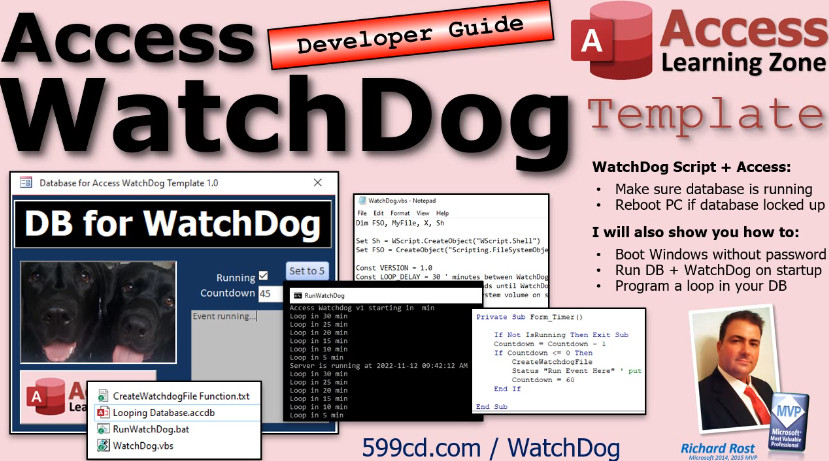
If you answered yes to any of those questions, then you need my Access WatchDog Template. This is a package that contains all of the code necessary to monitor your server, make sure your Access database is running smoothly, and if not, WatchDog will kill the MSACCESS.EXE task and restart your database. If it's still unresponsive after a few attempts, WatchDog will reboot the computer.
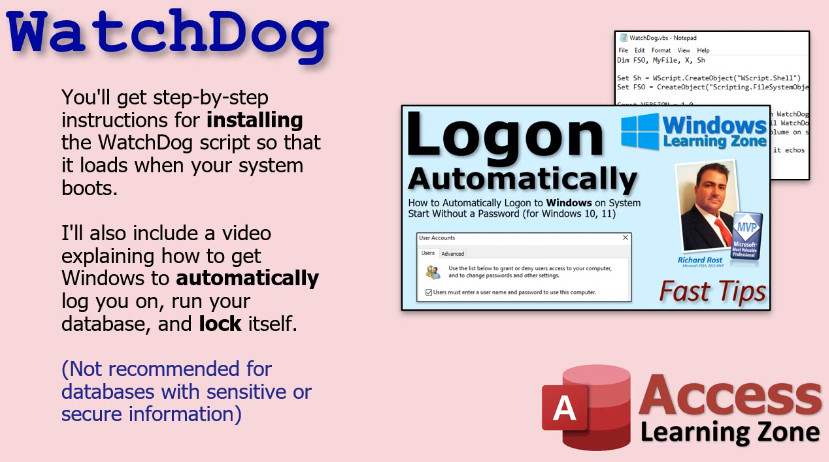
You'll get step-by-step instructions for installing the WatchDog script so that it loads when your system boots. I'll also include a video explaining how to get Windows to automatically log you on, run your database, and lock itself. (Not recommended for databases with sensitive or secure information).
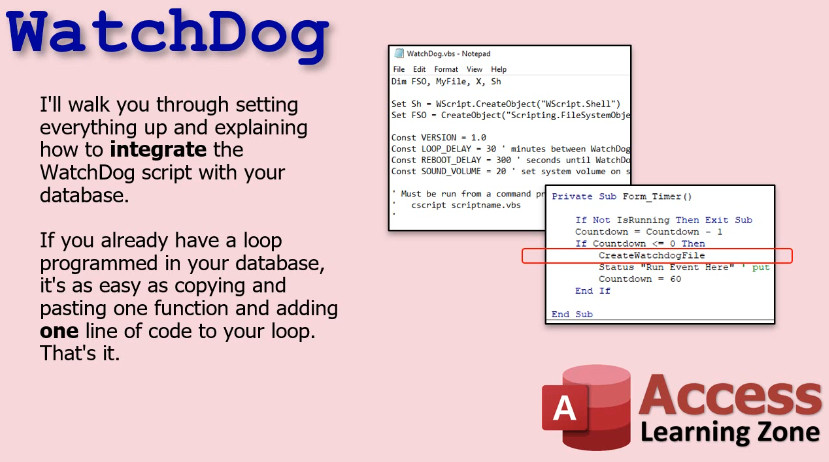
I'll walk you through setting everything up and explaining how to integrate the WatchDog script with your database. If you already have a loop programmed in your database, it's as easy as copying and pasting one function and adding one line of code to your loop. That's it.
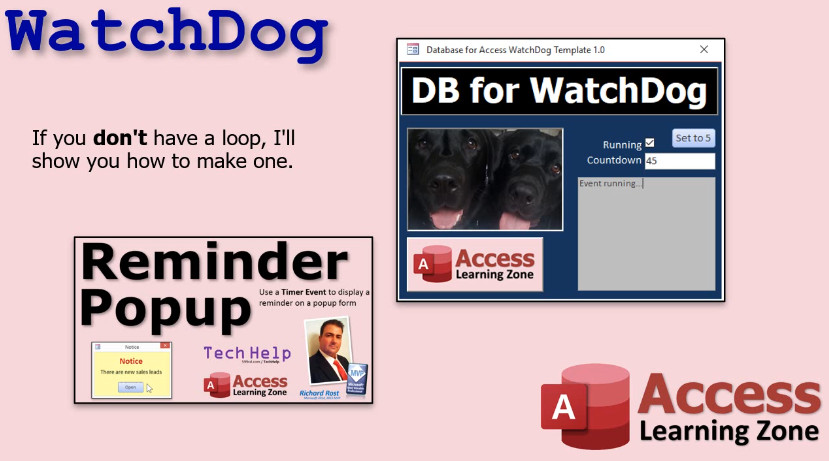
And if you don't have a loop in your current database, I'll show you how to make one.
You'll also get a Developer Guide video where I'll walk you through every step of the integration. Now sure, there are a bunch of other programs out there that can reboot your computer on a regular basis. The Access WatchDog is specially designed to integrate with your Access database so it knows when it's running and when it's locked up, and can reboot your system only in the event that your database has crashed.
Before You PurchaseA few important notes before you purchase this template:
Possible Future Upgrade IdeasIf you are interested in any of these, please post a comment below.
Integration Steps
LicenseFor internal use only. This template does NOT come with a royalty-free license. You may only customize the template for your business needs and for use within your organization at one location ONLY. You may not resell or distribute any form of this template to others without express written permission. Contact me for additional information on obtaining a license to distribute if you plan on including this template in a product you are reselling. Additional licenses are required if you plan on using this template with more than ten (10) employees or in multiple locations within your organization. Not a Finished ProductPlease keep in mind that most of my template databases are not designed to be finished products that are ready to go in a working environment. My templates are meant as starting points for you to customize for yourself so you don't have to reinvent the wheel. This requires that you have a basic understanding of Microsoft Access development. To work on most of my databases you should have completed my Access Beginner series and the first couple levels of my Expert series at a minimum. Most of my databases require knowledge of SQL and VBA as well. Keep in mind that most of my templates are not like off-the-shelf software. They're starting points for developers to be able to modify and use as their own. It really is going to be in your benefit to watch all of the prerequisite videos so you understand the database and how it works moving forward. This is not like QuickBooks where you just install it and use it. My templates are mostly designed for people who already have an understanding of how Microsoft Access works. Customize For Your NeedsIf you would like to discuss customizing this template for your needs, and integrating it into your current setup, please see my consulting page for details. While I no longer accept custom jobs that are specific to a single user, I may include your features in a future version of this template if they have mass appeal. If you are looking for custom enhancements made to this template just for you, visit my Developer Network. Technical SupportPlease note that technical support is NOT guaranteed for any of my courses, seminars, or templates. If you require help with modifying this template, you may post a question in the Forums, however an answer to your question is not guaranteed. If this template comes with an accompanying Seminar, then you should purchase that Seminar to see how the database was constructed. If not, then you should have taken the suggested courses. Most of my templates are designed on a Developer level and you should have a thorough understanding of SQL and VBA before attempting to modify them. If you have a problem with one of my databases, I will only support the unmodified database exactly as it's downloaded from my site. If you have modified it in any way, it may not be something I can help you with. You can post in the Forums, and I may be able to help you, but if the issue doesn't exist in my unmodified database, it's not something I can support. Questions?Got sales or customer service questions about this template? Feel free to contact me. If you have technical "how do I" questions about this template, you discover a bug, or want to suggest a new feature, then please post your comments below. Keywordsmicrosoft access, ms access, ms access tutorial, #msaccess, #microsoftaccess, #help, #howto, #tutorial, #learn, #lesson, #training, #database, #template, reboot pc if access database locks up, restart pc, system watchdog, watch dog, computer freezes, auto reboot pc if application locks up
More InformationTranscriptIntroducing the Access Watchdog, brought to you by AccessLearningZone.com. Do you have an Access database that runs certain processes on a continuous loop, for example, an email server? Do you need to make sure that database is running perfectly 24-7? Does it lock up from time to time, forcing you to manually reboot it? If you answered yes to any of those questions, then you need my Access Watchdog template. This is a package that contains all the code necessary to monitor your server. Make sure your Access database is running smoothly, and if not, tell Windows to reboot itself. You will get step-by-step instructions for installing the Watchdog script so that it loads when your system boots. I will also include a video explaining how to get Windows to automatically log you on, run your database, and lock itself. I will walk you through setting everything up and explaining how to integrate the Watchdog script with your database. If you already have a loop programmed in your database, it is as easy as copying and pasting one function and adding one line of code to your loop. That's it. And if you do not have a loop, I will show you how to make one. You will also get a developer guide video where I walk you through every step of the integration. There are a bunch of other programs out there that can reboot your computer on a regular basis, but Access Watchdog will integrate with your database. So if it stops working for any reason or locks up, then the Watchdog will reboot the PC, which you can then set to restart your database. If you have any questions or if you would like more information on the Access Watchdog, visit my website at AccessLearningZone.com and search for Watchdog. IntroIn this video, I will show you how to use the Access Watchdog template to automatically monitor and restart your Microsoft Access database if it crashes or locks up. You will learn how to install the Watchdog script, set it to load when Windows starts, configure automatic login and database launch, and integrate the script into your existing database loops with just a few steps. I will guide you through the setup process so you can keep your Access-based applications running smoothly around the clock. QuizNo quiz available. SummaryToday's video from Access Learning Zone introduces the Access Watchdog, a specialized solution designed for people who run Microsoft Access databases that operate processes in a continuous loop, such as an email server. If you rely on your database to function around the clock and have dealt with it freezing up occasionally and needing manual reboots, Access Watchdog is built for you. This template provides everything necessary to keep an eye on your Access server. It ensures your database is always running properly and, if it detects a problem, it can instruct Windows to reboot the system automatically. I provide comprehensive, step-by-step instructions for getting the Watchdog script installed so it launches automatically on system boot. You'll learn how to set up Windows to log in without your intervention, start the database automatically, and then lock the computer afterward for security. I also guide you through the process of linking the Watchdog script with your existing database. If you already have a continuous loop set up in your Access database, integrating the Watchdog only requires you to copy and paste a single function and add a line of code to your loop. For those who do not yet have a loop, I demonstrate how to create one from scratch. Included is a detailed developer guide video, where I cover the entire integration process step by step. Although there are other tools out there capable of rebooting your computer on a schedule, Access Watchdog is unique because it works hand-in-hand with your Access database. If your database freezes or stops functioning for any reason, this tool can reboot your PC and get your database up and running again automatically. If you have questions or want more information about Access Watchdog, just head over to my website at AccessLearningZone.com and search for Watchdog. You can find a complete video tutorial with step-by-step instructions on everything discussed here on my website at the link below. Live long and prosper, my friends. Topic ListThis is a promotional overview describing the Access Watchdog template for monitoring and maintaining Microsoft Access database uptime, including features for automatic rebooting and integration instructions. Primary TopicsAccess Watchdog script, Access database monitoring, continuous loop processes, automated reboot, integration steps, server reliability Secondary TopicsWindows autologin, database auto-start, locking Windows |
||||||||||||||||||
|
| |||
| Keywords: templates access reboot pc if access database locks up, restart pc, system watchdog, watch dog, computer freezes, auto reboot pc if application locks up PermaLink Microsoft Access WatchDog Template |