Access Developer Courses
After you've finished the Beginner, Expert, and Advanced series, move up to the Developer series to learn how to super-charge your databases. This is the pinnacle of my Microsoft Access training and is where we unlock the true power of Access with Visual Basic for Applications (VBA). Here you'll learn how to automate tasks, build custom interfaces, create reusable code, work with recordsets, manipulate files, integrate with other Office applications, customize ribbons and menus, build complex business systems, and solve real-world problems that simply can't be accomplished with tables, queries, forms, reports, macros, and events alone. These lessons are designed to teach you how to think like a professional developer, not just how to write code. Whether you're building a database for yourself, your business, or your clients, the Developer series will give you the tools and techniques needed to transform Microsoft Access from a database application into a complete custom software development platform.
| Microsoft Access Developer Courses | Options Sort: Date Title | Display: Full Compact | | | | | Access Developer 1 Get started with VBA programming in Microsoft Access as you learn how to create your first code using the MsgBox command, open forms with DoCmd.OpenForm, and convert macros to powerful VBA subroutines. Explore essential topics like building If Then logic, automating data entry with the AfterUpdate event, handling multi-step commands, and linking form controls to improve productivity. Unlock practical skills that enable you to enhance and automate your Access databases using VBA, with hands-on guidance covering form events, working with parameters, and best practices for structuring robust code. | |  |
| | | | Access Developer 2 Take your Access skills to the next level by building a custom calculator form and a commission tracking form using VBA programming. Learn to create and streamline calculator operations with custom subroutines and Select Case statements, implement data validation and error handling, and automate data entry into tables using DoCmd.RunSQL with SQL INSERT statements. Along the way, you'll pick up best practices for managing null and blank values, user input validation, and practical form design, giving you hands-on experience with real-world automation solutions. | |  |
| | | | Access Developer 3 Build advanced database solutions with memory variables, random numbers, constants, and For Next loops in this practical course for Access developers. Learn to check for duplicate records using DLookup, prompt users for confirmation, create a math quiz using random number generation, and manage user input and quiz scoring with different variable types. The course also covers quick data entry techniques like adding new sales reps directly from forms with input boxes and combo boxes, along with error handling, best practices, and tips for smoother workflow and automation in your Access projects. | |  |
| | | | Access Developer 4 Build your skills with advanced features by learning how to add and manage editable notes on order details, implement tiered sales commissions based on order amounts, and streamline your commission tracking using tables, forms, and VBA techniques. This course covers updating the order system for custom notes, designing dynamic forms to assign and calculate commissions for employees, and connecting orders to reps for easy payment management. You will also learn to enhance form usability, update printable invoices, and organize VBA for efficient, real-world database solutions. | |  |
| | | | Access Developer 5 Build advanced skills by creating a pay commissions system, including forms with dual list boxes for managing commission items, processing payments, and designing reports to print checks with both numeric and currency text amounts using a spell number function. The course covers best practices for commission approval, handling multi-user data integrity, automating check numbering, marking checks as printed, and tips for aligning check reports. You will also learn to manage form selections, efficiently update related records, and set up your database for secure, streamlined employee commission tracking and check printing. | |  |
| | | | Access Developer 6 Take your Access databases to the next level by learning how to convert macros to VBA for more control and automation, create enhanced timer forms for scheduled actions, build dynamic cascading combo boxes to improve data filtering, and set up automated backups to safeguard both your entire database and individual objects. This course covers when to use Access's built-in tools versus manual VBA, methods for interval-based automation, and best practices to keep your data secure and efficient. | |  |
| | | | Access Developer 7 Learn how to efficiently manage partial payments and track payment history for invoices in Microsoft Access, including building payment entry forms, running totals, and calculating amount due. Discover how to implement modal forms to prevent errors, use DSum and NZ functions, display payments on invoices, and customize message boxes with icons. The course also covers handling unpaid invoices and quotations, controlling payment visibility, and ensuring seamless design between forms and reports, making your order entry system more powerful and user-friendly. | |  |
| | | | Access Developer 8 Enhance your order entry system by learning how to implement partial payments with default values, robust overpayment checks, and security features like manager password requirements. Discover best practices for form event management, automatic total updates, and permission control. You will also build a powerful search as you type form to instantly filter customer or company lists across multiple fields, with real-time results and optimized performance through smart indexing. Perfect for developers looking to add advanced payment mods, secure data handling, and instant filtering capabilities to their Access applications. | |  |
| | | | Access Developer 9 Enhance your database skills by learning how to manage partial payments in order entry systems, create effective main menu navigation, and build a full-featured test taker database from the ground up. This course covers designing tables and relationships, creating linked and cascading forms with combo boxes, implementing SQL Insert statements, and handling tasks like recording test results, managing answer subforms, and customizing form behavior with VBA. Perfect for developers looking to upgrade forms usability and automate essential data processes in their Microsoft Access applications. | |  |
| | | | Access Developer 10 Build a robust test-taking and grading database as you advance your skills by creating queries for unanswered questions, dynamically displaying and scoring multiple choice and fill-in-the-blank questions, and capturing student responses. Learn to use DLookup and update queries to verify answers and calculate grades, ensuring streamlined data entry, error handling, and accurate results storage. This course guides you through setting up intuitive forms, sequencing questions, saving test results, and preparing for further automation like barcoding and order entry systems, providing everything you need to manage and grade tests efficiently in Microsoft Access. | |  |
| | | | Access Developer 11 Enhance your test taker databases by learning how to add features like question counters, implementing customizable timers, and managing form events, including cascading form closures and dynamic button visibility. This course guides you through designing a fully custom universal dialog box with personalized prompts, colors, and fonts, going beyond standard message boxes. You will also master using VBA to track test durations, manage combo box values, display status dynamically, and handle timing rules - all while applying best practices for form management and database usability. | |  |
| | | | Access Developer 12 Advance your Access development by building a flexible Universal Dialog Box with customizable buttons, dynamic resizing, and precise form positioning using Me.Move and twips for perfect placement. Explore how to center forms, manage window size, and automatically adjust controls for responsive dialog boxes. Plus, learn to create an external string manager that streamlines multi-language support in your databases, allowing labels, prompts, and buttons to update based on user settings - all with practical VBA techniques to enhance user interaction and interface customization. | |  |
| | | | Access Developer 13 Learn how to build a powerful tuition billing system using search between dates forms, combo box filters, and advanced tuition levels management. This course covers designing flexible pricing tables, creating order forms that handle multiple products and students, and automating the selection of grade and tuition options with dependent combo boxes and VBA. You'll also see how to structure related tables for billing, add error handling and security features, and improve user experience with a dynamic pricing wizard - giving you the tools to efficiently manage school tuition data and search records by specific criteria. | |  |
| | | | Access Developer 14 Learn how to build a customizable point of sale system starting with designing the database structure, setting up tables for categories, products, groups, and order forms, and linking them with flexible list boxes for real-time selection and options. Follow step-by-step projects to manage people and groups, integrate payment types, configure product options, and prepare for advanced features like multi-select list boxes and inventory control, all with practical tips for maintaining and expanding your POS solution. | |  |
| | | | Access Developer 15 Expand your developer skills by learning how to work with multi-select list boxes, efficiently move and manage data between active and inactive customer lists, and harness the power of debugging tools like breakpoints, the Immediate window, and error handling in Access VBA. This course covers practical techniques for using key properties such as ListCount, ItemData, and Selected, demonstrates flexible coding methods like passing controls as parameters and For Each loops, and introduces you to DB Execute for advanced database operations, plus tips for keeping your development process efficient and reliable. | |  |
| | | | Access Developer 16 Advance your Access development skills by mastering multi-select list boxes, tackling common visual glitches, and learning how to optimize interfaces using conditional formatting with continuous subforms. This course guides you through creating efficient recordsets with DAO to access and manipulate data directly from VBA, seamlessly moving records, filtering data, and managing unbound list boxes. Gain hands-on experience passing controls with subroutines, enhancing user interactions, and building flexible forms - plus get a preview of upcoming lessons on removing items from list boxes and working with arrays. | | 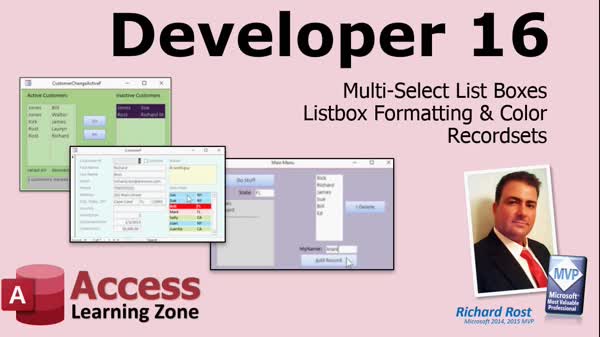 |
| | | | Access Developer 17 Advance your Access development skills by learning how to efficiently remove items from an unbound multi-select listbox, automate the export of individual PDF reports for customers using recordsets, and build a powerful custom function called DLookupPlus to return comma-separated lists from related tables. This course covers practical VBA techniques, handling both single and multi-column listboxes, file naming automation, and best practices for one-to-many table relationships, equipping you to enhance your database applications and automate key reporting tasks. | | 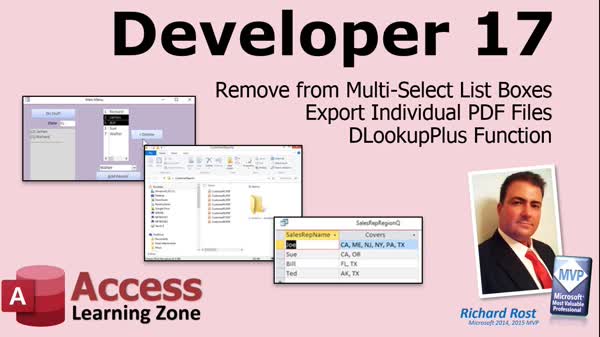 |
| | | | Access Developer 18 Learn how to build powerful progress bars and manage recordsets in Microsoft Access using VBA, including creating both basic and 3D progress indicators with real-time feedback such as elapsed time and records per second. This course covers working with unbound navigation forms, custom add, edit, and delete operations, and best practices for sorting and handling data through SQL and DAO recordsets. You will also implement features like abort buttons, hourglass effects, and compare the performance of SQL versus recordset-based processing, setting your projects up for efficient long-running data operations. | | 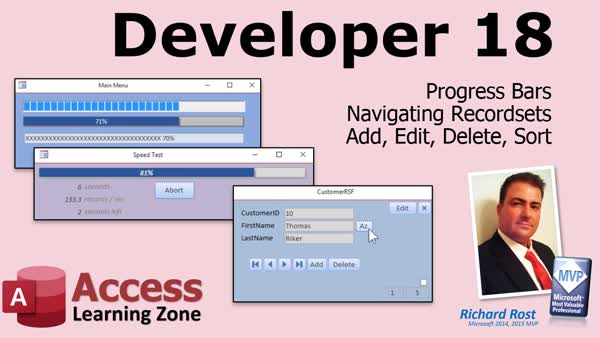 |
| | | | Access Developer 19 Learn how to create and manage bound multi-select list boxes, work with nested recordsets, and build a Chef's Kitchen Helper project to track recipes and ingredient inventory in Microsoft Access. This course covers saving multi-select data, handling multiple related tables, automating updates with VBA, and designing aggregate queries to determine which recipes can be made based on available ingredients. Gain practical experience with inventory management logic, updating stock levels after making recipes, and efficiently organizing data for dynamic recipe recommendations in your applications. | | 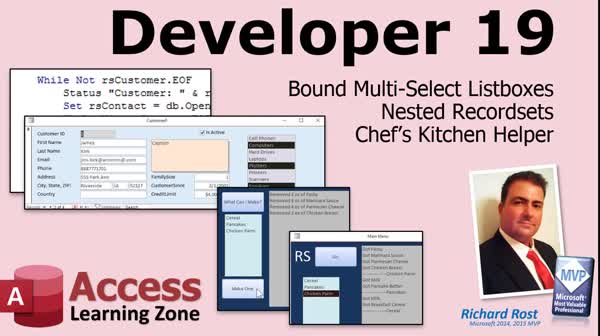 |
| | | | Access Developer 20 Learn advanced techniques for working with recordsets in Microsoft Access, including connecting to password-protected external databases, automating the addition of follow-up and sequential box records with nested loops and ASCII logic, and optimizing performance. Explore building and customizing a TreeView control to display hierarchical data, such as employee-supervisor structures, with features like expand/collapse, preventing self-selection as supervisor, and synchronizing related forms. Enhance your applications with efficient data handling, secure connections, and user-friendly interfaces as you take your developer skills to the next level. | | 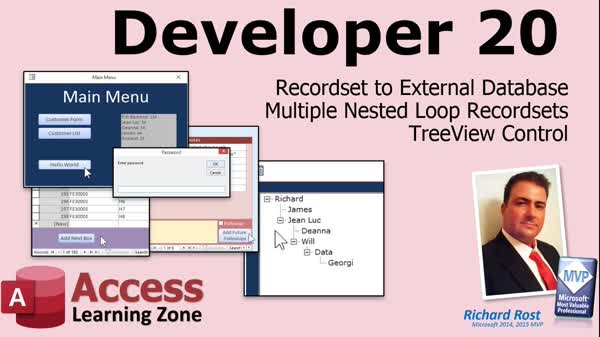 |
| | | | Access Developer 21 Learn how to scrub and clean up data for insertion into relational tables, create nested continuous forms and side by side subforms, and work with arrays for hierarchical data in Microsoft Access. This course shows you how to restructure flat tables using recordsets, manage composite keys, and dynamically link forms, as well as visually display parent-child relationships with parent breadcrumbs. Perfect for real-world scenarios, these techniques help you organize, display, and manage employee and product records efficiently while boosting your Access development skills. | | 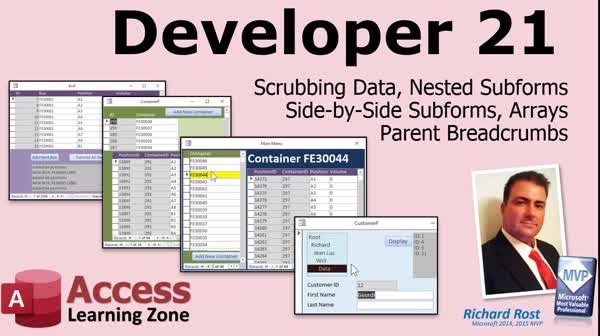 |
| | | | Access Developer 22 Learn to streamline your database workflows as you build a custom progress bar to track form completion, apply lump sum and partial payments across multiple orders using recordsets, and implement dynamic record counting with DCount and manual sorting. This course shows you how to use the tag property for more flexible forms, efficiently renumber and reorder records - even when deleting multiple entries - and manage payment tracking, order statuses, and subform calculations with practical VBA techniques designed for real-world Access developers. | | 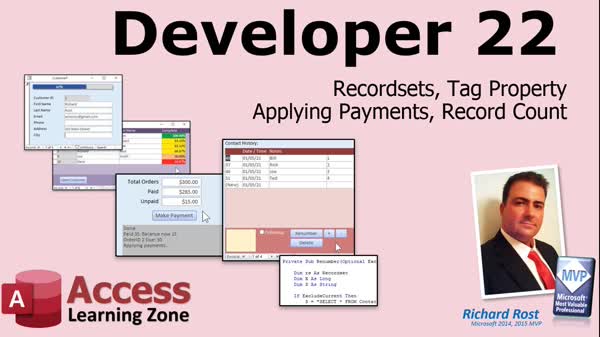 |
| | | | Access Developer 23 Learn how to build a complete rental inventory and order entry system in Microsoft Access, including features such as automated inventory tracking, barcode serial number scanning, batch check-ins, and overdue management. Streamline your workflow with an order entry interface, subforms for order details, printable invoices, and product selection tools. Prevent duplicate shipments, require payment checking before shipping, lock shipped orders, and maintain an audit trail with a product history table. Packed with practical VBA automation, this course prepares you to handle real-world rental and product order management needs. | | 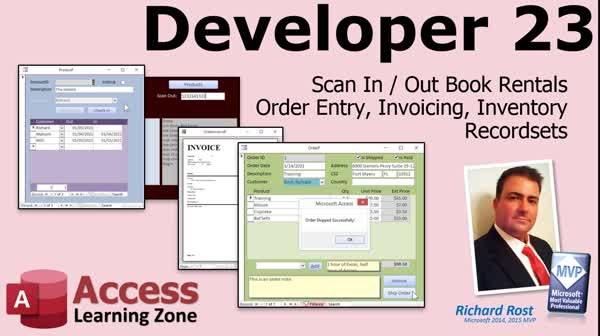 |
| | | | Access Developer 24 Learn how to build a robust reservation system in Microsoft Access, featuring conflict checking, date validation, and rules for future reservations. Discover best practices for copying orders and their order details, including handling deletions and identifying orphan records. Compare methods using manual techniques and advanced VBA with recordsets and field loops, future-proofing your solutions. The course also covers key differences when working with a SQL Server backend, like retrieving AutoNumber or identity values. Perfect for developers looking to implement real-world solutions for reservations, data integrity, and efficient record handling. | | 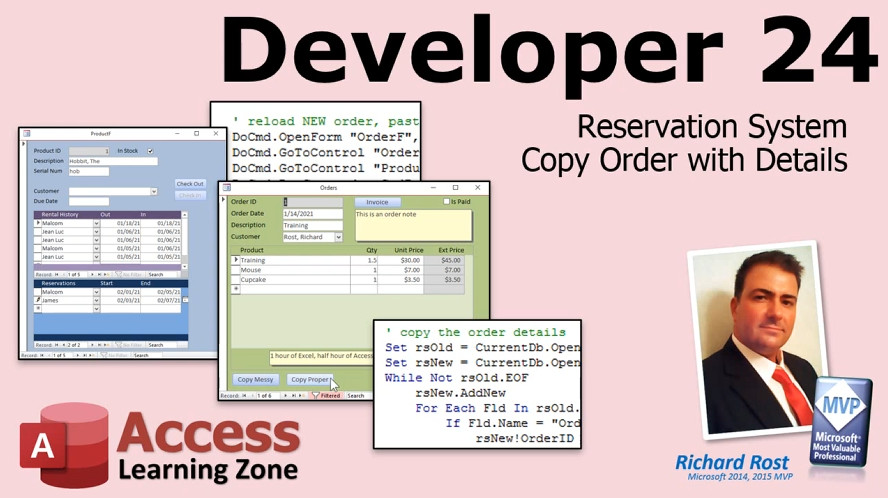 |
| | | | Access Developer 25 Learn advanced VBA techniques as you explore the difference between ByRef and ByVal when passing values to subroutines and functions, use ActiveForm and ActiveControl to identify and manage controls, and efficiently return multiple values from functions. Discover how to create and implement product groups for order entry, bundle products with custom pricing and quantities, and apply conditional formatting to invoices for clearer reporting. This course guides you through building reusable subroutines, handling optional parameters, and managing data with many-to-many relationships - giving your order system added power and flexibility. | | 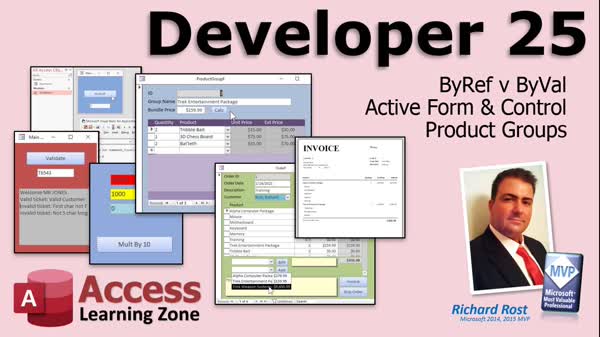 |
| | | | Access Developer 26 Learn how to create advanced search forms in Microsoft Access with features like custom sorting, dynamic filter boxes, and flexible recordset-based searches. This course covers fixing product group inventory bugs, adding clickable column headers for sorting, building search forms with AND/OR filter conditions, and storing search criteria in tables for reusable filtering. Explore how to handle multiple data types in your criteria, update search options dynamically, and enhance user experience with clear, powerful forms that let users search and filter customer data with ease. | | 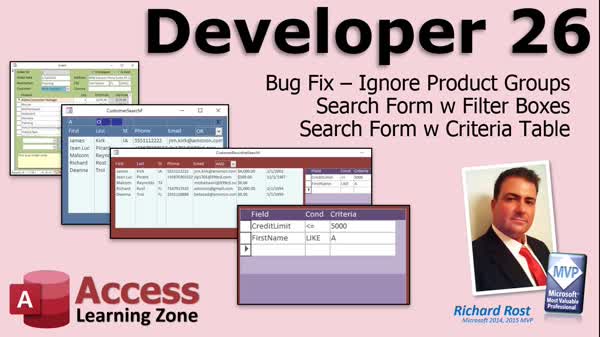 |
| | | | Access Developer 27 Learn to streamline your inventory and order management with practical, step-by-step lessons on integrating barcode scanning, barcode label printing, and QR codes into your Access databases. This course covers setting up barcode scanners, using free barcode fonts, printing single or multiple labels, and tracking inventory and unique serial numbers. You will also learn advanced techniques for synchronizing forms, handling manual inventory adjustments, and automating product lookups and web searches. By the end, you will be able to fully integrate serial number tracking and merge barcoding functions for a professional inventory control solution. | | 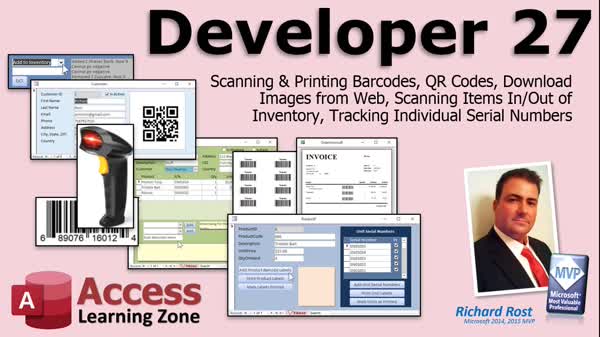 |
| | | | Access Developer 28 Take your Access databases to the next level with advanced topics like customer-specific pricing, batch printing and emailing of invoices, time and billing with start/stop timers, and robust filtered reporting. Learn how to pull report data from search form criteria, manage unbilled work, create custom pricing tables and subforms, and automate invoice generation for single or multiple customers. The course also covers practical use of DLookup, building and managing queries, using recordsets, and streamlining workflows for efficient order and invoicing processes. | | 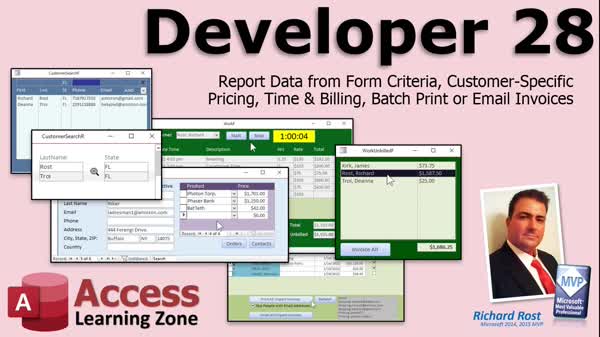 |
| | | | Access Developer 29 Expand your inventory management skills with focused lessons on building product components, managing FIFO stock rotation with serial numbers and expiration dates, and calculating profit margins and markup in Microsoft Access. Learn to create related tables and forms for component tracking, automate price calculations with custom buttons and VBA, and handle the complexities of removing and restoring items in inventory. Additional topics include algebraic pricing strategies, reporting on expired items, and best practices for audit trails and user permissions, supporting robust control and flexibility as you enhance your Access database. | | 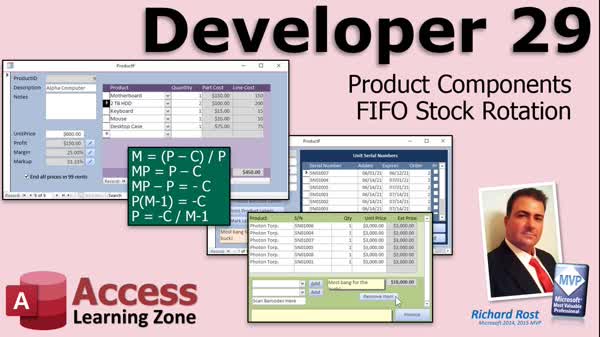 |
| | | | Access Developer 30 Learn how to efficiently handle file input/output in Microsoft Access using both classic VB methods and the File System Object. This course covers reading and writing text files, importing large datasets, exporting customer and invoice data, and working with formats like CSV, Excel, and fixed width files. You will learn to automate data import/export with VBA, manage files and folders, parse survey responses, and work with recordsets for large-scale data manipulation. Perfect for developers seeking practical solutions for managing external data and streamlining Access database workflows. | | 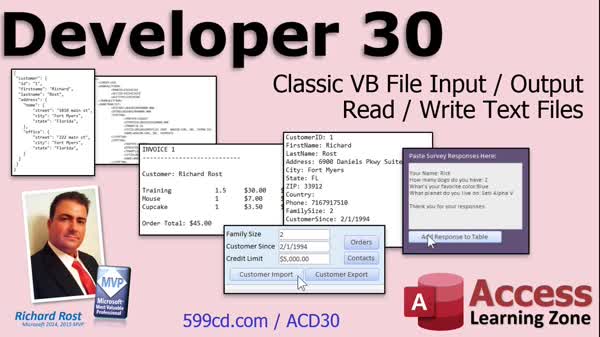 |
| | | | Access Developer 31 Learn essential techniques for working with files and folders in Microsoft Access using VBA, including folder browsing with custom forms, listing and opening files via ShellExecute, copying files with FileCopy, and checking for existence using FileExists and FolderExists. Explore error handling, file deletion with Kill, renaming, and using TempVars to track navigation. The course also covers automating Compact and Repair for backend databases, creating backups, handling environment variables, and practical strategies for managing files, folders, and data within your Access applications. | | 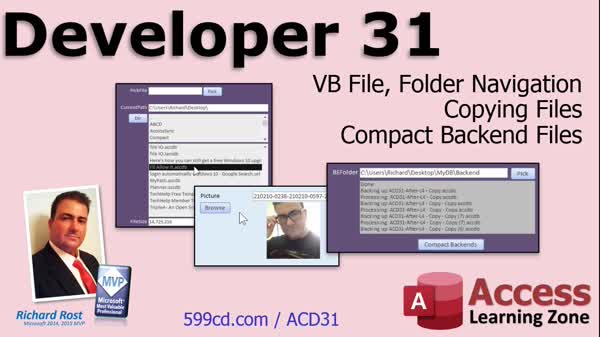 |
| | | | Access Developer 32 Learn how to export reports as HTML, upload files to your web server with FTP, and automate data sharing via Google Drive. This course covers real-world techniques like retrieving live currency rates from a web API, converting values for different customers using DLookup and query calculations, and organizing customers by group membership with powerful search forms. You'll also create junction tables for flexible group relationships, filter customers with parameter queries, and build friendly error handling into your apps. Perfect for those wanting to add seamless web integration, currency features, and advanced customer management to their database projects. | | 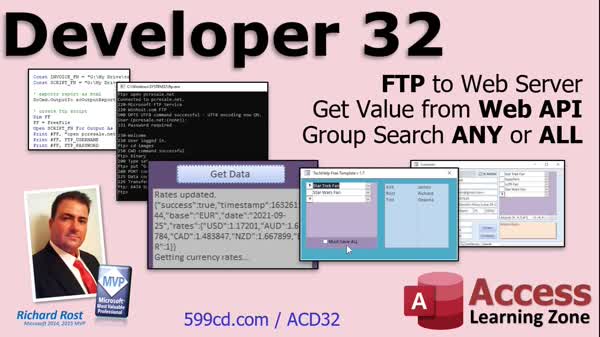 |
| | | | Access Developer 33 Learn how to efficiently manage your front-end databases with automated table relinking, handling both single and multiple backend files, and seamlessly update ODBC connections including SQL Server links. This course shows you how to use the Linked Table Manager, create VBA routines for robust relinking, and store connection settings for future use. You will also explore practical file I/O with the File System Object, including early vs late binding, creating and managing folders, accessing and modifying folder properties, and controlling folder attributes, ensuring your Access applications are flexible and reliable. | | 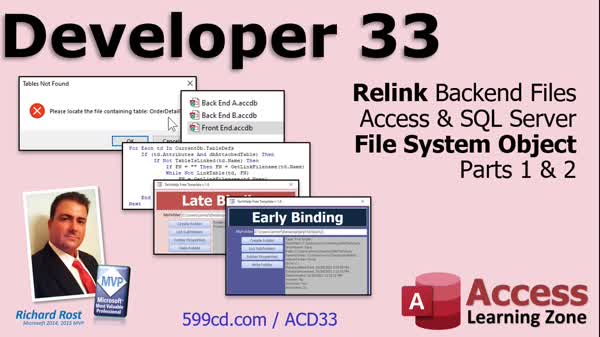 |
| | | | Access Developer 34 Learn to efficiently manage files and automate tasks in Microsoft Access using the File System Object, including how to copy, move, and delete folders and files, export and import text files, and process customer data updates. Streamline your workflow with examples of reading, writing, and parsing text data, using wildcards and file properties, and sending email attachments via Outlook or SendObject. The course also covers logging changes, handling Unicode vs. ASCII, and best practices for file and folder operations, making it perfect for anyone aiming to expand their automation and data integration skills. | |  |
| | | | Access Developer 35 Advance your development skills by mastering the File System Object to list and manage drives, check drive properties, verify disk space, navigate folders, and access special Windows folders right within your database. Learn essential techniques for generating temporary file names, comparing files and folders, and handling the Not In List event to let users add items on the fly to combo and list boxes. This course packs practical VBA solutions and best practices for robust document, file, and user data management in Access applications. | |  |
| | | | Access Developer 36 Learn how to prevent duplicate records and streamline product management in Access by using composite keys, custom VBA with DCount, and the SQL NOT IN clause to control data entry and filter options. Discover practical query techniques to find customers who have not ordered specific products, including multi-select list boxes, temp tables, and advanced filtering scenarios for all, any, or none of selected items. Each lesson focuses on real-world solutions for avoiding duplicates, optimizing forms, and enhancing customer targeting to make your Access databases smarter and easier to use. | |  |
| | | | Access Developer 37 Learn how to build advanced forms featuring custom list box columns with user-selected fields in Microsoft Access. This course shows you how to use TableDefs, QueryDefs, and field properties to dynamically control which columns are displayed, store field selections, and easily switch data sources between tables and queries. Explore techniques for generating dynamic column headers, resizing forms, handling multi-select interfaces, and managing missing ID fields, all while writing flexible VBA code that works with any table or query. Enhance your forms with a clean, responsive interface tailored to user needs. | |  |
| | | | Access Developer 38 Advance your developer skills by replacing problematic multi-valued fields with robust junction tables and multi-select list boxes, all managed with VBA for dynamic, reliable data entry. Learn how to migrate and update data, handle errors, and create modern interfaces like multi-column forms for displaying and editing multiple images per record. Go step by step through setting up subreports, using temporary tables for catalog-style layouts, and implementing pop-up forms for streamlined editing. Finish by exploring best practices for managing images, customizing forms, and integrating key tools like DLookupPlus to build truly professional database solutions. | | 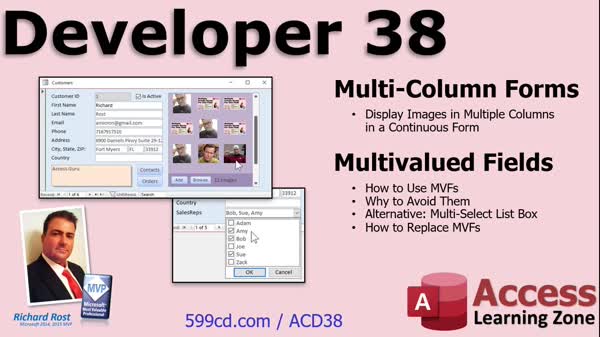 |
| | | | Access Developer 39 Learn how to build a powerful, searchable document index by integrating Word automation and VBA with your database. This course guides you through importing and extracting text from various document types, optimizing performance with recordsets, and designing keyword and exception tables for advanced searching. You will create queries, subforms, and junction tables, track word counts, implement percent complete progress indicators, and link documents to customers, all while leveraging practical coding techniques to efficiently manage and search large document collections. | | 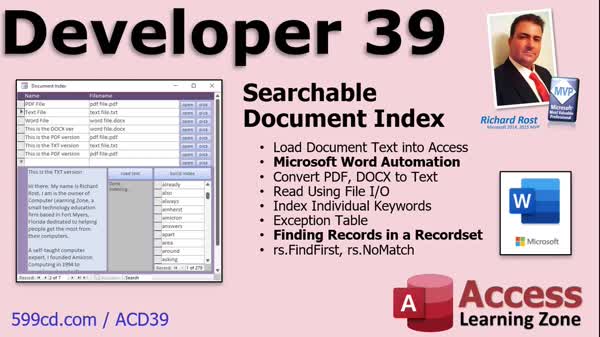 |
| | | | Access Developer 40 Take your Access forms and reports to the next level by learning how to automate conditional formatting and create custom color schemes and font settings using VBA. This course guides you through building advanced features like an event countdown form, integrating the Windows color picker and font dialog, managing FormatCondition objects, converting between hex and RGB, storing user preferences in tables, and applying customizations to both forms and reports. Expand your skills with real-world techniques for user-defined types, dynamic formatting, and personalized letter writing applications. | | 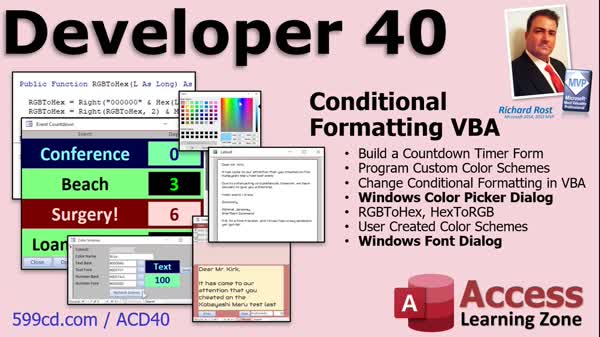 |
| | | | Access Developer 41 Learn how to make your forms more user-friendly and robust by mastering form zoom controls, resizing techniques, and anchoring for adaptable layouts. This course shows you how to dynamically resize forms and controls with VBA, create public zoom functions with customizable max and min limits, and handle multiple form sections including headers, footers, and subforms. You will also discover practical ways to handle errors using the form On Error event to display custom messages, ensuring smoother user experiences while building flexible, professional-grade database applications. | | 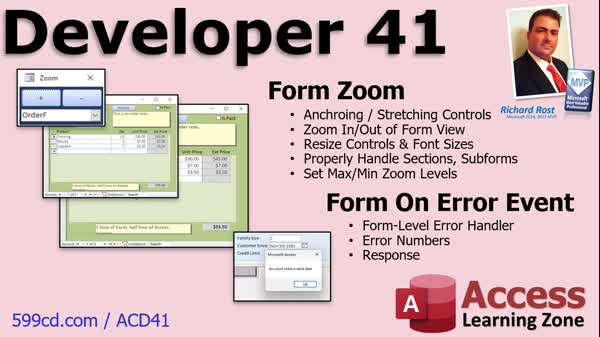 |
| | | | Access Developer 42 Learn how to leverage parameter arrays and advanced VBA techniques to build flexible databases that handle customizable product options like size and color. This course guides you through finding maximum values from multiple fields, structuring dynamic product options with related tables and forms, and updating order entry systems to accommodate multi-option SKUs. You will also create an invoicing database with printable reports, learn best practices for table relationships, and discover practical strategies for handling inventory management and customizable product attributes in real-world business databases. | | 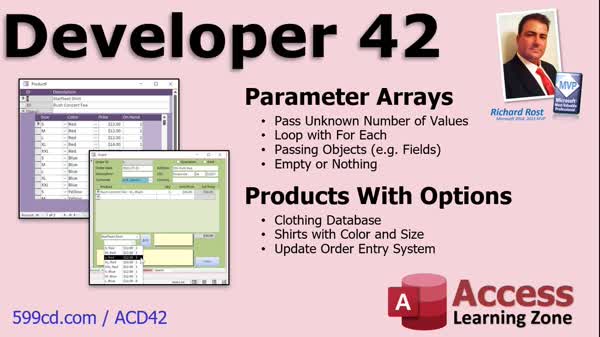 |
| | | | Access Developer 43 Learn how to work with the often-problematic Append Only property for long text fields, including extracting and parsing column history into relational tables, and discover better alternatives for tracking data changes. The course also explores the powerful TempVars collection, showing how to set, retrieve, add, remove, and loop through temp variables using VBA, as well as use them in queries, forms, and reports. Youll get practical tips, examples, and best practices for avoiding common data type issues, plus guidance on efficiently managing in-memory data and improving your workflow with advanced techniques. | | 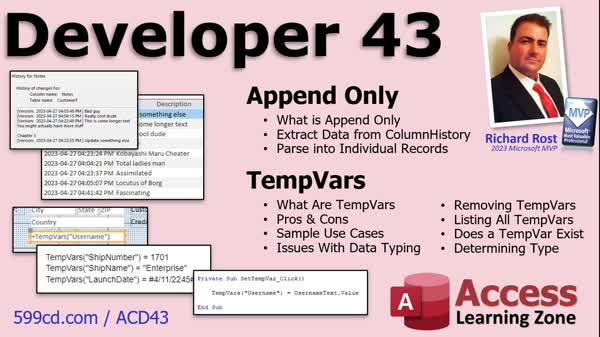 |
| | | | Access Developer 44 Learn how to create powerful custom ribbons, menus, and buttons in Microsoft Access using the hidden USysRibbons table, RibbonXML, and VBA. This course shows you how to build and dynamically swap ribbons, apply them to specific forms, and use essential ribbon controls like split buttons, checkboxes, and combo boxes. You will discover how to link ribbon buttons to callback functions, include both built-in and custom images, and send data from forms to your ribbons. Perfect for Access developers looking to enhance their database interface and streamline workflow with professional, fully customized ribbons. | | 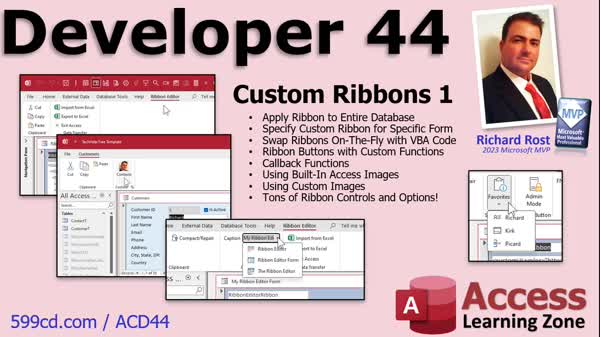 |
| | | | Access Developer 45 Take your Access databases to the next level by learning how to create and manage custom ribbons, backstage menus, and context menus using XML and VBA. This course covers building gallery controls, adding buttons and hyperlinks to the backstage, customizing the Quick Access Toolbar for specific forms and reports, and setting up your own ribbon table instead of using system tables. You'll also learn to use the CommandBars collection, identify and utilize built-in command IDs, add custom icons, and create powerful right-click menus with custom actions for a fully tailored user experience. | | 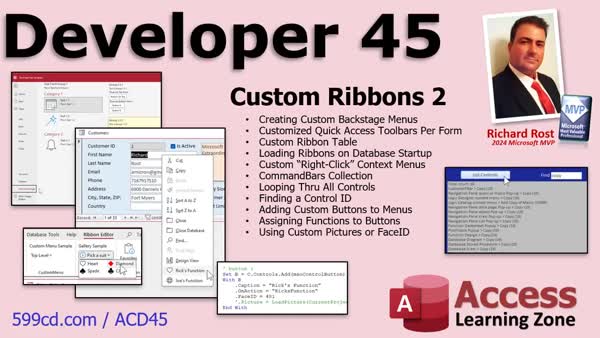 |
| | | | Access Developer 46 Learn how to build a robust undo system in Microsoft Access, enabling you to reverse edits, additions, and deletions by logging every change in a change log table. This course covers creating custom delete buttons, addressing the challenges of restoring deleted records with autonumbers, and using VBA to track and restore user actions. Enhance user experience by updating form controls to show or hide the undo button and display the last action type, plus get tips on handling errors with CurrentDb.Execute and best practices for managing recordsets and SQL statements. | | 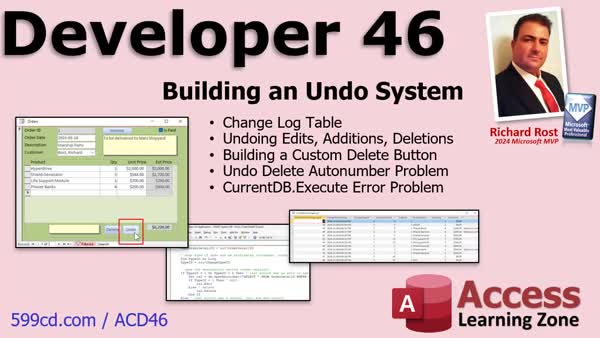 |
| | | | Access Developer 47 Learn how to open and manage multiple form instances in Microsoft Access using collections to view several customer or product records simultaneously. This course covers techniques for declaring collections, tracking open forms with custom key values, preventing duplicate forms, setting form focus, cascading windows, and efficiently resetting or closing all forms. You will also explore best practices for memory management and error handling, plus tips for reviewing and improving your VBA code using ChatGPT. Perfect for developers who want precise control over dynamic form management. | | 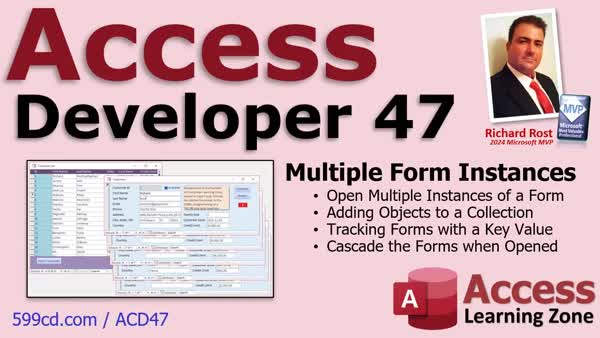 |
| | | | Access Developer 48 Learn how to create a flexible, table-agnostic copy records function in Microsoft Access using advanced VBA, allowing you to duplicate records without manually listing field names. This course covers fixing broken duplicate macros, handling primary keys and unique fields using the Indexes collection, working with append queries, detecting and skipping AutoNumber fields, and returning new record IDs. Ideal for developers wanting to automate copying records across any table while ensuring data integrity and avoiding common issues with indexed or unique fields. | | 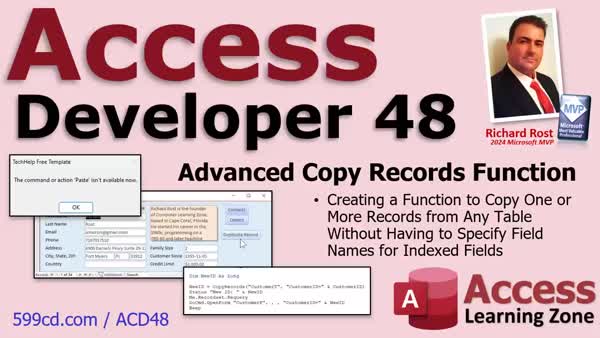 |
| | | | Access Developer 49 Learn advanced techniques for ensuring data integrity and boosting performance in Microsoft Access with topics like transactions, using DBFailOnError for robust error handling, and building composite keys to prevent duplicates. Discover how to implement dynamic temp tables to dramatically speed up forms and combo boxes in split databases, and create a reusable navigation subform with custom record controls that can be dropped into any form for a seamless user experience. Perfect for Access developers looking to streamline workflows and add powerful features to their applications. | | 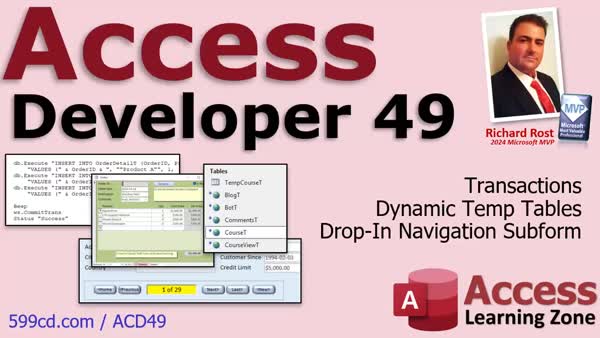 |
| | | | Access Developer 50 Learn how to harness the power of class modules in Access VBA by building structured, reusable objects for your database applications. This course guides you from the basics of user-defined types through handling their limitations, then progresses to building fully encapsulated classes with properties, including calculated and read-only properties. Discover how to add methods, implement business logic, and manage customer data efficiently using real-world examples like looping through customer records and enforcing validation. Gain practical skills to organize your code, improve maintainability, and lay a foundation for more advanced object-oriented programming in Access. | | 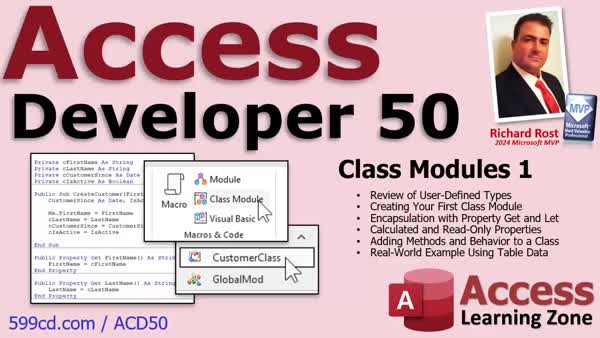 |
| | | | Access Developer 51 Take your database development to the next level by creating modal popup forms with precise control positioning, using class modules to streamline and reuse pop-up logic, and building powerful helper functions like LeftMost and RightMost for efficient string handling. Learn best practices for safe record deletion in recordset loops, and add advanced features like drag-and-drop file uploads using Windows API calls, including handling file storage and linking dropped files to your data records. This course focuses on practical VBA techniques to boost your Access projects' functionality and reliability. | | 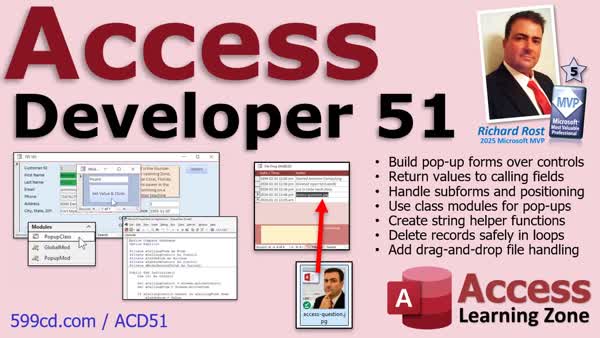 |
| | | | Access Developer 52 Building a Complete File Drop System, File Thumbnails & Image Previews, File Type Icons, Media Folder Organization, Custom Preview Functions, Performance Optimization, Open Link or File Function, Launching Files & Folders, Command Line Parameters, Access Database Automation, Web Hyperlink Detection, ShellExecute Integration, Excel Automation, Jump to Worksheets, Word Automation, Heading Navigation, Text Search Fallback, Object Cleanup & Error Handling | |  |
| | | | Access Developer 53 Take your Access databases to the next level by adding powerful features like a fully integrated recycle bin system using PowerShell, one-click Word document creation and registration, and a robust recursive MkDir function for nested folder management. Learn to streamline file workflows with a batch import folder system, improve error handling, automate Word and Excel, and manage multi-file drag and drop, all seamlessly built into your database with practical VBA code and step-by-step guidance. | | 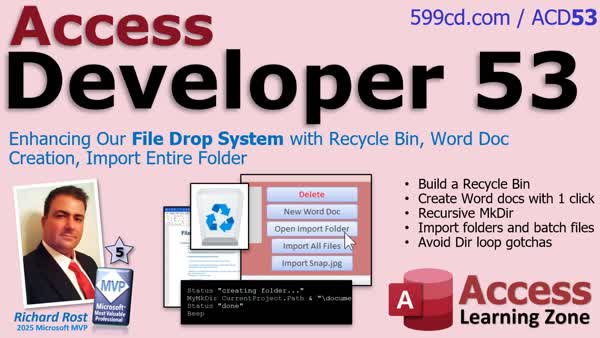 |
| | | | Access Developer 54 Learn to build a powerful split transaction system in Microsoft Access, perfect for accounting-style workflows that need single transactions spread across multiple categories. This course covers creating a robust parent-child data model, designing split and category tables, building subforms with a pop-up split editor, ensuring rollback protection for safe edits, validating split totals, and adding advanced features like percent-based entry and automatic balance calculations. You'll gain step-by-step guidance to create reliable, user-friendly forms and extend your Access solutions with practical, real-world transaction management features. | | 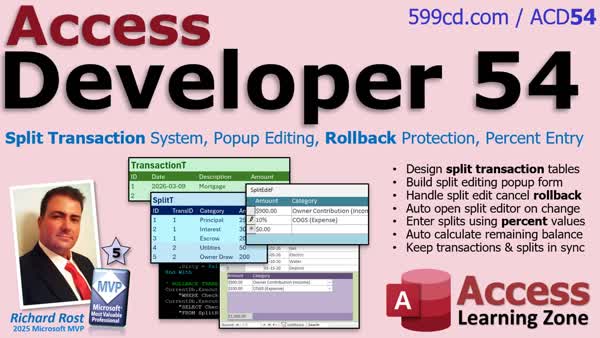 |
| | | | Access Developer 55 Learn how to build a complete, customizable dark mode and light mode theme system for forms in Microsoft Access using a flexible settings table, ArrayList techniques, and automated property capture. This course covers storing and applying color palettes to forms, sections, and controls, updating both open and new forms, and even customizing the application's workspace appearance with a background form. Explore reusable VBA code for toggling themes, capturing appearance settings, and handling user confirmations, while also previewing future enhancements like supporting multiple color palettes and integrating Windows registry detection for theme preferences. | |  |
| | | | Access Developer 56 Advance your Microsoft Access development by syncing dark mode with Windows using Windows API calls and registry reading, perfecting background form handling for seamless theme transitions. Learn to control system themes directly from Access, implement and understand the bubble sort algorithm entirely in VBA, and compare it to fast, secure data sorting with DAO and ADO recordsets. This course gives you practical tools to efficiently manage themes and data within your projects, while preparing you for advanced integration and automation topics in future lessons. | | 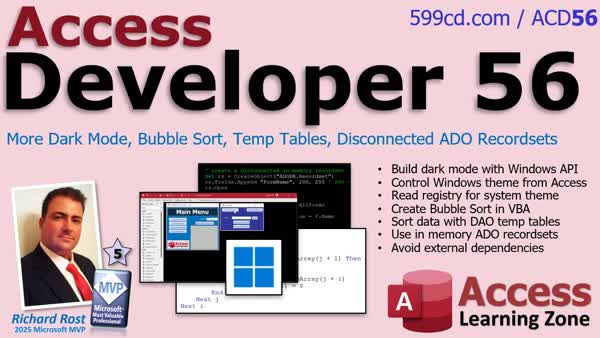 |
| | | | Access Developer 57 Take control of your development environment by learning to build a fully integrated dark mode system in Access, syncing the Office theme, VBA editor, and subforms across all your applications and profiles. Discover how to update registry keys, use command line shortcuts, adjust desktop colors, and implement automatic restart logic for seamless switching between day and night modes. Explore multi-monitor taskbar handling, creating reusable code procedures, and storing settings with tables, resulting in a polished setup that lets you easily toggle themes and unify your workspace. | | 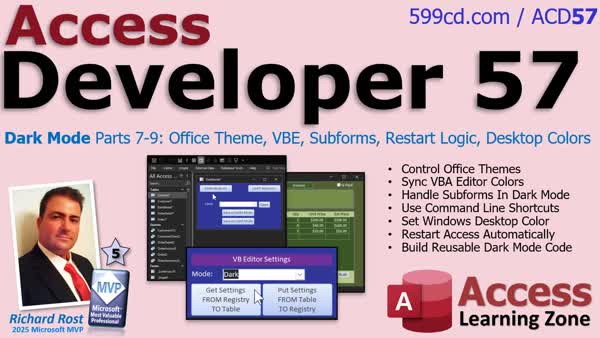 |
| | | | Access Developer 58 Learn how to build a dynamic Kanban board system in Microsoft Access featuring drag and drop between configurable columns, with mouse-driven record movement, responsive layouts, and runtime positioning. This course covers storing control coordinates and layouts in tables, using VBA for moving and resizing controls, handling mouse events for real-time interaction, and creating a polished user experience. Gain techniques for tracking list box drop targets, customizing the interface with auto-resizing and centering, and troubleshooting drag and drop behavior, all while developing an interactive and adaptable project management interface usable in a variety of Access applications. | | 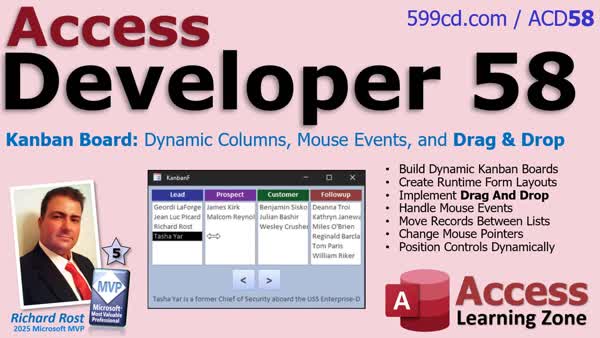 |
| | | | Access Developer 59 Learn how to use RecordsetClone to perform advanced behind-the-scenes record searching, batch processing, and navigation using Bookmark in Microsoft Access forms. This course covers reliable techniques for looping through filtered records, efficiently updating data in bulk, and building reusable search utilities that handle multiple data types. Gain best practices for managing DAO recordsets, preserving user filters, and designing versatile VBA routines for professional-level form automation and data management. | | 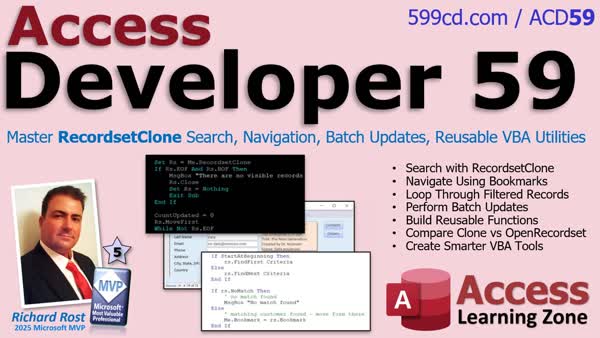 |
| | | | Access Developer 60 Build more reliable record navigation with RecordsetClone techniques that handle text, numeric-looking text, optional data types, and VBA enumerations. Learn to use filtered visible records as a selection list for safe SQL inserts, updates, and deletes; search and navigate records in forms and subforms; and understand key differences between Me.Recordset and cloned recordsets. You will also package reusable search and navigation routines into a class module, creating a practical CloneNavigatorClass you can attach to multiple forms for cleaner, maintainable VBA code. | | 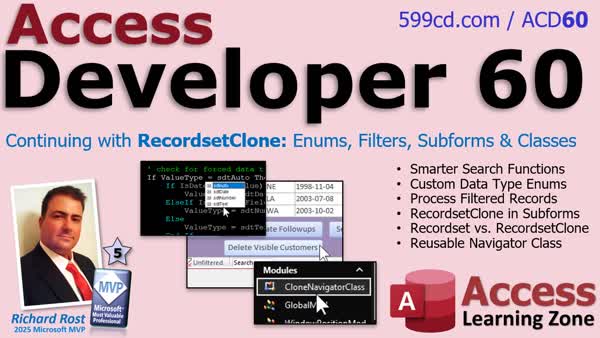 |
| | | | Access Developer 61 Build a reusable utility to find orphaned VBA event procedures left behind when form or report controls are deleted. Inspect code with the Module object, ProcOfLine, ProcStartLine, and ProcCountLines; identify procedure boundaries; and verify control names against the Controls collection. Create a data-driven event table with recordset processing to scan Click, After Update, Got Focus, and other events without hard-coded checks. Finish with a database-wide orphan detector that scans selected forms, reports, or every object while safely handling objects already open. | | 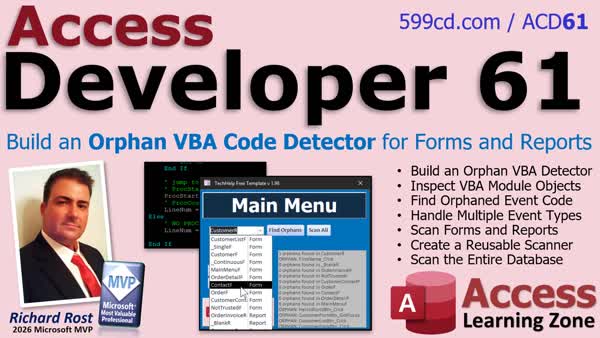 |
| | | | Access Developer 62 Automate VBA code maintenance by scanning forms, reports, and standard modules for missing Option Explicit declarations and inserting them safely. Build flexible multi-select filters using multi-valued fields, combo boxes, SQL WHERE conditions, and AND/OR logic while handling null selections and cleanup. You will also standardize Option Compare and Option Explicit declarations, remove duplicates, preserve existing settings, and safely edit module code by looping backward through declaration lines. | | 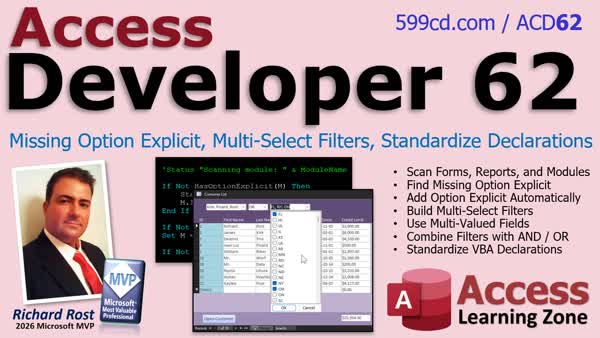 |
| | | | Access Developer 63 Build reusable Access applications with shared Library Databases that centralize VBA code, forms, and reports for multiple front ends. Learn to set references, manage public versus private procedures, resolve duplicate object and function names, and avoid broken-reference and file-locking problems. Open shared forms and reports from a library, connect them to each application's data using linked tables or SQL IN clauses, and pass paths, filters, and parameters with OpenArgs. You will also explore ACCDE distribution, reusable dialog forms, safe library updates, and utility techniques for backups, documentation, lock detection, undo/redo, regular expressions, and Scripting.Dictionary. | | 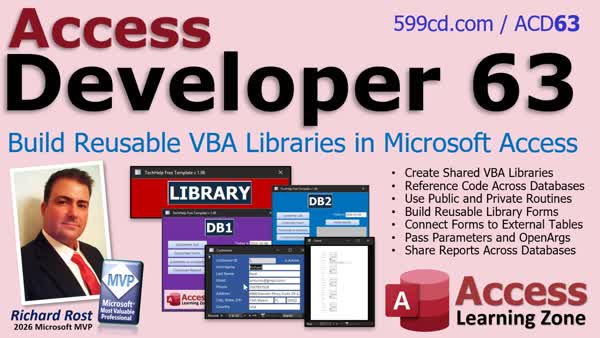 |
| | | | Access Developer 64 This course is currently under development. Enroll now and you can possibly join in, ask questions, and provide feedback while the class is in progress. Sign up today | |  |

|




