|
||||||
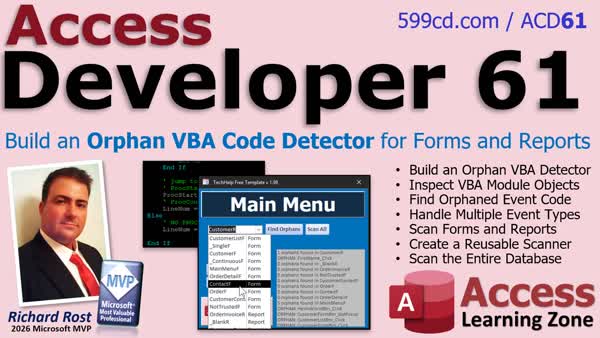
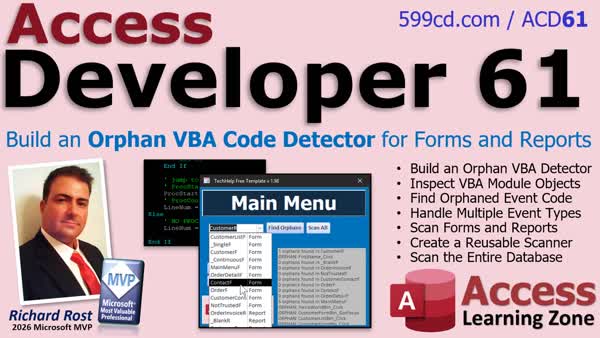
Access Developer 61Orphan VBA Code Detector Forms and ReportsIn Access Developer 61 we will learn how to build an orphan VBA code detector that scans forms and reports for event procedures left behind after controls are deleted. We will examine VBA modules programmatically, identify event procedures, check control names against an object's Controls collection, use a table and recordset to evaluate multiple event types, and create options to scan individual objects or the entire database. Lessons
ResourcesNavigationLesson SummaryWelcome! Find Orphaned VBA Events - Welcome to Access Developer 61. We will learn how to build an orphan VBA code detector that identifies event procedures left behind after controls are deleted. We will cover inspecting form and report modules, locating procedures with ProcOfLine, ProcStartLine, and ProcCountLines, checking the Controls collection, using a data-driven event table with a Recordset, and creating a reusable utility that scans individual objects or the entire database.
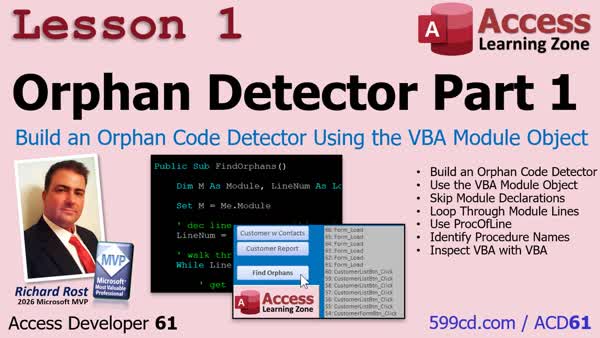
Lesson 1: VBA Orphan Code Detector - In Lesson 1, we will begin building an Orphan Detector by examining the VBA module behind a form. I will show you how to use the Module object, CountOfDeclarationLines, CountOfLines, and ProcOfLine to loop through code lines and identify which procedure owns each line. We will also discuss declaration lines, procedure types, and how Access organizes VBA code internally as preparation for identifying orphaned event procedures.
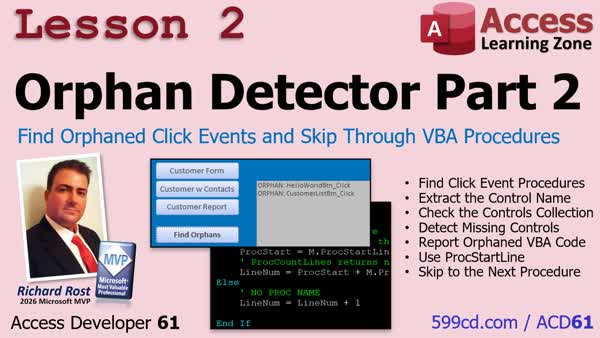
Lesson 2: Orphaned Click Event Code - In Lesson 2, we will finish the first version of the Orphan Detector by identifying click event procedures, extracting their control names, and checking whether those controls still exist on the form. We will also use ProcStartLine and ProcCountLines to find procedure boundaries and skip through VBA code one procedure at a time, making the scan more efficient.
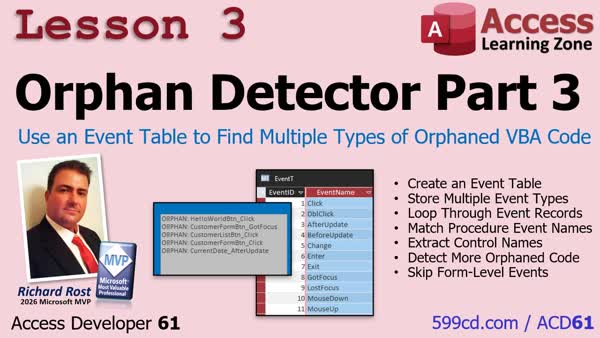
Lesson 3: VBA Orphan Event Table - In Lesson 3, we will expand the Orphan Detector by creating an event table and using a recordset loop to check multiple control event names without hard coding each event in VBA. We will update the procedure and control name parsing logic, test orphaned events such as After Update and Got Focus, and add a condition to ignore form-level events that cannot be orphaned.
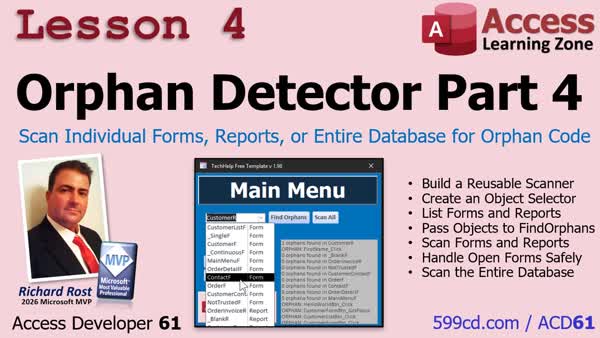
Lesson 4: Scan Forms Reports or DB - In Lesson 4, we will turn the Orphan Detector into a reusable database-wide utility. I will show you how to move the scanning code into a global module, populate a combo box with forms and reports, scan an individual object, and update the routine to handle both forms and reports. We will also add helper procedures, track the number of orphaned event procedures found, avoid closing objects that were already open, and create a Scan All button to check every form and report in the database.
Up Next: Review & What's Coming Up... - In this course we learned how to inspect VBA modules and build an orphan code detector for unused control event procedures across forms, reports, and the entire database. We also discussed possible next topics, including continuing the Easy Access point-of-sale project, using scripting dictionaries, building a database documenter and AI export tool, detecting linked back-end locks, creating multi-level undo/redo, and developing additional maintenance and troubleshooting utilities.
KeywordsAccess Developer, orphan VBA code detector, dead VBA code, unused event procedures, VBA event procedure cleanup, VBA code inspection, Access form controls, Access report events, Controls collection, VBA module procedures, database maintenance tools
More InformationTranscriptHow much dead VBA code is hiding in your Microsoft Access database? Every time you delete a button, text box, or other control but leave its event procedure behind, that's another piece of orphaned code that can sit there for years. Wouldn't it be nice if you could scan your entire database and find all of that leftover code automatically? Hi, this is Richard Rost with Access Learning Zone. I just released Access Developer 61, and in this class, we're going to build something I've wanted in my own database for a long time that I finally built: an orphan VBA code detector. Now, if you've worked on the same database for years, you've probably deleted buttons, text boxes, combo boxes, and other controls but left their event procedures behind in the VBA code. Now, that code usually isn't hurting anything, but over time, it creates lots of clutter. Then, when you're searching your VBA for a table name, a function call, or some other reference, you keep finding code that hasn't actually been used since the Clinton administration. So, in this class, we build the utility to find that stuff automatically. We start by learning how VBA can actually inspect the code inside of an Access module. This is really cool stuff because we're not just running VBA anymore. We're actually using VBA to examine VBA. Then, we identify the Click event procedures, pull out the control name, and check the form's Controls collection to see if that control still exists. Then, we'll create a table of all the different event types and use a recordset to check for After Update, Before Update, Double Click, keyboard events, and all that different stuff. And then we'll turn it into a database-wide utility. We'll make the scanner work with both forms and reports. We'll build a selector so you can scan individual objects or a Scan All button that goes through every form and report in the database, looking for orphaned code. By the time we're finished, you'll have a useful maintenance tool that you can drop into your own Access databases, especially those big applications you've been working on for years. But more importantly, you'll learn how to inspect modules, procedures, controls, forms, and reports programmatically. And once you understand how to manipulate the structure of your database with VBA, you'll build all kinds of developer tools on top of these same techniques. So, if you're an Access developer and you want to learn more about how VBA can inspect and maintain your database itself, I think you're really going to enjoy this class. For more information, visit my website or drop a comment down below if you have any questions. Live long and prosper, my friends. I'll see you in class. IntroIn <B>Access Developer 61</B> we will learn how to build an orphan VBA code detector that scans forms and reports for event procedures left behind after controls are deleted. We will examine VBA modules programmatically, identify event procedures, check control names against an object's Controls collection, use a table and recordset to evaluate multiple event types, and create options to scan individual objects or the entire database. QuizQ1. What is orphaned VBA code in an Access database? A. Event procedure code left behind after its related control has been deleted B. VBA code stored in a table instead of a module C. Code that runs only when the database opens D. Code that has not been compiled Q2. Why can orphaned event procedures become a problem over time? A. They automatically delete forms and reports B. They create clutter and can interfere with code searches C. They prevent users from entering data D. They permanently corrupt all VBA modules Q3. What can VBA do in the utility described in the class? A. Inspect code inside an Access module B. Convert all forms into tables C. Replace all event procedures with macros D. Encrypt every report in the database Q4. How can the utility determine whether an event procedure belongs to a deleted control? A. It compares the control name from the procedure to the form's Controls collection B. It checks whether the database has been compacted C. It checks the Windows recycle bin D. It compares the form name to the table name Q5. Why would the utility use a table of event types and a recordset? A. To check multiple event procedures, such as Click, After Update, and keyboard events B. To store copies of all forms and reports C. To convert VBA procedures into SQL queries D. To remove all events from every control Q6. What types of Access objects can the database-wide scanner examine? A. Forms and reports B. Tables and queries only C. Macros and relationships only D. Modules and references only Q7. What is the purpose of a Scan All button in this utility? A. To scan every form and report for orphaned event code B. To rebuild all database indexes C. To scan the computer for viruses D. To print every VBA module Q8. Beyond finding orphaned code, what broader skill does this project help teach? A. How to programmatically inspect and maintain database structure with VBA B. How to design web pages in Access C. How to replace VBA with spreadsheet formulas D. How to create user accounts in Windows Answers: 1-A; 2-B; 3-A; 4-A; 5-A; 6-A; 7-A; 8-A DISCLAIMER: Quiz questions are AI generated. If you find any that are wrong, don't make sense, or aren't related to the video topic at hand, then please post a comment and let me know. Thanks. SummaryToday's video from Access Learning Zone introduces Access Developer 61, where I build an orphan VBA code detector for Microsoft Access databases. Over the years, especially in large databases, it is common to delete buttons, text boxes, combo boxes, and other controls from forms or reports while leaving their event procedures behind in the module. These unused procedures generally do not cause problems, but they can create a lot of unnecessary clutter. When you search your VBA project for a table name, function call, or other reference, you may end up finding old code that has not been connected to an actual control in years. In this class, I show you how to build a utility that can locate this orphaned VBA code automatically. We begin by learning how VBA can inspect the code stored in an Access module. This allows us to use VBA not only to run code, but also to examine the VBA procedures that exist in forms, reports, and other modules. I show you how to identify event procedures such as Click events, determine which control each procedure belongs to, and then check the form's Controls collection to see whether that control still exists. If the control has been deleted but its event procedure remains, the utility can identify that procedure as potentially orphaned code. Next, I expand the process beyond Click events. We create a table containing the different event types and use a recordset to evaluate procedures for events such as After Update, Before Update, Double Click, keyboard events, and other common control events. Then I turn the project into a database-wide maintenance utility. The scanner can work with both forms and reports, allowing you to choose an individual object to scan or use a Scan All option to check every form and report in the database for orphaned event procedures. By the end of the class, you will have a practical maintenance tool that you can add to your own Access applications, particularly older databases that have been modified and maintained for many years. More importantly, you will gain experience working with modules, procedures, controls, forms, and reports programmatically. Once you understand how to inspect and work with the internal structure of an Access database using VBA, you can build many other useful developer and maintenance tools using the same methods. You can find a complete video tutorial with step-by-step instructions on everything discussed here on my website at the link below. Live long and prosper, my friends. Topic ListDetecting orphaned VBA event procedures Inspecting VBA code in Access modules Checking controls against event procedure names Scanning multiple control event types Using a table of event types Using recordsets to check event procedures Scanning forms for orphaned code Scanning reports for orphaned code Building a Scan All database utility Primary Topicsorphaned VBA code detection, Access form event procedures, report event procedures, VBA module inspection, Controls collection validation, database-wide object scanning, event type lookup table, recordset-based event checks Secondary Topicsidentifying Click procedures, extracting control names from procedure names, scanning selected objects, Scan All utility, developer maintenance tools |
||||||||||||||||||||||||||||||||||||||||||||||
|
| |||
| Keywords: Access Developer, orphan VBA code detector, dead VBA code, unused event procedures, VBA event procedure cleanup, VBA code inspection, Access form controls, Access report events, Controls collection, VBA module procedures, database maintenance tools Page Tag: whatsnew PermaLink Build an Orphan VBA Code Detector for Forms and Reports in Microsoft Access |