|
||||||
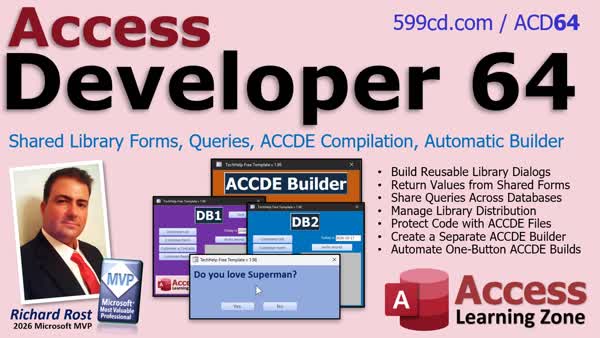
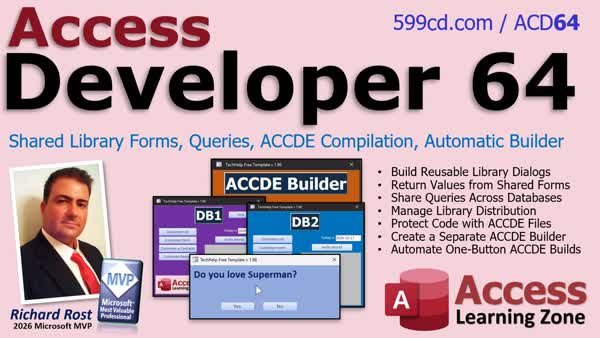
Access Developer 64Automatic ACCDE Compiler for Shared LibrariesIn Access Developer 64 we will learn how to complete and maintain a shared library database system. We will build reusable custom dialog boxes, discuss shared queries and library objects, distribute libraries, compile a library into an ACCDE file, and create an automatic ACCDE builder that preserves previous versions, replaces the compiled file, and reopens the master database. Lessons
NavigationLesson SummaryWelcome! Shared Forms Queries ACCDE Builder - Welcome to Access Developer 64. We will continue building the shared library database system by creating reusable dialog forms that return values, discussing shared queries and library distribution, compiling the library into an ACCDE file, and building a utility that automatically creates and replaces compiled library files while preserving a backup.
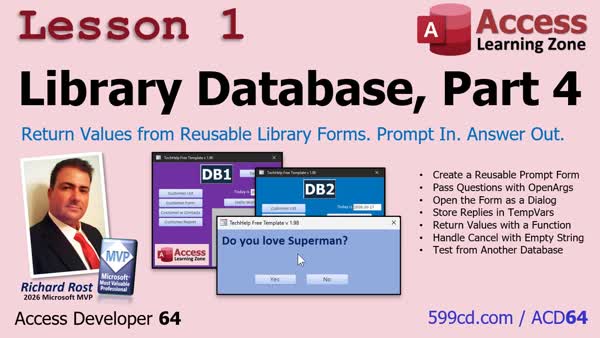
Lesson 1: Reusable Forms Prompt In Values Returned - In Lesson 1, we will walk through how to create a reusable prompt form in your Library Database that returns a value to the calling database. You will learn how to use public functions, OpenArgs, dialog forms, button events, and TempVars to pass a prompt into the form and return Yes, No, or a blank response when the user closes it.
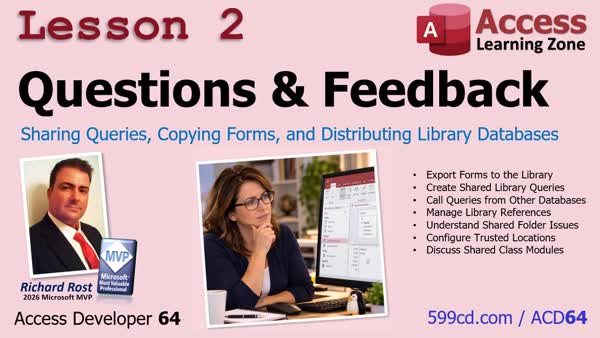
Lesson 2: Sharing Queries Copying Forms Library - In Lesson 2, we will cover questions and feedback about library databases, including a quicker way to export forms directly into a library file. I will show you how to expose and open library queries from another database, discuss query dependencies, and review options for distributing library files, shared versus local copies, trusted locations, and future considerations for class modules.
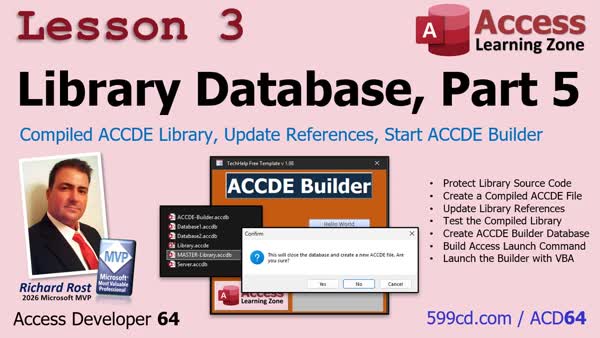
Lesson 3: ACCDE Library Update References Builder - In Lesson 3, we will convert the Library Database 5 library into a compiled ACCDE file to protect the source code and prevent accidental edits in the wrong database. We will walk through updating references to the new compiled library, creating a separate ACCDE Builder database, and building a command line that launches the builder with source and destination file information before closing the master library database.
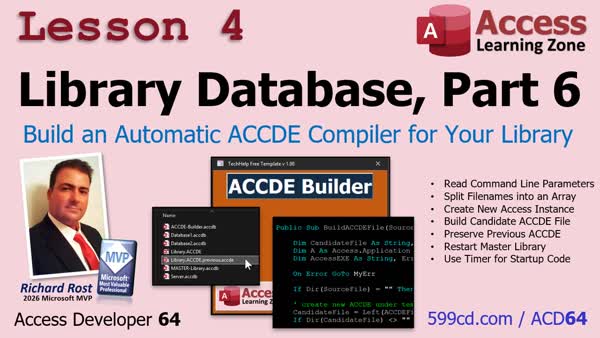
Lesson 4: Automatic ACCDE Compiler for Library - In Lesson 4, we will finish the Library Database ACCDE builder by reading and validating command-line parameters, creating a candidate ACCDE file through a separate Access instance, and safely replacing the existing compiled file while keeping a previous backup. We will also add error handling, restart the master database after a successful build, use a timer event so status updates are visible, and add progress messages to improve the build process.
Up Next: Review & What's Coming Up... - In this course we learned how to build a shared library database system, create reusable dialog boxes that returned values to a calling database, share queries and other objects, compile libraries into ACCDE files, and automate the build process with backups. In this What's Next lesson, we'll discuss possible future topics, including compact and repair automation, network update systems, regular expressions, dictionaries, database documentation, undo and redo, maintenance tools, and Access add-ins.
KeywordsAccess Developer, Access ACCDE builder, shared library database, automatic ACCDE compilation, reusable VBA library, compiled ACCDE distribution, custom dialog boxes, library database maintenance, protect VBA source code, shared queries, reusable Access to
More InformationTranscriptHave you ever built something really useful in Microsoft Access, like a custom dialogue box or a handy VBA function, and wished you could use it in all of your other databases without copying everything over and over again? Well, that's exactly what shared library databases are for. But once you've got your library built, how do you maintain it, protect your code, and make updating it easier? Hi, this is Richard Rost with Access Learning Zone. I just released Access Developer Level 64, where we finished building the shared library database system that we started in Developer 63. We're going to take our reusable library tools to the next level, learn how to distribute compiled libraries, and build our own automatic ACCDE builder. First, we'll build reusable custom dialogue boxes that can ask the user a question and return an answer to whichever database called it. This opens up all kinds of possibilities for building shared tools that work across multiple Access applications. Next, we'll answer some student questions and look at more ways to use our libraries, including shared queries, moving objects into the library, and distributing your library to other users. Then we'll learn how to compile our library into an ACCDE file. This protects our source code and prevents accidental changes while we're working in other databases. We'll also start building a separate utility to handle the compilation process for us. And finally, we'll finish our automatic ACCDE builder. Imagine clicking one button and having Access compile your library, preserve the previous version, replace the old ACCDE, and then reopen your master database when it's finished. No more manually going through the same steps every time you update your library file. So, by the end of this class, you'll have the tools to build and maintain your own reusable Access library system. Write your code once, share it across multiple databases, and make future updates a whole lot easier. If you're serious about building larger, more professional Microsoft Access applications, this is a great set of techniques to have in your toolbox. For more information, visit my website or drop a comment down below if you've got any questions. Live long and prosper, my friends. I'll see you in class. IntroIn <B>Access Developer 64</B> we will learn how to complete and maintain a shared library database system. We will build reusable custom dialog boxes, discuss shared queries and library objects, distribute libraries, compile a library into an ACCDE file, and create an automatic ACCDE builder that preserves previous versions, replaces the compiled file, and reopens the master database. QuizQ1. What is the main purpose of a shared library database in Microsoft Access? A. To store reusable tools and code that can be used by multiple databases B. To automatically convert all tables into spreadsheets C. To prevent users from opening forms D. To replace every database with a single table Q2. Why might you create reusable custom dialogue boxes in a library database? A. To allow different Access applications to ask users questions and receive responses B. To permanently hide all messages from users C. To remove the need for forms in every database D. To automatically create new user accounts Q3. What is one advantage of keeping reusable VBA code in a shared library? A. You can write the code once and use it in multiple databases B. Each database must maintain a separate copy of the code C. The code can only be used by one form D. The code is automatically converted into SQL Q4. What is a key benefit of compiling a library into an ACCDE file? A. It helps protect source code and prevents accidental design changes B. It makes all tables editable by any user C. It converts the database into a web application D. It removes all VBA procedures from the library Q5. Besides code and forms, what other type of object can potentially be shared through a library database? A. Queries B. Printer drivers C. Windows user accounts D. Internet browser bookmarks Q6. What is the purpose of an automatic ACCDE builder utility? A. To automate compiling, preserving the previous version, replacing the old file, and reopening the master database B. To automatically create a new table for every user C. To import data from all other databases every time Access starts D. To delete the master database after compilation Q7. Why is preserving the previous compiled library version useful? A. It provides a backup in case the newly compiled version has a problem B. It prevents users from opening the new library C. It ensures the source code is permanently deleted D. It removes the need to test updates Answers: 1-A; 2-A; 3-A; 4-A; 5-A; 6-A; 7-A DISCLAIMER: Quiz questions are AI generated. If you find any that are wrong, don't make sense, or aren't related to the video topic at hand, then please post a comment and let me know. Thanks. SummaryI have released Access Developer Level 64, the second part of our shared library database project. In this class, I finish building a reusable Microsoft Access library system that lets you create tools once and use them across multiple databases. I begin by creating reusable custom dialog boxes. These dialogs can ask users questions and return their responses to whichever Access database called the library. This gives you a practical way to build shared utilities that can be used by multiple applications without duplicating the same forms and VBA code in every file. I also answer student questions and cover additional ways to use shared libraries. We look at working with shared queries, moving database objects into a library, and distributing library files to other users. Next, I show you how to compile a library database into an ACCDE file. Using ACCDE files helps protect your VBA source code and prevents accidental design changes while you are working in databases that reference the library. We then begin building a separate utility that handles the compilation process automatically. By the end of the class, we finish an automatic ACCDE builder that can compile your library, preserve the previous version, replace the old ACCDE file, and reopen your master database when the process is complete. This eliminates the need to manually repeat the same compilation steps every time you update your shared library. If you are building larger, more professional Microsoft Access applications, these techniques will help you maintain reusable code, protect your work, distribute updates more easily, and keep your development process organized. You can find a complete video tutorial with step-by-step instructions on everything discussed here on my website at the link below. Live long and prosper, my friends. Topic ListAnnouncement promoting a course on building, compiling, and maintaining reusable Microsoft Access library databases. Primary Topics
shared library databases, reusable custom dialog boxes, library function calls across databases, ACCDE compilation, source code protection, automatic ACCDE builder, library distribution and updates Secondary Topics
shared queries, moving database objects into a library, preserving prior compiled versions, reopening the master library database |
||
|
| |||
| Keywords: Access Developer, Access ACCDE builder, shared library database, automatic ACCDE compilation, reusable VBA library, compiled ACCDE distribution, custom dialog boxes, library database maintenance, protect VBA source code, shared queries, reusable Access to Page Tag: whatsnew PermaLink How To Build an Automatic ACCDE Compiler for Shared Library Databases in Microsoft Access |