|
||||||
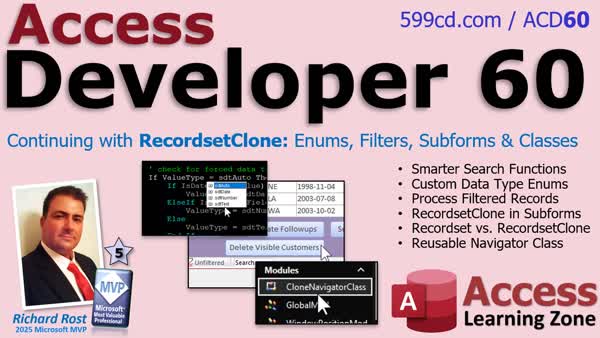
Access Developer 60Reusable Recordset Clone Search NavigationIn Access Developer 60 we will improve a reusable search function with enumerations and optional data type control, use recordset clone to process filtered and sorted form records, and work with clones in subforms without moving the visible cursor. We will also package search and navigation logic into a reusable class module for bound forms. Lessons
ResourcesNavigationLesson SummaryWelcome! RecordsetClone Continued (Part 2) - Welcome to Access Developer 60. We will cover improvements to a reusable Recordset Clone search function, including reliable handling of text and numeric values with optional data types and enumerations. You will learn how to process only filtered, visible records, work with clones in subforms, compare form recordsets with Recordset Clone, and package reusable search and navigation code into a class module for use across multiple forms.
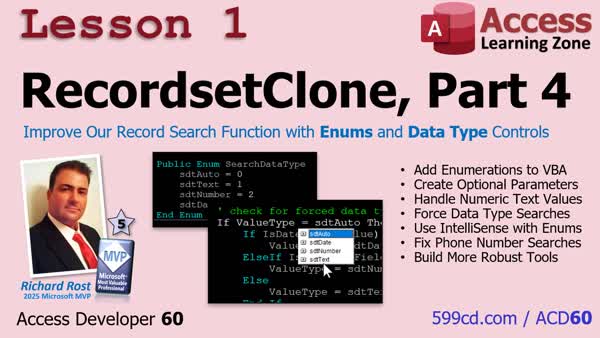
Lesson 1: Enhance Search Using Enums & Type Checks - In lesson one, we will address an issue with our reusable go-to record-by-value function for recordset clones in Microsoft Access, where searching text fields containing only numbers, like phone numbers, can cause the search to fail. We will fix this by adding an optional parameter using enumerations to control the data type, making searches more flexible and reliable. I will show you how to force specific data types, use enums for clean code, and ensure the function handles tricky cases like numeric-looking text fields. We will also briefly discuss how enumerations work and how to implement them in your VBA code.
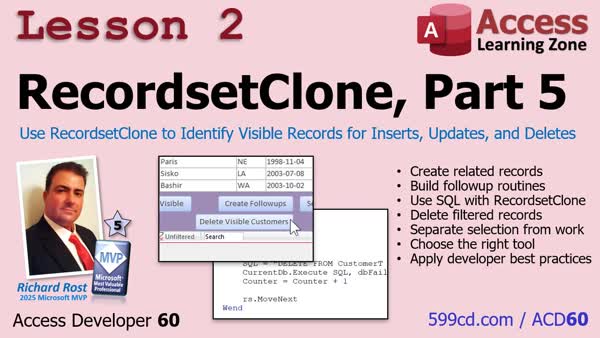
Lesson 2: Create Related, Delete Visible Records - In Lesson 2, we will look at a different way to use a recordset clone in Microsoft Access by using it as a filtered selection list to determine which records the user wants to process, rather than editing them directly. We'll discuss how this separation of record selection from the actual updates or deletions leads to safer, cleaner code, and walk through examples of updating and deleting related records using SQL based on the records identified by the recordset clone. We'll also address best practices for handling errors and managing recordset clones in your applications.
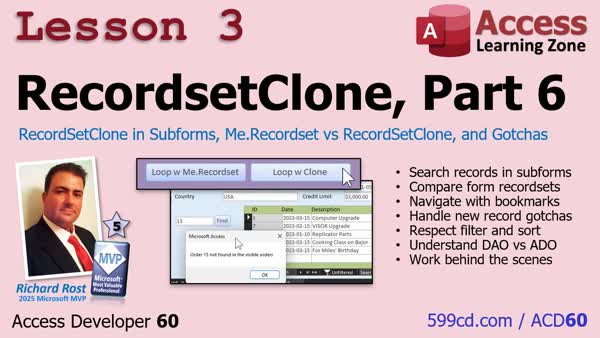
Lesson 3: Recordset vs Clone in Subforms - In Lesson 3, we will take RecordsetClone beyond the main form and work with it in subforms in Microsoft Access. I will show you how to search for records within a subform using RecordsetClone, explain the difference between Me.Recordset and Me.RecordsetClone, and discuss a few common pitfalls when working with bound forms, filters, and sorting. We'll also compare how looping with RecordsetClone versus Me.Recordset affects the user interface, and talk about handling new records and the difference between DAO and ADO clone methods in Access.
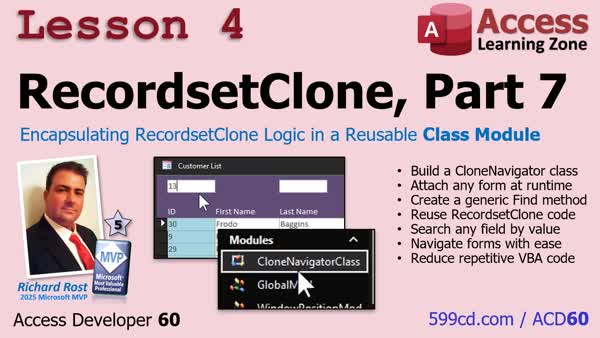
Lesson 4: Reusable RecordsetClone Class - In Lesson 4, we will walk through how to combine everything learned about RecordsetClone with class modules, building a reusable CloneNavigatorClass that simplifies record navigation and searching in any Microsoft Access form. I will show you step-by-step how to set up the class module, attach it to a form, and use it to search records with just a few lines of code. We will also discuss how to implement this on multiple forms, making your code cleaner and easier to maintain by reusing the RecordsetClone logic in different parts of your database.
Up Next: Review & What's Coming Up... - In this course we learned how to improve reusable search functions with enumerations and optional data type controls, use Recordset Clone to identify visible records, work with recordsets in subforms, and package search and navigation code into a reusable class module. In this What's Next lesson, we will discuss the upcoming orphan code detector utility, which will scan forms, reports, controls, VBA procedures, and database objects to locate event code no longer connected to existing controls.
KeywordsAccess Developer, Access Developer 60, recordset clone, VBA recordset clone, reusable VBA class module, form recordset navigation, filtered record processing, Access form filter, subform recordset clone, VBA enumeration, optional data type validation, bou
More InformationTranscriptHave you ever written a useful piece of VBA code only to realize now you have to copy, paste, and modify it for every other form in your database? Or maybe you tried processing records on a form only to watch the form jump through them one at a time while your code runs. If either of those sounds familiar, I just released Access Developer 60, where we are continuing our deep dive into recordset clone and turning it into a practical, reusable developer tool. We will start by improving the search function that we built in Developer 59. You'll learn how to create your own enumeration and add optional data type control so searches work reliably even when values like phone numbers fool Access into using the wrong data type. Next, you'll learn how to use recordset clone as a filtered selection list. Your users can filter and sort a form however they want, and your code can process exactly those visible records without having to rebuild the filter. You can create related records, perform updates, send emails, generate invoices, or safely hand the actual work off to SQL. We will also use recordset clone inside subforms and compare it with the form's regular recordset. You'll see how the clone can search and loop through records behind the scenes without moving the visible cursor or disrupting the user's screen. And finally, we're going to package all of that search and navigation logic into a reusable class module. Once it's built, you can add recordset clone navigation to virtually any bound form with only a few lines of code. This means less duplicated VBA, fewer places for bugs to hide, and powerful search and processing tools that you can reuse throughout your database. So, if you're ready to stop rewriting the same code over and over again and start building reusable Access components, Access Developer 60 is available now. Visit my website at accesslearningzone.com or the link shown on the screen. I'll put a direct link down below the link. Live long and prosper, my friends. I will see you in class. IntroIn <B>Access Developer 60</B> we will improve a reusable search function with enumerations and optional data type control, use recordset clone to process filtered and sorted form records, and work with clones in subforms without moving the visible cursor. We will also package search and navigation logic into a reusable class module for bound forms. QuizNo quiz available. SummaryAccess Developer 60 continues our work with recordset clones and shows how to turn them into practical, reusable tools for your Microsoft Access databases. Have you ever written useful VBA code for one form, only to discover that you need to copy it, paste it into other forms, and modify it repeatedly? That approach works, but it creates duplicated code and gives bugs more places to hide. In this lesson, I will show you how to organize recordset clone search and navigation features so they can be reused on almost any bound form with very little additional code. We will begin by improving the search feature from Access Developer 59. I will show you how to create your own enumeration to control the type of search being performed. We will also add optional data type handling so that searches are more reliable. This is especially important for values such as phone numbers, ZIP codes, account numbers, and other numeric-looking text. Without proper type control, Access may interpret a value as a number when it should be treated as text, which can lead to incorrect search results. Next, we will use a recordset clone as a filtered selection list. A user can apply filters and sorting to a form in any way they choose, and your VBA code can then process only the records currently visible on that form. You do not have to reconstruct the form's filter expression or manually determine which records the user selected. The recordset clone provides access to the same filtered and sorted set of records. This is useful when you need to perform work on multiple records. For example, you might create related records, update selected customers, send email messages, generate invoices, or pass the filtered records to an action query or SQL statement for processing. The important point is that your code can work with the records the user is viewing without forcing the form itself to move through those records one at a time. We will also work with recordset clones in subforms and compare them with a form's normal recordset. A recordset clone allows you to search for records and loop through them behind the scenes while leaving the visible form exactly where the user expects it to be. The current record on the screen does not have to move, so users are not distracted by the form jumping from record to record while the code runs. Finally, I will package the search and navigation logic into a reusable class module. Once that class is complete, you can add recordset clone navigation capabilities to nearly any bound form with just a few lines of VBA. Instead of maintaining separate copies of the same search code throughout your database, you can centralize the functionality in one reusable component. This approach reduces duplicated VBA, makes your projects easier to maintain, and gives you reliable tools for searching, navigating, filtering, and processing records throughout your Access applications. You can find a complete video tutorial with step-by-step instructions on everything discussed here on my website at the link below. Live long and prosper, my friends. Topic ListA promotional announcement for a new Access Developer course on reusable recordset clone tools. Primary Topicsrecordset clone, reusable VBA components, form search functions, custom enumerations, optional data type control, filtered record processing, subform recordsets, class modules Secondary Topicssorting and filtering forms, SQL processing, related-record creation, updates, email sending, invoice generation |
||||||||||||||||||||||
|
| |||
| Keywords: Access Developer, Access Developer 60, recordset clone, VBA recordset clone, reusable VBA class module, form recordset navigation, filtered record processing, Access form filter, subform recordset clone, VBA enumeration, optional data type validation, bou Page Tag: whatsnew PermaLink How To Build Reusable Recordset Clone Search and Navigation Tools in Microsoft Access VBA |