|
||||||
|
||||||
|
||||||
|
||||||
Access Developer 65Lessons
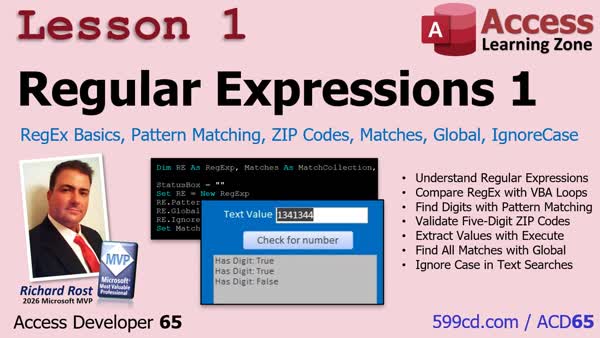
NavigationLesson SummaryLesson 1: ZIP Validation Extract Matches Globally - In Lesson 1, we will introduce regular expressions in Microsoft Access VBA. You will learn how regex patterns can search text for digits, validate a five-digit ZIP code, and replace simple character-by-character loops when pattern matching is useful. We will also walk through creating a RegExp object, using Test to return a True or False result, and understanding patterns such as [0-9]+ and ^[0-9]{5}$.
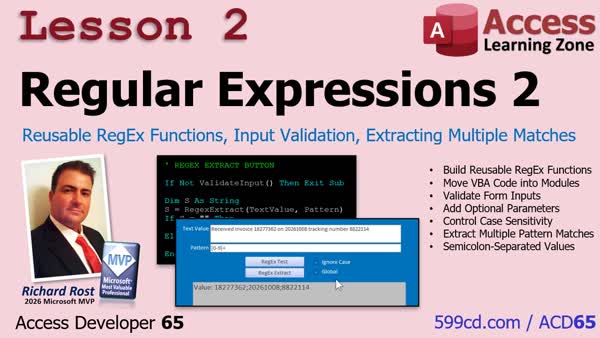
Lesson 2: Reusable Functions and Multiple Matches - In Lesson 2, we will continue with RegEx by turning basic regular expression code into reusable VBA functions. We will walk through testing patterns, extracting matching values, handling case sensitivity, and returning multiple matches as a semicolon-separated string. We will also build a form-based interface with pattern input, validation for blank text or patterns, and options for Ignore Case and Global matching.
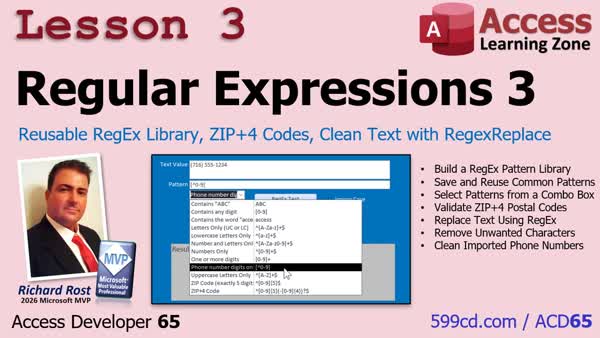
Lesson 3: RegEx Library ZIP4 Validate RegexReplace - In Lesson 3, we will build a saved pattern library table and add a combo box for selecting RegEx patterns in our utility form. We will discuss a pattern for validating five-digit ZIP codes with optional ZIP+4 extensions, then create a reusable RegEx replace function to find and replace text. Finally, I will show you how to clean imported phone numbers by removing non-digit characters while keeping only the numeric digits.
Keywordsaccess developer 65
|
||
|
| |||
| Keywords: access developer 65 Page Tag: whatsnew PermaLink Microsoft Access Developer 65 |