|
||||||
|
||||||
|
||||||
|
||||||
|
Access Developer 60
Lessons
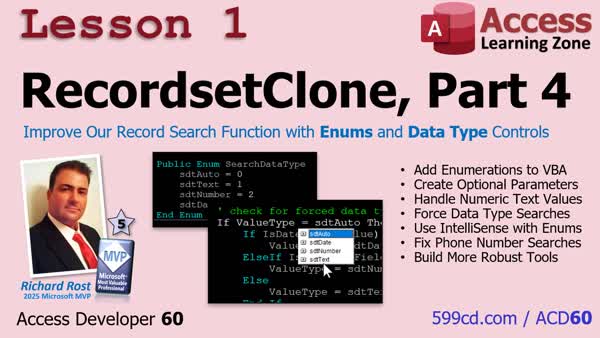
Lesson SummaryLesson 1: Enhance Search Using Enums & Type Checks - In lesson one, we will address an issue with our reusable go-to record-by-value function for recordset clones in Microsoft Access, where searching text fields containing only numbers, like phone numbers, can cause the search to fail. We will fix this by adding an optional parameter using enumerations to control the data type, making searches more flexible and reliable. I will show you how to force specific data types, use enums for clean code, and ensure the function handles tricky cases like numeric-looking text fields. We will also briefly discuss how enumerations work and how to implement them in your VBA code.
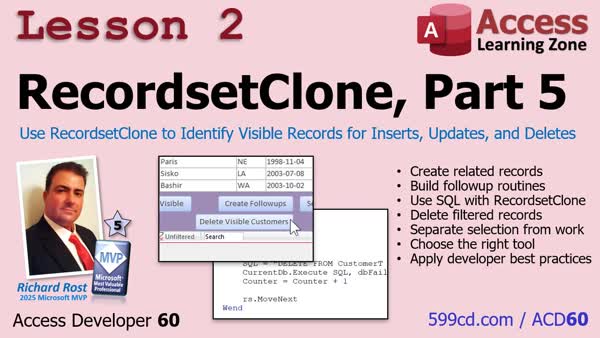
Lesson 2: Create Related, Delete Visible Records - In Lesson 2, we will look at a different way to use a recordset clone in Microsoft Access by using it as a filtered selection list to determine which records the user wants to process, rather than editing them directly. We'll discuss how this separation of record selection from the actual updates or deletions leads to safer, cleaner code, and walk through examples of updating and deleting related records using SQL based on the records identified by the recordset clone. We'll also address best practices for handling errors and managing recordset clones in your applications.
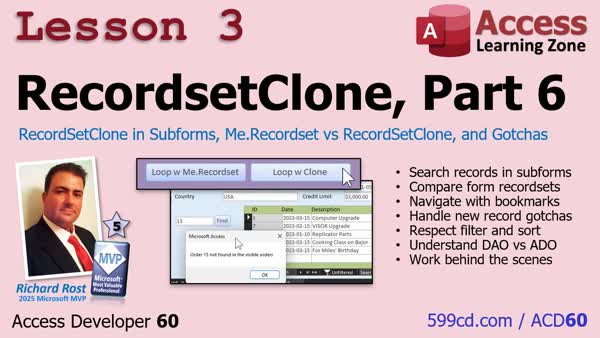
Lesson 3: Recordset vs Clone in Subforms - In Lesson 3, we will take RecordsetClone beyond the main form and work with it in subforms in Microsoft Access. I will show you how to search for records within a subform using RecordsetClone, explain the difference between Me.Recordset and Me.RecordsetClone, and discuss a few common pitfalls when working with bound forms, filters, and sorting. We'll also compare how looping with RecordsetClone versus Me.Recordset affects the user interface, and talk about handling new records and the difference between DAO and ADO clone methods in Access.
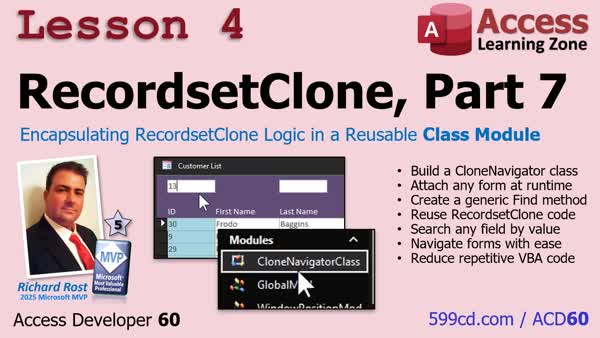
Lesson 4: Reusable RecordsetClone Class - In Lesson 4, we will walk through how to combine everything learned about RecordsetClone with class modules, building a reusable CloneNavigatorClass that simplifies record navigation and searching in any Microsoft Access form. I will show you step-by-step how to set up the class module, attach it to a form, and use it to search records with just a few lines of code. We will also discuss how to implement this on multiple forms, making your code cleaner and easier to maintain by reusing the RecordsetClone logic in different parts of your database.
Keywordsaccess developer 60
|
||
|
| |||
| Keywords: access developer 60 Page Tag: whatsnew PermaLink Microsoft Access Developer 60 |