|
||||||
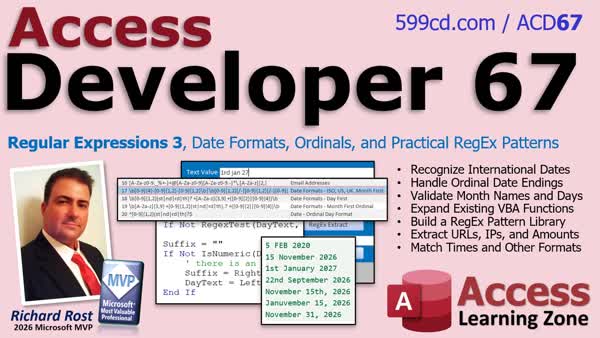
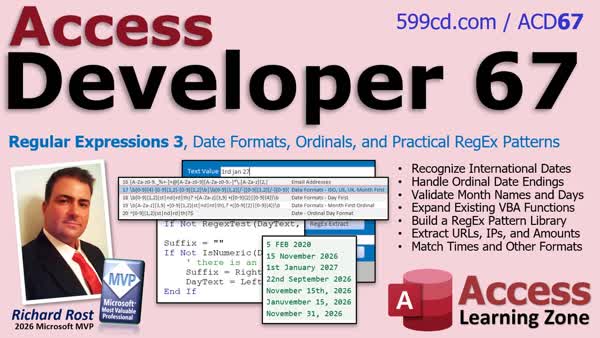
Access Developer 67International Dates Ordinals RegEx PatternsIn Access Developer 67 we will improve a regular-expression date parser to handle international date formats, ordinal endings, two-digit years, month validation, and impossible calendar dates. We will also discuss reusable regex patterns for finding unfinished mail merge fields, repeated words, file-name formats, IP addresses, dollar amounts, URLs, software versions, HTML color codes, and 12-hour or 24-hour times. Lessons
ResourcesNavigationLesson SummaryWelcome! International Date Ordinal Validation - Welcome to Access Developer 67. We will continue our Regular Expressions work by expanding date parsing and validation for day-first formats, ordinal endings, complete month names, and two-digit years. We will also discuss practical RegEx patterns for mail merge placeholders, repeated words, filenames, IP addresses, dollar amounts, URLs, version numbers, HTML color codes, and 12-hour and 24-hour times, while adding useful expressions to the RegEx Pattern table.
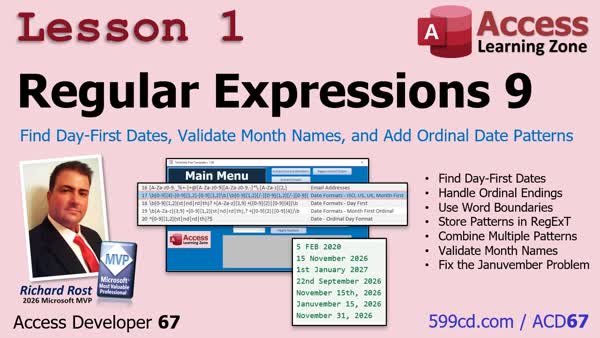
Lesson 1: Day-First Date Month Names Ordinals - In Lesson 1, we will continue our RegEx work by adding patterns for day-first dates and month-first dates with ordinal endings such as 1st, 2nd, and 3rd. We will walk through combining these patterns with existing date patterns, validating complete month names to prevent invalid matches such as "January Vember," and preparing the VBA code to work with the new patterns.
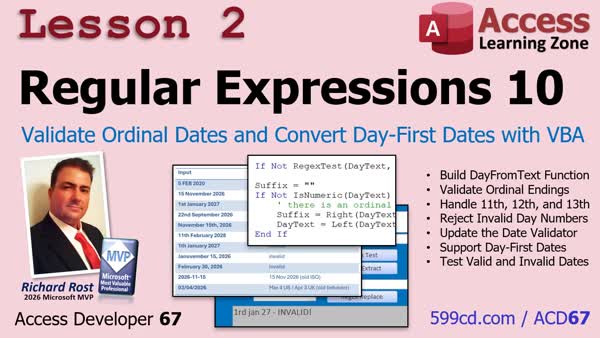
Lesson 2: Validate Ordinal Dates Convert Day-First - In Lesson 2, we will expand the RegEx Part 10 date validator to recognize day-first dates and ordinal endings such as 1st, 2nd, and 23rd. We will build and test a DayFromText helper function to validate day numbers and their correct suffixes, then update the main validator to support both month-first and day-first date formats while preserving the existing date checks.
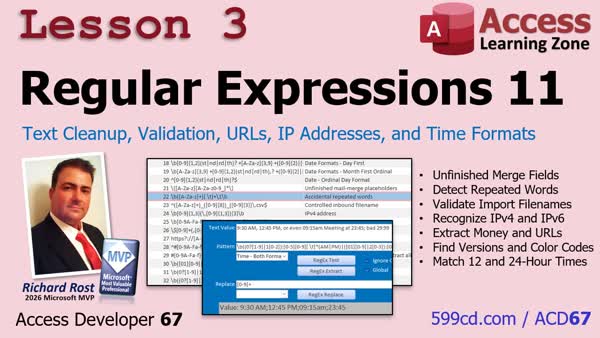
Lesson 3: Text Cleanup Validation URLs IPs Time - In this lesson, we will continue RegEx Part 11 with practical regular expression patterns for finding mail merge placeholders, repeated words, controlled file names, IP addresses, dollar amounts, URLs, version numbers, HTML color codes, and 12-hour or 24-hour time formats. We will also discuss anchors, word boundaries, capture groups, alternation, and when Regex should validate a pattern's shape rather than every possible valid value.
Up Next: Review & What's Coming Up... - In this course we learned how to use regular expressions to improve date parsing with international formats, ordinal endings, and month validation. We also covered reusable patterns for validating IP addresses, URLs, dollar amounts, times, and other common data. We'll discuss what's next, including Scripting.Dictionary, the Easy Access POS project, database documentation and AI export tools, multi-level undo, maintenance tools, and creating add-ins.
KeywordsAccess Developer, Access Developer 67, VBA regular expressions, regex date parser, international date formats, ordinal date validation, two digit year parsing, calendar date validation, IPv4 IPv6 extraction, dollar amount extraction, URL extraction, repea
More InformationTranscriptHave you ever imported data into Microsoft Access and found that the dates are all over the place? Some have the month first, some have the day first, and others have endings like first, second, or third? Or maybe you've got customer notes full of email addresses, website links, dollar amounts, and other information that you'd like to pull out automatically. Wouldn't it be nice if Access could recognize all those different formats without writing separate complicated functions for each one? Hi, this is Richard Rost with Access Learning Zone. I just released Access Developer 67, where we're continuing our work with regular expressions in Microsoft Access. We're going to improve the date parser that we built in Developer 66, and then look at a whole collection of practical regular expression patterns that you can use in your own databases. First, we're going to expand our date patterns to recognize international date formats, including dates where the date comes first, like 5 February 2020. We'll also handle dates with ordinal endings, like November 15th, 2026, and improve our month validation so we don't accidentally accept made-up month names like Jan. November. Next, we'll finish improving our date validation system. We'll make sure those ordinal endings are correct, so 21st is accepted, but 21st is not. We'll also handle 2-digit years, recognize dates written in either order, and make sure impossible calendar dates are still rejected, like February 35th. The result is a more flexible date parser that can handle a wider variety of real-world data. Then we're going to look at a whole bunch of practical regular expression patterns from my own personal databases. We'll find unfinished mail merge fields before sending letters or emails, catch accidentally repeated words, and check whether imported file names follow a correct pattern. We'll also look at extracting IPv4 and IPv6 addresses, extracting dollar amounts and website URLs, recognizing software version numbers and HTML color codes, and finding both 12-hour and 24-hour times. These are the kinds of little tools that save you lots of time when you're working with imported data, customer records, or text that doesn't follow one consistent format. By the end of this level, you'll have a more capable date parser and a substantial collection of reusable regex patterns. More importantly, you'll understand how to recognize when regular expressions can simplify a problem, how to test the results, and how to adapt these techniques for your own Access applications. You don't have to memorize every pattern. The goal is to understand the tools available to you so you can solve problems faster and build better databases. If you'd like to learn how to put these techniques to work in your databases, you'll find the complete Microsoft Access Developer 67 course on my website. You'll see a link right there. You'll find a link you can click on down below. If you have any questions, post them down in the comments. Live long and prosper, my friends. I'll see you in class. IntroIn <B>Access Developer 67</B> we will improve a regular-expression date parser to handle international date formats, ordinal endings, two-digit years, month validation, and impossible calendar dates. We will also discuss reusable regex patterns for finding unfinished mail merge fields, repeated words, file-name formats, IP addresses, dollar amounts, URLs, software versions, HTML color codes, and 12-hour or 24-hour times. QuizQ1. What is one main benefit of using regular expressions when importing inconsistent data into Access? A. They can recognize multiple text formats without separate functions for each format B. They automatically convert all text fields into number fields C. They eliminate the need to validate imported data D. They prevent users from entering any new records Q2. Which date format is an example of an international-style date that the improved parser can recognize? A. 5 February 2020 B. February 2020 only C. 2020 February D. Five-February-Twenty Q3. What are ordinal endings in dates? A. Suffixes such as st, nd, rd, and th after a day number B. Prefixes such as Jan, Feb, and Mar before a month C. The last two digits of a year D. Symbols used to separate month, day, and year Q4. Why is validation still important after a regular expression identifies a possible date format? A. A date may match the pattern but still be impossible on the calendar B. Regular expressions always change dates into text C. Access cannot store date values D. Validation is only needed for dates with four-digit years Q5. Which of the following is an example of a date that should be rejected by a date validation system? A. February 35th B. November 15th C. 5 February 2020 D. 21st of June Q6. What problem can improved month validation help prevent? A. Accepting invalid or made-up month names B. Converting all months to numbers C. Requiring every month to be spelled with three letters D. Rejecting every abbreviated month name Q7. Besides dates, what is a practical use for regular expressions in customer notes? A. Extracting email addresses, website links, and dollar amounts B. Automatically sending emails to every customer C. Replacing every note with a standardized template D. Encrypting all text fields in the database Q8. What can a regular expression help identify before sending letters or emails? A. Unfinished mail merge fields B. Duplicate tables in the database C. Missing Access forms D. Incorrect printer settings Q9. Which text problem can regular expressions help detect in written content? A. Accidentally repeated words B. Every spelling mistake in a document C. The author's intended meaning D. The correct font for each paragraph Q10. Which type of information can be extracted from text using regular expressions? A. IPv4 and IPv6 addresses B. Database relationships C. Form control names D. User permissions Q11. Which of the following is an example of a pattern that regular expressions can recognize? A. Software version numbers and HTML color codes B. Table primary keys only C. Access form themes only D. Report page margins only Q12. What is the overall goal of learning these regular expression techniques? A. To recognize when regex can simplify problems and adapt patterns for your own applications B. To memorize every possible regular expression pattern C. To avoid testing imported data D. To replace all Access queries with regular expressions Answers: 1-A; 2-A; 3-A; 4-A; 5-A; 6-A; 7-A; 8-A; 9-A; 10-A; 11-A; 12-A DISCLAIMER: Quiz questions are AI generated. If you find any that are wrong, don't make sense, or aren't related to the video topic at hand, then please post a comment and let me know. Thanks. SummaryToday's video from Access Learning Zone introduces Access Developer 67, where I continue building practical regular expression tools for Microsoft Access. If you have ever imported data into Access and discovered that date values are inconsistent, you know how frustrating it can be. One record may contain a date with the month first, another may put the day first, and another may use ordinal endings such as 1st, 2nd, or 3rd. Customer notes and imported text can also contain useful information such as email addresses, website links, dollar amounts, IP addresses, and other data that you may want to identify or extract automatically. In this class, I will expand on the date parser we started in Access Developer 66. The goal is to make it flexible enough to recognize a wider variety of real-world date formats without requiring a separate complicated function for every possible variation. We will add support for international date formats in which the day appears before the month, such as 5 February 2020. We will also recognize dates with ordinal endings, such as November 15th, 2026. In addition, I will improve month-name validation so the parser does not accidentally accept invalid text that looks like a month name, such as "Jan November." We will continue improving the date validation process by checking whether ordinal endings are used correctly. For example, 21st should be accepted, whereas an incorrect form such as 21st with an invalid ending for that number should not be considered valid. We will also work with 2-digit years, recognize dates written in different orders, and make sure invalid calendar dates are rejected. A value such as February 35th may match a general pattern, but it still must fail calendar validation. By the end of the date section, you will have a more capable parser that can recognize many common imported date formats while still rejecting impossible or invalid dates. After that, I will cover a collection of useful regular expression patterns taken from practical situations in my own databases. These patterns can help you locate unfinished mail merge fields before sending letters or email messages, identify repeated words that may have been typed accidentally, and verify whether imported file names follow the required format. We will also look at patterns for recognizing and extracting IPv4 and IPv6 addresses, dollar amounts, website URLs, software version numbers, HTML color codes, and both 12-hour and 24-hour time values. These are the kinds of small but valuable tools that can save considerable time when you work with imported data, customer records, notes, and other text that does not follow a consistent format. You do not need to memorize every regular expression pattern. The important thing is learning when regular expressions can simplify a problem, how to test the results, and how to modify these techniques for your own Access applications. You can find a complete video tutorial with step-by-step instructions on everything discussed here on my website at the link below. Live long and prosper, my friends. Topic ListPromotional overview of a Microsoft Access course on regex date parsing and practical text-extraction patterns. Primary Topicsregex date parsing, international date formats, ordinal date suffix validation, two-digit years, calendar date validation, text extraction patterns, imported data cleanup Secondary Topicsmail merge field detection, repeated word detection, filename validation, IP address extraction, currency extraction, URL extraction, version and color code recognition, time recognition |
||||||||||||||
|
| |||
| Keywords: Access Developer, Access Developer 67, VBA regular expressions, regex date parser, international date formats, ordinal date validation, two digit year parsing, calendar date validation, IPv4 IPv6 extraction, dollar amount extraction, URL extraction, repea Page Tag: whatsnew PermaLink Regular Expressions 3, International Dates, Ordinals, and More RegEx Patterns in Access Developer 67 |