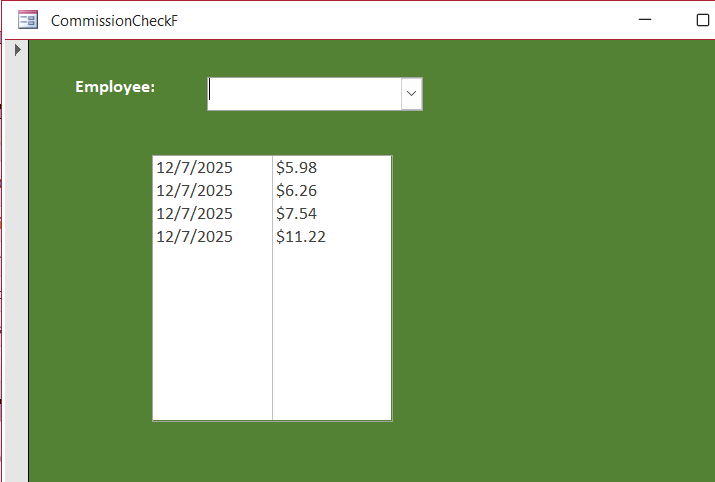
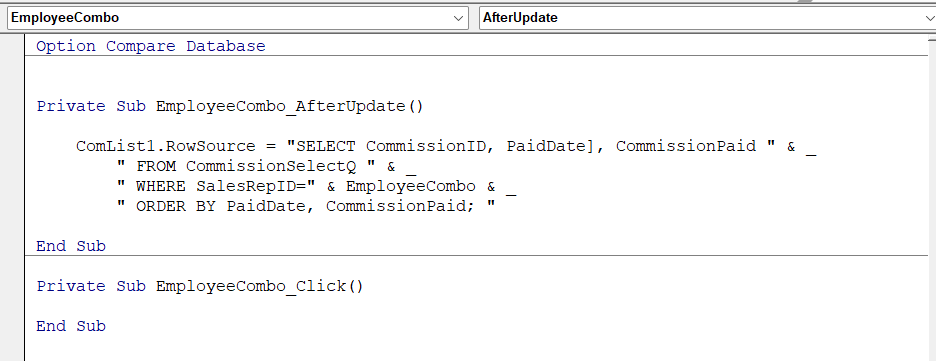
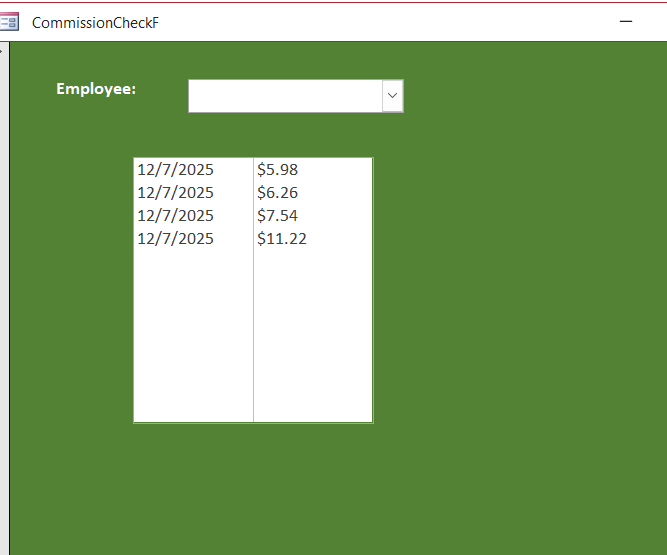
I am extremely confused. I have redone this part of the lesson at least 4 times now, and I am really missing something, or it's just missing information. I added the EmployeeCombo box in lesson 1, and it worked fine. I got to lesson 2, and it was working until I put in the code for the list box as the video showed. I double checked the Handbook too, but it was pretty vague this time, and I still cannot see what is wrong. If anyone has a moment to view the screenshots I have attached and notices something I am not doing, please let me know. Because the EmployeeCombo box comes up empty now but the List Box has figures.
Ken WykoffOP
@Reply 10 months ago
Ken WykoffOP
@Reply 10 months ago
Brent Davis
@Reply 10 months ago
Take the bracket off of PaidDate
Ken WykoffOP
@Reply 10 months ago
Brent Thanks, Brent. I just did that, but there are still no names showing in the EmployeeCombo box
Ken WykoffOP
@Reply 10 months ago
John Williams
@Reply 10 months ago
Ken What is the code populating the Employee Combo? Your after update shows the SQL for the comlist1. Your Employee combo should come from your employee table and have the EmployeeID in column 0, their name in column 1. Columns =2, column widths 0",1.5".
Ken WykoffOP
@Reply 10 months ago
Hi John, The code is taken out the CommissionSelectQ. When the combo box was designed it was in the instractions to gather information for that from the query and placed in the after fact. Nothing was ever mentioned about a code specifically in the video for the combo box click event.
Sorry, only students may add comments.
Click here for more
information on how you can set up an account.
If you are a Visitor, go ahead and post your reply as a
new comment, and we'll move it here for you
once it's approved. Be sure to use the same name and email address.
This thread is now CLOSED. If you wish to comment, start a NEW discussion in
Access Developer 5.