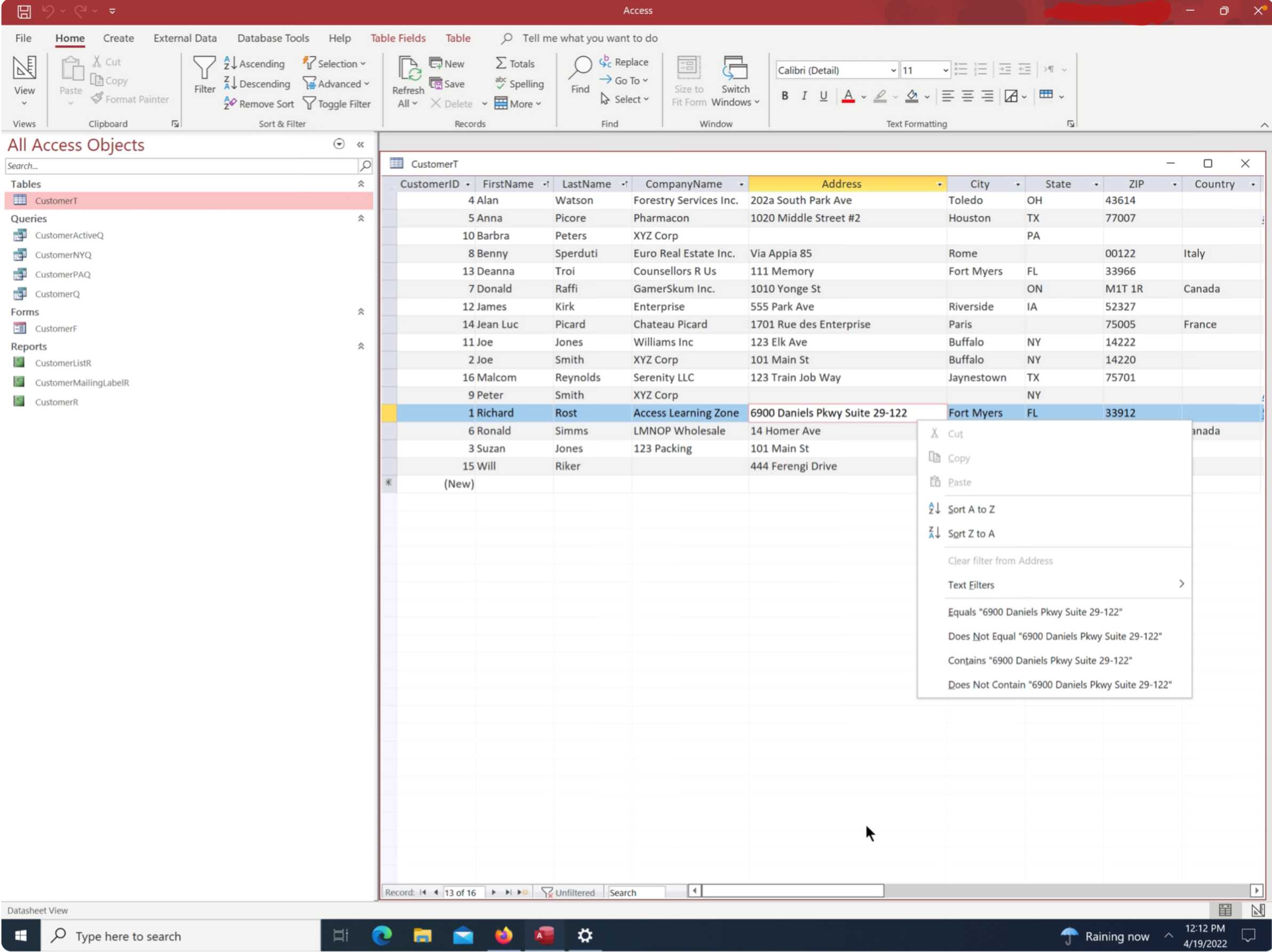
How do you get zoom window if your keyboard doesnt have the function keys? I am using an iPad Magic Keyboard that doesnt have the function keys. The iPad is connected to a Windows machine with a remote desktop apps.
Scott Axton
@Reply 4 years ago
I don't use any Mac products (OK I do have an iPhone but only because it was given to me) so my first suggestion is dump the iPad.
Not being funny - I really dislike Mac products working with Windows. They don't play well together and Access is strictly a Windows product. Unlike Excel or Word that has been made somewhat compatible.
Alex is the Mac guru so I'll let him chime in - but mean while if you have same functionality to Windows Right-Click the sub-menu also has the Zoom on it.
You might have an onscreen keyboard that emulates the standard 101 keyboard. Again I don't know for sure.
Hi Kevin, I want to use the zoom window while tying to enter data of a table in the Datasheet View but when I right click, there is no option to zoom.
Hendra GunawanOP
@Reply 4 years ago
Hi Alex, there is no option of Function Keys when I use the Globe key. I use the following apps to access a Windows Machine with an Ipad. https://apps.apple.com/us/app/shadow-app/id1446621967
If you are a Visitor, go ahead and post your reply as a
new comment, and we'll move it here for you
once it's approved. Be sure to use the same name and email address.
This thread is now CLOSED. If you wish to comment, start a NEW discussion in
Access Beginner 1.