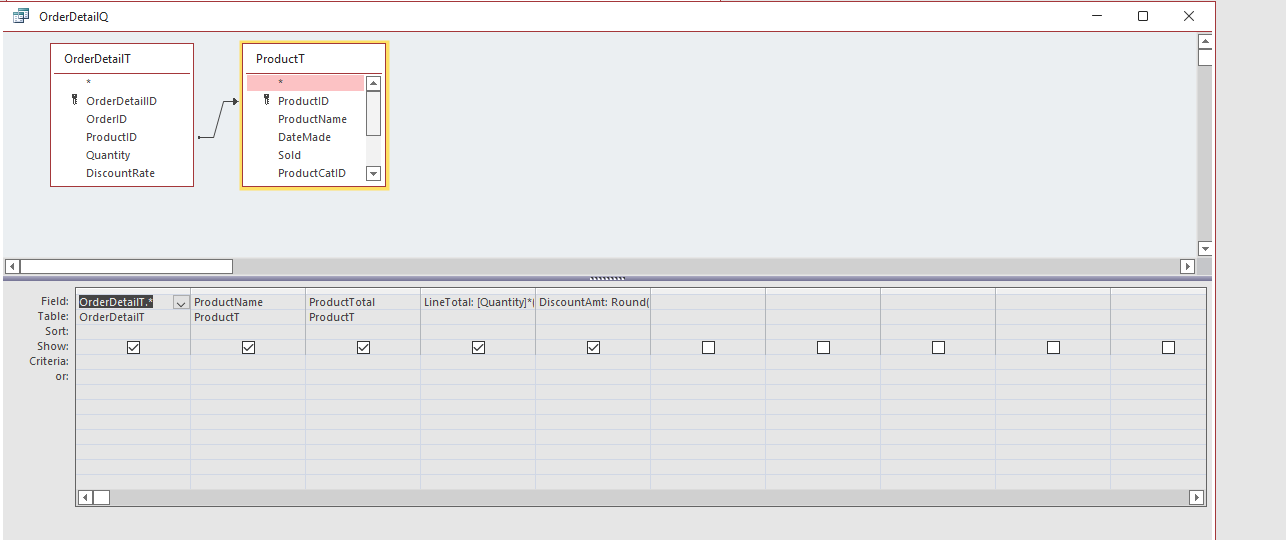
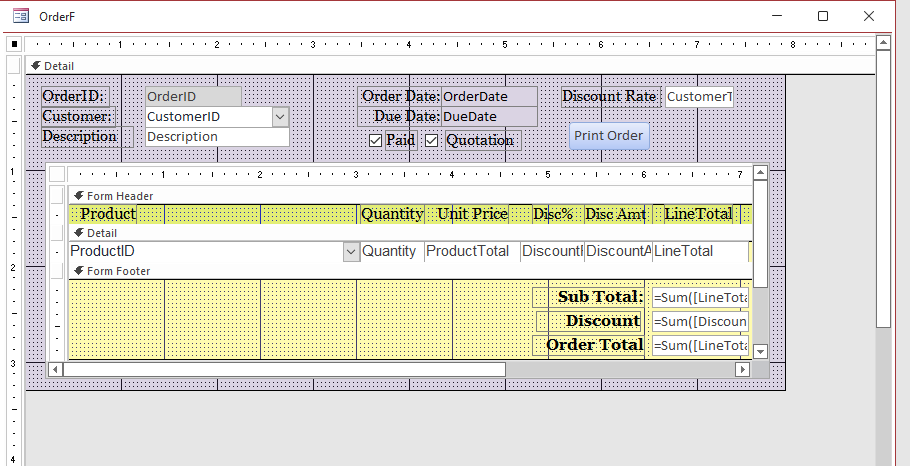
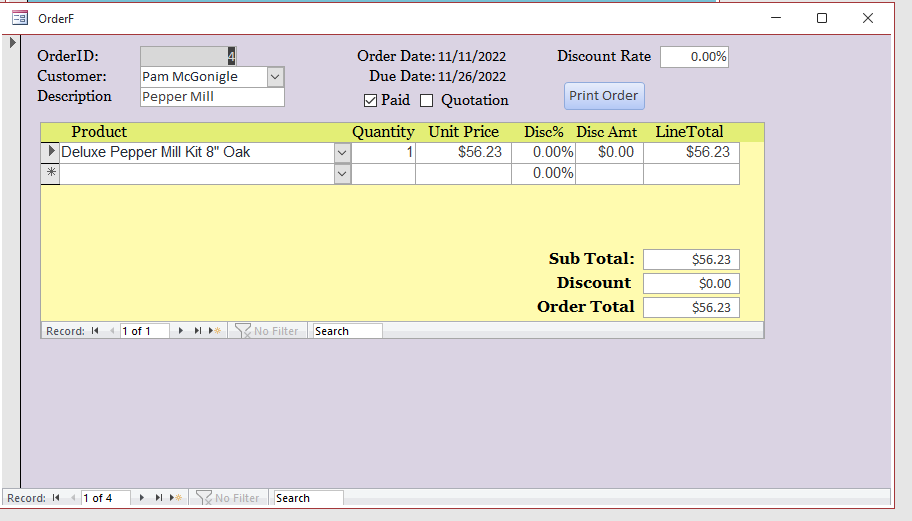
This applies to Expert Level 9 Lesson 5 at about 12:00 to 15:00. When I use =[Forms]![OrderF]!OrderID to the query (OrderQ) and set up my command button and try to run it. It puts me on a new order. I cannot figure out what I have done wrong. I have watched the Lesson many times but still no luck.
Richard Van WagonerOP
@Reply 4 years ago
I forgot to mention this is for my database but I have built it according to the class instructions. I have built the class database and it works fine there.
Let's see some screen shots of your design and form views.
Richard Van WagonerOP
@Reply 4 years ago
Richard Van WagonerOP
@Reply 4 years ago
Richard Van WagonerOP
@Reply 4 years ago
Richard Van WagonerOP
@Reply 4 years ago
I removed the Command from the query so it could use the data base to fix the layout of my Invoice.
Richard Van WagonerOP
@Reply 4 years ago
While I have your attention, I don't know if you have been following my question in Tech Help "Copying a Field". But I could really use your help on that issue as well.
Richard Van WagonerOP
@Reply 4 years ago
It took me 5 Days but I finally got it. instead of using the query, I changed the embedded Macro on the Command Button adding a where condition it works fine.
Sorry, only students may add comments.
Click here for more
information on how you can set up an account.
If you are a Visitor, go ahead and post your reply as a
new comment, and we'll move it here for you
once it's approved. Be sure to use the same name and email address.
This thread is now CLOSED. If you wish to comment, start a NEW discussion in
Access Expert 9.