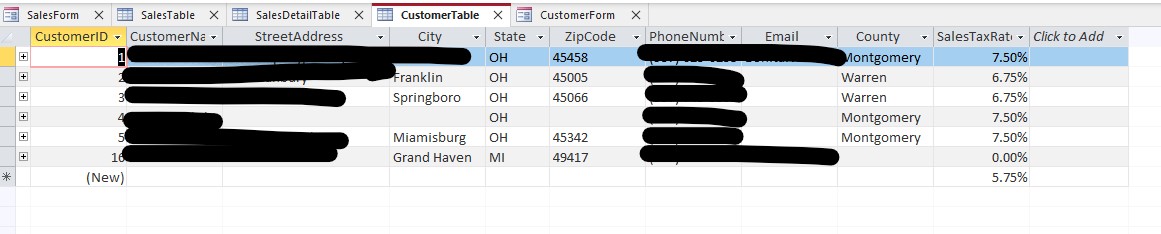
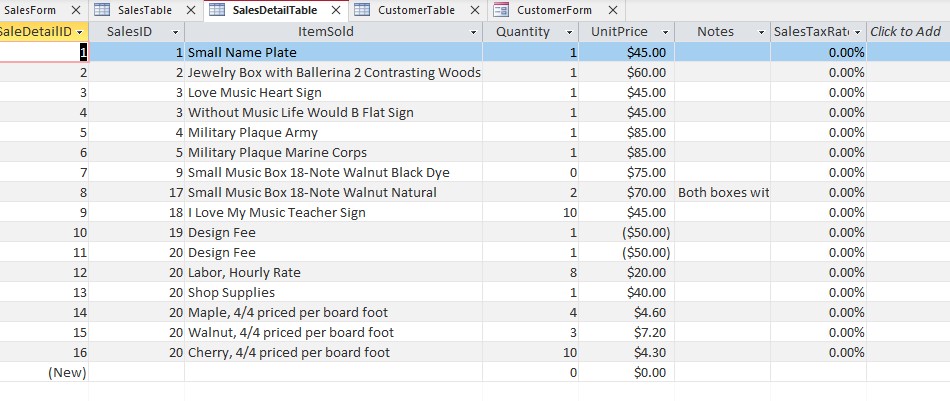
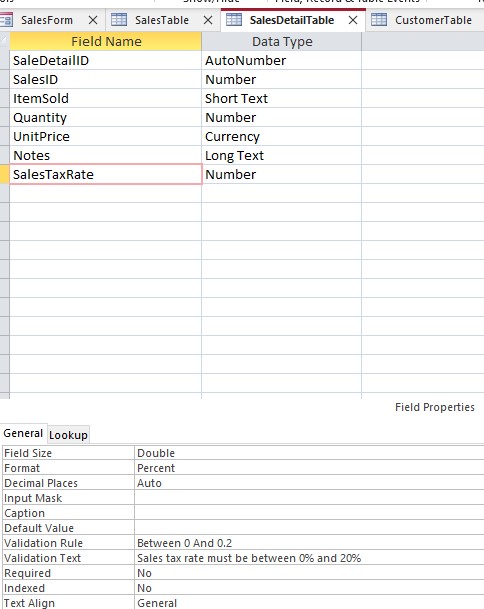
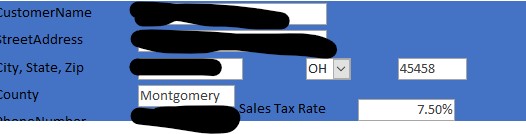
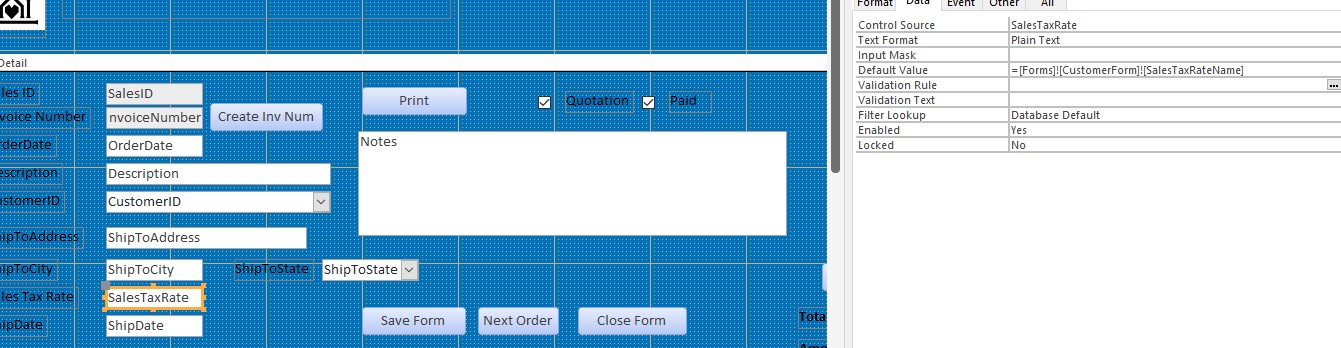
First, thank you very much for your videos. I have come along way with trying to build a database for my startup woodworking company. I have a working database using a hardcoded sales tax value in my SalesDetailTable but when trying to follow the same steps in Lesson 2 in Access Expert 9 (rate in customer table set to my state's rates for the counties I need using a double number and format set to percent while the salestable and salesdetailtable sales tax values are set to 0.00%, and copying field from customerform to salesform), I am getting a zero amount in the salesform salestaxrate field. As I am new to this, I am sure I am missing something obvious but I have checked and rechecked my values against your videos at least a half dozen times.
I am trying to paste screen shots of my database into this window but they don't seem to show up. Is there another way I can share them?
Scott BakerOP
@Reply 2 years ago
Scott BakerOP
@Reply 2 years ago
Scott BakerOP
@Reply 2 years ago
Scott BakerOP
@Reply 2 years ago
Scott BakerOP
@Reply 2 years ago
Scott BakerOP
@Reply 2 years ago
Scott BakerOP
@Reply 2 years ago
Scott BakerOP
@Reply 2 years ago
Scott BakerOP
@Reply 2 years ago
I figured out how to upload; took a bit :)
Scott BakerOP
@Reply 2 years ago
Scott BakerOP
@Reply 2 years ago
So after completely emptying my salestable and salesdetailtables, i think it might be working but then the salesdetailform subform in the salesform became completely blank and does not reflect any of the rebuilt orders. Is this typical? I'll try rebuilding everything later but do I have to completely build a new database for this option to work?
Scott BakerOP
@Reply 2 years ago
I had to back out all of the sales tax items from my salesdetail query that I added following the video to get everything to work. Basically I'm back where I was before watching this video. I'll try again by building a brand new database from scratch to see if I can get it to work the way I wanted. Would love to have some input from others on why this might have happened.
Sorry, only students may add comments.
Click here for more
information on how you can set up an account.
If you are a Visitor, go ahead and post your reply as a
new comment, and we'll move it here for you
once it's approved. Be sure to use the same name and email address.
This thread is now CLOSED. If you wish to comment, start a NEW discussion in
Access Expert 9.