Free Lessons
Courses
Seminars
TechHelp
Fast Tips
Templates
Topic Index
Forum
ABCD
 
Home   Courses   TechHelp   Help   Contact   Merch   Join   Order   Logon   Forums   
 
Back to Access Developers    Comments List
Upload Images | @Reply | Bookmark | Link | Email | Next Unseen |
Increase Alpha with Button
Sandra Truax 
         
2 years ago
I have watched the videos on how to increase numbers or dates by one using a button. My question is... can this be done with the alphabet?  What I mean is, for example, in some of my databases, the continuous forms go on and on my friend, so I have a filter box where I can put in a, and it will show everything that starts with A. Then I have to delete the A, and put in B.  Can this be automated with a button, that when clicked, will go from A to B to C, etc?
Kevin Robertson  @Reply  
          
2 years ago
Similar to this?
Using the ASCII chart: 65=A; 90=Z

    Dim X As Long, S As String
    
    For X = 65 To 90
        S = S & Chr(X) & " "
    Next
    
    MsgBox Trim(S)
Joe Holland  @Reply  
      
2 years ago
You impress me Kevin. The answers you give are always on point and helpful. Your skills and talent are a asset to this community.
Thomas Gonder  @Reply  
        
2 years ago
@ Sandra, It's not clear what the purpose of the form is, or what the filterbox is supposed to do. To see something that starts with "z" do you want to force the user to click now many times (consider some languages have tilde letters) with forms that go on and on, my friend? Or do you really want to tromp through the full alphabet for some valid reason?

Why not let the user enter what they want to see?
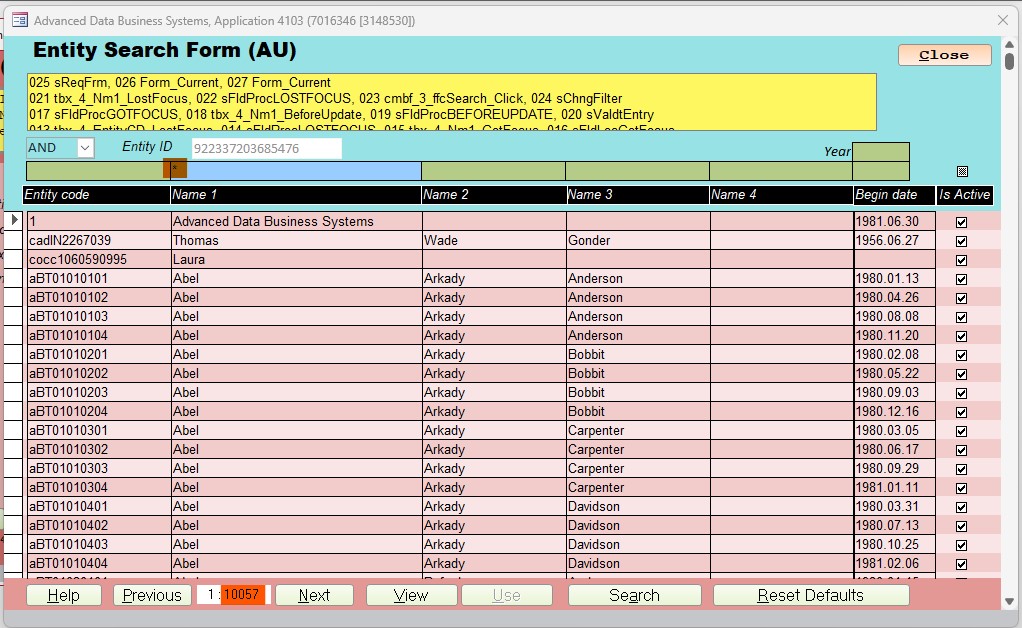
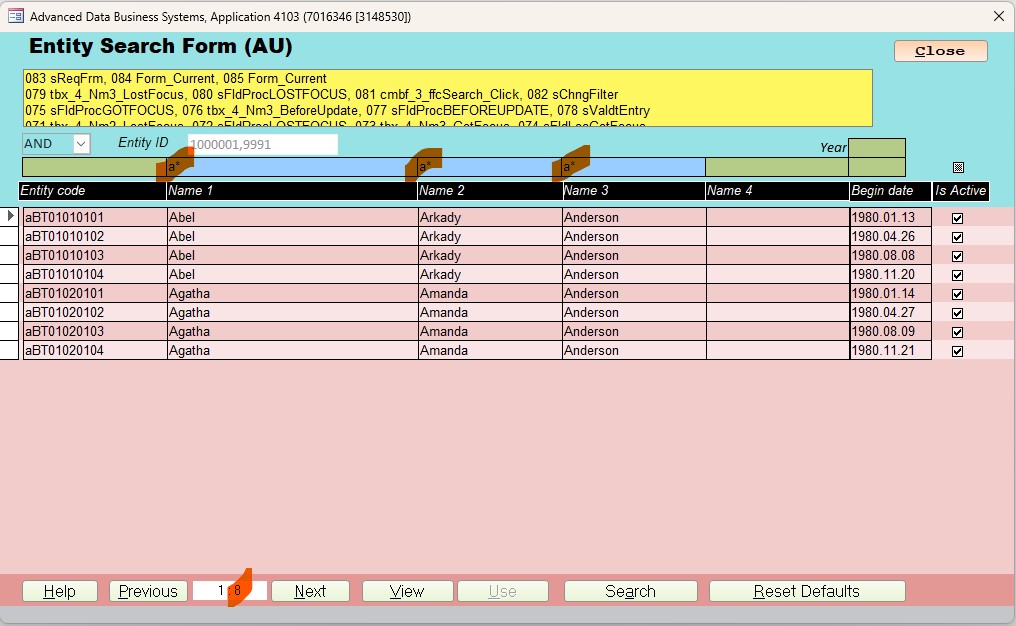
For example, below I have a modified version of Richard's search form and it has over 10,000 records (because I asked for everything with the "*" in Name 1. In the next image I'll just show records that have "a" in Name1, Name2 and Name3 (is test data).

https://599cd.com/blog/display-article.asp?ID=2252
Thomas Gonder  @Reply  
        
2 years ago

Thomas Gonder  @Reply  
        
2 years ago

Sandra Truax OP  @Reply  
         
2 years ago
Thank you Kevin!  Thomas, I have a lot of my forms set up with filters like this. I know what I ask help on sounds weird, but I never claimed to be normal. LOL
Sami Shamma  @Reply  
             
2 years ago
Normal ?
That doesn't fit here
Thomas Gonder  @Reply  
        
2 years ago
@ Sandra, as long as it makes sense to you and the users...
I'm always curios as to why things are done a certain way by others,
then I tuck it into the memory should something similar ever arrive.
Heck, sometimes the answers prompt me go make BIG changes to my designs. :)
Sandra Truax OP  @Reply  
         
2 years ago
Thomas, this is just for my personal use for cleanin up long lists. I use it in my Rolodex, and my Genealogy database to shorten my lists. For instance, there are 556 relatives with the last name Sanders. If I add a new field, or something, I like to work on people with the first name that starts with A, and once I have them updated, I'll work on the ones with B. That way I can keep track of where I'm at, and clicking a button to go from A to B is a faster (yeah, I'm lazy), than typing A* enter, B* enter.
Thomas Gonder  @Reply  
        
2 years ago
@ Sandra That makes sense for a personal db, thanks for the answer. I'm in the middle of a big cleanup, unfortunately it's not as simple as A to B to C to ... to Z.
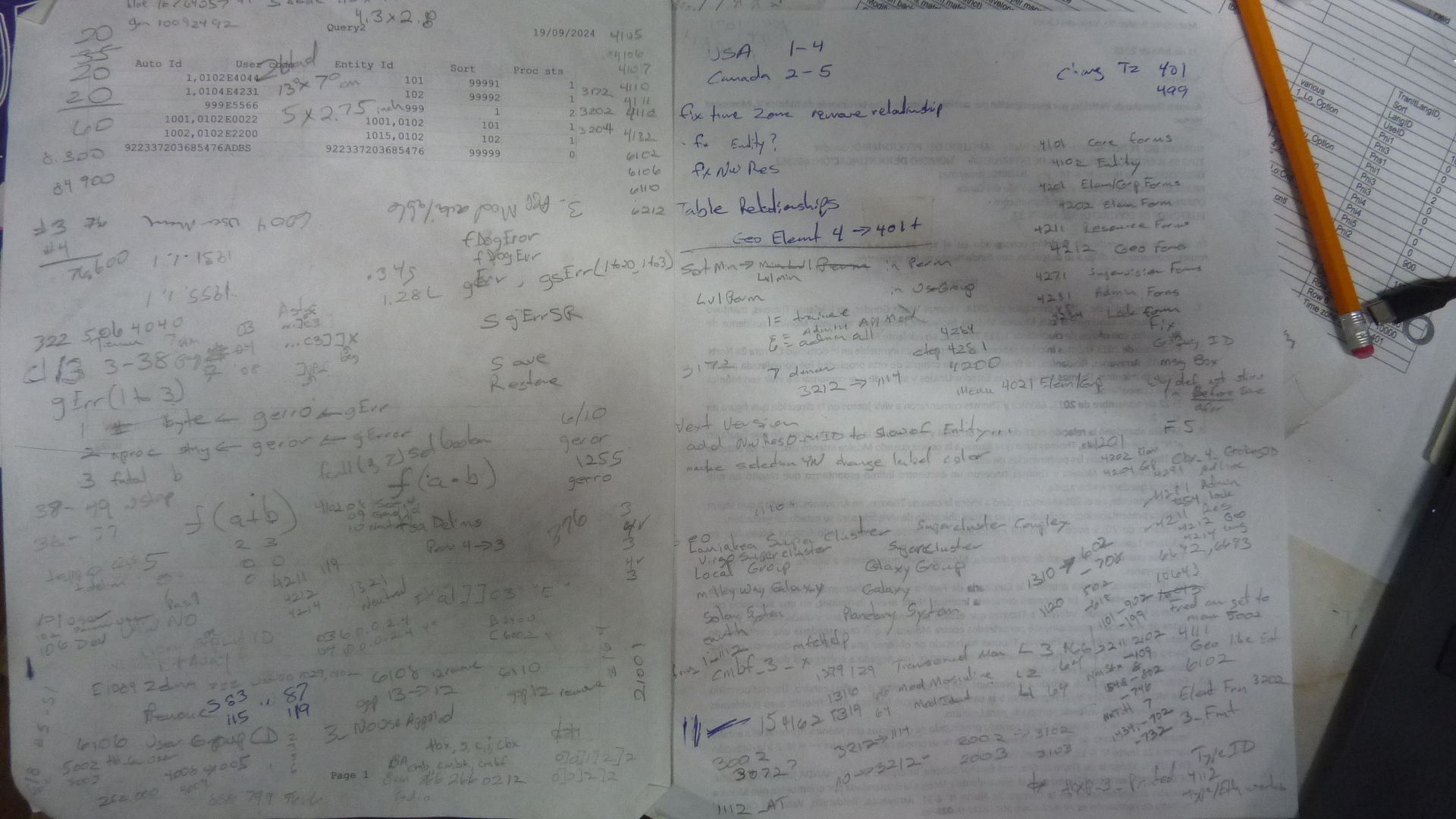
As an old boss admonished me, never do on a computer that which is better done on paper. This guy was an ancient, hard-core IBM engineer. As you can see...
Thomas Gonder  @Reply  
        
2 years ago

Kevin Robertson  @Reply  
          
2 years ago
Sandra,

The code I posted above will get all upper case letters. To also get lower case you could run another For Next Loop or run a single While Wend Loop.

    Dim X As Long, Y As Long, S As String
    
    X = 65  ' A
    Y = 97  ' a
    
    While X <= 90 And Y <= 122
        S = S & Chr(X) & Chr(Y) & " "
        X = X + 1
        Y = Y + 1
    Wend
    
    S = Trim(S)
    MsgBox S
Thomas Gonder  @Reply  
        
2 years ago
@ Kevin R. That brings up an interesting question. When doing a SQL for a recordset inside VBA or in a query, is there a way to specify case sensitive that's not module or db wide?
Sandra Truax OP  @Reply  
         
2 years ago
Thank you Kevin! I really appreciate your help.

This thread is now CLOSED. If you wish to comment, start a NEW discussion in Access Developers.
 

Next Unseen


What's This?


The following is a paid advertisement
Computer Learning Zone is not responsible for any content shown or offers made by these ads.
 

Learn
 
Access - index
Excel - index
Word - index
Windows - index
PowerPoint - index
Photoshop - index
Visual Basic - index
ASP - index
Seminars
More...
Customers
 
Login
My Account
My Courses
Lost Password
Memberships
Student Databases
Change Email
Info
 
Latest News
New Releases
User Forums
Topic Glossary
Tips & Tricks
Search The Site
Code Vault
Collapse Menus
Help
 
Customer Support
Web Site Tour
FAQs
TechHelp
Consulting Services
About
 
Background
Testimonials
Jobs
Affiliate Program
Richard Rost
Free Lessons
Mailing List
PCResale.NET
Order
 
Video Tutorials
Handbooks
Memberships
Learning Connection
Idiot's Guide to Excel
Volume Discounts
Payment Info
Shipping
Terms of Sale
Contact
 
Contact Info
Support Policy
Mailing Address
Phone Number
Fax Number
Course Survey
Email Richard
[email protected]
Blog RSS Feed    YouTube Channel

LinkedIn
Copyright 2026 by Computer Learning Zone, Amicron, and Richard Rost. All Rights Reserved. Current Time: 11/9/2026 4:18:51 PM. PLT: 0s