|
Free Lessons Courses Seminars |
TechHelp Fast Tips Templates |
Topic Index Forum ABCD |
|
||||||
|
Access Developer 59
Lessons
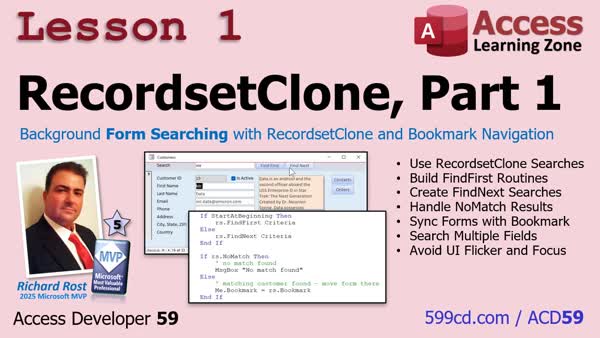
Lesson SummaryLesson 1: RecordsetClone Search, Bookmark - In lesson one, we will learn how to use a RecordsetClone in Access to search and navigate records behind the scenes without moving the form on the screen. We will discuss using FindFirst, FindNext, NoMatch, and Bookmark to create cleaner, faster, and more reliable search routines compared to FindRecord. Over the next few lessons, we will explore recordset clones in detail so you can use them effectively as a professional Access developer. For those who have not seen my previous TechHelp video, we will be building on that material with a more comprehensive approach.
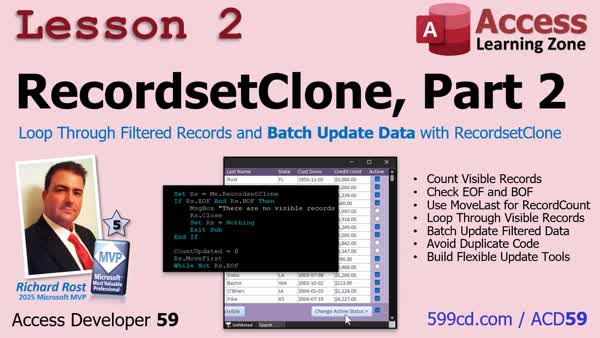
Lesson 2: Batch Update Filtered Records - In lesson two, we will build on using RecordsetClone by learning how to loop through filtered records on a form to count, process, and update them in bulk. I will show you how to check for empty recordsets, count the current filtered records, and update fields such as making visible customers active or inactive, all while preserving any filters the user has already set. We will discuss best practices like initializing variables, handling dirty records, and demonstrate making dynamic routines that work with any current filter using RecordsetClone.
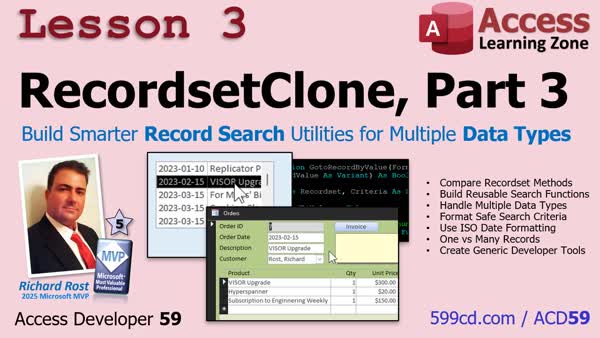
Lesson 3: Smarter Record Search for All Data Types - In lesson three, we will walk through building reusable search utilities using RecordsetClone that can work with any form in your database. You will learn how to create a generic function to find records by numeric ID, text, or date values, and how to use Bookmarks to locate a single record. We will discuss when to use a WHERE condition versus a bookmark for finding records, and see step-by-step how to update the function to handle different data types so it can be used anywhere in your Access projects.
Keywordsaccess developer 59
IntroIn lesson three, we will walk through building reusable search utilities using RecordsetClone that can work with any form in your database. You will learn how to create a generic function to find records by numeric ID, text, or date values, and how to use Bookmarks to locate a single record. We will discuss when to use a WHERE condition versus a bookmark for finding records, and see step-by-step how to update the function to handle different data types so it can be used anywhere in your Access projects. |
||
|
| |||
| Keywords: access developer 59 Page Tag: whatsnew PermaLink Microsoft Access Developer 59 |