|
||||||
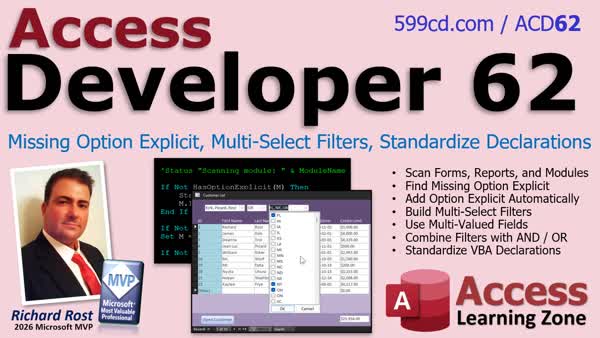
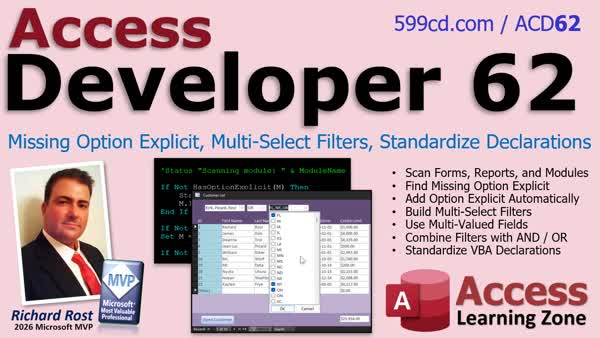
Access Developer 62Scan VBA Option Explicit Multi Select FiltersIn Access Developer 62 we will cover tools for finding and automatically adding missing Option Explicit declarations in forms, reports, and standard modules. We will also build multi-select filter combo boxes using multi-valued fields, including filters that combine selections with AND and OR logic. Finally, we will discuss standardizing Option Compare and Option Explicit declarations while safely modifying VBA code modules. Lessons
ResourcesNavigationLesson SummaryWelcome! Option Explicit and Multi Select Filters - Welcome to Access Developer 62. We will learn how to scan VBA code in forms, reports, and standard modules to find and add missing Option Explicit statements, build multi-select filters with multi-valued fields and AND/OR logic, and standardize Option Compare and Option Explicit declarations while safely modifying module code.
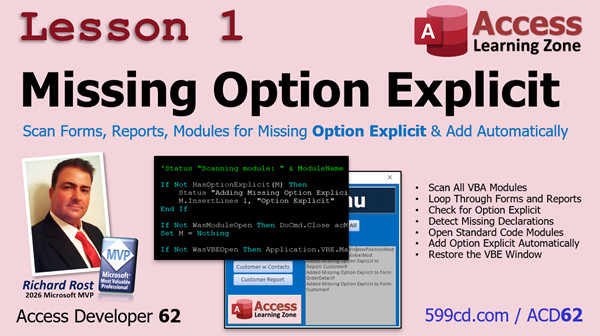
Lesson 1: Scan Forms Reports Modules Automatically - In Lesson 1, we will find and fix missing Option Explicit statements in form, report, and standard module code. We will walk through looping through Access objects, opening and closing code modules as needed, checking declaration lines for Option Explicit, inserting it automatically when missing, and restoring the Visual Basic Editor to its previous state.
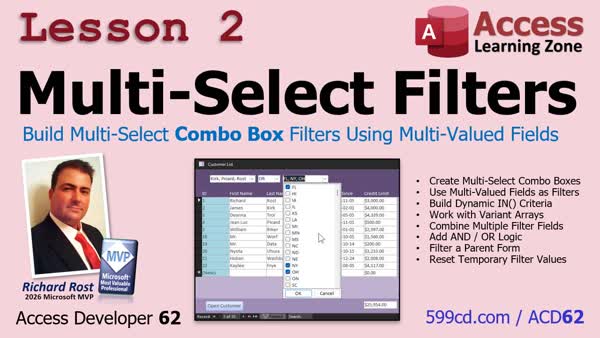
Lesson 2: Combo Box Filters Multi-Valued Fields - In Lesson 2, we will walk through building multi-select filters in Microsoft Access using multi-valued fields as temporary filter controls. You will create a table and subform to host multi-select combo boxes, populate the lists from queries, build SQL WHERE conditions for multiple selected states and last names, choose AND or OR filtering, handle null selections, and clear the temporary filter values when the form closes.
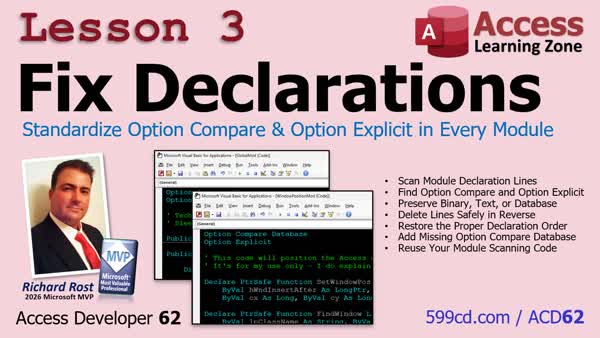
Lesson 3: Standardize Option Compare, Explicit - In Lesson 3, we will fix declarations in VBA modules by preserving the existing Option Compare setting, removing duplicate Option Compare and Option Explicit lines, and inserting them in the proper order. I will also show you how to safely delete declaration lines while looping through them by working backward from the bottom of the module.
Up Next: Review & What's Coming Up... - In this course we learned about developer-level maintenance tools and techniques, including creating a multi-select list box. We also discussed upcoming topics such as regular expressions, scripting, dictionaries, point-of-sale features, database documentation, multi-level undo and redo, maintenance toolkits, and SQL Server.
KeywordsAccess Developer, Access VBA Option Explicit scanner, multi-select combo box filter, VBA code module maintenance, Option Compare standardization, programmatically modify VBA code, multi-select filtering, AND OR filter logic, forms reports standard modules
More InformationTranscriptHow much VBA code is hiding in your Microsoft Access database without Option Explicit? Maybe you've got old forms, reports, or modules where a simple misspelled variable can compile just fine and leave you hunting for a bug that should have taken five seconds to find because you misspelled something. And wouldn't it be nice if Access had a real multi-select combo box that you could use to filter your forms? Well, it doesn't exactly, but I found a pretty cool way to build one. Hi, this is Richard Rost with Access Learning Zone. I just released Microsoft Access Developer Level 62. We've got three very different but very useful developer topics covered in this class. First, we're going to build a tool that scans the VBA throughout your entire database, looking for modules that are missing Option Explicit. We'll check forms, reports, and standard modules, and instead of just telling you there's a problem, we'll automatically fix it. If you've got older databases that have grown over the years, this is a great maintenance tool to have in your toolbox. Next, we're going to build multi-select filter combo boxes. Now, if you've watched my videos before, you know I'm not a big fan of multi-valued fields for storing relational data, but I finally found a use for them that I actually like. We'll use them to let users pick multiple values from a drop-down, filter records based on those selections, and even combine multiple filter boxes using AND and OR logic. And finally, in lesson three, we're going to go back to working with our code modules based on some feedback that some students posted after lesson one. And we're going to standardize the Option Compare and Option Explicit declarations throughout all of our modules, preserving their existing comparison settings, and learning a really useful programming technique for safely modifying code when the items you're working with can move around as you change them. So that's what's covered in Developer 62. You're getting useful VBA maintenance tools, a really slick multi-select filtering technique, and some more experience programmatically inspecting and modifying the VBA inside your Access databases. These are the kind of techniques that can save you time, make your databases easier to maintain, and give you some new tools for building better interfaces for your users. For more information, visit my website or drop a comment down below if you have any questions. Live long and prosper, my friends. I'll see you in class. IntroIn <B>Access Developer 62</B> we will cover tools for finding and automatically adding missing Option Explicit declarations in forms, reports, and standard modules. We will also build multi-select filter combo boxes using multi-valued fields, including filters that combine selections with AND and OR logic. Finally, we will discuss standardizing Option Compare and Option Explicit declarations while safely modifying VBA code modules. QuizNo quiz available. SummaryI have just released Microsoft Access Developer Level 62, which covers three practical developer topics designed to help you maintain your databases, improve your user interfaces, and work more effectively with VBA code. First, I show you how to build a tool that scans the VBA code throughout an entire Access database for modules that are missing Option Explicit. The tool checks standard modules, form modules, and report modules. It does more than identify the problem. It can automatically add Option Explicit where it is missing. This is particularly useful for older databases that have been maintained and expanded over many years. Without Option Explicit, a misspelled variable name can be treated as a new variable instead of generating an error. That can lead to bugs that are difficult to find but could have been caught immediately with proper variable declarations. Next, I show you how to create multi-select filter combo boxes in Access. Access does not include a traditional multi-select combo box control, but I found a useful technique that provides similar functionality. Although I generally do not recommend multi-valued fields for storing relational data, they can be useful in this particular situation. I use them to allow users to select multiple values from a drop-down list and then filter records based on those selections. I also demonstrate how to combine multiple filter controls using AND and OR logic, giving users more flexible ways to search and filter their data. Finally, the third lesson returns to the VBA module maintenance tools. Based on feedback from students after the first lesson, I expand the project to standardize the Option Compare and Option Explicit declarations across all modules in the database. The process preserves each module's existing comparison setting while ensuring that the declarations are organized consistently. Along the way, I demonstrate an important programming technique for safely modifying code when the items being changed can move as you work through them. Developer Level 62 gives you useful VBA maintenance tools, a practical multi-select filtering method, and additional experience inspecting and modifying the VBA code inside your Microsoft Access databases. These are techniques that can save time, make your databases easier to maintain, and help you create better interfaces for your users. You can find a complete video tutorial with step-by-step instructions on everything discussed here on my website at the link below. Live long and prosper, my friends. Topic ListAnnouncement promoting a developer course covering VBA Option Explicit tools and multi-select Access filters. Primary Topicsscanning Access VBA for missing Option Explicit, automatically inserting Option Explicit, inspecting form report and standard module code, multi-select filter combo boxes, multi-valued fields for temporary filter selection, AND/OR logic across multiple fi Secondary Topicspreserving existing Option Compare settings, safe programmatic code modification when code lines move, database maintenance tools, user interface filtering |
||||||||||||||||||
|
| |||
| Keywords: Access Developer, Access VBA Option Explicit scanner, multi-select combo box filter, VBA code module maintenance, Option Compare standardization, programmatically modify VBA code, multi-select filtering, AND OR filter logic, forms reports standard modules Page Tag: whatsnew PermaLink How To Scan VBA for Option Explicit and Create Multi Select Filters in Microsoft Access |