Enter Parameter Value
By Richard Rost

 5 years ago
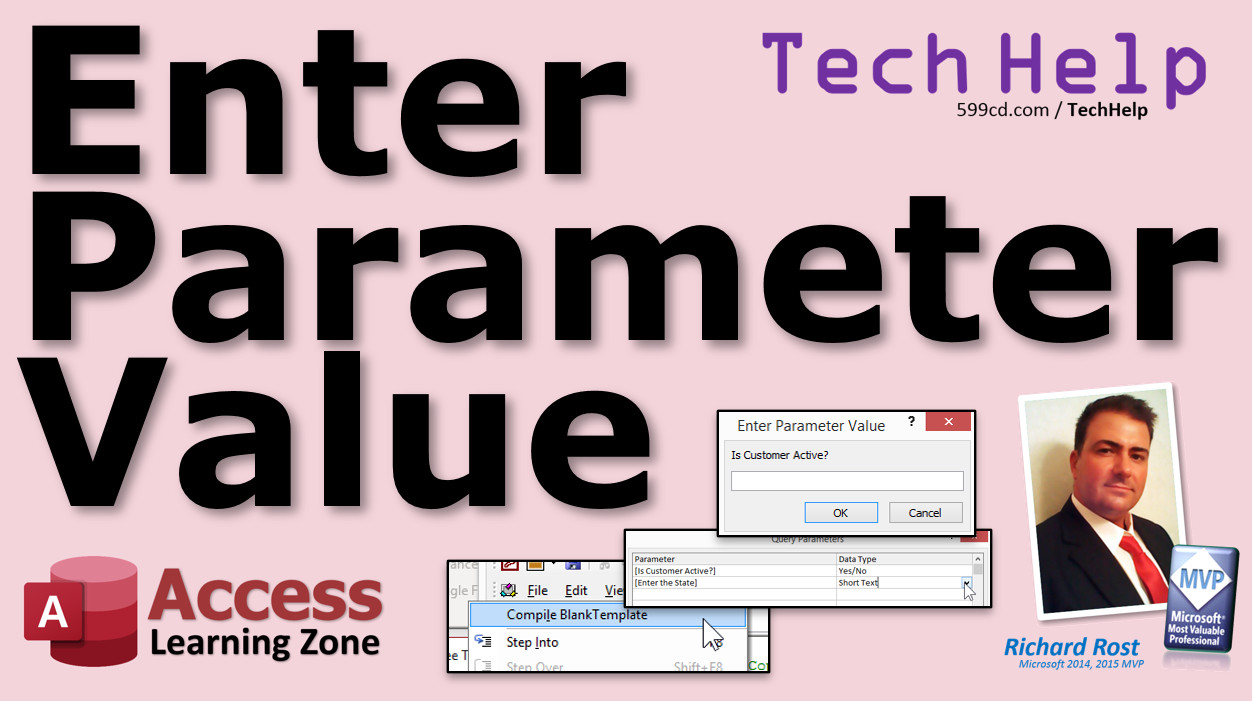
What does the Enter Parameter Value error mean?
In this video I'm going to show you how to fix the dreaded "Enter Parameter Value" error when it pops up on you unexpectedly.
Alison from Madrid, Spain (a Gold Member) asks: My database has been working just fine for months. I made a few changes, and now my order form is giving me this popup that says "Enter Parameter Value" and asking for the ExtPrice, which it's supposed to be calculating in a query. I have no idea what's wrong. Help, please!
Members
I'll show you how to work with the Query Parameters dialog. We'll talk about why Option Explicit is important, and why you should Compile your code. We'll also discuss why it's difficult to catch errors inside command strings.
Silver Members and up get access to view Extended Cut videos, when available. Gold Members can download the files from class plus get access to the Code Vault. If you're not a member, Join Today!
 Links Links
Parameter Query: https://599cd.com/Parameter
Query Criteria: https://599cd.com/Criteria
Invoicing: https://599cd.com/Invoicing
Forms FormName Notation: https://599cd.com/FormName
More InformationTranscript Welcome to another TechHelp video brought to you by AccessLearningZone.com. I'm your instructor, Richard Rost. In today's video, we are going to talk about what to do when you get an unexpected pop-up that says "Enter Parameter Value" and you did not ask for that.
Today's question comes from Allison in Madrid, Spain, one of my Gold members. Allison says, "My database has been working just fine for months. I made a few changes, and now my order form is giving me this pop-up that says 'Enter Parameter Value' and is asking for the extended price, which it is supposed to be calculating in a query. I have no idea what is wrong. Help, please."
Well, Allison, whenever someone tells me they are getting the "Enter Parameter Value" pop-up, and Access is asking them for a parameter, 99% of the time, the problem is spelling. You have something spelled wrong. You have that extended price, and you might have spelled it wrong, maybe E-X-T-P-R-C-E, forgot the I, something along those lines. It is usually a field that is spelled wrong.
I am guilty of it myself. You put it in the control source of a form, or somewhere in your VBA, or even in one of your queries. You just spell it wrong and Access has no idea what it is looking for. It is looking for a field of some kind, or it is looking for you to type in something.
If you did not make an intentional prompt, if you are not saying, "Hey, enter the city," I will show you where it is looking for this in just a second.
The other 1% of the time, you deleted a field. You might have figured, "Oh, I do not need this field," and you deleted it from one of your tables, but it was actually being used in a query or in a form. Now you open up that form, and it is trying to find something that was in the query, and now it is gone.
I have done this too. One time, I had a client's database, and I figured, "Oh, they never used middle initial out of, like, 10,000 customers; they used it for maybe three of them." So I deleted the field. Well, half their queries were looking for middle initial, and now I was getting that pop-up everywhere. So it is either a missing field, or you spelled the field name wrong.
That is 99.9999% of the time you are going to get this. Is that scientific? No, not really. That is just my personal experience.
So let me show you where you should be seeing that "Enter Parameter Value."
Here is a copy of my TechHelp free template. Go download this right now if you want to. It is a free download on my website. I will put a link in the links section down below the video. Go look for it.
Let us make a query: Create Query Design. Let us bring in the customer table, and let us say I want to see all customers from a particular state. What state? Well, the user is going to type it in when the query runs. That is called a parameter.
If you have never made a parameter query before, go watch my parameter query video right now. I will put a link down in the links section. There are parameter queries and basic query criteria. If you have never done something like this, like "New York," that will give you all the customers from New York.
But if you do not want the user to have to deal with a separate query for each state, you want the user to type in that state when the query runs. You simply put it inside square brackets: Enter the state. Just like that. That is now a parameter in a parameter query. When I run it, there is your parameter value. That is when you should see it. Access says, "I have no idea what that is." That could be another field name. If it does not know what it is, it asks you for it.
I want Florida. There are all the people from Florida. That is when you should see it - when you have intentionally done that.
Let me close this. Do not need to save it.
Here is an Allison in the database. She was working with all my other templates. We emailed back and forth for a bit. I told her something was going to be spelled wrong. She swore nothing was spelled wrong.
That is OK, Allison. I have made this mistake myself. She had modified the order detail query. What order detail query does is it gives you the extended price by multiplying the quantity times the unit price. I covered this in my invoicing TechHelp video. That is free also. Go watch that. I will put a link down below: invoicing.
This is just a calculated field. Design view. It is right there: Extended Price: Quantity times Unit Price. What that does is it allows the order form - let us go to the order form here, go to a customer, go to their orders - you can see right there, the order form now has the extended price. I can add that up for the order total.
What Allison did was add sales tax. She had a field in here to calculate sales tax. She said: Sales Tax: =EXT.PRCE*0.08, something like that, 8%. When the query runs, that comes up - her parameter value. Extended price. She kept telling me it is asking for extended price, but extended price is already in there. Yes, because she spelled extended price wrong. Again, I have done this myself. Do not be embarrassed. It happens.
The problem was her form is based on this. She was not running the query; she just opened up the form. The form ran the query to get its data. Boom, enter parameter value. It was because something was spelled wrong. Fix this to the correct spelling. Now, there you go. There is your sales tax.
You may also see it in this case. This "order invoice query," if I open this up, you get this: "Enter parameter value" and then that crazy strange looking thing. What is that? Forms!OrderF!OrderID. That simply means that this query is looking for a value on that form. In other words, this order invoice query relies on the order form to be open for it to run.
So if I go into here, into Orders, and then I print an invoice, all of this requires that order ID to be open. The order form has to be open.
If you look at the query, right-click, Design View, you will see, over here, the OrderID has to be equal to Forms!OrderF!OrderID. So that form has to be open for this query to work.
So that is pretty much it. That is 99% of the time you are going to see that "Enter Parameter Value" prompt. If you type something in wrong, you deleted a field, or it is looking for a value on a form, which I consider typing in something wrong – we will categorize that one as misspelled.
That is most of the time you are going to see that problem.
Want to learn more in the extended cut? For members, I cover the Query Parameters dialog box, which is something that I normally do not cover in my classes, but hey, it is an extended cut. I will also talk about how to avoid similar types of errors by compiling your VBA code, and we will talk about errors that might happen inside of strings like SQL strings.
This is all covered in the extended cut for members only. Silver members and up get access to all of my extended cut videos. How do you become a member? Click the Join button below the video.
After you click the Join button, you will see a list of all the different types of membership levels that are available. Silver members and up will get access to all of the extended cut TechHelp videos, live video and chat sessions, and more. Gold members get access to a download folder containing all the sample databases that I build in my TechHelp videos, plus my Code Vault where I keep tons of different functions that I use.
Platinum members get all of the previous perks plus access to my full beginner courses and some of my expert courses. These are the full-length courses found on my website and not just for Access. I also teach Word, Excel, Visual Basic, ASP, and lots more.
But do not worry, these free TechHelp videos are going to keep coming. As long as you keep watching them, I will keep making more.
If you liked this video, please give me a thumbs up and feel free to post any comments that you have. I do read them all.
Make sure you subscribe to my channel, which is completely free, and click the bell icon and select All to receive notifications when new videos are posted.
Click on the Show More link below the video to find additional resources and links. You will see a list of other videos, additional information related to the current topic, free lessons, and lots more.
YouTube no longer sends out email notifications when new videos are posted, so if you would like to get an email every time I post a new video, click on the link to join my mailing list.
If you have not yet tried my free Access Level 1 course, check it out now. It covers all the basics of building databases with Access. It is over three hours long. You can find it on my website or on my YouTube channel.
If you like Level 1, Level 2 is just one dollar, and it is also free for all members of my YouTube channel at any level.
Want to have your question answered in a video just like this one? Visit my TechHelp page and you can send me your question there.
Click here to watch my free Access Beginner Level 1 course, more of my TechHelp videos, or to subscribe to my channel.
Thanks for watching this video from AccessLearningZone.com. Intro In this video, we talk about what to do when you see the unexpected "Enter Parameter Value" pop-up in Microsoft Access. We'll discuss the most common reasons why this prompt appears, including misspelled field names and missing fields in queries or forms. You'll learn how parameter prompts are supposed to work in Access queries and how to troubleshoot situations where the message appears by mistake, with real examples from user questions. Quiz Q1. What is the most common cause for the "Enter Parameter Value" pop-up in Microsoft Access?
A. A misspelled field name in a query, form, or VBA code
B. A corrupted Access installation
C. An incorrect database password
D. Outdated version of Access
Q2. If Access prompts you for a parameter value but you did not intentionally create a prompt, what is the likely issue?
A. The database file is too large
B. A field has been deleted or renamed
C. You did not run a database compact and repair
D. The form has too many records
Q3. How can you intentionally create a parameter prompt in a query?
A. By using square brackets in the criteria row
B. By adding a new table to the query
C. By creating a VBA function
D. By exporting data to Excel
Q4. What happens if a query refers to a field that no longer exists?
A. Access prompts you to "Enter Parameter Value"
B. The record source automatically updates
C. The form still works normally
D. Access closes unexpectedly
Q5. Where might you accidentally use a misspelled field name that triggers the "Enter Parameter Value" dialog?
A. Query design, control source of a form, or VBA code
B. The Access main menu only
C. Windows Command Prompt
D. Access security settings
Q6. What should you check first when you see the "Enter Parameter Value" error unexpectedly?
A. The spelling of all field names used in your forms, queries, and VBA code
B. If your computer is connected to the internet
C. The amount of free space on your hard drive
D. Access version compatibility
Q7. In the example from the video, what mistake did Allison make that caused the "Enter Parameter Value" dialog to appear?
A. She spelled "Extended Price" incorrectly in her calculation
B. She deleted the entire order form
C. She forgot to save her changes
D. She added a new customer table without relationships
Q8. In what scenario does Access legitimately prompt you for a parameter value?
A. When you use a parameter in your query criteria (e.g., [Enter the state])
B. When you close your database without saving
C. When you copy data between tables
D. When you delete a primary key
Q9. What does Forms!OrderF!OrderID represent in a query?
A. A reference to a control value on an open form
B. A field in the main customer table
C. A macro instruction
D. A built-in Access function
Q10. Why might you still see the "Enter Parameter Value" dialog even if the query looks correct?
A. The referenced form or control is not open
B. The report is in design view
C. Access needs to repair its runtime files
D. You do not have administrative privileges
Answers: 1-A; 2-B; 3-A; 4-A; 5-A; 6-A; 7-A; 8-A; 9-A; 10-A
DISCLAIMER: Quiz questions are AI generated. If you find any that are wrong, don't make sense, or aren't related to the video topic at hand, then please post a comment and let me know. Thanks. Summary Today's video from Access Learning Zone focuses on understanding why Microsoft Access might unexpectedly display an "Enter Parameter Value" pop-up, especially when you have not set up the database to request any user input.
This topic was prompted by a question from a user who experienced issues with her order form after making some changes. Even though her database had functioned well for months, she suddenly began receiving a request for "extended price" - a value that should have been automatically calculated by a query.
When this pop-up appears, it almost always points to a spelling mistake somewhere in your database. Most often, a field name has been entered incorrectly. This could occur in the control source of a form, in VBA code, or in a query itself. If Access cannot find a matching field by the name you typed, it assumes you want the user to enter that value manually, resulting in the parameter prompt.
On rare occasions, the issue comes from a deleted field. If you remove a field from a table, but it was still referenced in forms or queries, Access will prompt you to provide the missing value because it no longer has a source for it. I have experienced this myself when I assumed a field was rarely used and deleted it, only to find multiple queries and forms were still dependent on that field.
To further clarify, I show how parameter queries work. Normally, if you want users to specify a value when running a query, such as entering a state to filter customer records, you place a prompt like "Enter the state" inside square brackets in the query criteria. This tells Access to ask the user for that input. However, when you get the prompt unintentionally, it means something in your design tells Access to look for a value it cannot resolve automatically.
In the specific case discussed, Allison had added a calculation for sales tax to her query, multiplying the extended price by 0.08. The error was caused by a typo in the reference to extended price. Because the query could not find a field or calculation with the misspelled name, Access kept prompting for it.
Sometimes, you might see a parameter prompt showing something like Forms!OrderF!OrderID. This means the query is trying to obtain a value from an open form. If the form is not open, or the form or field names are incorrect, Access asks you to provide the value.
To resolve these issues, always double-check the spelling of field names in queries, controls, and code. Also, ensure you have not deleted any fields that are still in use elsewhere in your application. These steps will solve almost all parameter prompt problems in Access.
For those interested in expanding their skills further, today's Extended Cut for members covers the Query Parameters dialog box, which lets you explicitly define expected parameters in a query. Additionally, I go into ways to avoid similar errors by compiling your VBA code and address common mistakes that may occur within SQL strings.
You can find a complete video tutorial with step-by-step instructions on everything discussed here on my website at the link below. Live long and prosper, my friends. Topic List Causes of the Enter Parameter Value prompt in Access
Identifying misspelled field names in Access queries
Diagnosing missing fields causing parameter prompts
Understanding intentional parameter queries
Creating a parameter query using square brackets
Using calculated fields in Access queries
Correcting field name spelling errors in queries and forms
Understanding queries referencing form controls
Resolving prompts caused by deleted fields in tables
Fixing queries that rely on open forms for parameter values Primary Topics Microsoft Access, parameter value errors, query troubleshooting, form errors, misspelled fields, missing fields, query criteria, parameter queries Secondary Topics calculated fields, sales tax calculation, forms referencing queries, error prevention, none |






