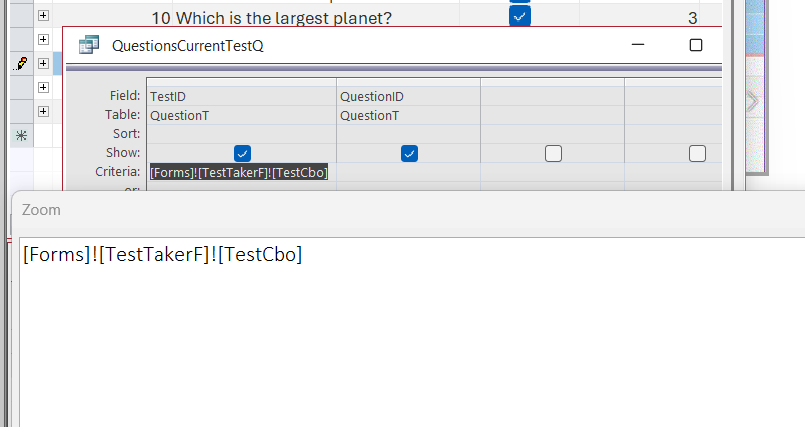
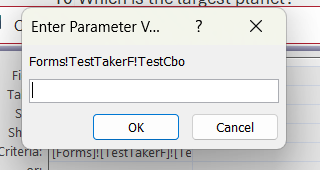
I am curious to see why I am getting this error message when I try to run the Query after the criteria have been entered. I checked the spelling with the Zoom setting, and it matches exactly as in the video. I watched the video, and Richard had no error message at all. I went to the downloaded forms for the lesson, and when I pulled that up, it did the same thing. There must have been a fix for this that was not in the video. Attachments following
Ken WykoffOP
@Reply 8 months ago
Ken WykoffOP
@Reply 8 months ago
Kevin Robertson
@Reply 8 months ago
Is the Form open?
Ken WykoffOP
@Reply 8 months ago
Yes the QuestionF is open. Do I need to have any others opened? There is nothing mentioned in the video about that.
Kevin Robertson
@Reply 8 months ago
You are referencing TestTakerF. That Form should be open.
Ken WykoffOP
@Reply 8 months ago
Kevin, I hate to ask this, but, once I had the TestTakerF open, nothing still happened until I populated the boxes with information and without hitting the begin button. Is that how it should work?
Kevin Robertson
@Reply 8 months ago
TestCbo will need to be populated. That if the field on the Form you are referencing otherwise it is Null (or possibly 0).
Ken WykoffOP
@Reply 8 months ago
Thanks for letting me know that. I know that wasn't mentioned in the video, and it makes me feel stupid when I ask a question I should know the answer to. Again, thank you for taking the time to help me with that. Hopefully, one day I will be able to grasp most of this and not be a bother to you guys so much.
Thanks Alex for the link. Just so you all know, every time you sed me something I do copy it all and save it for future reference. It is much appreciated.
Ken WykoffOP
@Reply 8 months ago
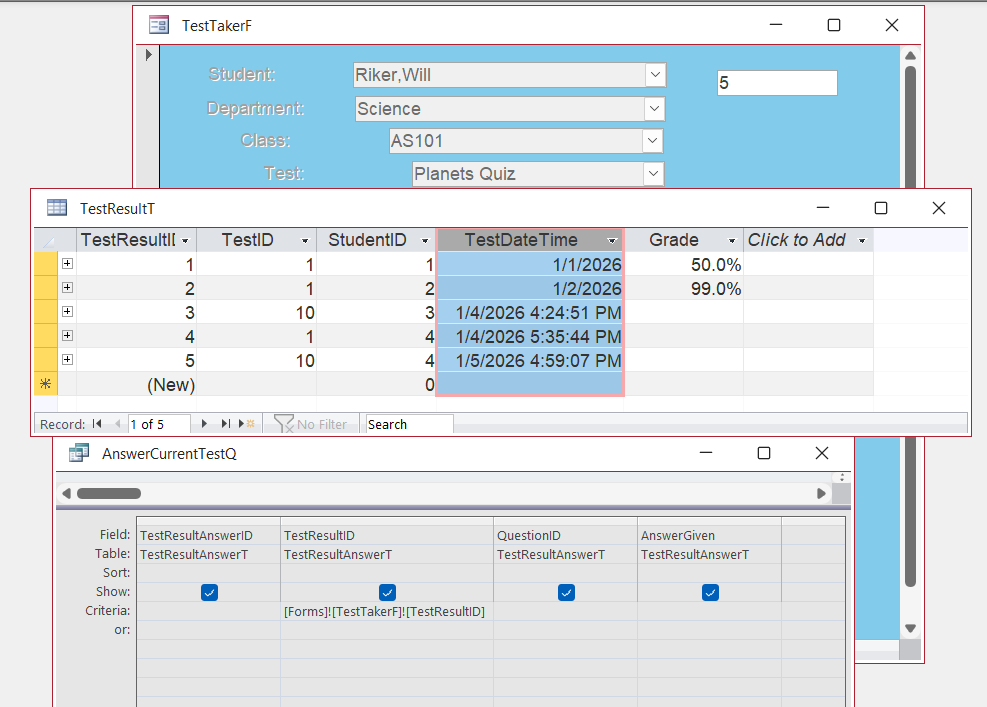
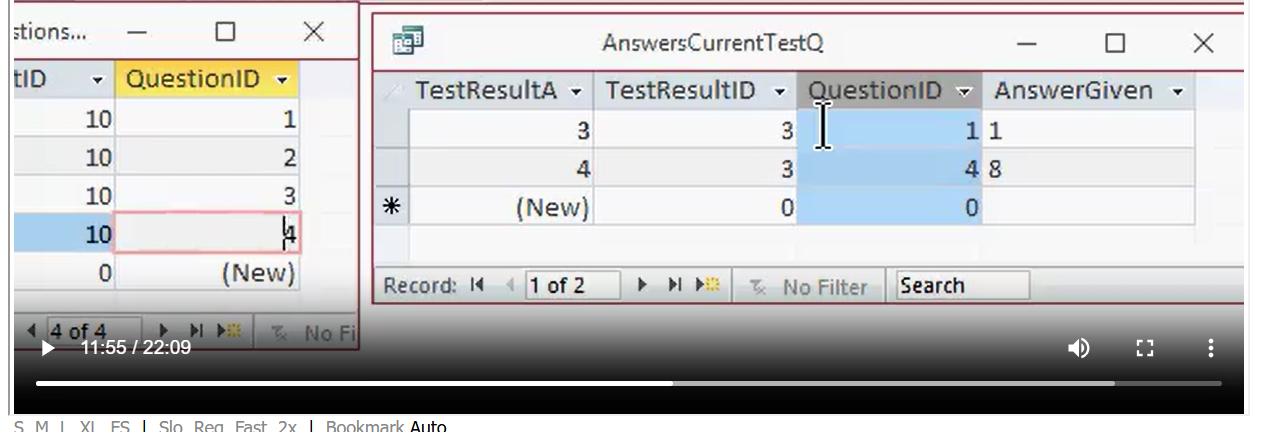
Once again, another query issue, and I hate coming to you guys all the time. I have tried all day to resolve this, and I am getting nowhere. Once again, on the Video Richard runs the query and gets answers in it, and I do it, and nothing populates the query, but the TestResultT does get the answers there. I have opened the form it refers to and the 2 tables on the video to just don't understand this at all. If it wasn't that I need to learn this for the course, I'd skip right past it all and go back to my SQL seminar part 2, I started. I've attached a screenshot of all 3 screens on one image, and maybe there is another I need to have open, just not sure,
Ken WykoffOP
@Reply 8 months ago
Kevin Robertson
@Reply 8 months ago
Did you rerun the Query after submitting an answer?
Can we see the Form showing the fields that aren't populating
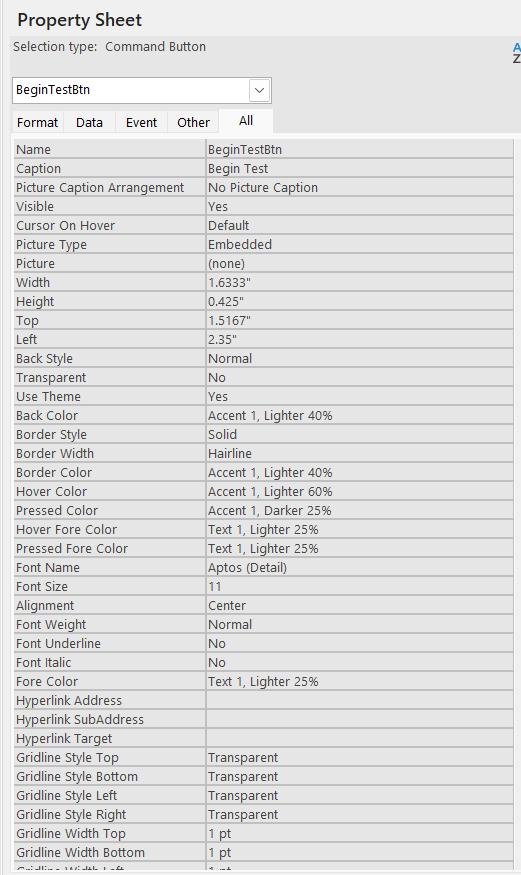
Then the Properties Sheet for one of them.
Ken WykoffOP
@Reply 8 months ago
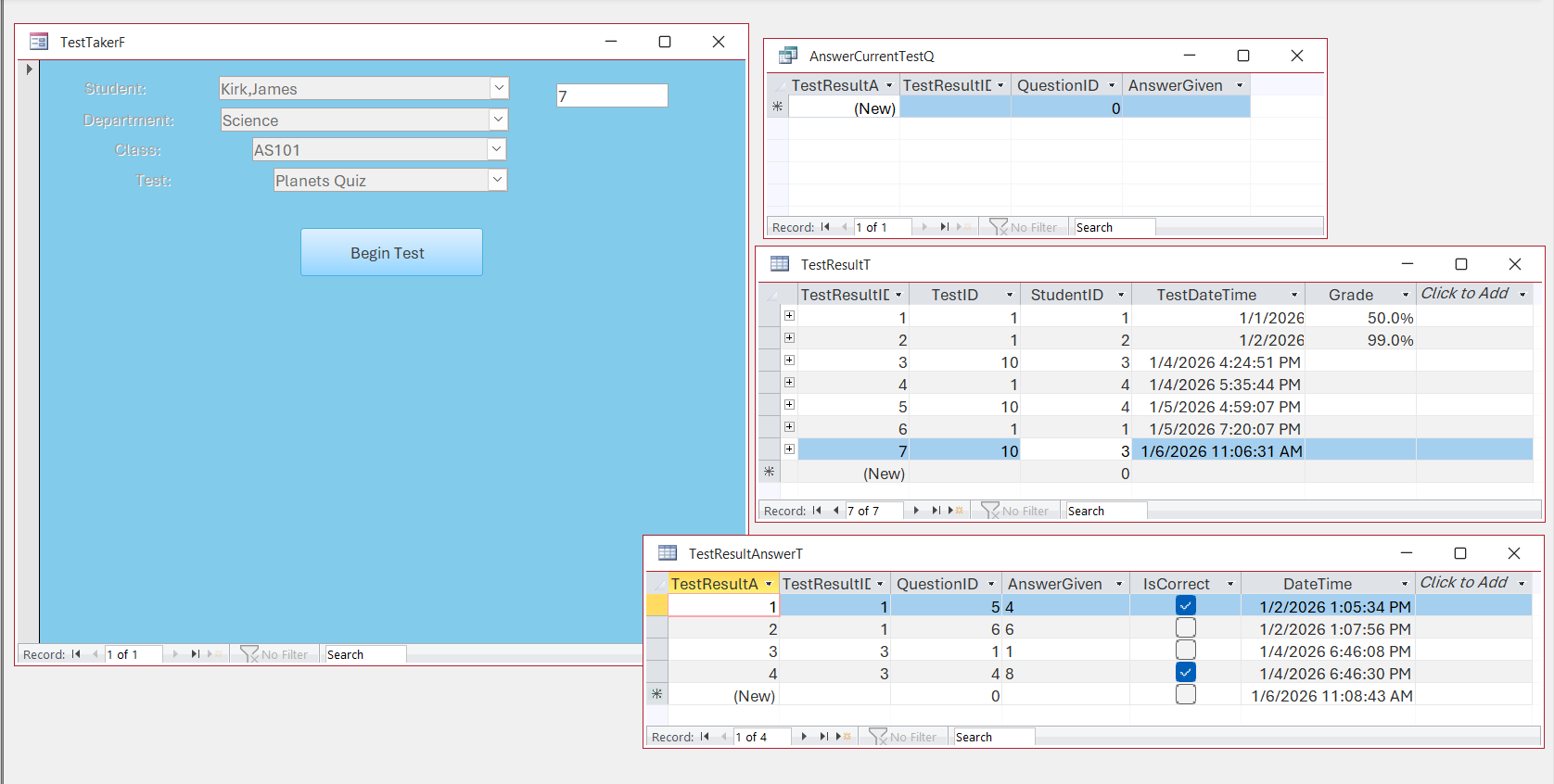
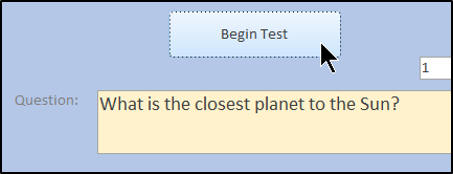
Alex, I am hoping that what you asked for is in this batch of screenshots. As you can see, when you push the Begin Test button, it loads into the TestResultT but never into the TestAnswerT or AnswerCurrentTestQ. It also does nothing to fill the TestResultAnswerT. Also, the only property sheets that had anything you can see are the one for the form and the Begin Button. Do you need the coding so far for all this?
Ken WykoffOP
@Reply 8 months ago
Ken WykoffOP
@Reply 8 months ago
Ken WykoffOP
@Reply 8 months ago
Kevin Robertson
@Reply 8 months ago
TestResultAnswerT will only have a record added to it when you select an answer to the question and click the Submit Answer Button.
Ken WykoffOP
@Reply 8 months ago
Thanks, Kevin, and as far as the AnswerCurrentTestQ, if it does not show anything like it did on the video, that is not a problem either?
Have you gotten to the point where you display the Q on the Form?
Lesson 2?
Ken WykoffOP
@Reply 8 months ago
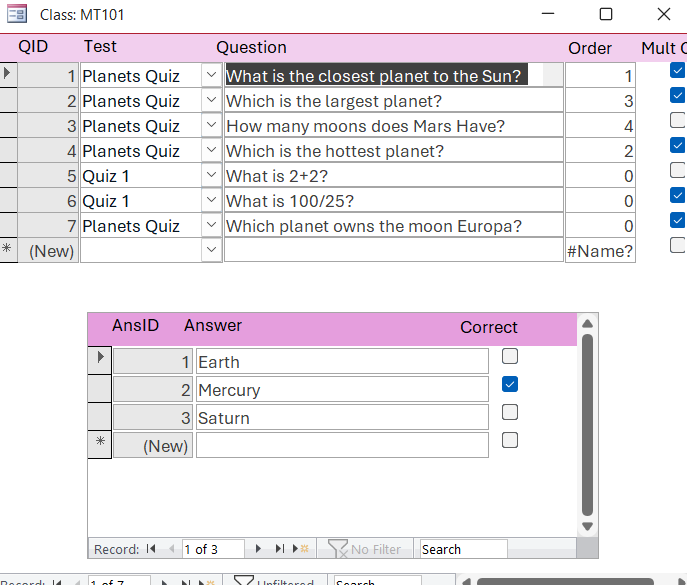
I'm just about there now. But now another issue has come up. I placed the Default Values into the Tables as instructed and the order numbers are not working for the planet quiz. Instead of advancing they are staying as 0.
Ken WykoffOP
@Reply 8 months ago
Sorry, only students may add comments.
Click here for more
information on how you can set up an account.
If you are a Visitor, go ahead and post your reply as a
new comment, and we'll move it here for you
once it's approved. Be sure to use the same name and email address.
This thread is now CLOSED. If you wish to comment, start a NEW discussion in
Access Developer 10.