What is a Report?
By Richard Rost

 5 years ago
What is a Report in Microsoft Access?
Reports are designed to present data to people who are not using your database. These are pages formatted to be printed, or sent in a format such as Adobe Acrobat's PDF.
Prerequisites
Dive Deeper
What's Next
Recommended Courses
Keywords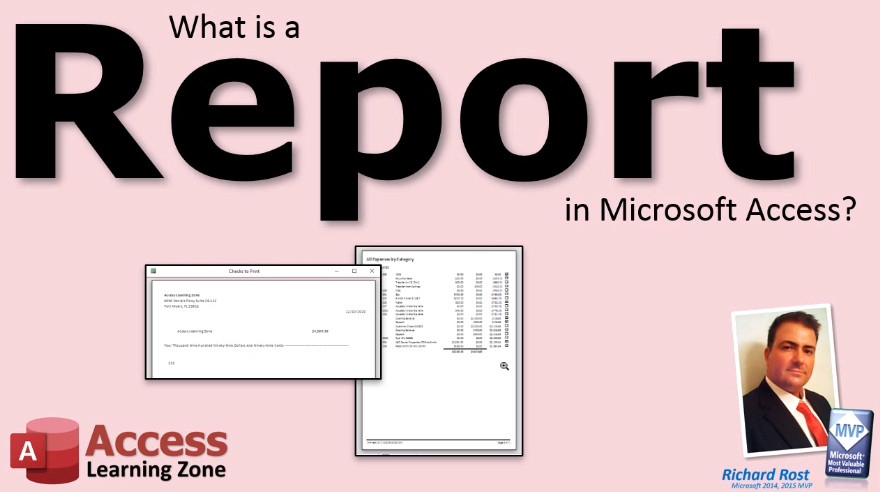
TechHelp Access, what is a report
More InformationTranscript What is a report in Microsoft Access?
Reports are specifically designed to present data to people who are not using your database. You can print a report out, you can send it to someone as an email attachment or as a PDF file, and you can use reports to generate all kinds of data, customer information, invoices, product catalogs, mailing labels, charts, and lots more.
Anything you want to present to someone else can be designed as a report. A lot of times people interchange the words form and report. In Microsoft Access, they are very specific terms.
A form is worked with on the screen, whereas a report is generated to be printed out or at least saved as a printable document. We do not print out forms, and we generally do not work with reports on the screen. You generate them, then you print them out or you send them to someone. Intro In this video, we will talk about what a report is in Microsoft Access, how it differs from forms, and the main purposes reports serve such as presenting data for printing or sharing with others. We'll discuss common examples like invoices, mailing labels, and product catalogs, and explain when you should use a report instead of a form. Quiz Q1. What is the primary purpose of a report in Microsoft Access?
A. To present data to people who are not using your database
B. To manage user permissions in the database
C. To design complex queries for advanced users
D. To create and edit tables in the database
Q2. How can you share a report created in Microsoft Access with someone else?
A. Only by printing it out
B. By writing down the data manually
C. By sending it as an email attachment or as a PDF file
D. Only by uploading it to a website
Q3. Which of the following is NOT a typical use of reports in Access?
A. Generating invoices
B. Sending customer information
C. Editing raw data in tables
D. Creating mailing labels
Q4. What is the difference between a form and a report in Microsoft Access?
A. Forms are printed, while reports are only viewed on screen
B. Reports are designed for printing or sharing, forms are for on-screen use
C. Forms can be exported as PDF, reports cannot
D. There is no difference; the terms are interchangeable
Q5. What should you generally not do with a form in Microsoft Access?
A. Edit data on the form
B. Print out the form
C. View the form on screen
D. Use the form for data entry
Answers: 1-A; 2-C; 3-C; 4-B; 5-B
DISCLAIMER: Quiz questions are AI generated. If you find any that are wrong, don't make sense, or aren't related to the video topic at hand, then please post a comment and let me know. Thanks. Summary Today's video from Access Learning Zone explains what a report is in Microsoft Access. Reports are tools built to present information from your database to people who do not necessarily use the database themselves. With reports, you can print out your data, send it as an email attachment, or export it as a PDF file. Reports can be used to create a wide range of output such as customer lists, invoices, product catalogs, mailing labels, charts, and much more.
Whenever you want to present data to others, reports are the way to go. Sometimes people mix up the terms form and report, but in Access, these have very distinct meanings. A form is meant for interacting with data directly on the screen. It is used for entering, editing, or viewing information within the database.
On the other hand, a report is intended for generating a printed or printable summary of your data. Reports are not meant to be printed out directly from forms, nor do we typically use reports just for screen viewing. Once a report is created, you can print it out or share it with others as needed.
You can find a complete video tutorial with step-by-step instructions on everything discussed here on my website at the link below. Live long and prosper, my friends. Topic List Purpose of reports in Microsoft Access
Differences between reports and forms
Output options for reports (print, email, PDF)
Examples of report uses (invoices, catalogs, labels, charts)
Designing reports for data presentation Primary Topics
Microsoft Access reports, report purpose, report vs form, data presentation, output formats
Secondary Topics
printing, email attachments, PDFs
|




