|
||||||

|
|
||||||
|
Beginner Level 1Welcome to SQL Server for Microsoft Access UsersWelcome to my brand new SQL Server for Access Users series. In these opening lessons, you'll learn how SQL Server works as a secure, scalable backend while Access remains your front-end interface. We cover why SQL Server enhances rather than replaces Access, how server-side processing improves performance, and when it makes sense to upgrade. You'll also install SQL Server Express and SQL Server Management Studio for a practical local setup, then tour the SSMS interface and build your first SQL Server table with identity keys and NVARCHAR fields. Still to come: connecting Access to SQL Server, Queries & Views, differences in SQL between Access and T-SQL, Q&A from students, and much more! Lessons
ResourcesLesson SummaryWelcome: SQL Server for Access - Course Overview - This video introduces the SQL Server for Microsoft Access Users course, outlining how Access developers can enhance their databases by using SQL Server as a backend to improve performance, security, and scalability. It explains the intended audience, necessary prerequisites, and what software will be used, and then provides an overview of each lesson, covering topics such as installing SQL Server, database design differences, data migration, connecting Access to SQL Server, and addressing practical questions about integrating the two platforms.
Lesson 1: SQL Server For Access Course Overview - You will learn what SQL Server is, how it compares to Microsoft Access, and why Access users might want to use SQL Server as a backend. We will discuss the benefits of SQL Server for security, scalability, and performance, dispel common misconceptions, and lay out what you should know before starting. You'll get an overview of what will be covered in this course, including installing SQL Server Express and Management Studio, creating basic tables and views, and connecting Access to SQL Server. This lesson will help you understand the key differences and set the stage for your transition to using SQL Server.
Lesson 2: Installing SQL Server Express and SSMS - We will walk through downloading and installing Microsoft SQL Server Express and SQL Server Management Studio (SSMS) step by step, taking the time to explain important options and terminology along the way. I will show you how to choose the right components, set up your local instance, select authentication methods, and connect with SSMS so you have a fully working SQL Server setup ready for future lessons.
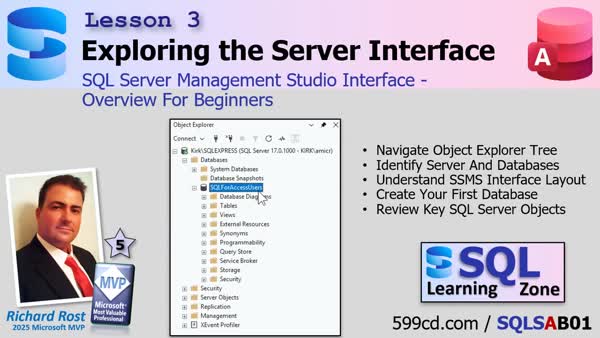
Lesson 3: SSMS Interface Overview for Beginners - We walk through the SQL Server Management Studio interface and cover the essential sections you need to know to get started, especially if you're coming from Microsoft Access. You'll learn about Object Explorer, how to see which server you're connected to, and the main server-level folders like Databases and Security. We focus on creating your first database, explain why SQL Server manages files differently from Access, and clarify important terminology so you'll feel comfortable finding your way around as we get ready to build tables in the next lesson.
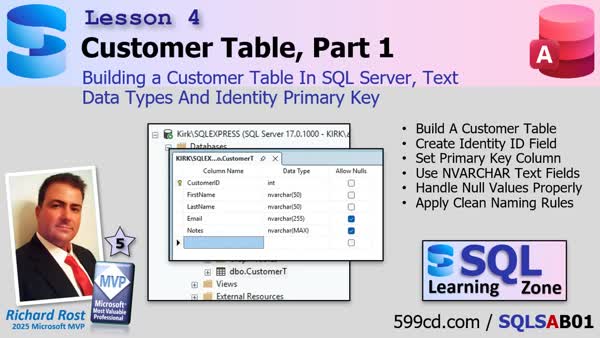
Lesson 4: Create CustomerT, Text Fields, Identity Key - We will start creating our first real customer table in SQL Server. I will show you how to set up an identity field for automatic numbering, define a primary key, and pick the appropriate data types for character fields like NVARCHAR. We will also cover the basics of naming conventions, when to allow null values, and compare some important differences between Microsoft Access and SQL Server. By the end of this lesson, you will have the foundation for building user tables in your database.
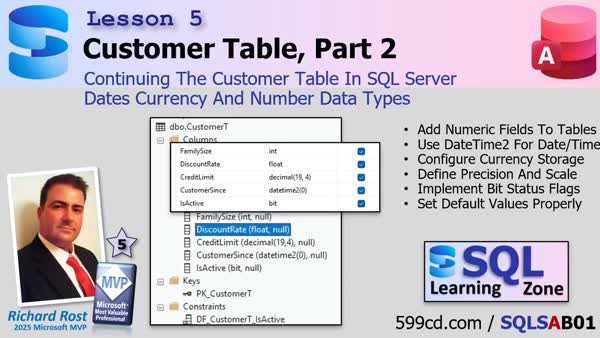
Lesson 5: Date, Currency, Number Field Data Types - In this lesson, we continue working with the customer table in SQL Server by focusing on numeric, currency, and date data types. We discuss how to store values like family size, credit limits, and customer-since dates, and why it is important to choose the right data type, particularly when migrating data from Microsoft Access. We review best practices for handling fields such as integers, floating point numbers, decimals for currency, and datetime2 for date and time values. We also discuss SQL Server concepts like schemas, columns, keys, constraints, triggers, indexes, and statistics, with comparisons to how similar features work in Access.
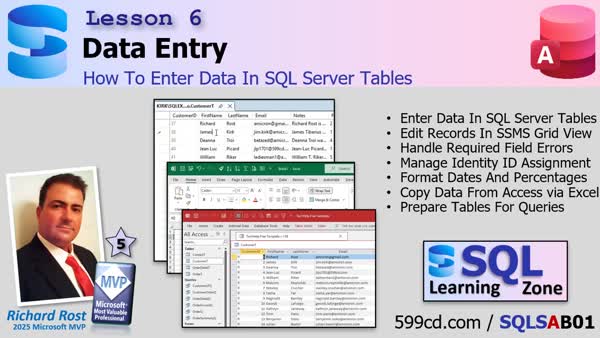
Lesson 6: Entering Data in SQL Server Tables - In lesson 6, we will walk through how to enter and edit data directly in SQL Server tables using SQL Server Management Studio (SSMS). I will show you how to add new records, handle required fields, and explain when identity IDs are assigned. We will discuss how to format and paste sample data from Access, using Excel to help align the columns, and address common issues such as formatting dates and numbers. This lesson prepares you to have real data available for future query practice.
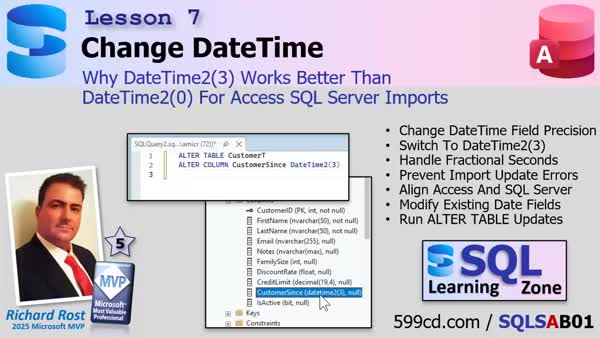
Lesson 7: Switching Dates to to DateTime2(3) - In this video, we clarify a previous recommendation about using DateTime2(0) for SQL Server fields when working with Microsoft Access data. We discuss why switching to DateTime2(3) is a better choice, as Access actually stores milliseconds even if they are not displayed. I will show you how to update your existing fields in SQL Server using an ALTER TABLE statement to avoid import and update errors when migrating data from Access, and we briefly discuss the technical reasons for these issues and the difference between the graphical designer and direct SQL commands.
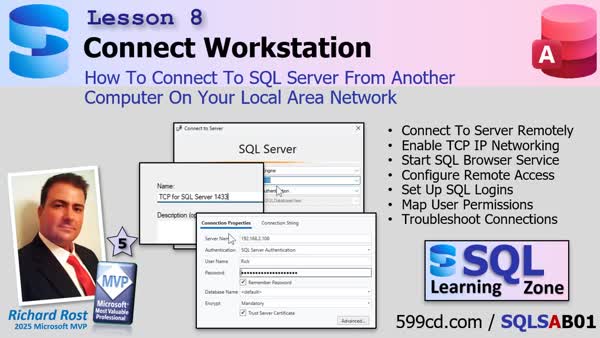
Lesson 8: Connect to SQL Server from Another PC - In this lesson, we will walk through the steps to connect to SQL Server from another machine on your network. I will show you how to configure SQL Server Express for remote connections, enable the necessary protocols and services, check your Windows Network Profile, and set up both Windows and SQL Server Authentication logins. We also discuss how to open the correct firewall ports and troubleshoot common issues if you are unable to connect. By the end, you should be able to access your SQL Server remotely from a workstation.
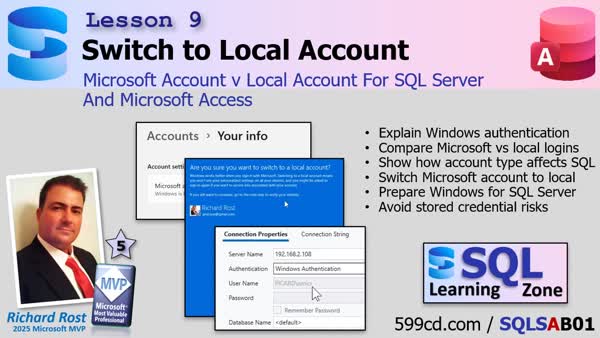
Lesson 9: Microsoft v Local Accounts For SQL Server - In this lesson, we discuss how your Windows logon impacts authentication, security, and permissions when connecting Access to SQL Server, especially in small office environments. I explain why using a local Windows account is recommended over a Microsoft account for easier and more predictable SQL Server authentication. We will walk through the step-by-step process of switching from a Microsoft account to a local account, review what changes you might encounter, and demonstrate how SQL Server recognizes your new Windows login. Finally, we address common questions about credentials, clarify trade-offs, and highlight the benefits of this setup for secure database connections.
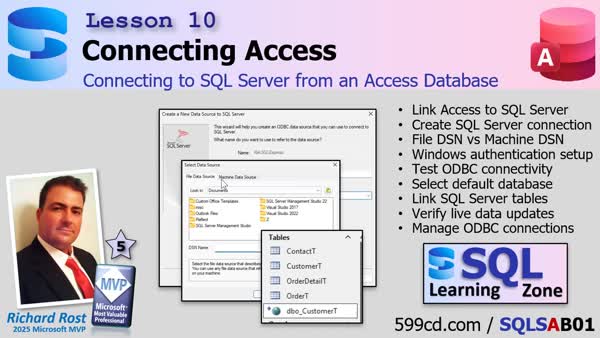
Lesson 10: Connect to SQL Server from Access - In this lesson, we connect Microsoft Access to SQL Server by setting up linked tables rather than importing, so your Access front end works with live server data. I show you the step-by-step connection process, discuss choosing the right ODBC driver, explain the difference between file and machine data sources, and clarify how to handle the DateTime2 data type. You will also learn about managing DSNs, common pitfalls in setting up connections, and some best practices for naming conventions and maintaining compatibility between Access and SQL Server.
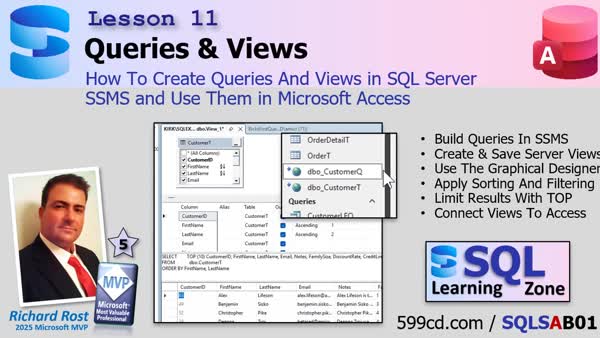
Lesson 11: Creating Queries & Views in SQL Server - In lesson 11, we build our first queries and views in SQL Server using the graphical query designer, noting key differences from Access in sorting, filtering, and saving queries. I demonstrate how to construct, execute, and modify queries, discuss the importance of using fields intentionally, and explain the distinction between saving queries locally and as views on the server. We walk through saving a view, connecting it in Access, and how server-side filtering improves performance by reducing network traffic. We'll discuss ORDER BY in views and how server-side processing changes how data is managed and displayed in Access.
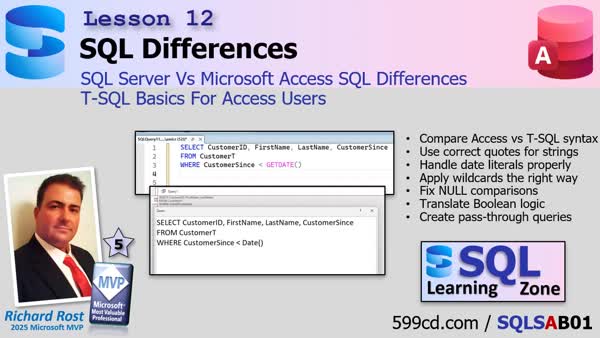
Lesson 12: Key Access SQL to T-SQL Differences - In this lesson, we examine the basic SQL syntax differences between Microsoft Access and SQL Server TSQL, including handling of quotes, dates, wildcards, boolean values, and nulls. I explain strategies for table naming during database migration, address relationship management changes, and show how to execute equivalent queries in both platforms. We will talk about query delegation in Access and discuss passthrough queries to maximize performance, with a brief demonstration. I also clarify how changes on the server can require relinking tables in Access and share practical tips for managing these differences in your workflow.
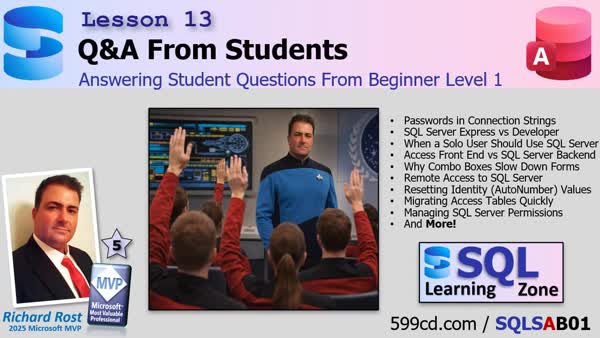
Lesson 13: Answering Student Questions - In lesson 13, we hold a Q&A session to address a wide variety of questions submitted by students so far in Beginner Level One. Topics discussed include using passwords and connection strings, differences between SQL Server editions, the role of SQL Server versus Access, handling date and time fields, combo box performance, SQL Server setup considerations, hardware recommendations, authentication methods, issues with form slowdowns, migrating tables from Access to SQL Server, permission management with groups, and several other practical concerns Access developers face when working with SQL Server. Further questions and feedback are encouraged for future lessons.
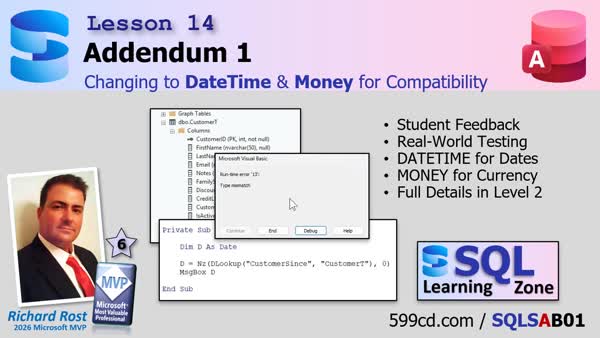
Lesson 14: DateTime, Money for Max Compatibility - In this Addendum, we will update the recommended SQL Server data types for Access applications, changing DateTime2 to DateTime and decimal to money for broader compatibility with VBA, ODBC, and older Access databases. I will show you how to alter existing columns, relink tables in Access, and discuss precision, compatibility, backups, and when DateTime2 or decimal may still be appropriate.
What's Next: Level 1 Recap & What's Coming Up - In this video, we review the key topics covered in SQL Server for Access Users Beginner Level 1, including installing SQL Server Express, connecting Access to SQL Server, understanding linked tables, and differences between Access SQL and T-SQL. We will discuss what is coming up in Beginner Level 2 and beyond, such as relational database design, normalization, joins, aggregate queries, and later, advanced topics like indexing, backup strategies, and programming with VBA. The video also outlines the different ways you can continue with the course and options for membership and ongoing updates.
Click the Subscribe button below and get signed up to be notified as soon as new videos are released. Like all my other courses, Level 1 is completely FREE. Subscribers will get early access to new lessons, release notifications, and exclusive discounts on future lessons.
KeywordsSQL Server for Access Users, SQL Server backend, Access split database, SQL Server Express, SQL Server Management Studio, SSMS, ODBC file DSN, link tables, identity columns, NVARCHAR, datetime2
More InformationTranscriptHey folks, Richard Rost here. If you noticed I didn't post a TechHelp or a regular video today, that's because I spent most of the past few weeks working on something new and I got a little behind schedule. This is a project I've been meaning to build for a long time, and you might notice that the slide background looks a little different. That's not an accident. I'm not going to give it all away just yet, but if you're an Access developer who's ever wondered what comes next, this one's for you. This is one of those projects that starts simple but opens a lot of doors. I'll leave it at that for now, but here's a quick preview. Details coming soon, and like all my other courses, level 1 will be free. Live long and prosper, my friends. Talk to you again soon. IntroThis page features a special announcement from Richard Rost about an upcoming project created especially for Microsoft Access developers. In this video, Richard shares why there was no new TechHelp or regular lesson today, offers a sneak peek of what's in store, and hints at a new Access-focused course that will begin with a free Level 1. Stay tuned for more details coming soon. QuizNo quiz available. SummaryThis is not a regular tutorial or TechHelp video. Today, I wanted to give everyone an update on what I have been working on recently. Over the past few weeks, I dedicated much of my time to developing a new project, which set back my usual schedule for releasing new videos. This particular project is something that has been on my to-do list for quite a while, and if you notice the change in the slide background, that was intentional to hint at something different. I do not want to share too many details just yet, but I will say that this will be of special interest to Access developers who are curious about what comes next after their current skillset. The project starts off with straightforward concepts, but as you dig in further, it presents a lot of opportunities for advanced learning. For now, I will keep the details under wraps, but I wanted to give you a quick preview and let you know that I will be sharing more information soon. Just like my previous courses, the first level of this new project will be available for free. You can find a complete video tutorial with step-by-step instructions on everything discussed here on my website at the link below. Live long and prosper, my friends. Topic ListThis is an announcement and teaser message regarding an upcoming Access developer project and course. Primary TopicsMicrosoft Access, upcoming project, developer tools, learning resources Secondary Topicsunspecified |
||||||||||||||||||||||||||||||||||||||||||||||||||||||||||||||||||||||||||
|
| |||
| Keywords: SQL Server for Access Users, SQL Server backend, Access split database, SQL Server Express, SQL Server Management Studio, SSMS, ODBC file DSN, link tables, identity columns, NVARCHAR, datetime2 PermaLink SQL Server for Access Users Beginner Level 1 |