What is a Query?
By Richard Rost

 5 years ago
What is a Query in Microsoft Access?
Queries are used to display data from the tables in various ways. They can be used to sort or filter data. Advanced queries can also be used to modify, delete, or add data.
Prerequisites
What's Next
Recommended Courses
Keywords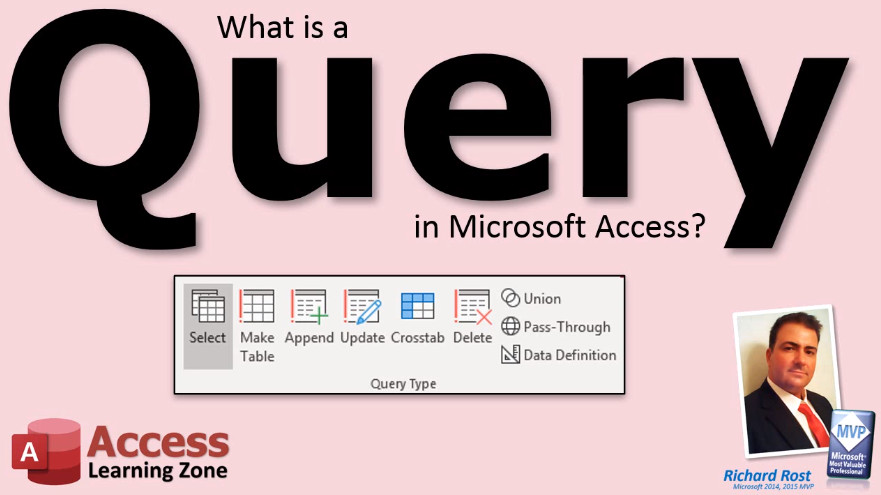
TechHelp Access, what is a query
More InformationTranscript What is a query in Microsoft Access?
The data in your tables might not be stored in any particular order. You may have hundreds of thousands of records in your table, and the boss says to you, "I want to see a list of only customers from Florida sorted by last name." That is what a query is used for.
A query can be used to display data in different ways. You can sort your data or apply criteria to only a few specific fields. Queries can be saved and used later, so you do not have to keep redesigning them. Someone with little Access knowledge can run your query simply by double-clicking on it.
Queries can also be used to modify data, add records, delete records, or edit records. We will learn more about these types of queries, called action queries, in our expert classes.
For today, just keep in mind that queries let you view the data in your tables in different ways.
Thank you. Intro In this video, we will talk about what a query is in Microsoft Access. You will learn how queries help you view, sort, and filter data from your tables, making it easy to display specific information like customers from a certain state. We will also discuss how queries can be saved for repeated use, and mention that queries can be used to modify data, though we will cover those advanced options in later lessons. Quiz Q1. What is the primary purpose of a query in Microsoft Access?
A. To view data in tables in different ways
B. To create reports from scratch
C. To change the format of the database
D. To backup data only
Q2. Which of the following tasks can you perform using an Access query?
A. Sort data and apply criteria to fields
B. Design new tables
C. Change the color scheme of the database
D. Create forms only
Q3. Why are queries useful for people with little Access knowledge?
A. They can run saved queries by double-clicking on them
B. They need to write SQL code every time
C. Queries require deep technical skill to use
D. Queries are only accessible to database administrators
Q4. What is true about action queries in Access?
A. They are used to modify, add, or delete records
B. They are used to change interface colors
C. They only display data but never change it
D. They create backup copies of tables
Q5. According to the video, what should you remember about queries for now?
A. Queries let you view data in tables in different ways
B. Queries cannot be saved for later use
C. Queries are only for programmers
D. Queries cannot sort data
Answers: 1-A; 2-A; 3-A; 4-A; 5-A
DISCLAIMER: Quiz questions are AI generated. If you find any that are wrong, don't make sense, or aren't related to the video topic at hand, then please post a comment and let me know. Thanks. Summary Today's video from Access Learning Zone focuses on what a query is in Microsoft Access.
Often, the information in your tables is not organized in any particular order. You might have a huge number of records, and someone might ask to see only a certain group of them. For instance, your boss may request a list of customers from Florida, sorted by their last name. This is a perfect situation where a query becomes essential.
With a query, you can view your data in many different ways. Queries let you sort your records and filter them based on specific criteria, so you can focus on just the information you need. Once you've created a query, you do not need to design it all over again each time you want to use it. Simply save the query, and anyone can run it later by opening it, even without much Access experience.
Queries are not limited to just viewing your data. They can also be designed to make changes. You can add new records, update existing ones, or even remove records from your tables. These types of queries are known as action queries, and we will explore those in detail in the more advanced lessons.
For now, remember that queries are a powerful tool that allow you to look at your table data from different perspectives and meet specific needs quickly.
You can find a complete video tutorial with step-by-step instructions on everything discussed here on my website at the link below. Live long and prosper, my friends. Topic List Definition of a query in Microsoft Access
Using queries to filter data by criteria
Sorting data with queries
Displaying specific fields using queries
Saving and reusing queries
Allowing others to run saved queries easily
Introduction to action queries (modify, add, delete, edit records)
Viewing table data in different ways using queries Primary Topics Microsoft Access, queries, data retrieval, sorting data, filtering data, query reuse, data manipulation Secondary Topics user accessibility, criteria application, action queries |




