|
||||||
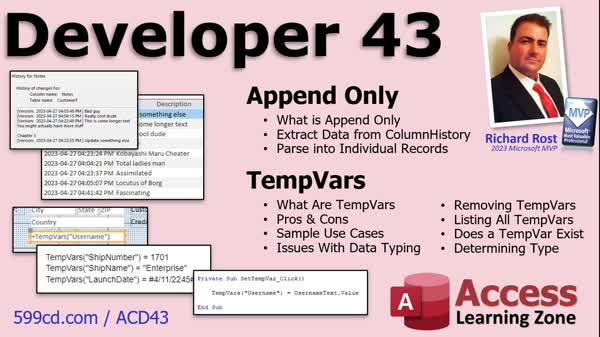
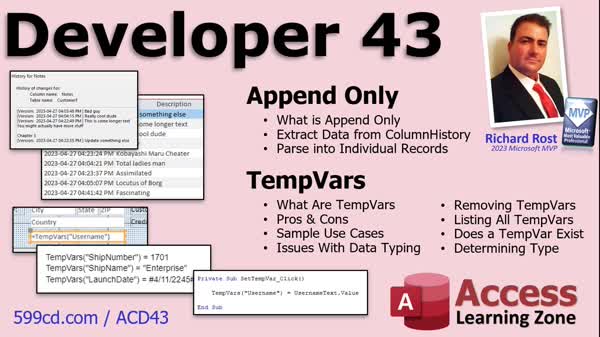
Access Developer 43Append Only Parsing, TempVars, VBA TipsWelcome to Access Developer 43. In this course you will learn about the append-only property for long text fields in Microsoft Access, including its drawbacks and how to extract and parse history data from existing append-only fields. We'll also discuss what TempVars are, their advantages over global variables, and how to use them for storing data in memory. You will see how to set, get, and loop through TempVars with VBA, compare them to other methods, and discover best practices for handling both features in real-world scenarios. Lessons
Database FilesLinks
Resources
Lesson SummaryWelcome! Parse Field History with Temp Vars - Welcome to Microsoft Access Developer Level 43. In this course we will cover two main topics: the Append-Only property for long text fields, including why it is not recommended and how to extract and parse data from existing append-only fields; and temp vars, exploring what they are, their benefits over global variables, and how to use them for storing various types of data in memory. We will walk through setting, getting, and looping through temp vars using VBA, and discuss data type issues, use cases, and alternative solutions to the Append-Only property.
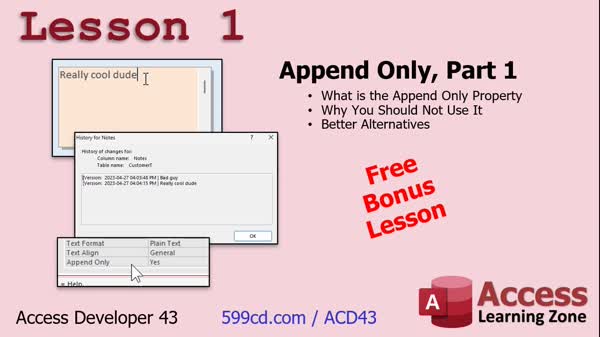
Lesson 1: Append Only: Issues & Fixes - In Lesson 1, we will review the append only property in Access for long text fields, discuss why you should not use it, explore some better alternatives, and address common problems such as its misleading name and unreliable performance. I will show you how the append only property works, how to view the column history, and explain why it can be buggy and inappropriate for serious data tracking. We will also talk about preferred methods for tracking changes, potential issues with upscaling to SQL Server, and what to do if your database already uses the append only property.
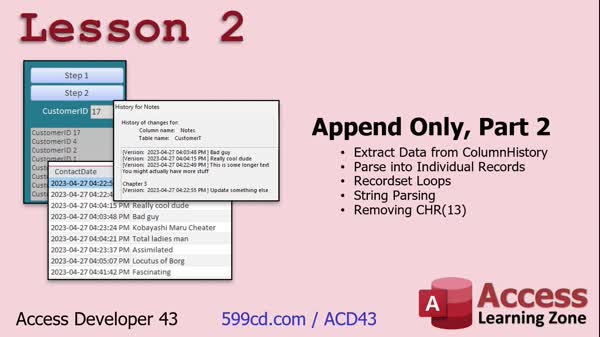
Lesson 2: Extract & Convert A/O Column History - In Lesson 2, we continue working with the append only property in Access. Now that you know what append only is and why it is not recommended, we will walk through how to extract existing column history data from a field using append only and properly transfer it into a relational table, such as a contact table. This lesson covers creating a two-step process with record sets, string parsing, and VBA code to move and parse the data, remove extra characters, and insert individual history entries as separate records. We will also discuss strategies for reliably separating the data using string functions.
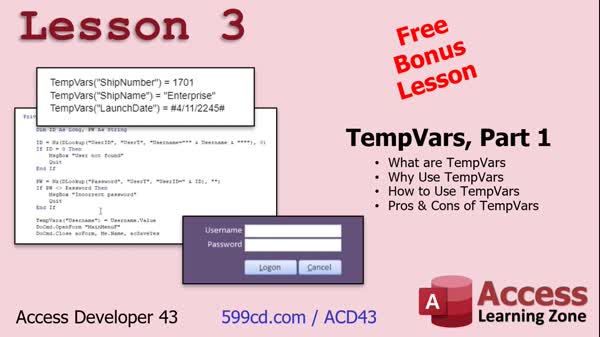
Lesson 3: TempVars: Uses, Pros, Cons, Tips - In Lesson 3, we will discuss TempVars, explaining what TempVars are, why you might want to use them, how to use them in your VBA code, and their pros and cons. We will cover how TempVars compare to global variables, their benefits such as surviving errors and being accessible in forms, reports, queries, and macros, and some important drawbacks including potential data type issues and the lack of error checking for typos. We will highlight common uses for TempVars, such as storing a logged-in username, and share practical examples and best practices for handling them in Microsoft Access.
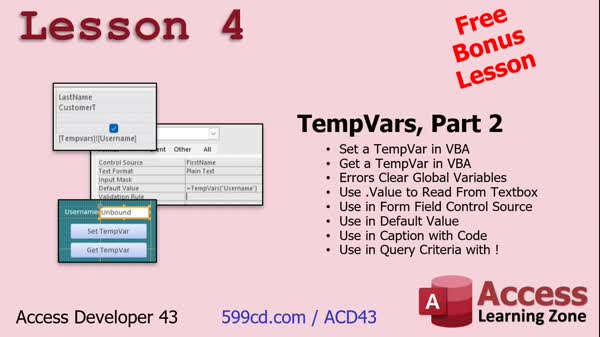
Lesson 4: TempVars: Store & Get Values - In Lesson 4, we continue working with TempVars, focusing on how to set and get a TempVar using VBA in Microsoft Access. We will walk through examples that show how unhandled errors clear global variables but not TempVars, how to read a TempVar value from a text box, and how to use TempVars in control sources, properties like Default Value and Caption, VBA code, and as query criteria. We will also discuss some quirks and best practices when working with TempVars, including accessing, typing, and using them in different scenarios.
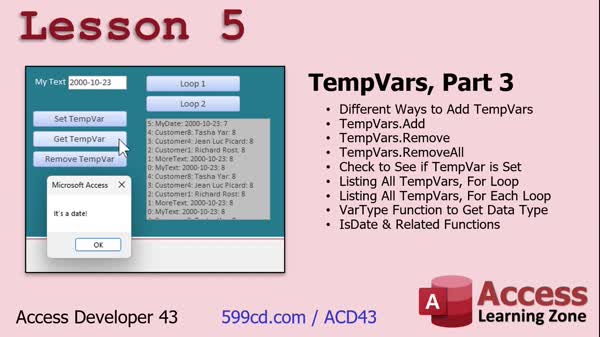
Lesson 5: Add, Remove, Loop, Check TempVars - In Lesson 5, we continue working with TempVars, covering several ways to add, remove, and check if a TempVar is set. We will discuss how to loop through all TempVars in memory using both a for loop and a for each loop. I will show you how to check the data type of a TempVar, including using functions like IsDate, and explain how to properly typecast TempVars when needed. We will also discuss the limits of TempVars, handling variable TempVar names, and practical tips for managing them efficiently.
Lesson 6: What's Next & Course Wrap-Up - In this lesson, titled "What's Next," we will discuss upcoming topics planned for future Access Developer classes, such as customizing the ribbon, handling partial shipments, and inventory features. I will explain how you can suggest topics in the comments or through the course survey, and encourage feedback, including testimonials. We will also talk about how to find specific topics using the topic index or search box on the website. Finally, I will mention the TechHelp video series and membership options for accessing additional content.
NavigationKeywordsappend only property, tempvars, access vba data storage, append only field history, extract column history, parse append only data, tempvars vs global variables, vba tempvars, upscaling to sql server, audit trail alternatives, recordset parsing
More InformationTranscriptWelcome to Microsoft Access Developer Level 43, brought to you by AccessLearningZone.com. I am your instructor, Richard Rost. Today's class is going to focus on two major topics. First, we are going to learn about the Append-Only property, which is for long text fields, and I am going to teach you why you should not use it and why it is bad database design to use it in the first place. You may encounter databases as a developer where people have used it. It is quite popular; I have seen a lot of people use it, and they are going to ask you, "Can we get rid of this but still keep the column history that is in there?" I am going to teach you how to do that. We are going to learn how to parse the individual records. We are going to do some string parsing and some record set work and some other good stuff. Then we are going to learn about temp bars. What are temp bars? Temp bars are yet another tool in your box for storing values in the computer's memory. Temp bars are, in my opinion, better than global variables for most use cases in that they will not actually survive an unhandled error, so that is good. Plus, they will store data of any type. You can store numbers, you can store dates, you can store string values, anything you want in them. We are going to learn all about temp bars - what they are, their pros and cons, and go through some sample use cases. We will talk about issues with data typing them because you cannot always be sure what is in the temp bar. I will show you how to list all of the temp bars in memory, parse through them, determine if a temp bar exists, and, if so, what value it has and what type of value it has. Is it a string? Is it a currency value? Is it a date, and so on? Of course, this is a developer class. I strongly recommend you should have taken all of my beginner, expert, and advanced classes and my developer series, especially developer one through thirteen. Those are the big ones. Sixteen covers record sets; that is a big one for today's class since we are covering append only, which will require record sets. Take them all. Take them in order. Do not skip around. My classes are designed so that one follows the next. For level 43, I assume you have taken 42 and 41 and all that. Today's class was recorded with Access 365. It is currently June of 2023, so this will be roughly equivalent to Access 2021 if you are using the retail version. However, I do strongly recommend a subscription, as you are guaranteed to have all of the latest and greatest newest features, and you will be able to follow along closely with what I have. If you have questions about the material covered in today's class, just scroll down to the bottom of the page that you are on and post your questions there. Also, make sure you take a minute to read through the other questions that might have been posted. Your question might have already been answered. Be sure to click on that big red subscribe button if you want to get notified for any other questions or comments that are posted for today's class. While you are on the website, be sure to check out the Access forum. You can join in conversations with me, the moderators, and all the other Access students. Now let's take a closer look at exactly what is covered in Access Developer 43. In lesson one, we are going to review the Append-Only property, why you should not use it, and what some better alternatives are. In lesson two, we are going to continue with the Append-Only property. Now that we know what the Append-Only property is and why we should not use it, we are going to deal with the situation where we get a database from someone else who has been using Append-Only. We have to extract all of that data out of that field and put it in a normal relational table, like our contact table, where each one of those entries in the history should be its own record in the table. It is going to involve record set loops, string parsing, and lots of cool stuff. In lesson three, we are going to learn about temp bars, which is another way of storing data in the computer's memory. We are going to learn what temp bars are, why you want to use them, how to use them, and their pros and cons. In lesson four, we are continuing on with temp bars. We are going to learn how to set and get a temp bar using VBA. We are going to see how errors in your VBA code - any unhandled errors - will clear a global variable, but will not clear a temp bar. We will learn how to read a temp bar from a text box using the dot value property. We will learn how to use a temp bar in the control source of a field, and a property like default value, and a property like caption, in source code, and as a query criteria using the bang operator. There is lots to cover in this lesson. In lesson five, we are going to continue working with temp bars. We are going to learn different ways to add temp bars. There are other methods we saw before. There are ways to remove temp bars, like when the user logs out, and you want to remove that value. We will check to see if a temp bar is set. We will learn two different ways to loop through all of the temp bars that are in memory, with the for loop and a for each loop. We will learn how to see what kind of variable data type it is. Is it a date? Is it a currency? We will learn about IsDate and some other related functions. That is all coming up in lesson five. IntroIn this lesson, you will learn about the Append-Only property in Microsoft Access, why it is considered poor database design, and how to extract and convert existing Append-Only data into a proper relational format. You will also explore temp bars, an alternative to global variables for storing values in memory, including how to set, retrieve, and manage temp bars, check their data types, and use them in various scenarios with VBA. This lesson is recorded with Access 365 and builds on concepts from previous developer-level classes. QuizQ1. What is the main purpose of the append-only property in Microsoft Access? A. To allow updates without overwriting previous data in short text fields B. To track changes in a long text field by keeping the edit history C. To make a field read-only D. To convert numerical values to text automatically Q2. Why is it advised not to use the append-only property in a well-designed database? A. It is difficult to programmatically access the data B. It is prone to data loss during updates C. It is not properly relational and can cause performance issues with large text fields D. It does not work with Access reports Q3. Which of the following is NOT a benefit of using TempVars over global variables? A. TempVars can survive unhandled errors B. TempVars can store any data type C. TempVars automatically clean up memory when the database is closed D. TempVars can be used directly in queries as criteria Q4. How can you set a TempVar in VBA code? A. TempVars("TempVarName") = "Value" B. Dim TempVars As String: TempVars = "Value" C. Set TempVars = "TempVarName" D. Add TempVarName, Value Q5. What issue might arise from storing data in TempVars without proper type checking? A. Data inconsistency because TempVars are of variant type B. Limited storage capacity of TempVars C. TempVars cannot store textual data D. TempVars must be confined to a specific form Q6. In a scenario where a user logs off but the database remains open, what is a good practice regarding TempVars? A. Clear all TempVars upon user logoff using TempVars.RemoveAll B. Convert all TempVars to global variables C. Hide the TempVars from user view D. Backup TempVars to a table before user logs off Q7. Which VBA function can you use to loop through all TempVars in memory? A. For Each TempVar In TempVars B. While TempVar IsNot Nothing C. For Each Item In TempVars D. Do Until TempVar Is Empty Q8. What is the default scope of TempVars? A. Entire database session B. Single form or report C. Entire application, shared among databases D. Until the next query execution Q9. How do you use a TempVar as a criterion in a query? A. [TempVars].[TempVarName] B. TempVars!TempVarName C. TempVars("TempVarName") D. #TempVars.TempVarName# Q10. What is the primary advantage of using TempVars for storing logged-in user information? A. They persist through application crashes B. They enforce user input validation C. TempVars can be easily stored in a table D. They can be directly assigned an object like a form control Answers: 1-B; 2-C; 3-C; 4-A; 5-A; 6-A; 7-A; 8-A; 9-B; 10-A DISCLAIMER: Quiz questions are AI generated. If you find any that are wrong, don't make sense, or aren't related to the video topic at hand, then please post a comment and let me know. Thanks. SummaryToday's video from Access Learning Zone covers Microsoft Access Developer Level 43. In this class, I will be focusing on two main topics: the Append-Only property for long text fields, and the use of temp bars for storing data in memory. To start, I will explain what the Append-Only property is, and why it is considered poor database design. Many developers have encountered databases where this property was enabled, as it is fairly popular. In these cases, you may be asked if there is a way to remove the property while preserving the column history that is already stored. I will demonstrate how to do this, including techniques for parsing out individual entries, handling string operations, and working with record sets. The second topic I will cover is temp bars. Temp bars offer another approach to storing values temporarily in memory, and I find them preferable to global variables in several ways. For example, temp bars do not persist through unhandled errors, which helps prevent stale data issues. They are versatile and can hold any data type, including numbers, dates, and text. Throughout the lesson, I will explain how temp bars work, when to use them, their strengths and weaknesses, and how to use them in different scenarios. I will also cover important considerations such as data typing, since you cannot always be certain of the data type stored in a temp bar. Additionally, I will demonstrate how to list all temp bars currently in memory, loop through them, and determine their existence, value, and data type. Since this is a Developer Level course, I recommend that you complete all the Beginner, Expert, Advanced, and Developer courses leading up to this one, especially Developer Levels one through thirteen. These courses build on one another, and Level 16 is particularly relevant to today's lesson, since it covers record sets, which we will use when addressing the Append-Only property. It is important not to skip around, as the curriculum is designed sequentially. For Level 43, I assume you have completed Levels 41 and 42 as well. This class was recorded using Access 365 as of June 2023, which makes it essentially the same as Access 2021 if you are using the retail version. However, I suggest using the subscription version to ensure you have access to all the latest features and can follow along more closely. If you have any questions about the material, you are welcome to post them at the bottom of the web page where this class is hosted. Before starting, I also suggest reading through any previously posted questions, as you may find answers to what you are looking for. If you want updates on new questions or comments for this class, consider subscribing. The Access forum on the website is another great resource for conversations with me, other moderators, and fellow Access students. Here is a brief outline of what each lesson in this class will cover: Lesson one focuses on the Append-Only property. We will review what it is, discuss why you should avoid using it, and look at some better alternatives. Lesson two continues our discussion about the Append-Only property. In situations where you receive a database that already makes use of Append-Only, I will show you how to extract all stored data and reorganize it into normalized relational tables. Each entry from the history should be treated as its own record. This process will include using record sets, string parsing, and several useful programming techniques. In lesson three, I introduce temp bars as an alternative method of storing data in memory. I will explain what they are, why you might use them, how to work with them, and evaluate their advantages and disadvantages. Lesson four builds on the use of temp bars. I will show you how to interact with temp bars using VBA, demonstrate how they behave differently from global variables during errors, and show how you can reference a temp bar from a text box or use it as the control source, default value, caption, and even as query criteria using the bang operator. The fifth lesson continues our work with temp bars. I will present various ways to add and remove temp bars, such as removing them when a user logs out. We will also cover methods for checking if a temp bar is set, and I will demonstrate two different looping techniques (using both for loops and for each loops) to process all temp bars in memory. Finally, I will explain how to determine the data type of each value, whether it is a date, currency, or something else, using functions like IsDate. You can find a complete video tutorial with step-by-step instructions on everything discussed here on my website at the link below. Live long and prosper, my friends. Topic ListAppend-Only property overview and explanation Why not to use the Append-Only property Better alternatives to Append-Only for history tracking Extracting data from Append-Only fields Parsing append-only column history into relational tables Recordset loops and string parsing for data extraction What are temp bars in Access Pros and cons of temp bars vs global variables Setting and getting temp bars using VBA Persistence of temp bars through unhandled errors Reading temp bars from text boxes and controls Using temp bars in control sources and property bindings Using temp bars as query criteria Adding and removing temp bars in code Checking if a temp bar exists Looping through all temp bars in memory Determining temp bar data types Using IsDate and related type-check functions with temp bars Primary TopicsAppend-Only property, extracting historical data, string parsing, recordset loops, TempVars, variable data types, VBA usage Secondary Topicsmemory management, relational table design, error handling in VBA |
||||||||||||||||||||||||||
|
| |||
| Keywords: append only property, tempvars, access vba data storage, append only field history, extract column history, parse append only data, tempvars vs global variables, vba tempvars, upscaling to sql server, audit trail alternatives, recordset parsing PermaLink How To Replace Append Only Long Text Fields and Use TempVars in VBA for Microsoft Access Databases |